
How-To Guides
Step-by-step tutorials to help you get the most out of your Articulation website.
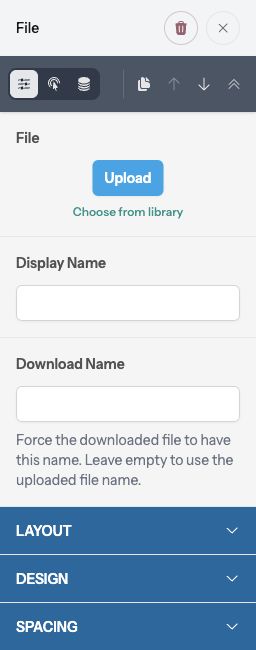
Add a Link to a File
Configure link to a file on your pages with current content, layout, and styling options.
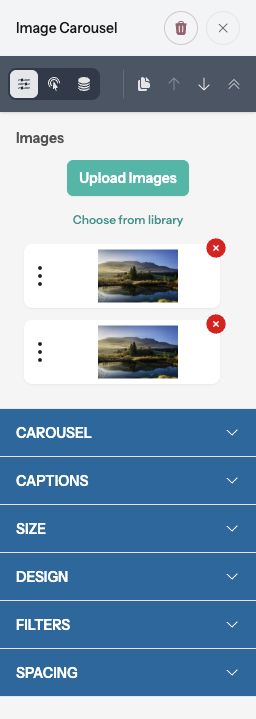
Add an Image Slideshow/Carousel
Create an image carousel with transitions, thumbnails, captions, and playback controls.
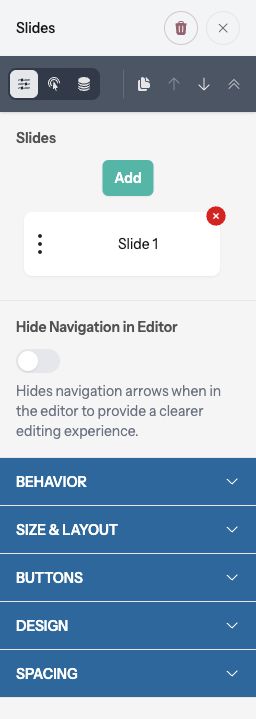
Add Slides
Build rotating slides containing components, with individual backgrounds and content alignment.
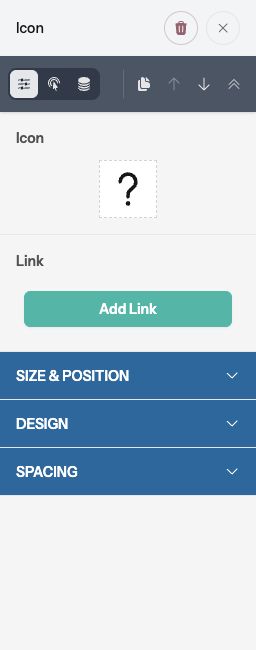
Add an Icon
Configure icon on your pages with current content, layout, and styling options.
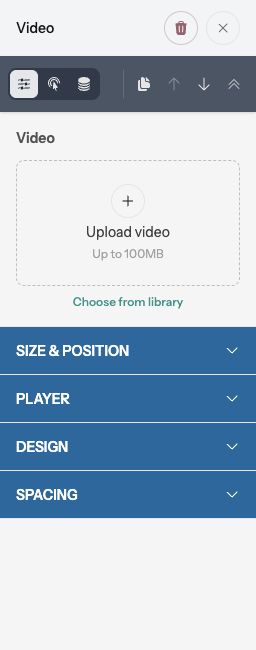
Add a Video
Configure video on your pages with current content, layout, and styling options.
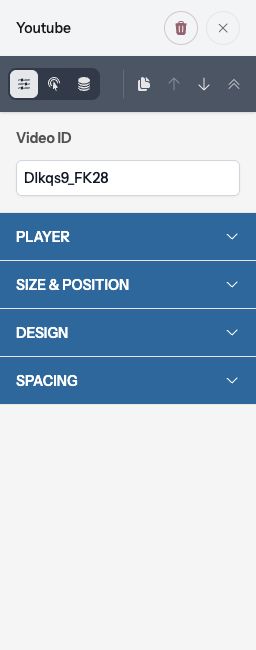
Embed a Youtube Video
Configure embed a youtube video on your pages with current content, layout, and styling options.
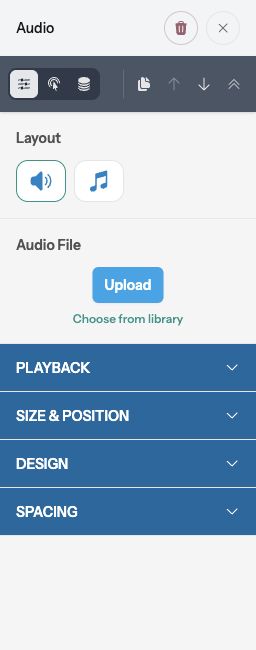
Add Audio
Upload audio and configure player layout, playback behavior, colors, and spacing.
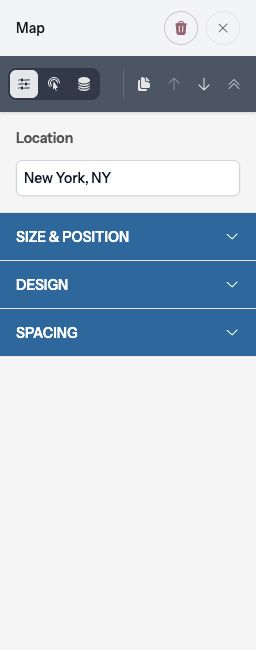
Add a Map
Configure map on your pages with current content, layout, and styling options.
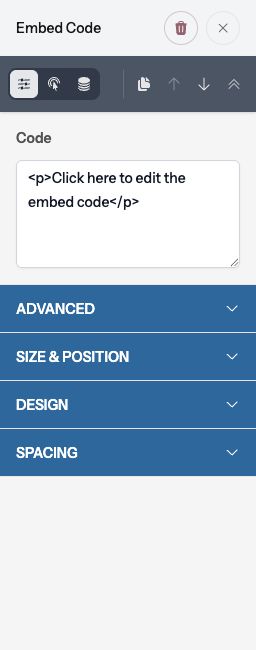
How to Embed 3rd Party Code in a Page
Add a third-party widget or custom code, with optional sandbox isolation and layout controls.
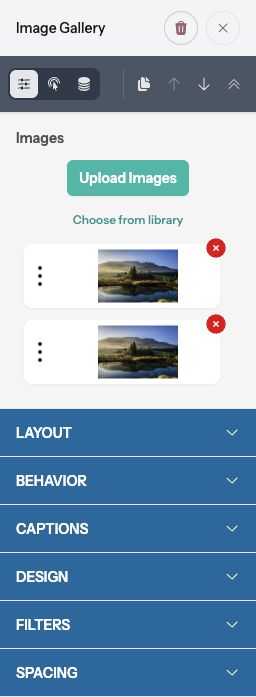
Add an Image Gallery
Arrange images in a grid, masonry layout, or strip, with zoom, captions, and autoplay options.
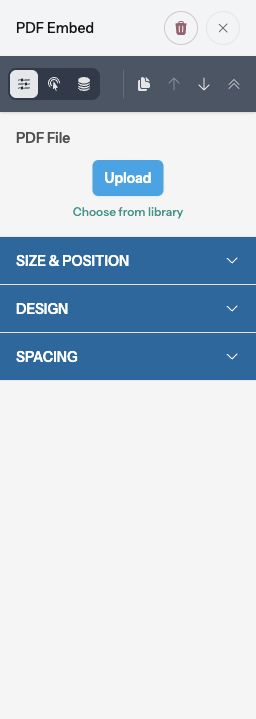
Display a PDF File
Configure a pdf file on your pages with current content, layout, and styling options.
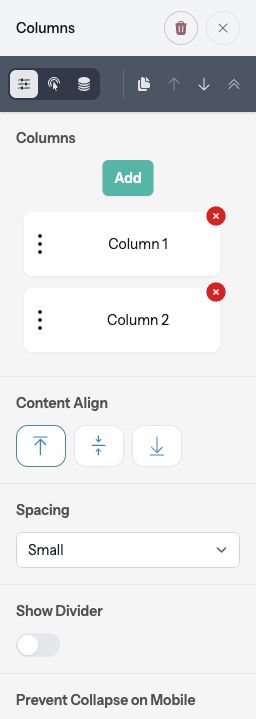
Working with Columns
Configure columns on your pages with current content, layout, and styling options.
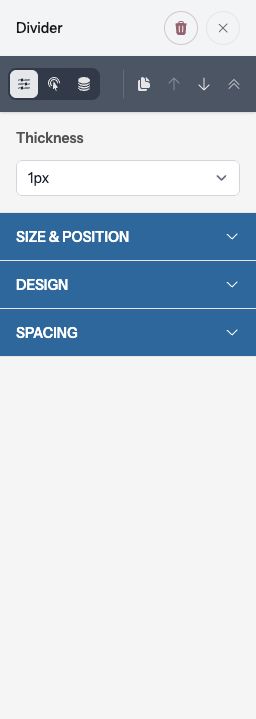
Add a Divider
Configure divider on your pages with current content, layout, and styling options.
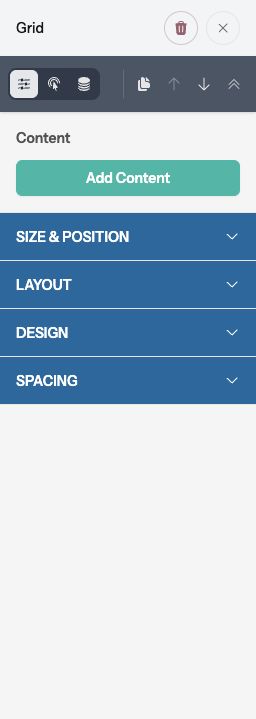
Working with Grids
Arrange content in a responsive grid and control columns, gaps, and item heights.
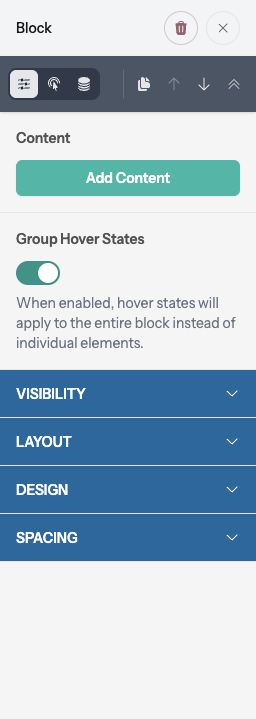
Working with Blocks
Configure blocks on your pages with current content, layout, and styling options.
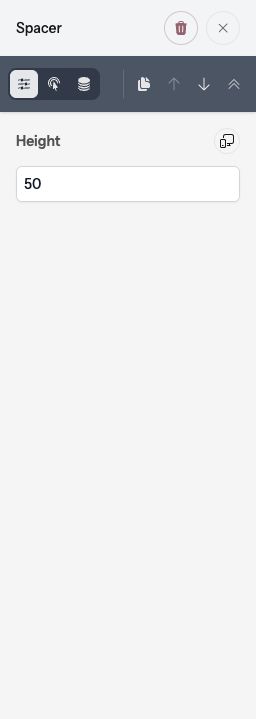
Add a Spacer
Add vertical space and set separate spacer heights for desktop, tablet, and mobile.
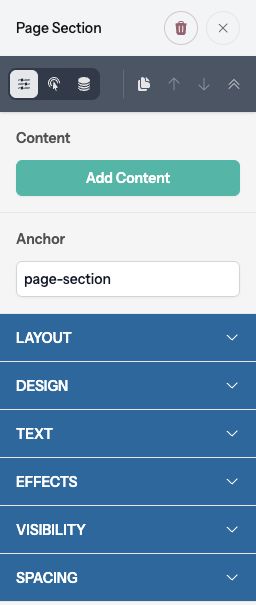
Working with Page Sections
Add sections and configure their layout, backgrounds, typography, visibility, and spacing.
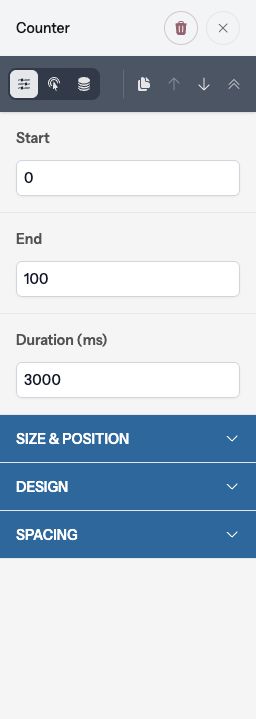
Add an Animated Counter
Animate a number from a starting value to a target, with timing and text-style controls.
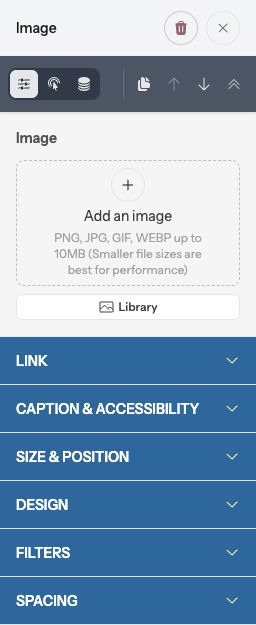
Add an Image
Configure image on your pages with current content, layout, and styling options.
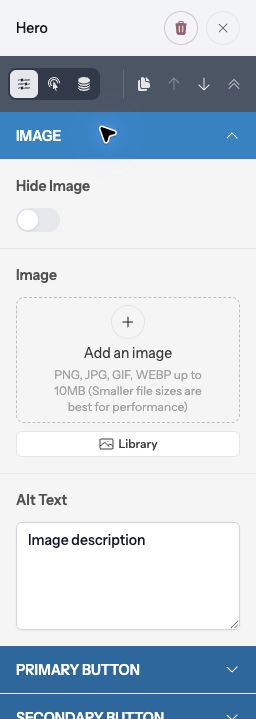
Add a Hero Section
Configure hero section on your pages with current content, layout, and styling options.
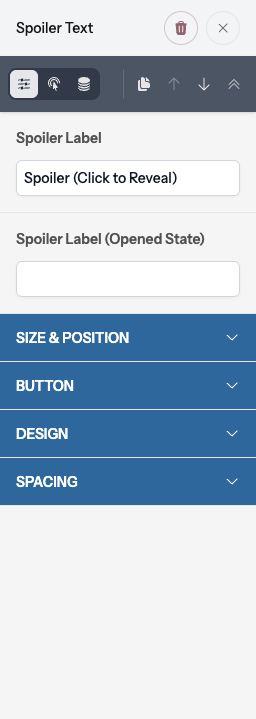
Add Spoiler Text
Configure spoiler text on your pages with current content, layout, and styling options.
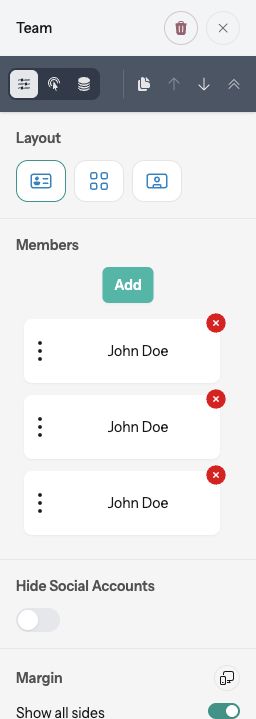
Add Team Member Profiles
Configure team member profiles on your pages with current content, layout, and styling options.
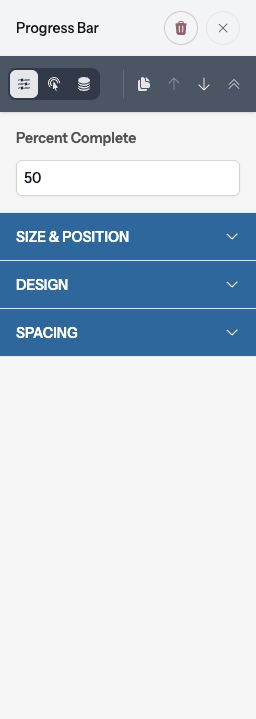
Add a Progress Bar
Configure progress bar on your pages with current content, layout, and styling options.
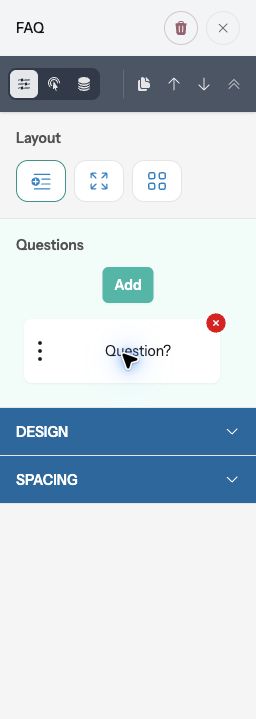
Add Frequently Asked Questions
Configure frequently asked questions on your pages with current content, layout, and styling options.
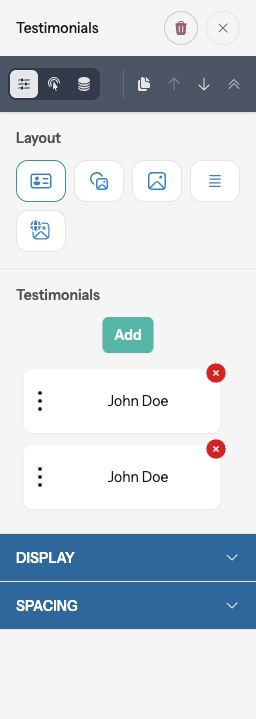
Add Testimonials
Present customer feedback using cards, lists, or a slider, with optional star ratings.
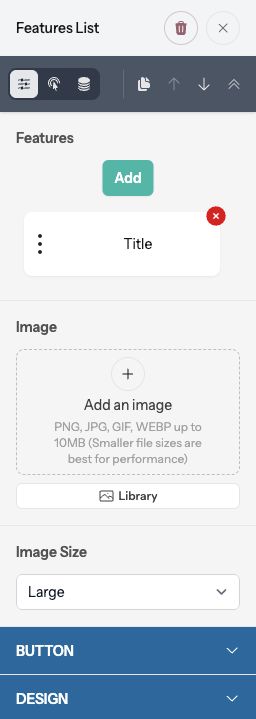
Add a Feature List
The Features and Features List components are two similar, but different ways of displaying features, services, or more that you offer.
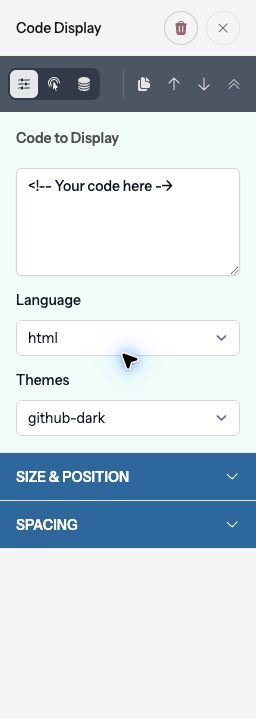
Display Formatted Code on Your Site
Display code with a selected language, syntax-highlighting theme, width, and spacing.
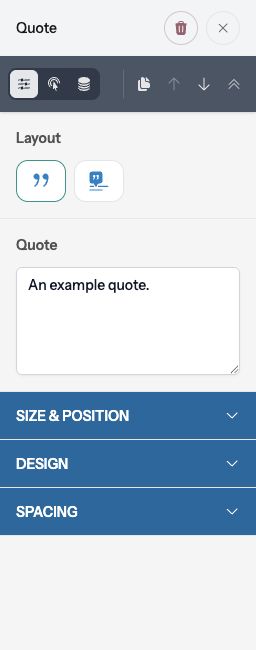
Add a Quote
Configure quote on your pages with current content, layout, and styling options.
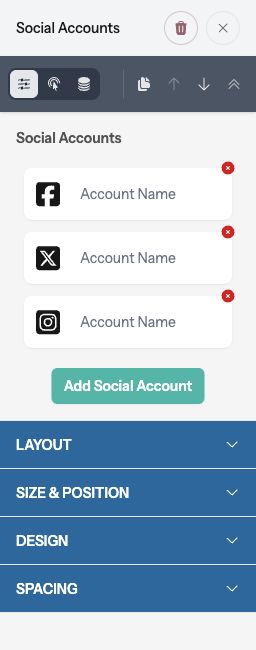
Add Social Media Links
Add social account icons and customize their links, layout, and appearance.
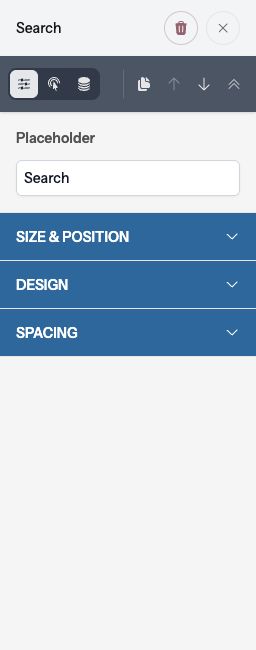
Add a Search Bar
Configure search bar on your pages with current content, layout, and styling options.
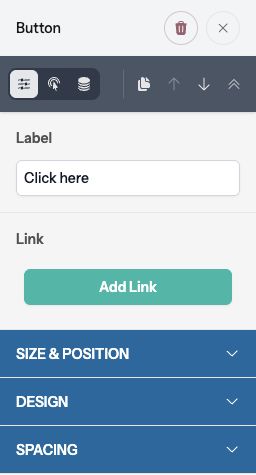
Add a Button
Configure button on your pages with current content, layout, and styling options.

Add and Edit Text
Add rich text, format headings and lists, create links, and undo text edits.
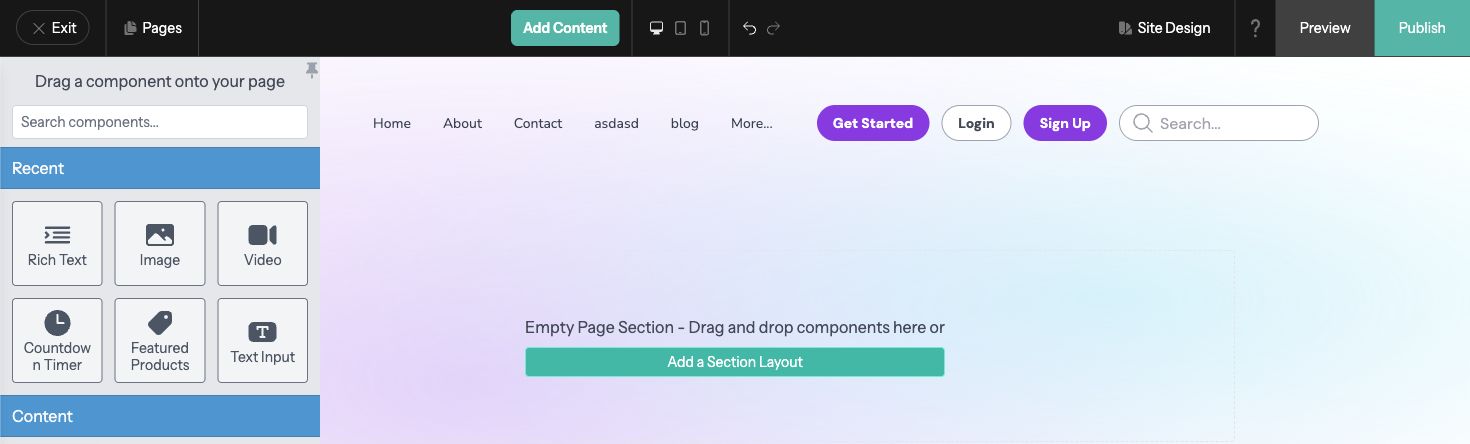
Add and Edit Page Content
Add, select, arrange, copy, and remove content using the current website editor.
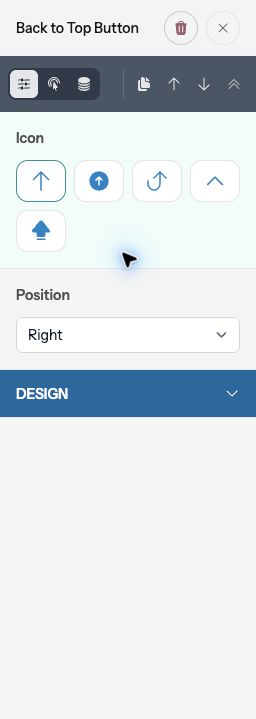
Add a Back to Top Button
Configure back to top button on your pages with current content, layout, and styling options.
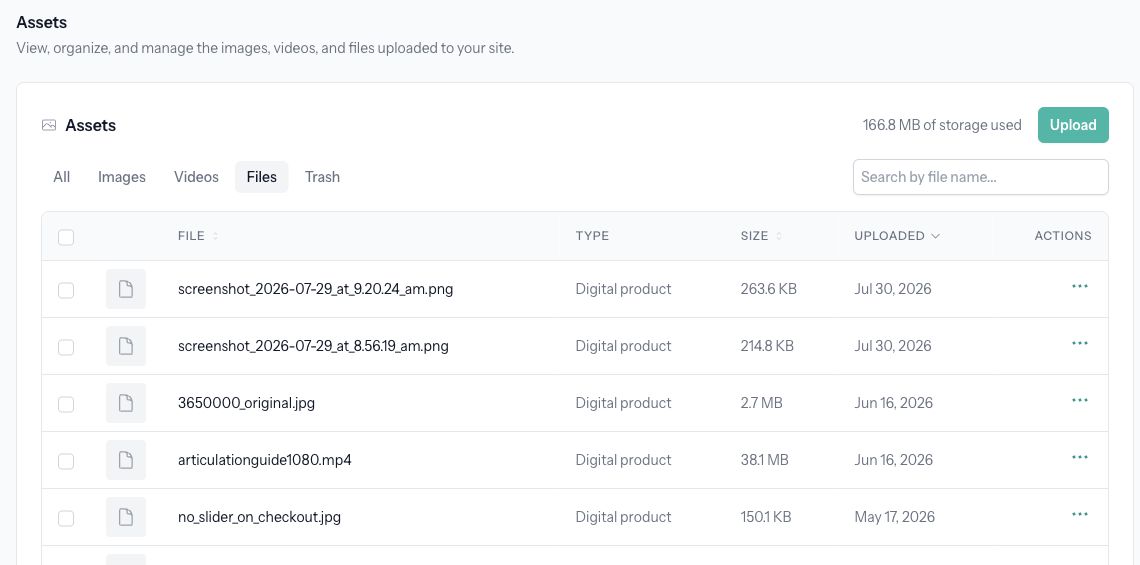
Upload, Find, and Manage Your Site Assets
Upload files, find where they are used, and manage the 30-day asset trash.
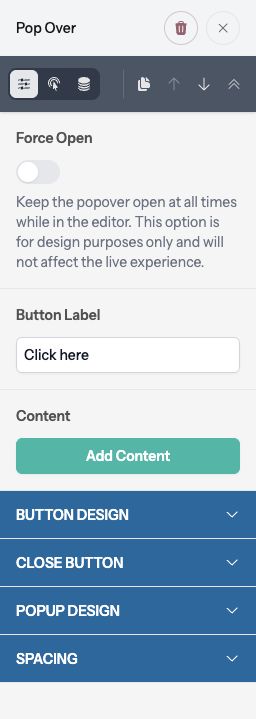
Add a Pop Over
Create a button that opens a popup containing text, images, and other page components.
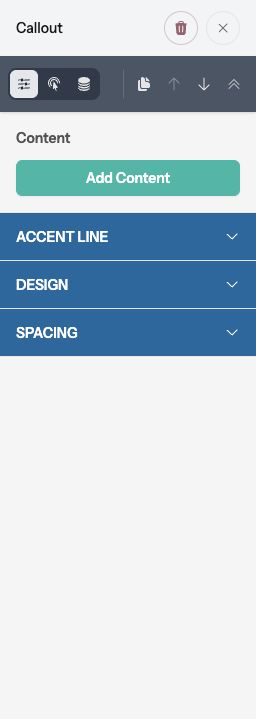
Add a Callout
Highlight page content in a styled container with a configurable accent line.
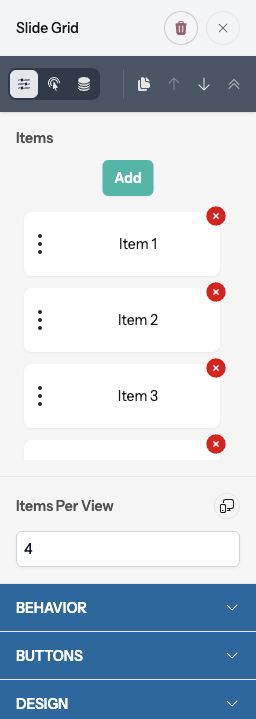
Add a Slide Grid
Build a horizontal carousel of content cards with different item counts for each screen size.
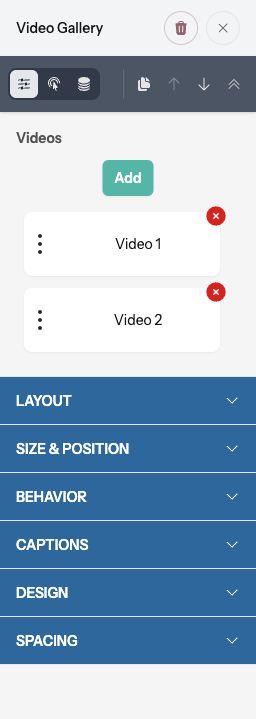
Add a Video Gallery
Build a grid of YouTube or uploaded videos with cover images, captions, and popup playback.
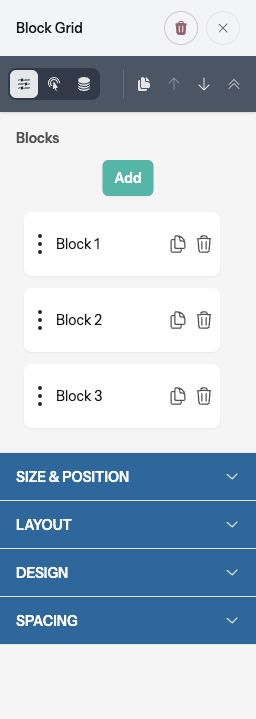
Add a Block Grid
Create a responsive grid of content blocks with shared styling and optional block links.
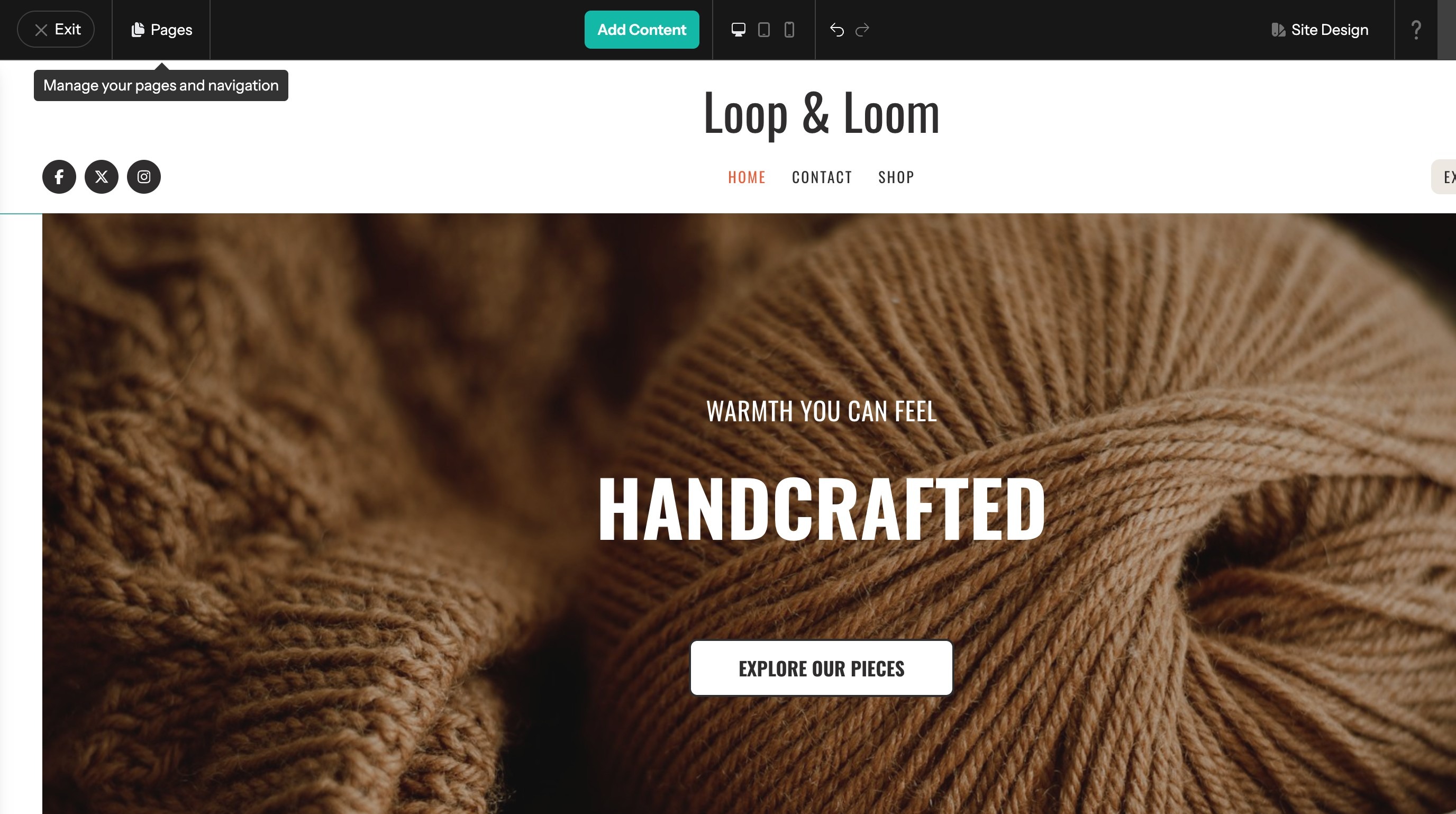
Editing Navigation Links
Manage navigation pages and links, nesting, and responsive display.
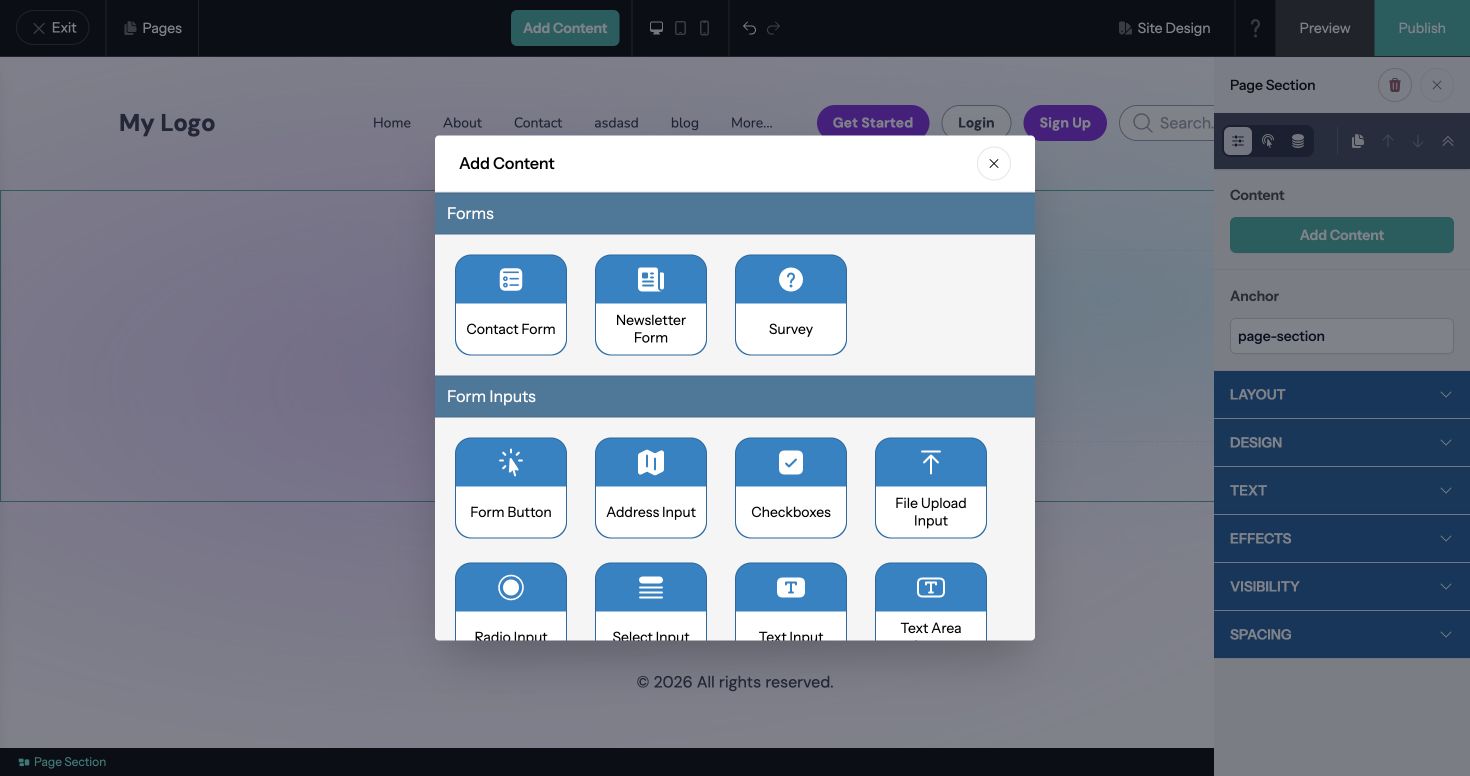
Creating Forms
Create form fields, configure notifications, and verify published submissions.
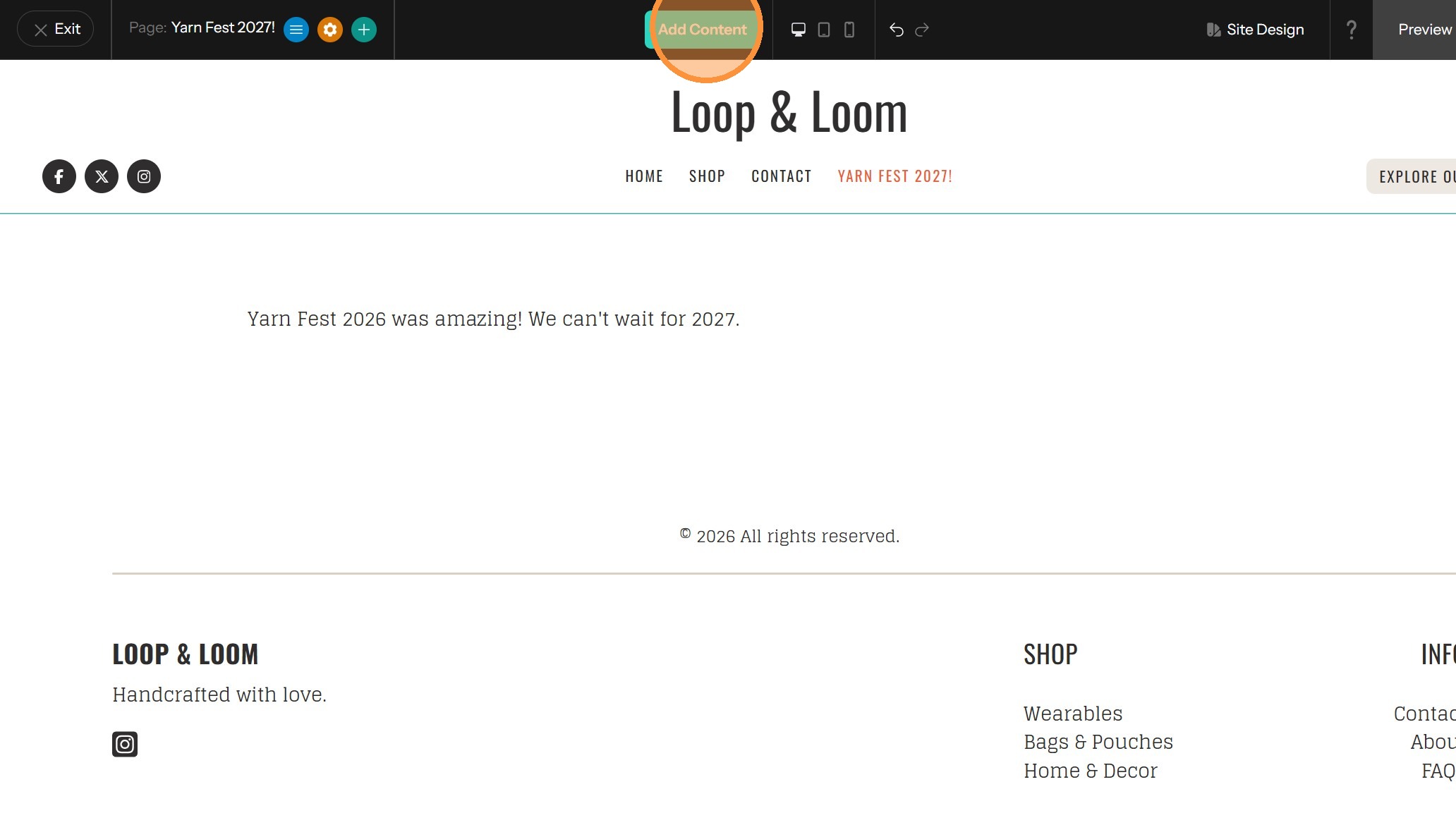
Countdown Timers
Set a target date and completion message, then style countdown numbers and labels.

Optimizing Your Site for Mobile Devices
Preview desktop, tablet, and mobile layouts and adjust responsive styles and visibility.
Create Anchor Links
Anchor Links allow visitors to click a link and jump to a specific section, or anchor, of a page.
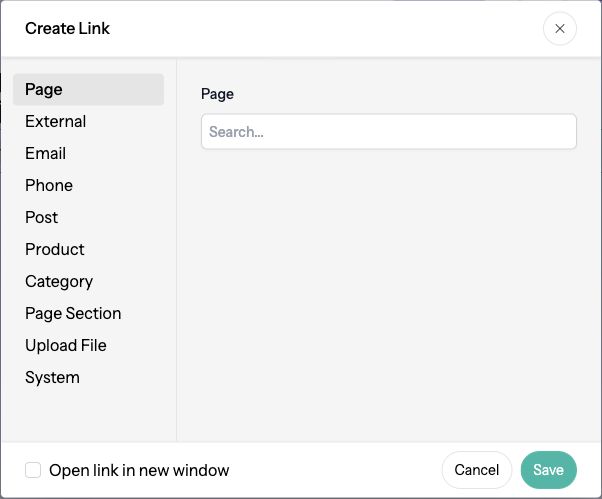
Creating Links and Link Options
Choose a link destination and control whether it opens in a new browser tab.
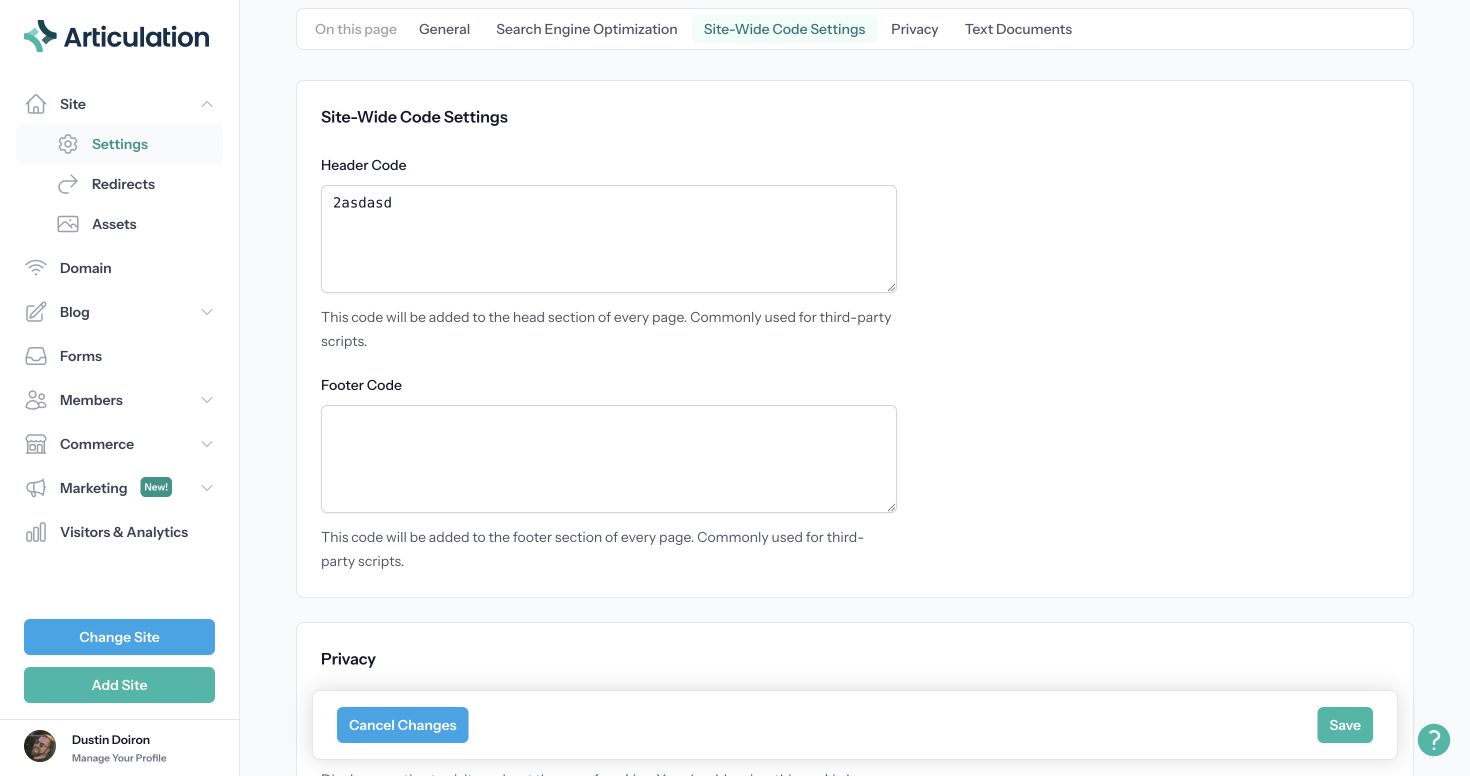
Add Google Analytics to Your Site
Install Google Analytics code in site-wide Header Code and check the published installation.
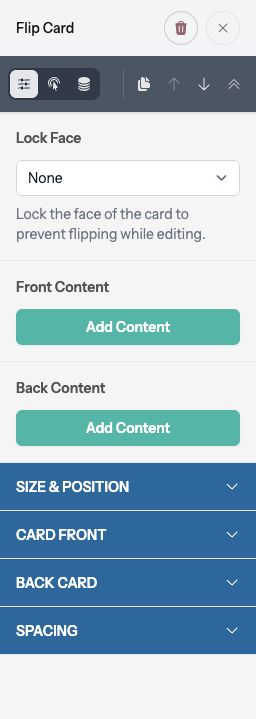
Add a Flip Card
Configure flip card on your pages with current content, layout, and styling options.
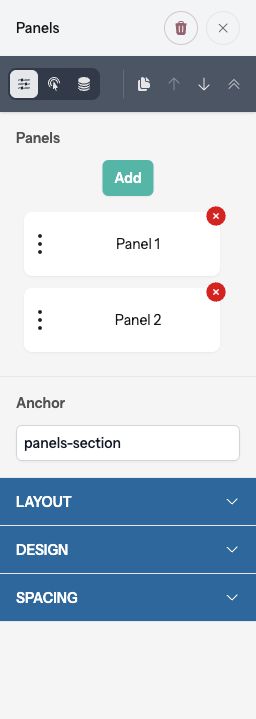
Add Panels
Configure panels on your pages with current content, layout, and styling options.
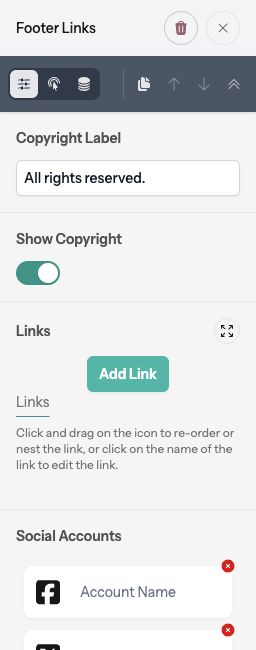
Edit Your Site Footer
Similar to your site header, your site footer is a global section - this means that it’s shown on all pages of your site.
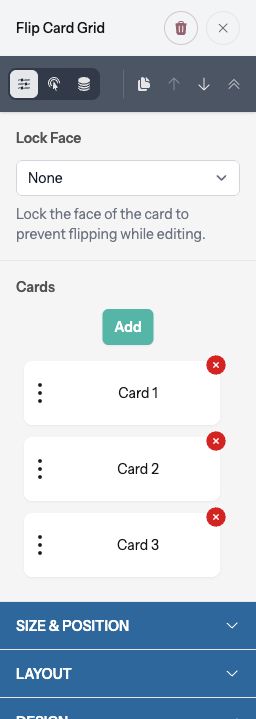
Add a Flip Card Grid
Configure flip card grid on your pages with current content, layout, and styling options.
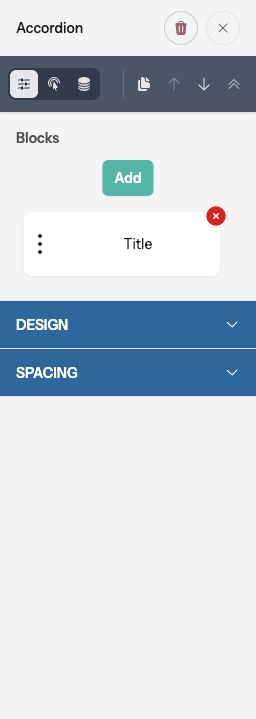
Add an Accordion
Configure accordion on your pages with current content, layout, and styling options.
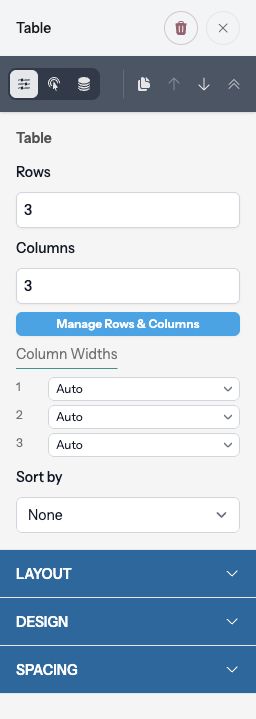
Add a Table
With the Table component, you can display text-based information in a table format on a page of your website.
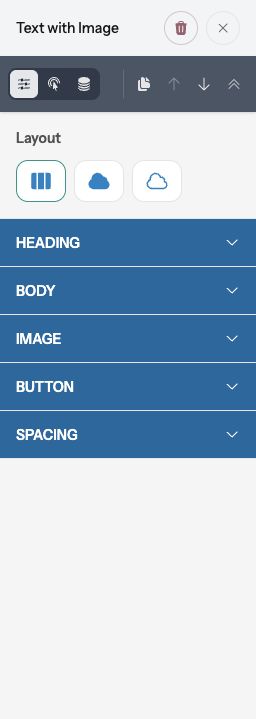
Add Text with an Image
Combine text, an image, and a button using column or wrapping layouts.
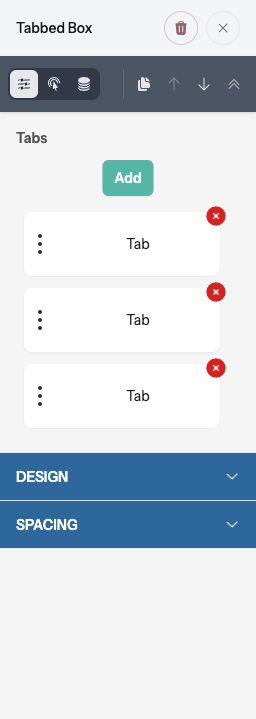
Add a Tabbed Box
Configure tabbed box on your pages with current content, layout, and styling options.
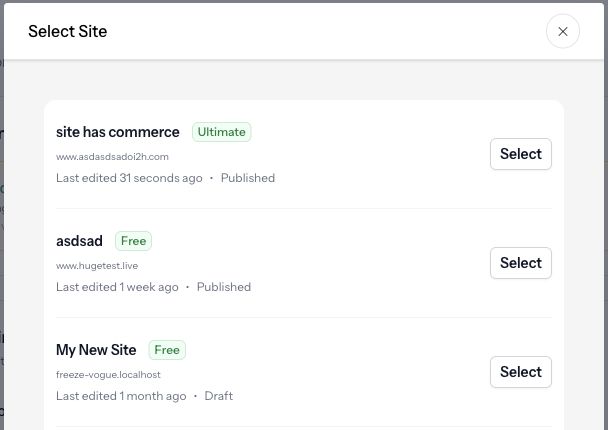
Create and Manage Sites
Add websites, switch between them, and understand unpublishing and deletion eligibility.
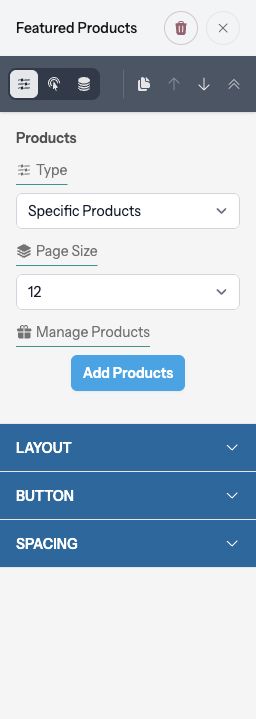
Add Featured Products
Configure featured products on your pages with current content, layout, and styling options.
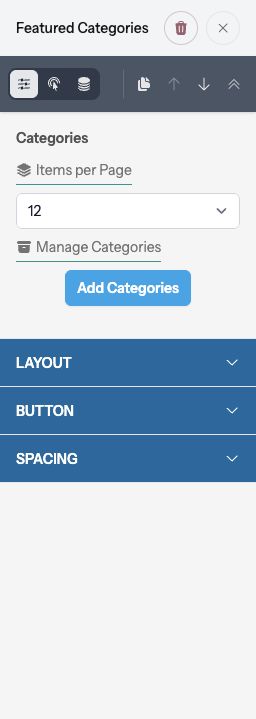
Add Featured Product Categories
Configure featured product categories on your pages with current content, layout, and styling options.
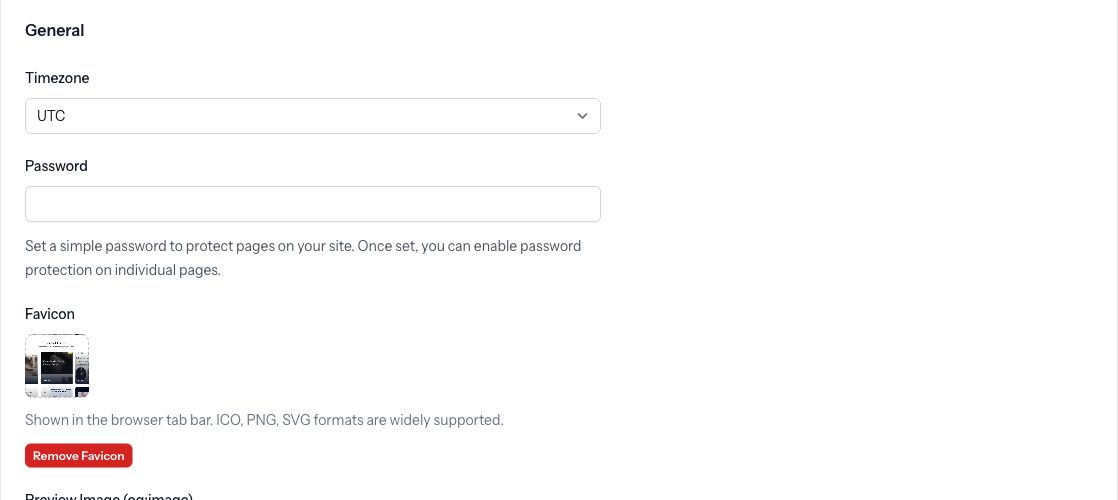
Edit Site Settings and More
Manage site identity, SEO, privacy, code, and text documents from Site Settings.
Undo a Change
How to use the Undo and Redo features in the website editor.
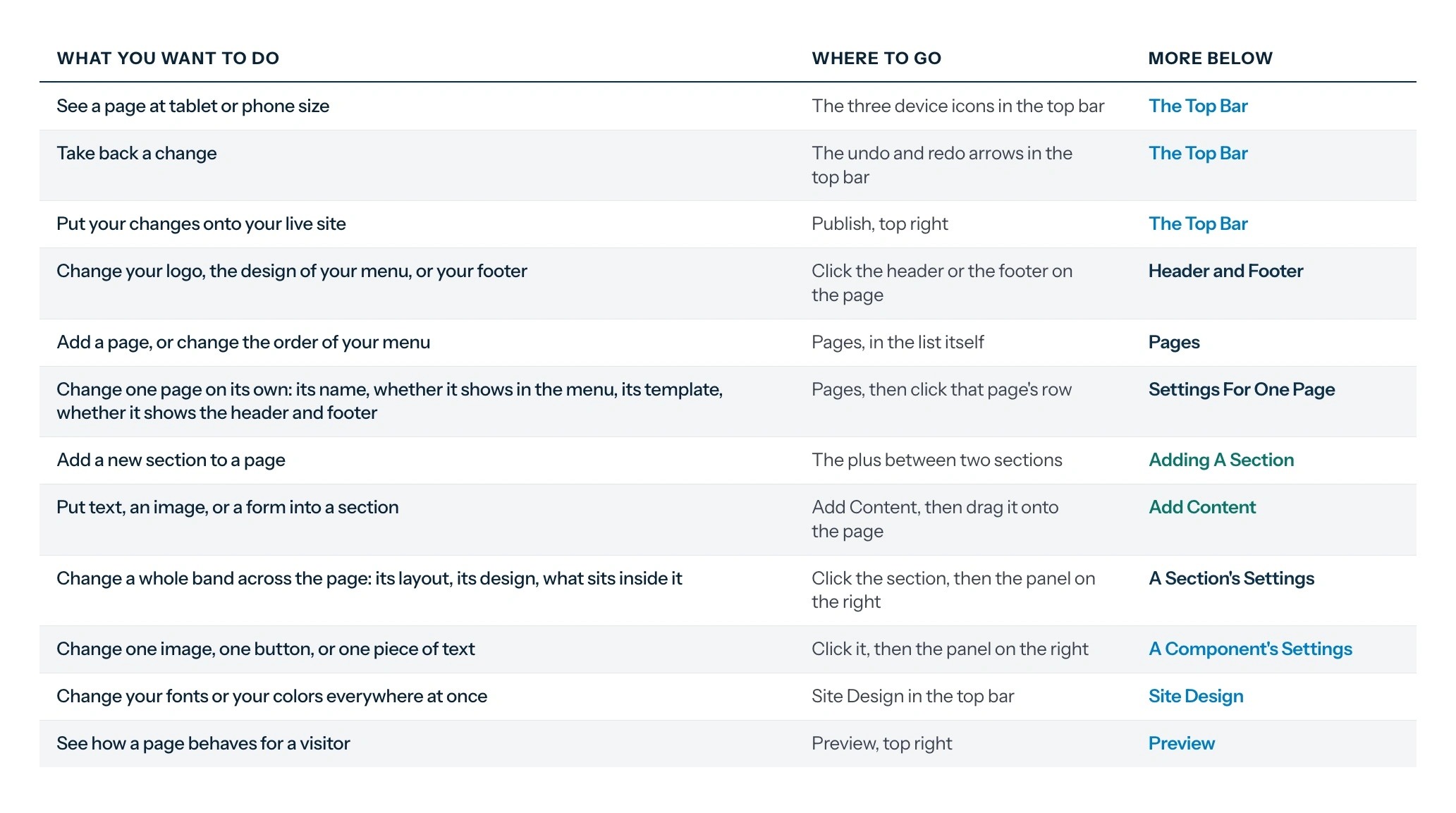
Website Editor Overview
A quick tour of the editor, so you know where to go for the change you want to make.
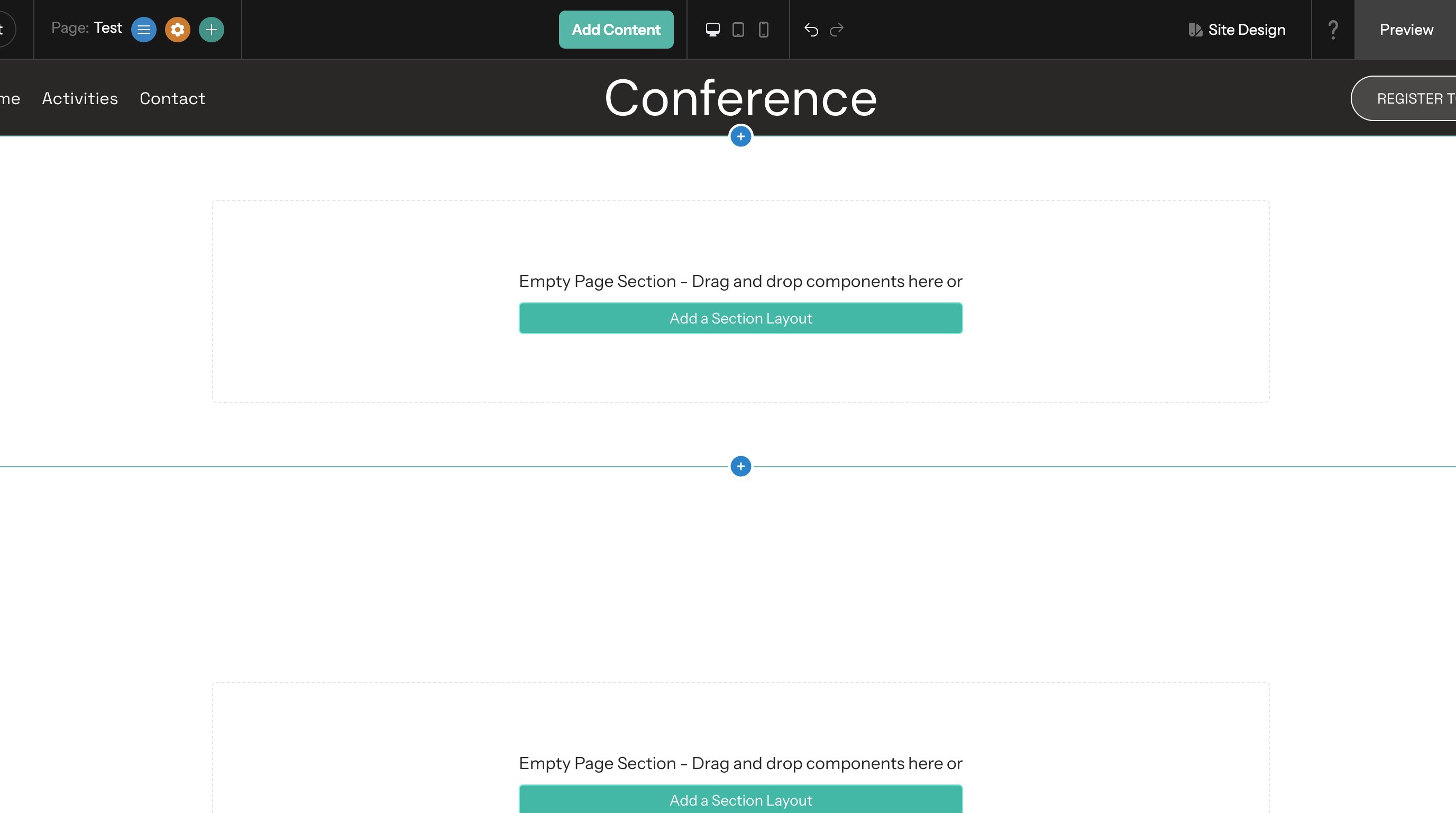
Change Background Styles
Set section backgrounds using colors, gradients, images, slides, and video.
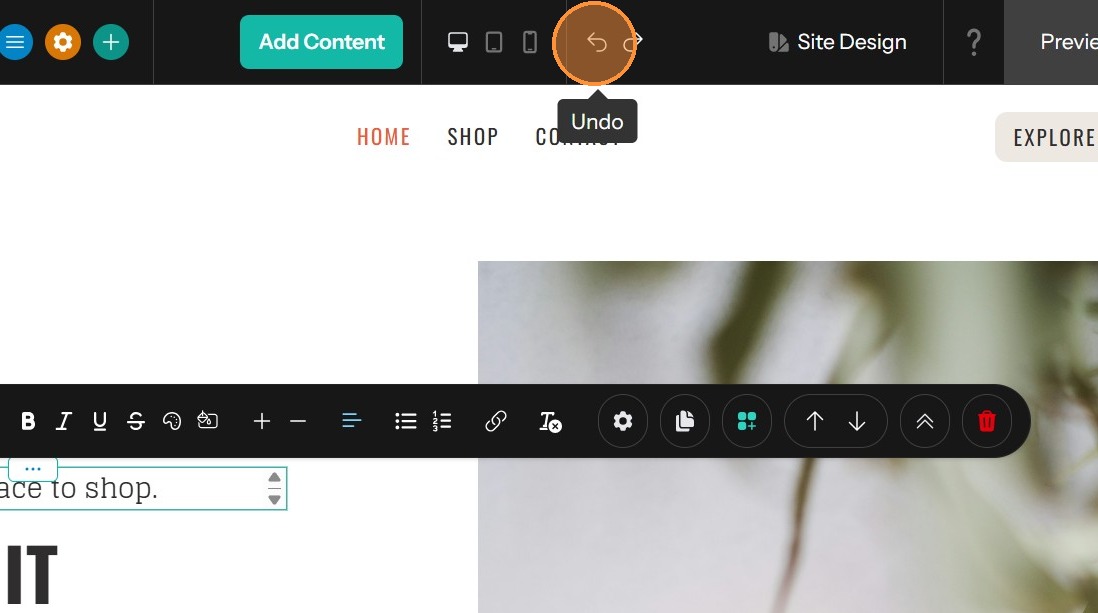
Using the Undo Button
We all make mistakes. How to undo an action in the editor.
Creating Links
Create links in text and components to pages, websites, email, phone numbers, products, files, and system pages.
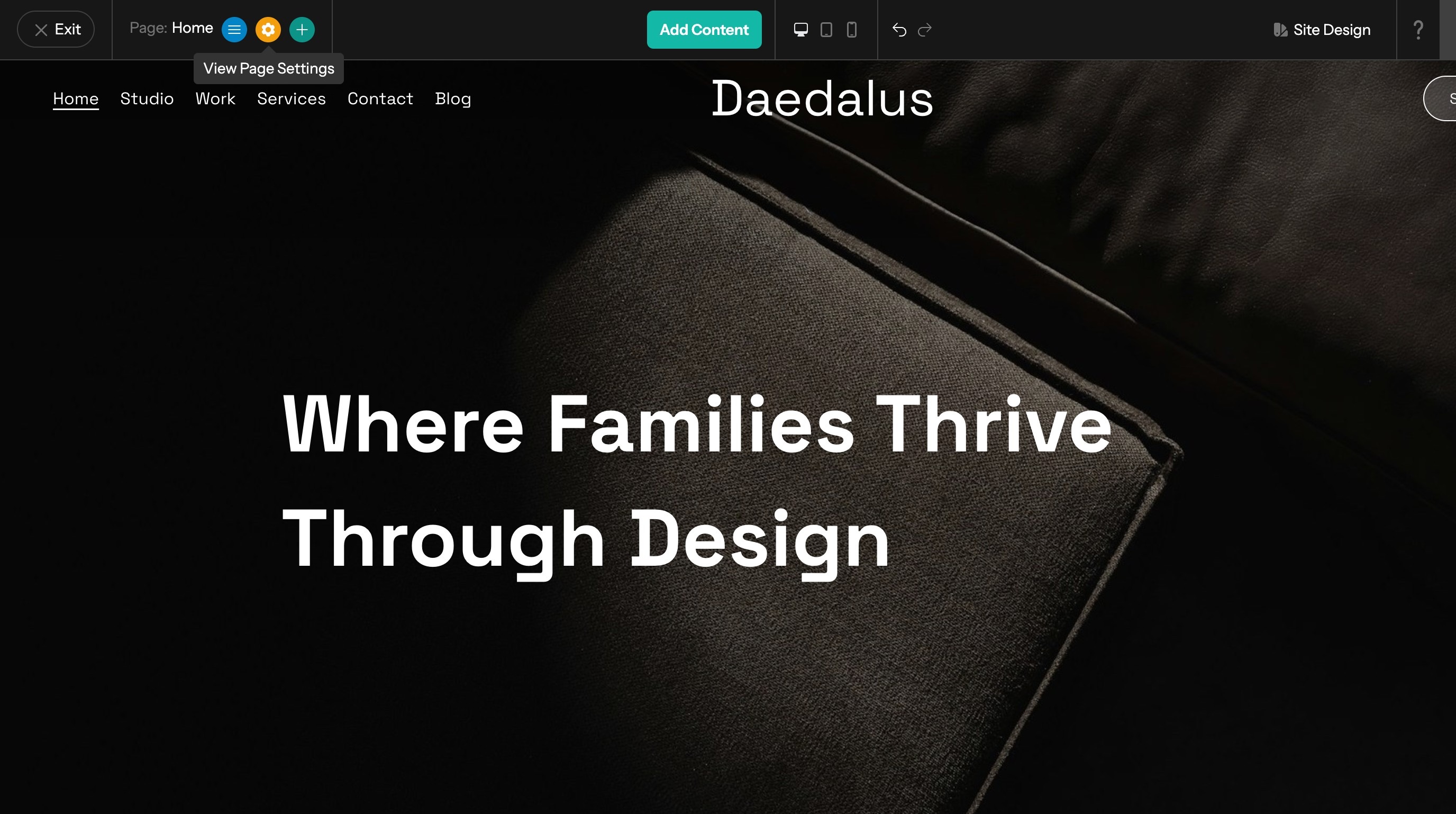
Page Template Settings
Choose a page template when available and manage page-specific header and footer visibility.
How to Embed a PDF
Upload a PDF and configure the size, alignment, border, and spacing of its viewer.
Adding a Copyright
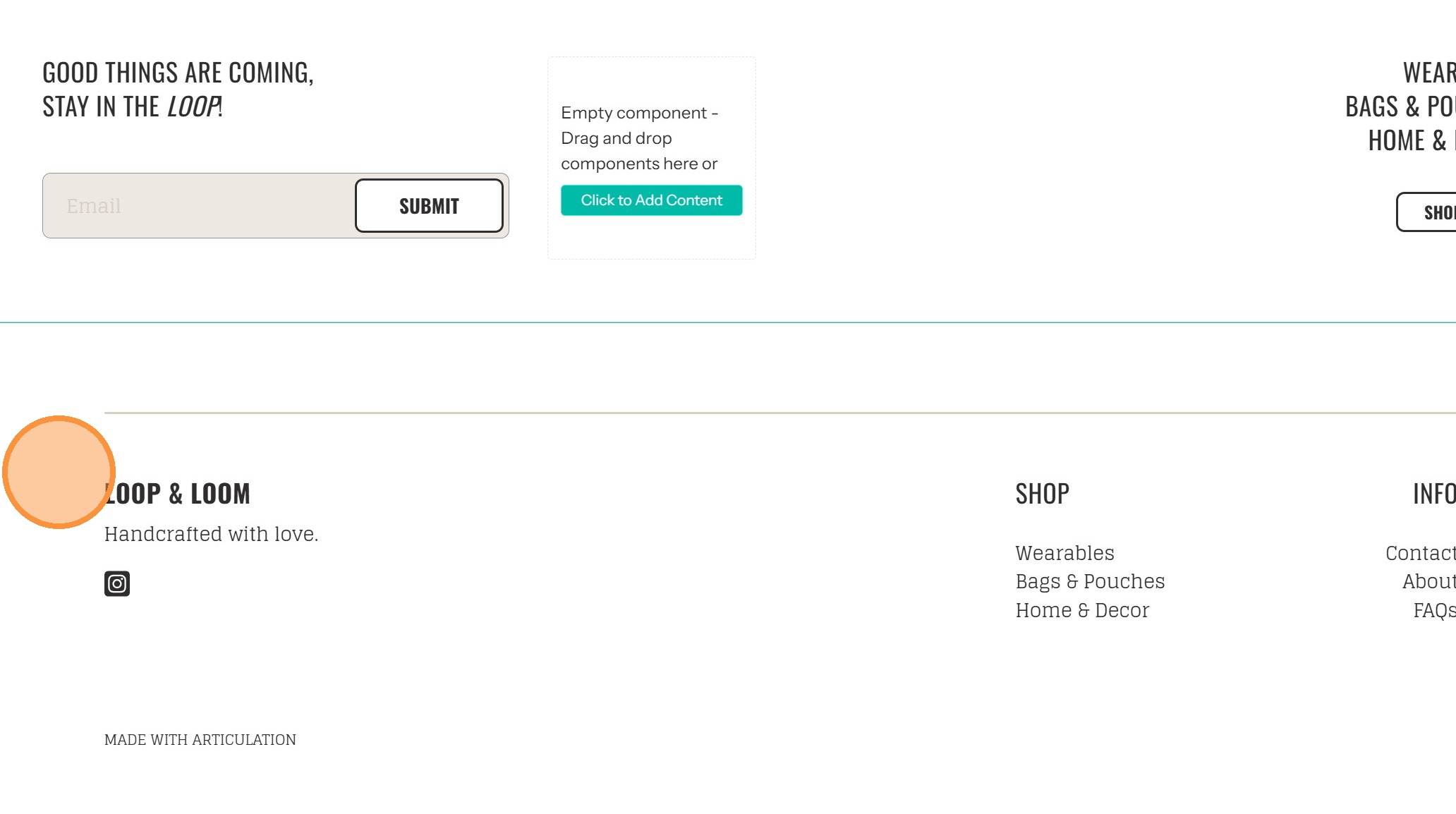
Add a copyright label and automatic year, then adjust its alignment and styling.