Adding a Copyright
The Copyright component is an easy way to add a copyright anywhere on your website that will always use the current year.
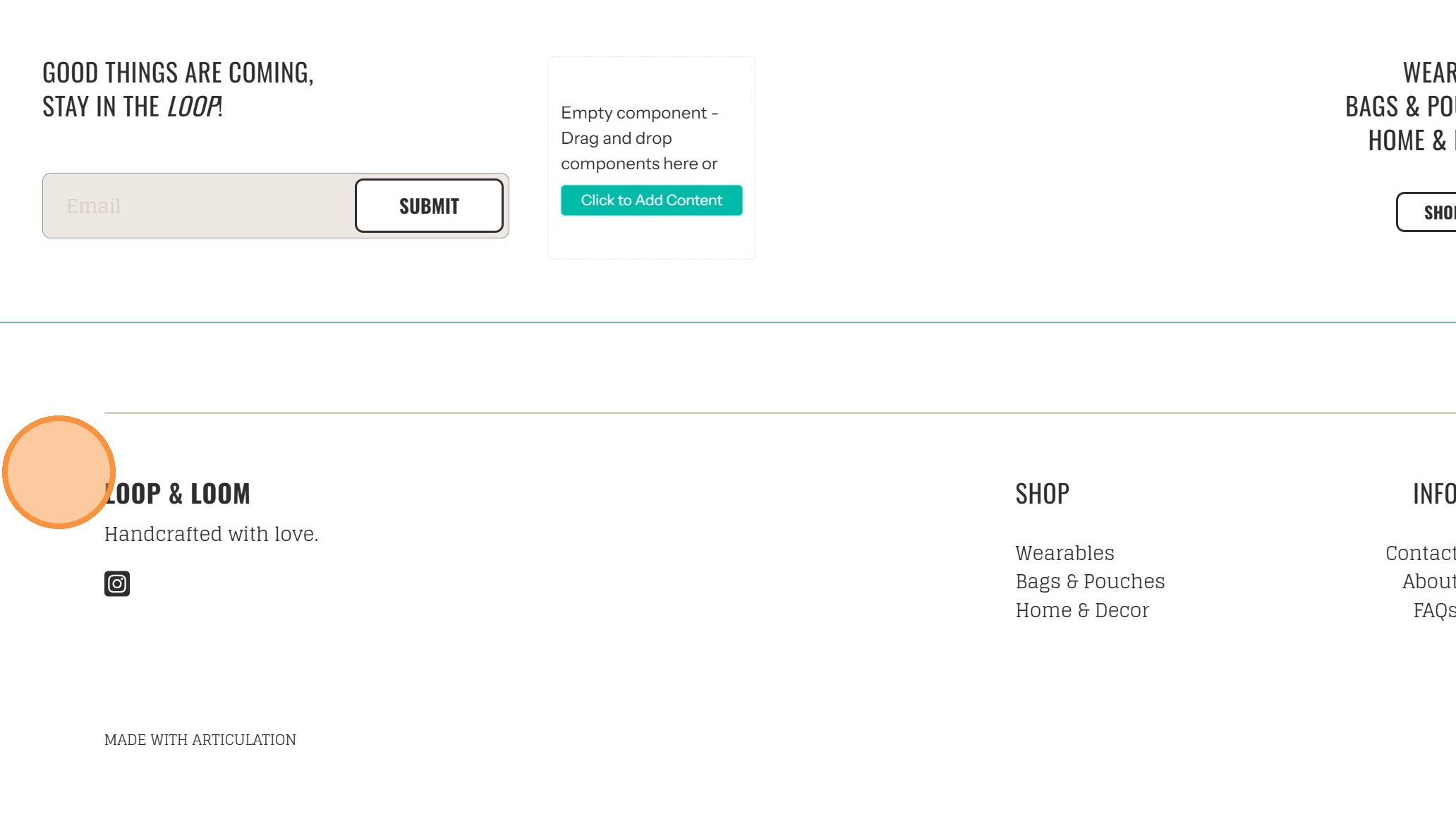
1. Click on the footer to open the menu
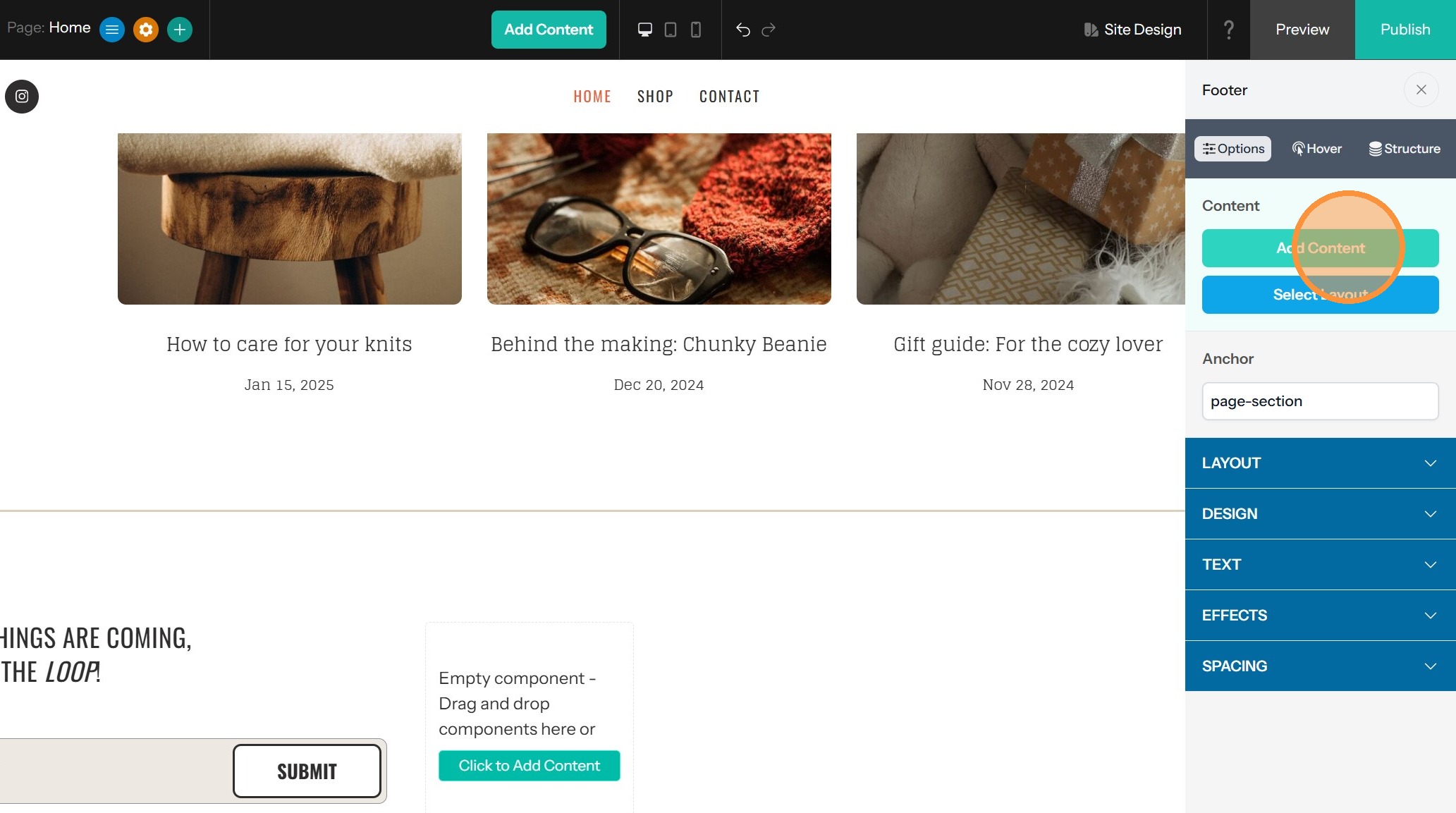
2. Click "Add Content"
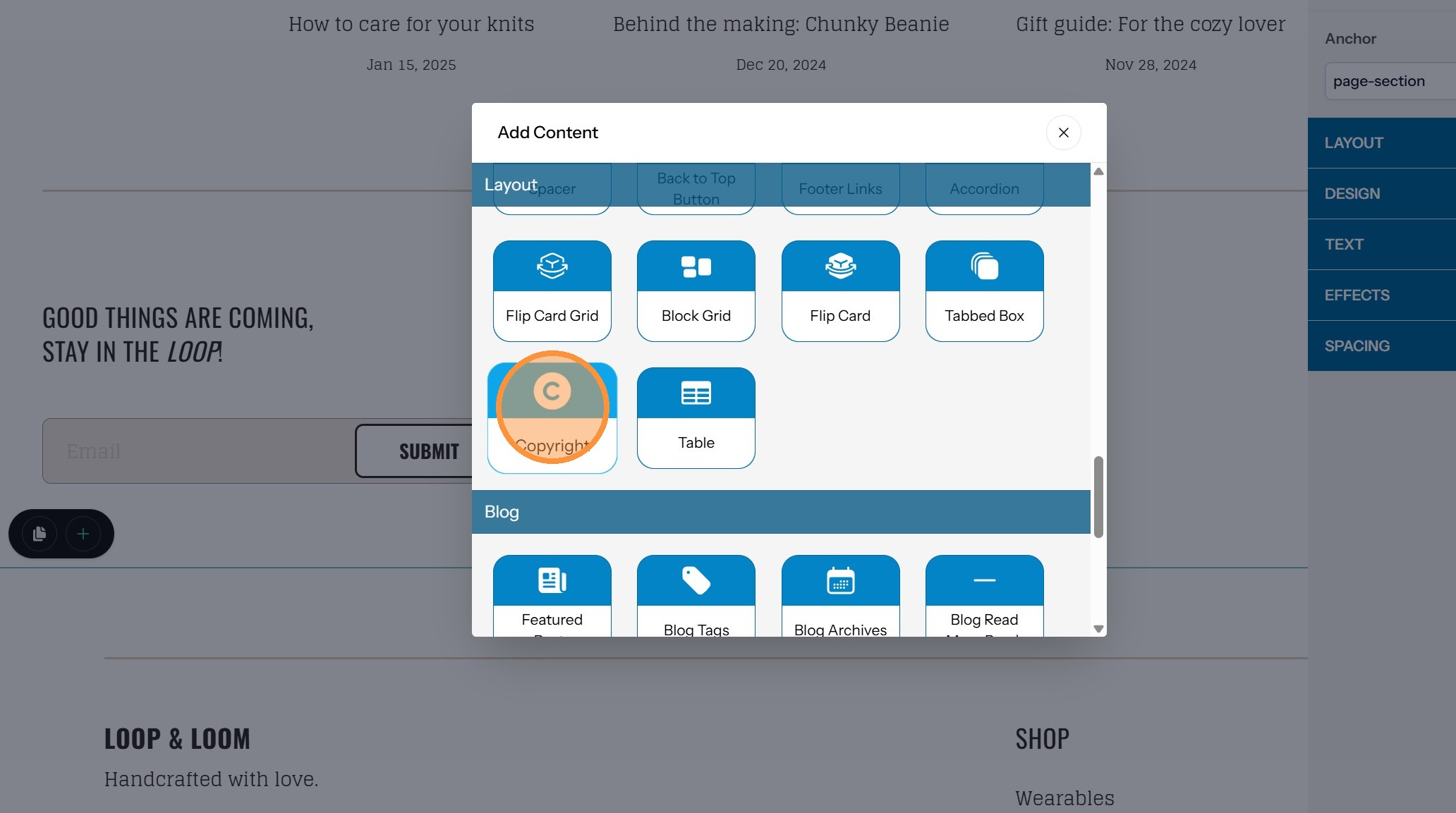
3. Drag Copyright (in the Layout section) to the position where you would like your copyright to appear
Customizing the Display
4. Double-click Copyright component to open settings panel
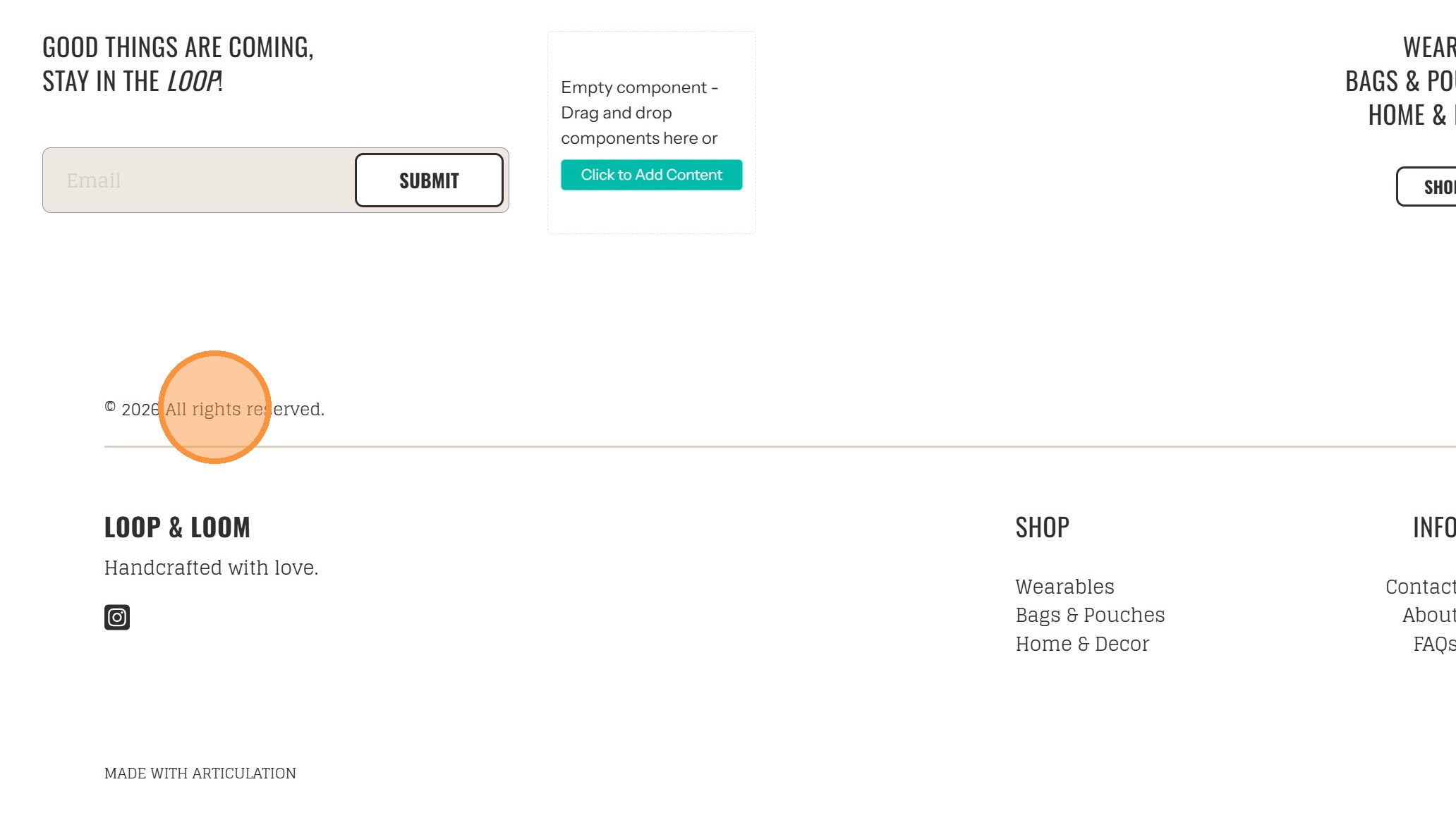
5. The text found in the Copyright Label field follows the copyright symbol and year in the component. Edit this field to whatever text is necessary for your copyright
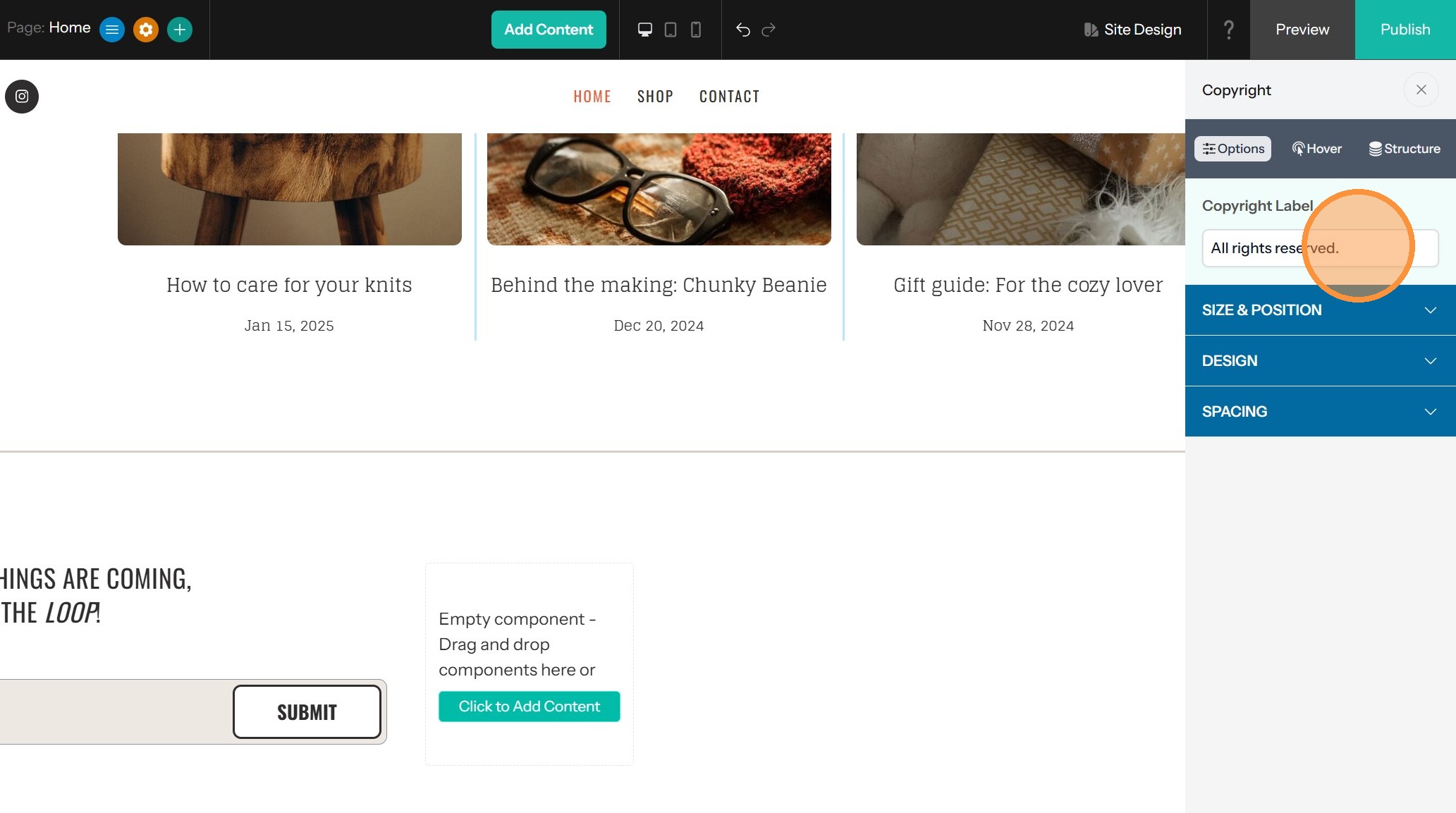
6. Edit the Alignment as needed - left, right or centered
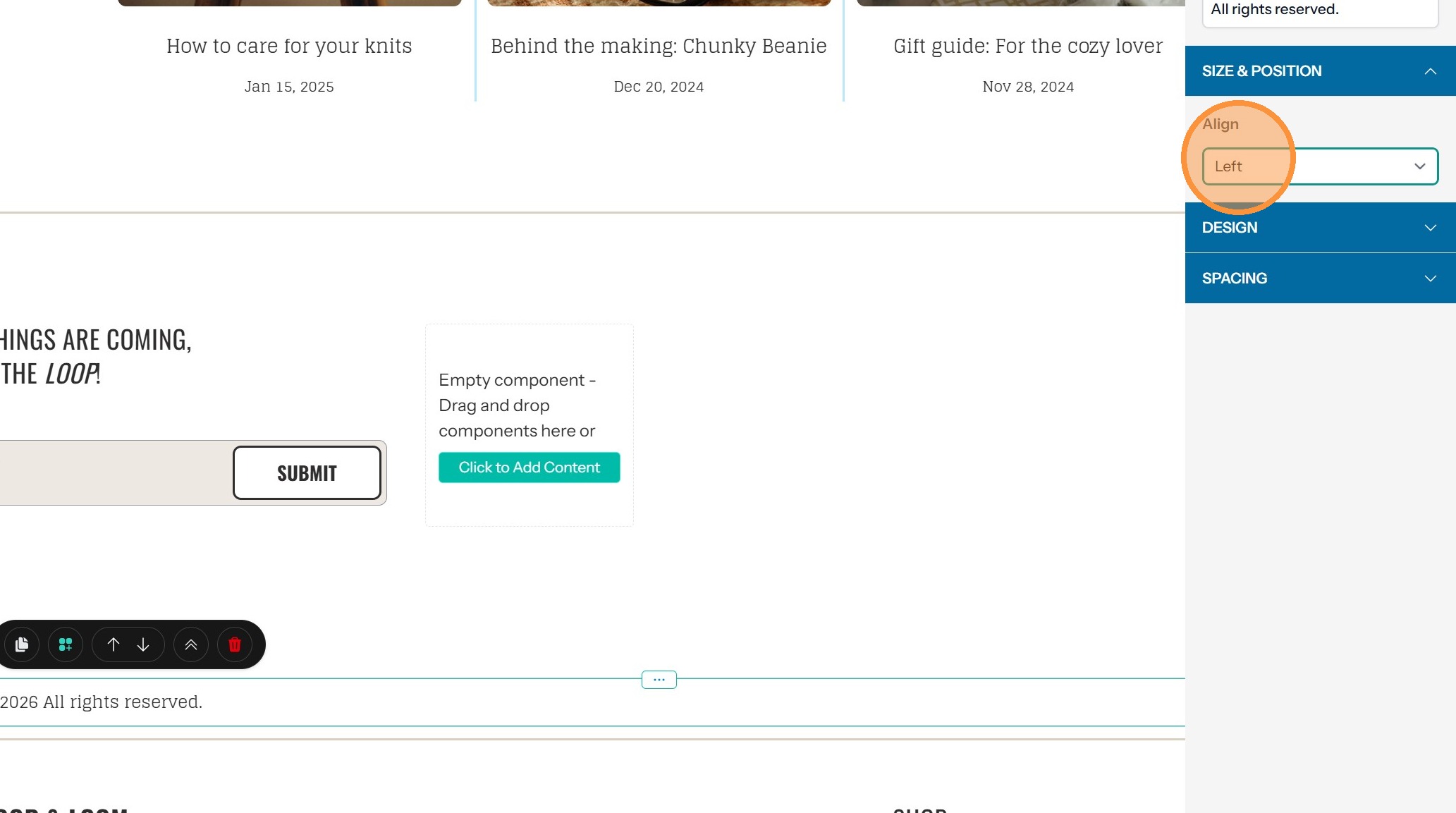
7. Change the Font or Text Color within the Design drawer
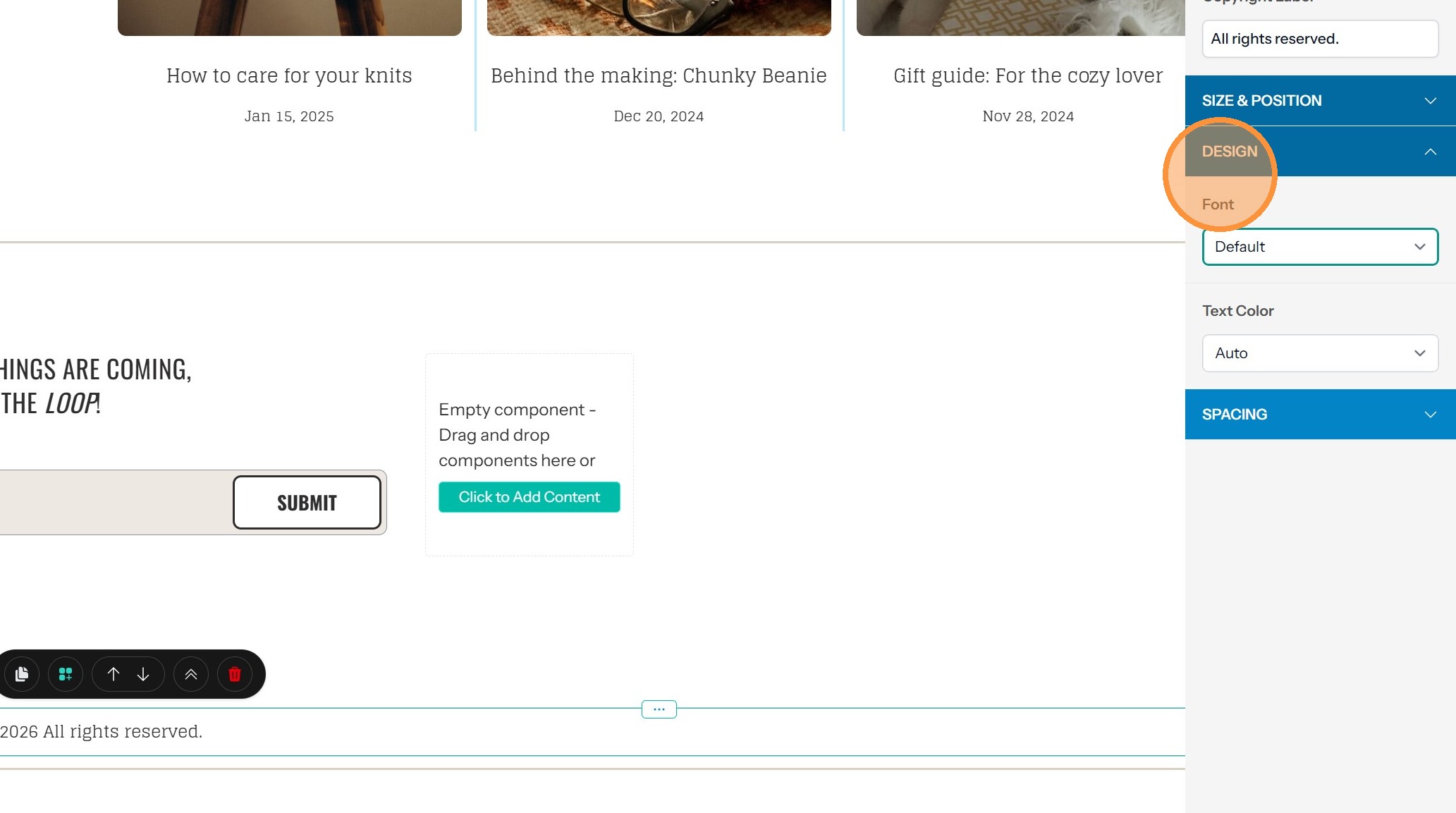
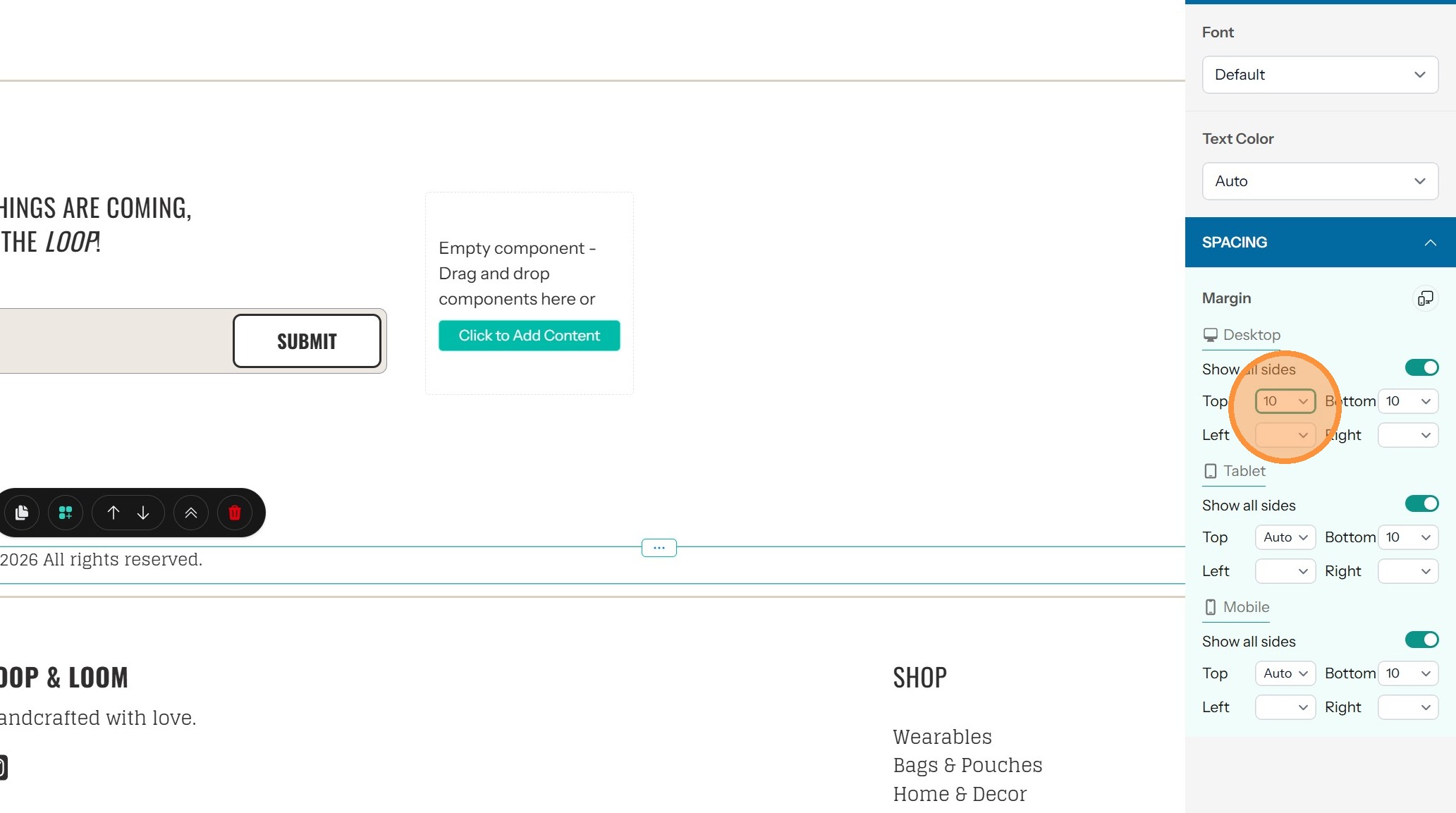
8. If you need to, you can change the spacing of the Component in the Spacing drawer. You can set this individually or for all sides together
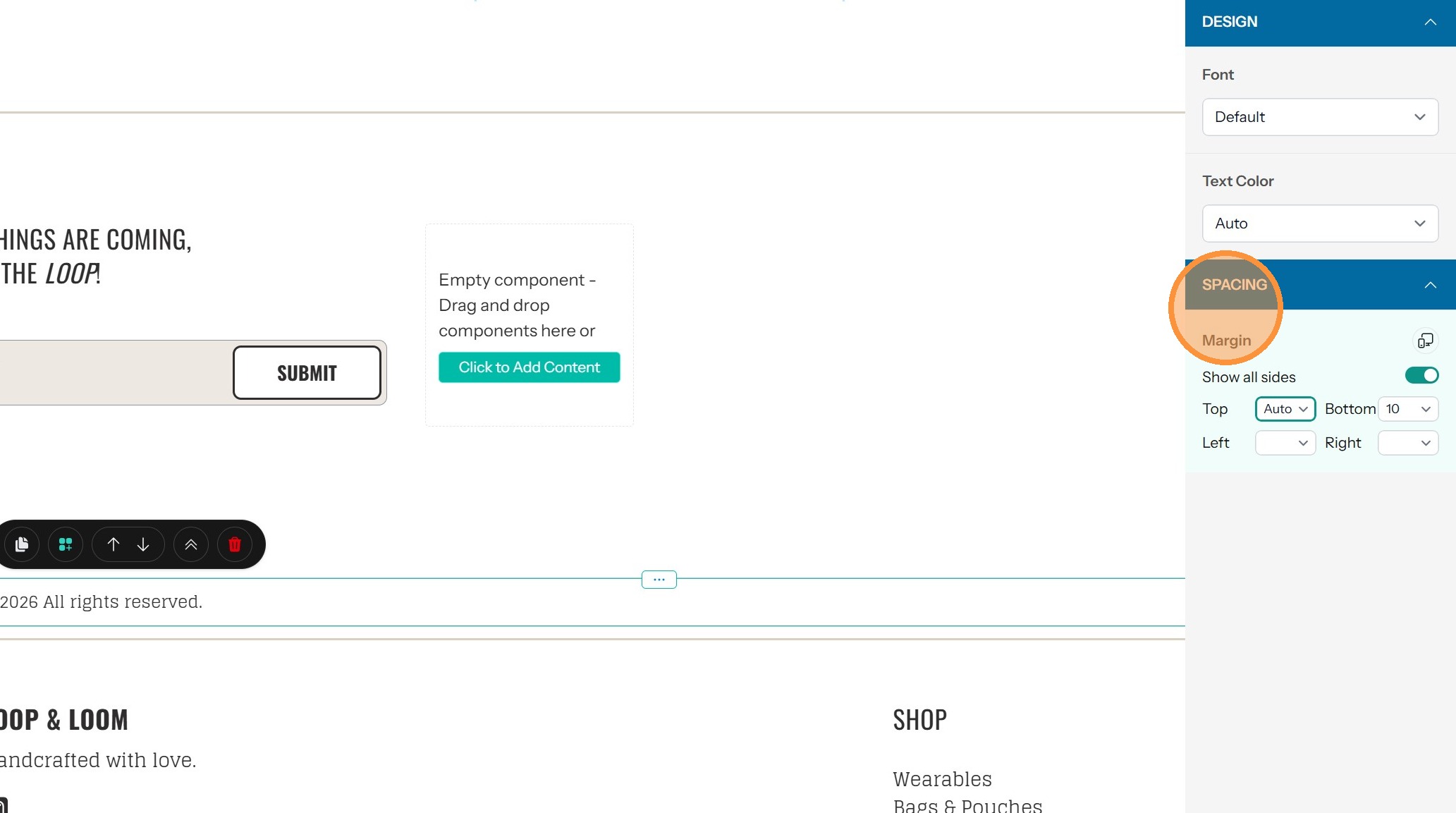
9. Clicking on the desktop/mobile icon allows you to further customize the spacing for mobile, tablets and desktops
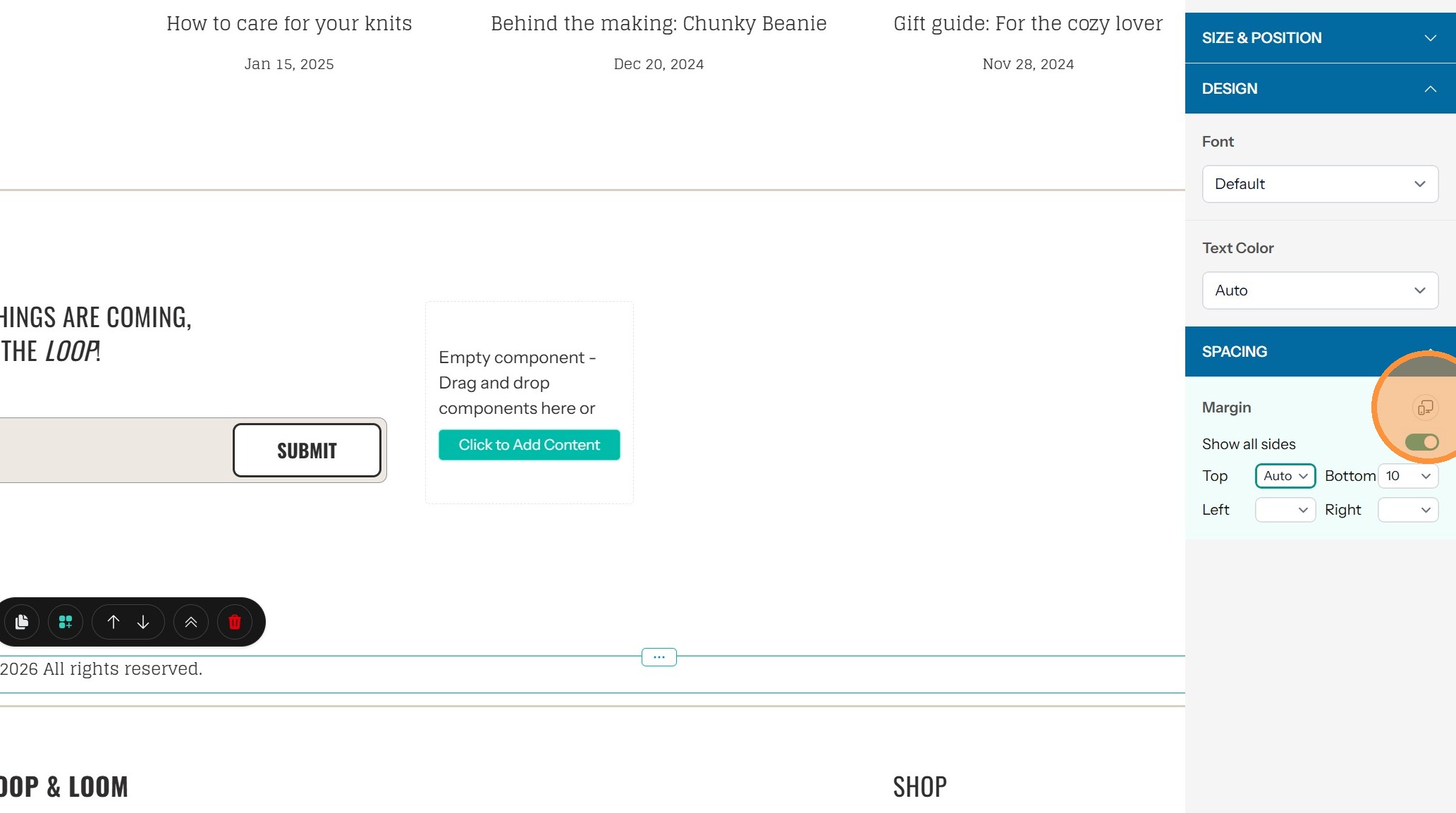
10. Set the spacing for each display style if desired