
Import your offline Weebly site — even if it can't be published anymore
Our free Chrome extension saves a copy of your site directly from the Weebly editor — no published site required — and we rebuild it here: pages, blogs, store and all.
Is your Weebly site still online? Then you can skip all of this — our standard Weebly import converts it straight from the web, no export needed.
What you'll need: A computer (not a phone or tablet) with the free Google Chrome browser, and your Weebly login. Using Safari, Edge or Firefox? That's okay — you'll just download Chrome for this one task.
Add the extension to Chrome
In Chrome, open the Articulation Weebly Exporter page on the Chrome Web Store and click Add to Chrome. It's free and only reads Weebly editor pages.
Open the Chrome Web Store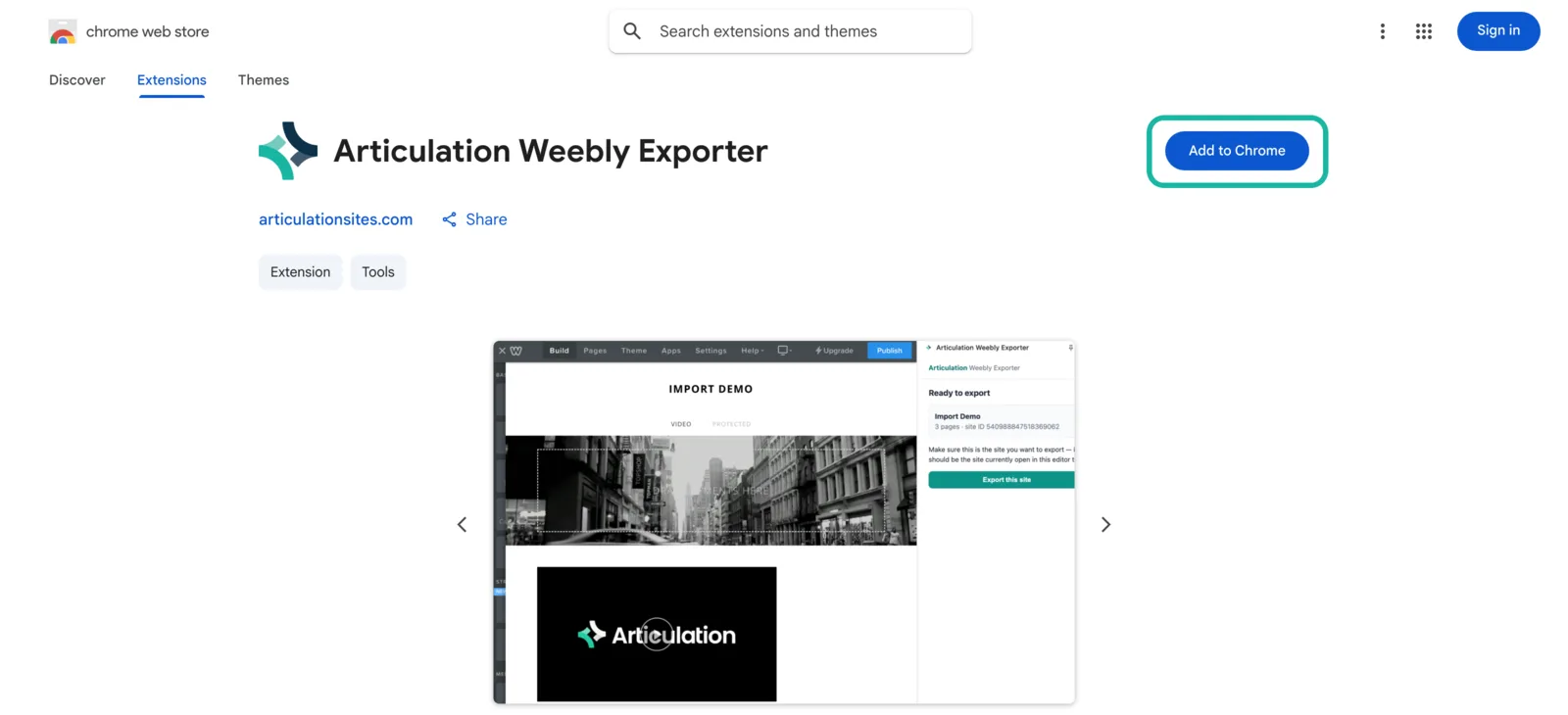
Open your site in the Weebly editor
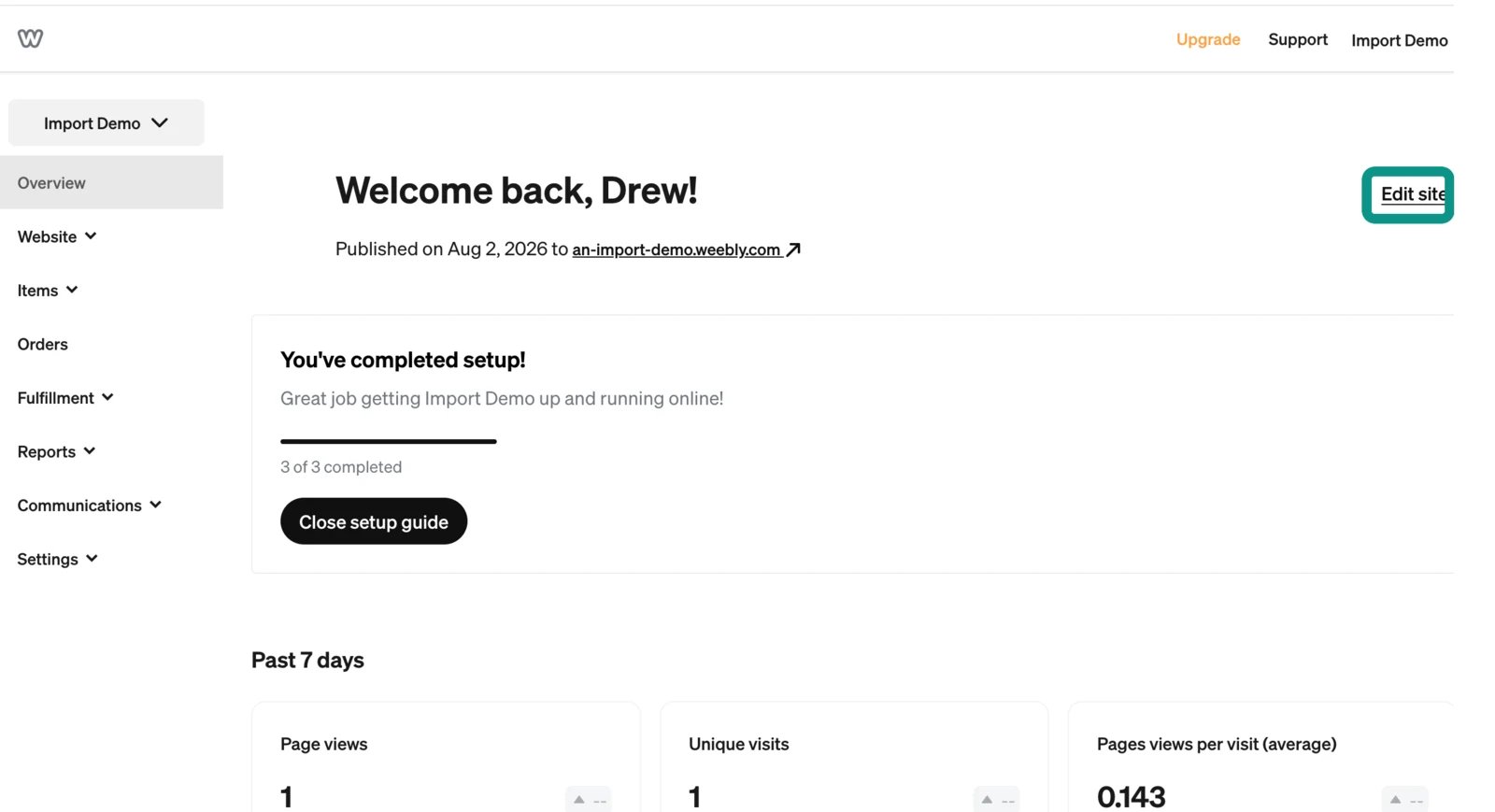
Still in Chrome, sign in at weebly.com and click Edit site on the site you want to import. You should see your site in the editor, just like when you used to work on it.
Export your site
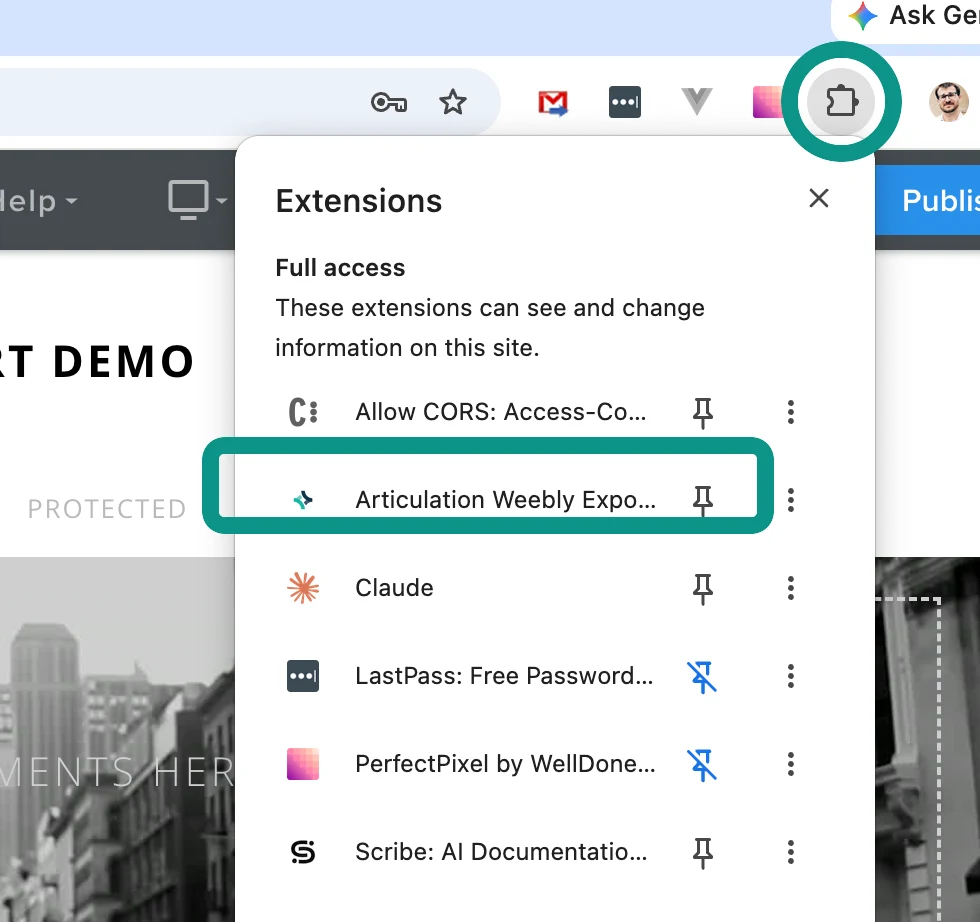
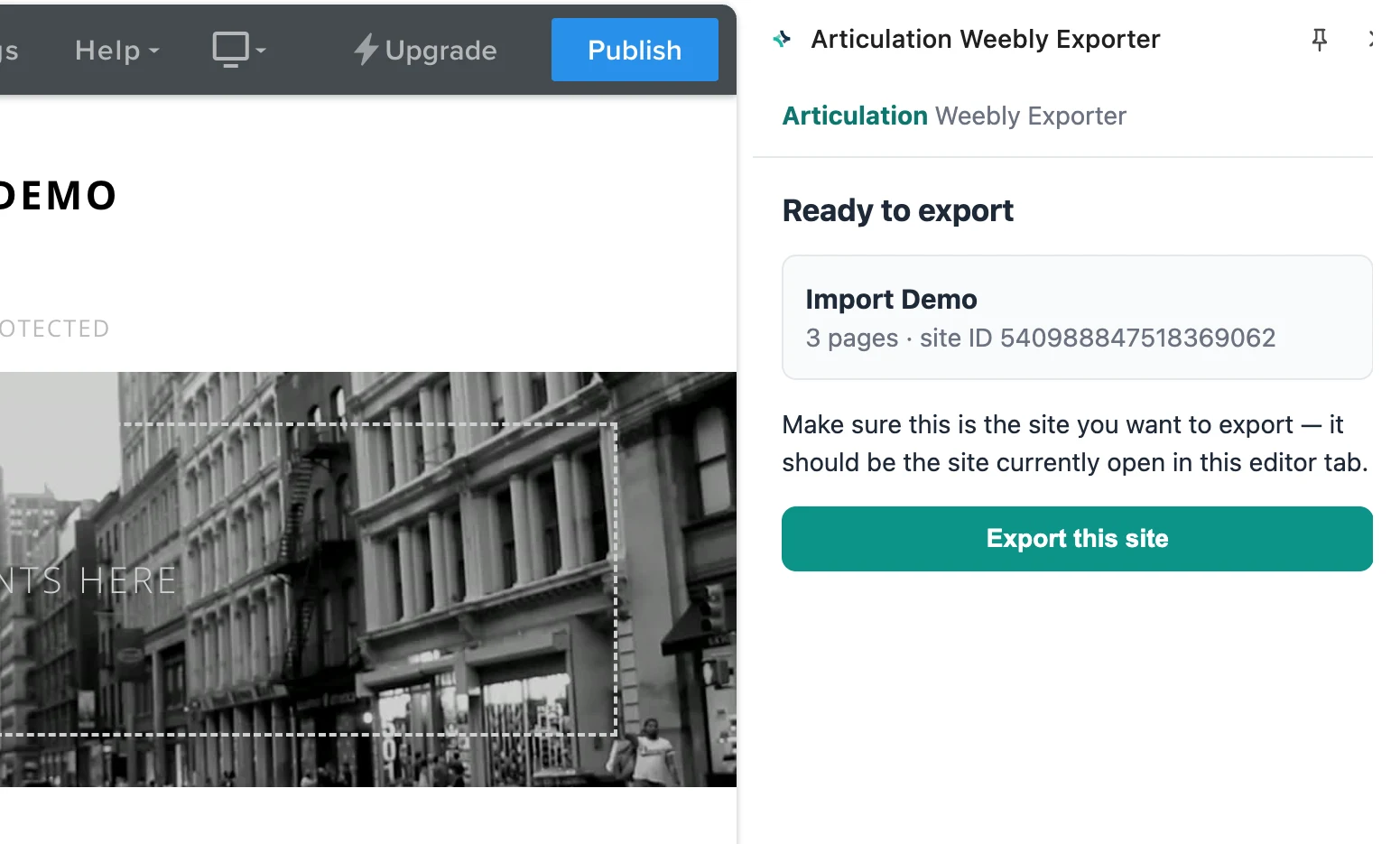
Click the puzzle-piece icon at the top right of Chrome, choose Articulation Weebly Exporter, then press Export this site in the panel that opens. When it finishes, a file ending in .ndjson.gz lands in your Downloads folder.
Upload it here — we do the rest
Come back to this page and upload that file. We rebuild your site on Articulation automatically and take you straight to it.
Creates your free Articulation account, or signs you in.