How to Embed a PDF
Learn how to seamlessly upload and display PDF files directly on your website pages.
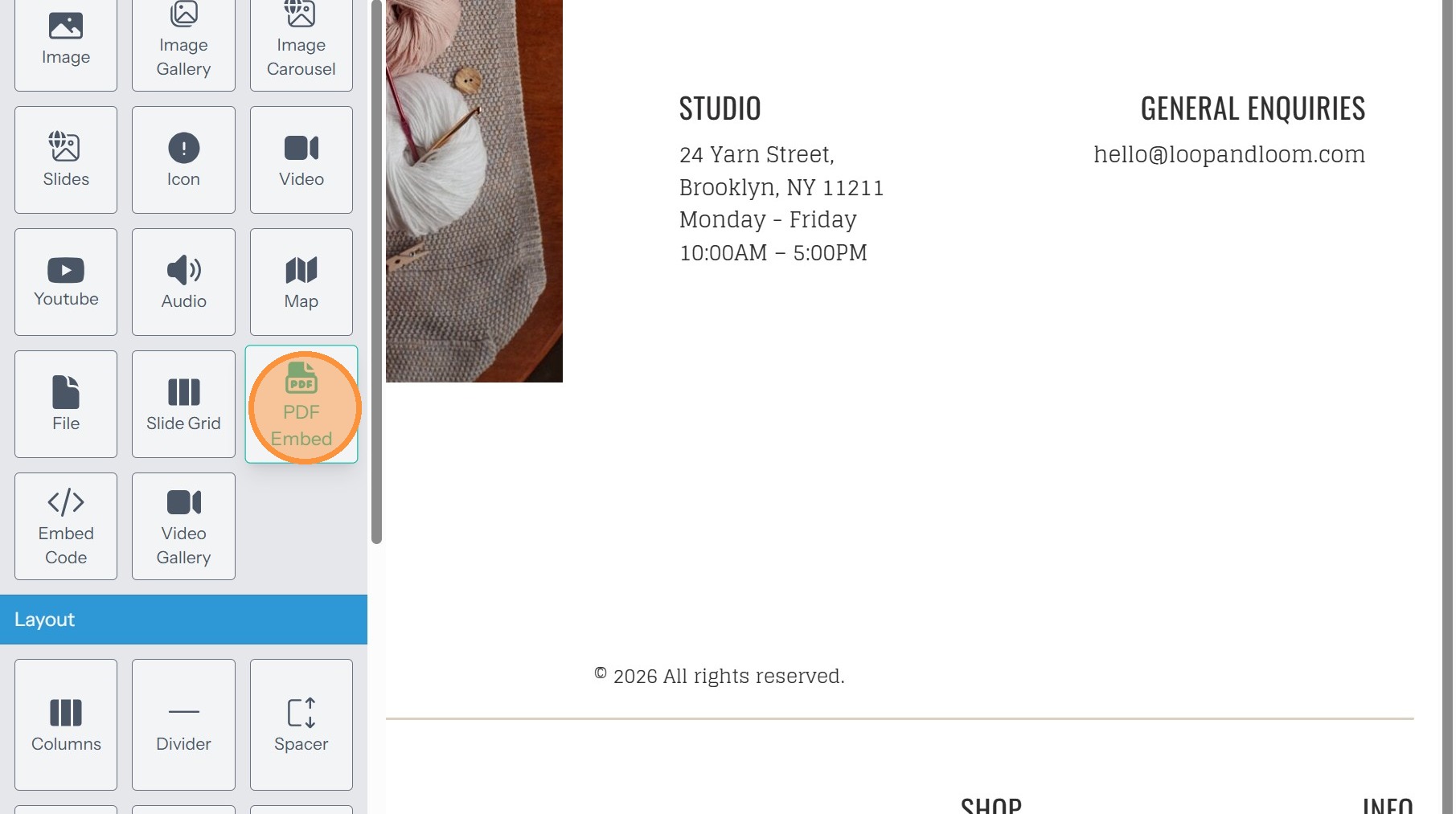
1. Click "Add Content"

2. Select PDF Embed from the Media section
File Upload
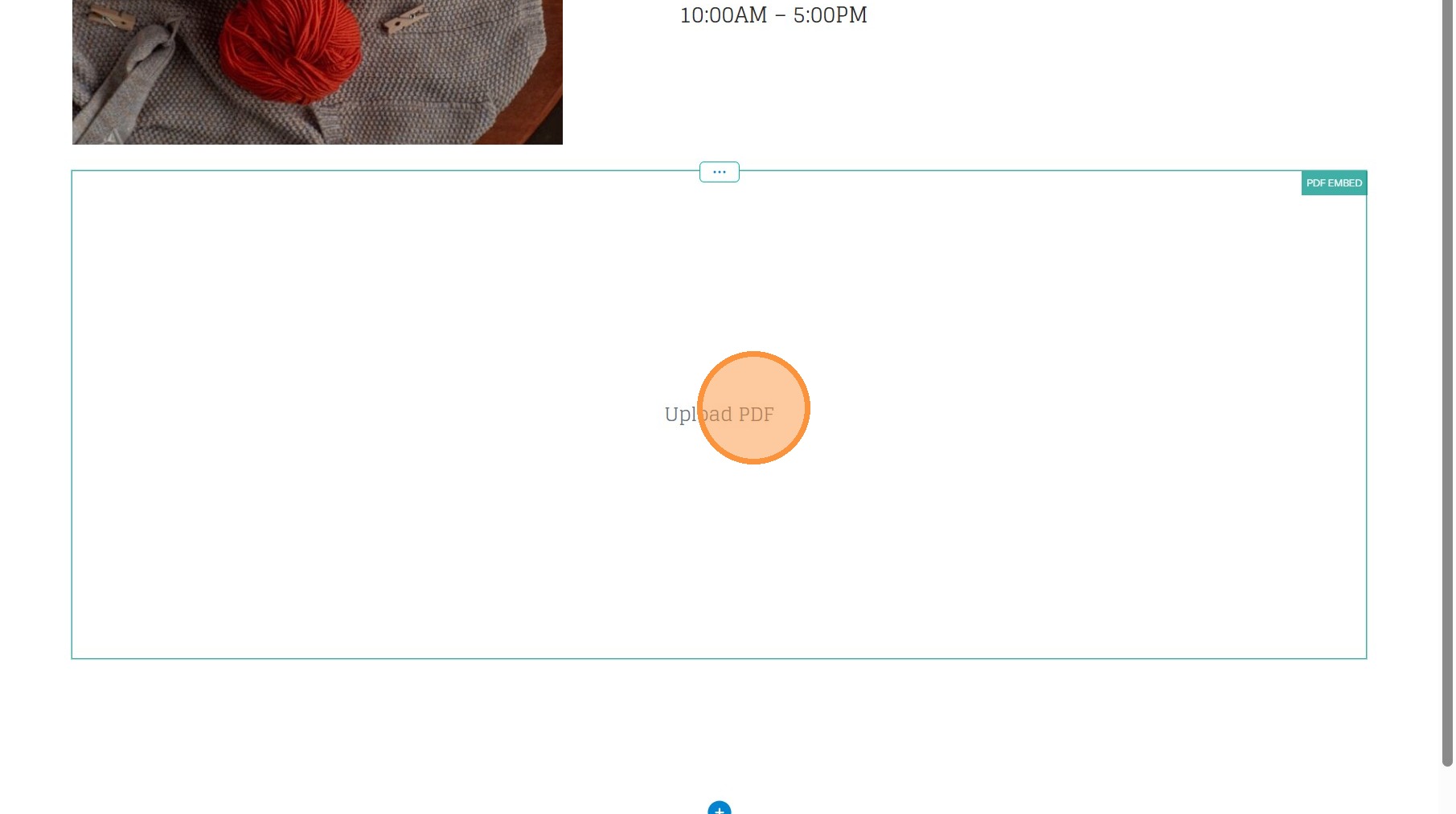
3. Click "Upload PDF"
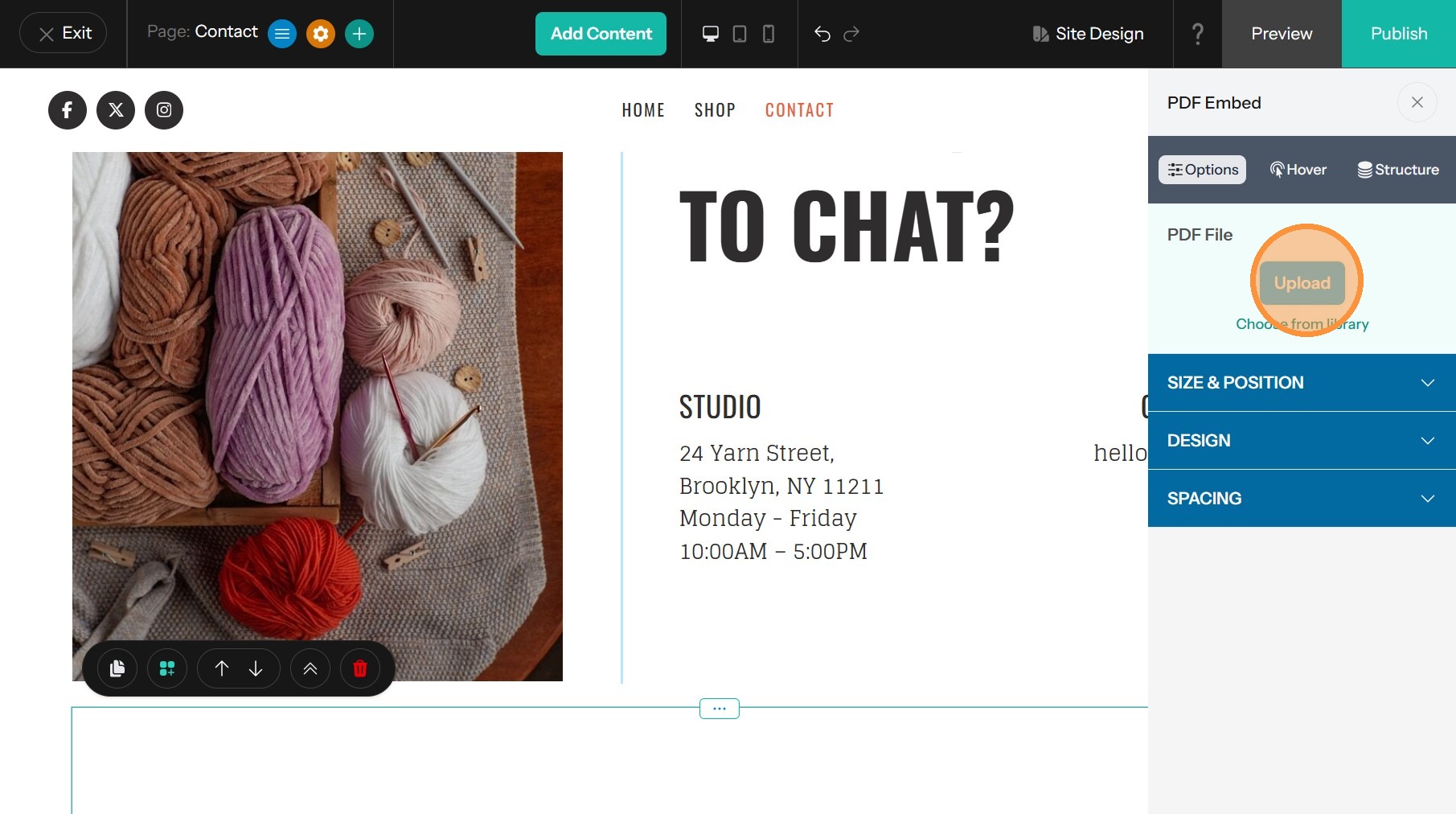
4. Choose a file from your library or upload a new file
Component Styling
5. The Size and Position drawer allows you to edit the width, height and horizonal alignment of the embedded PDF
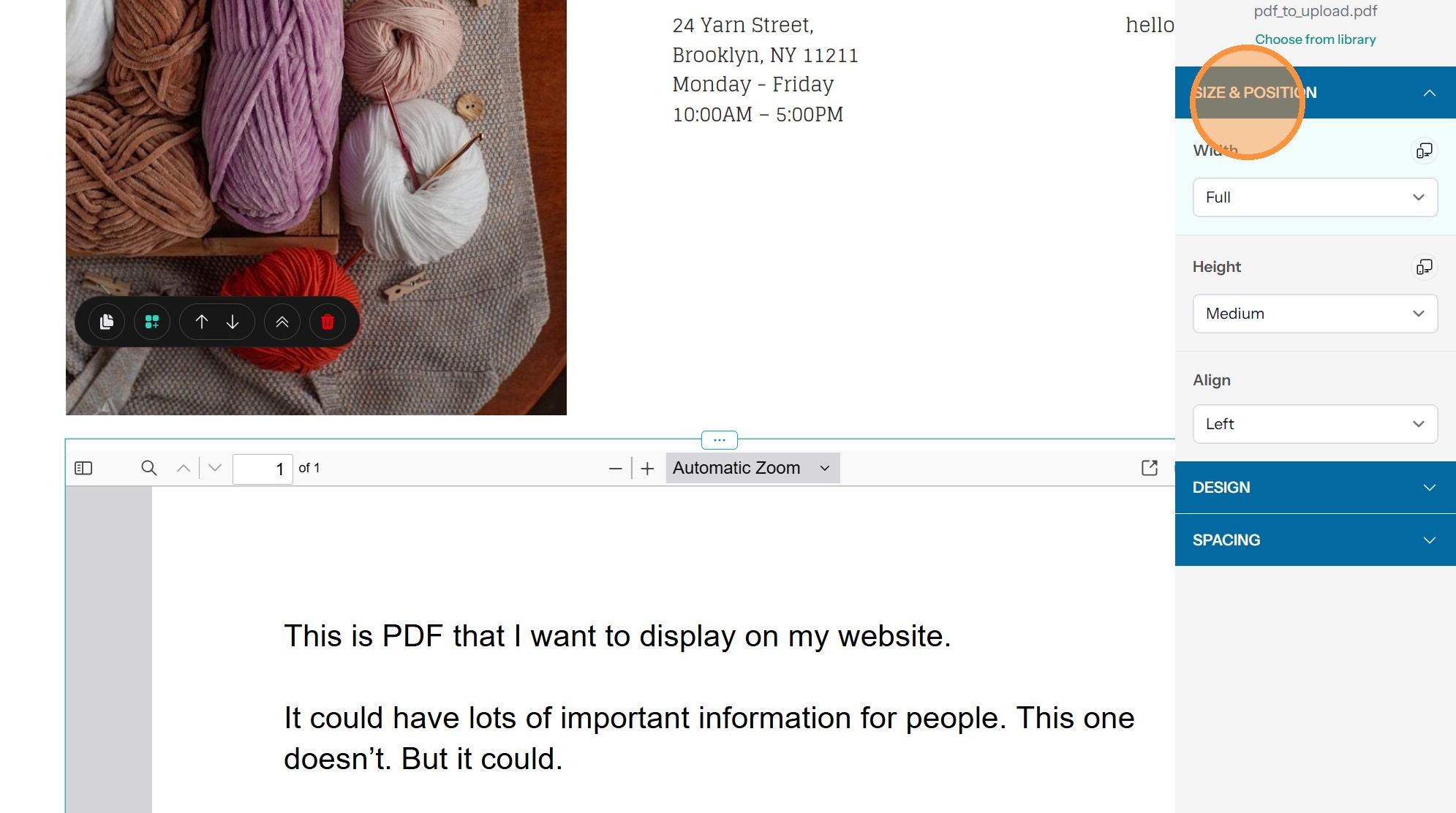
Tip: - Width - By default, your PDF will take up the full width of the component. You can set this to a smaller proportion, though. This option can be set separately for different screen sizes by clicking the desktop/mobile icon.
- Height - This option provides a few different preset height options to control how tall the scrollable window is. This can also be set for different screen sizes.
- Align - If you’ve chosen a width smaller than full, you can use this option to align the embedded PDF to the left, right, or center.
6. To customize the Shape and Border of the embedded PDF, use the Design drawer. Clicking on the Desktop/Mobile icon allows further customization.
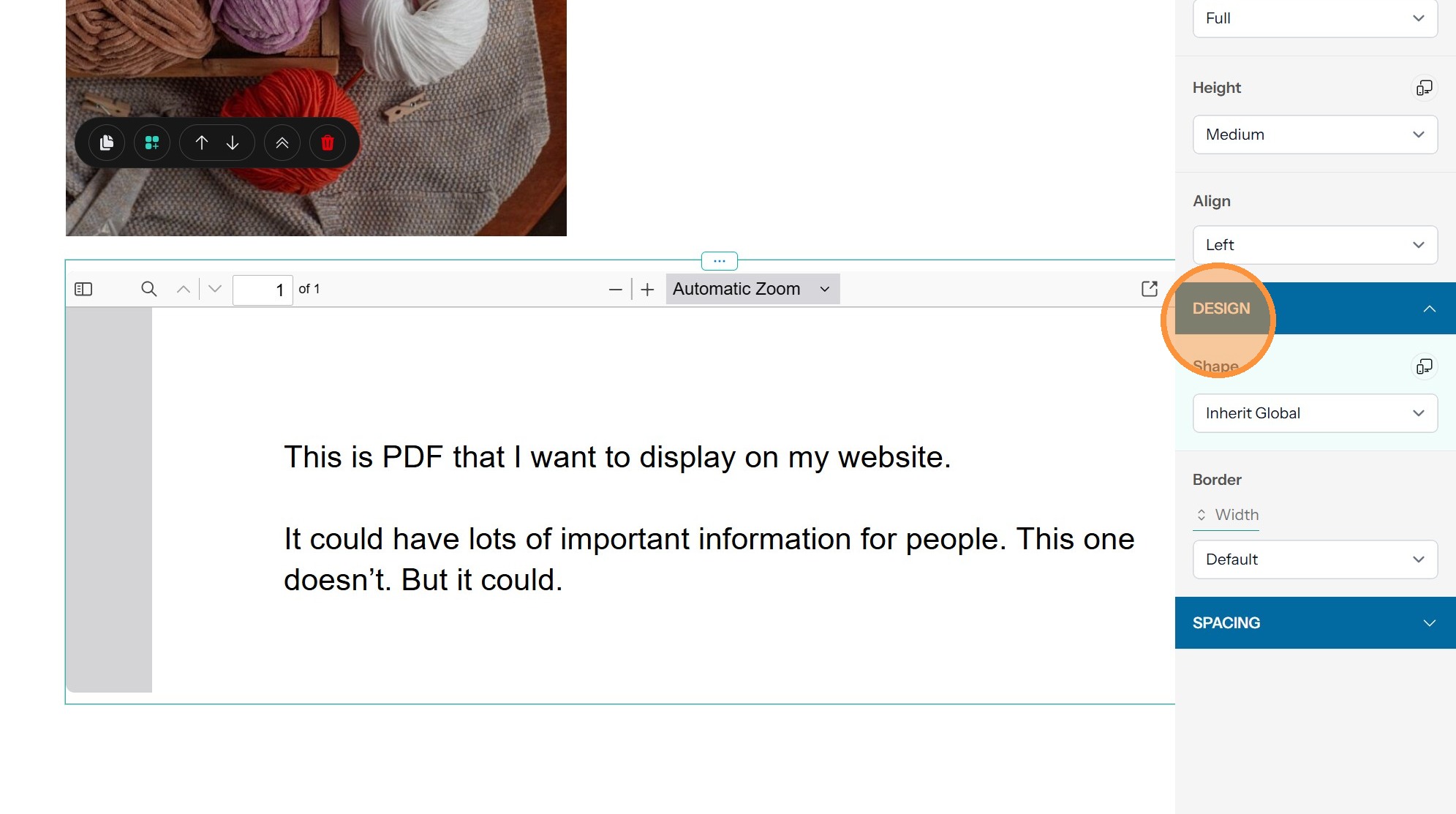
Tip: - Shape - By default, the border around the embedded PDF will use the default set by your site. You can override that with this option. You can also set this separately for different screen sizes by clicking the desktop/mobile icon.
- Border - With this option you can add a border to the PDF, setting the width, color, and style.
7. Spacing allows you to edit the margins and padding. Clicking on the Desktop/Mobile icon allows further customization.
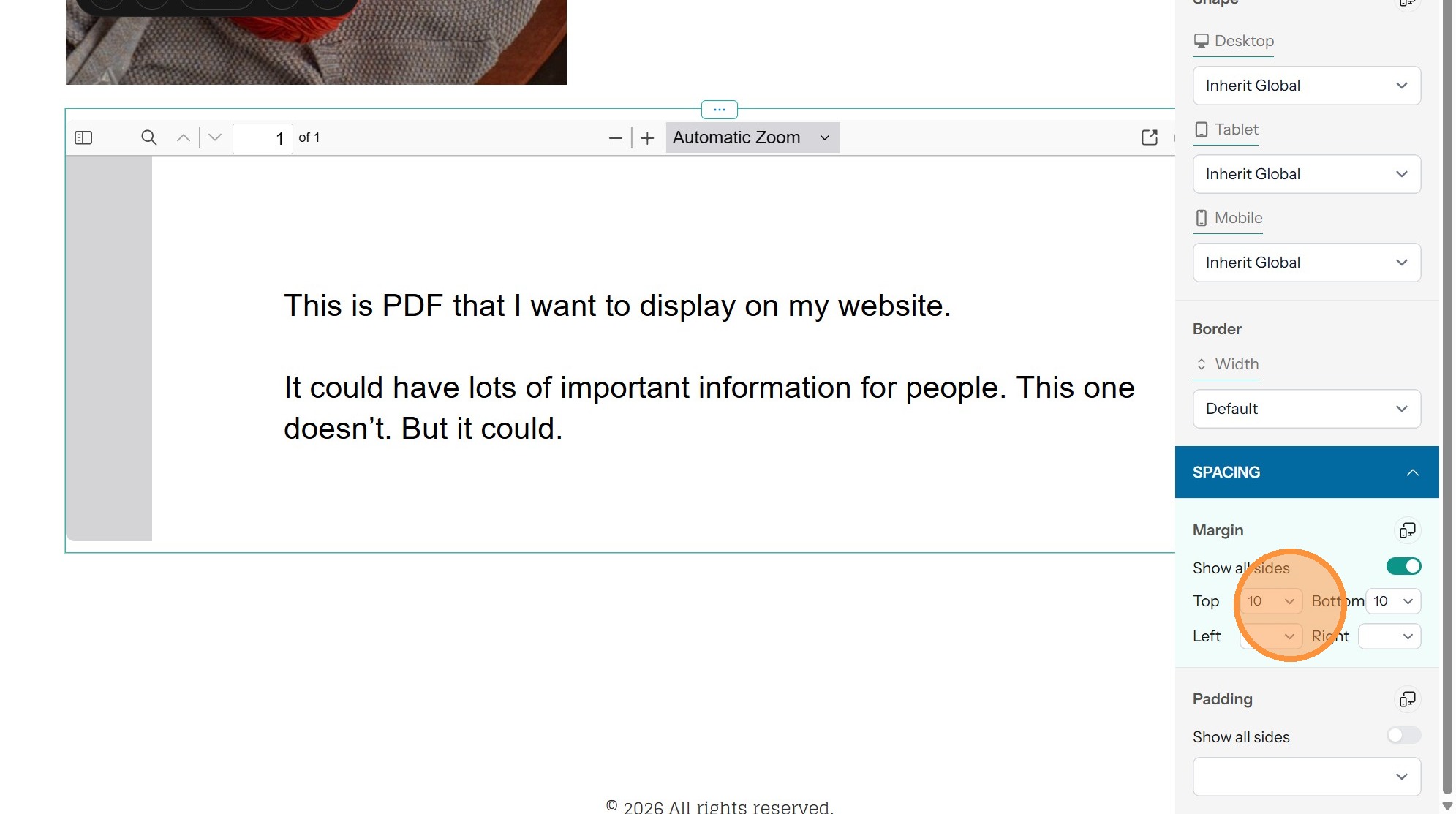
Tip: - Margin - This option controls the space around the embedded PDF within the component.
- Padding - With this option you can control the space between the border around the PDF and PDF itself.
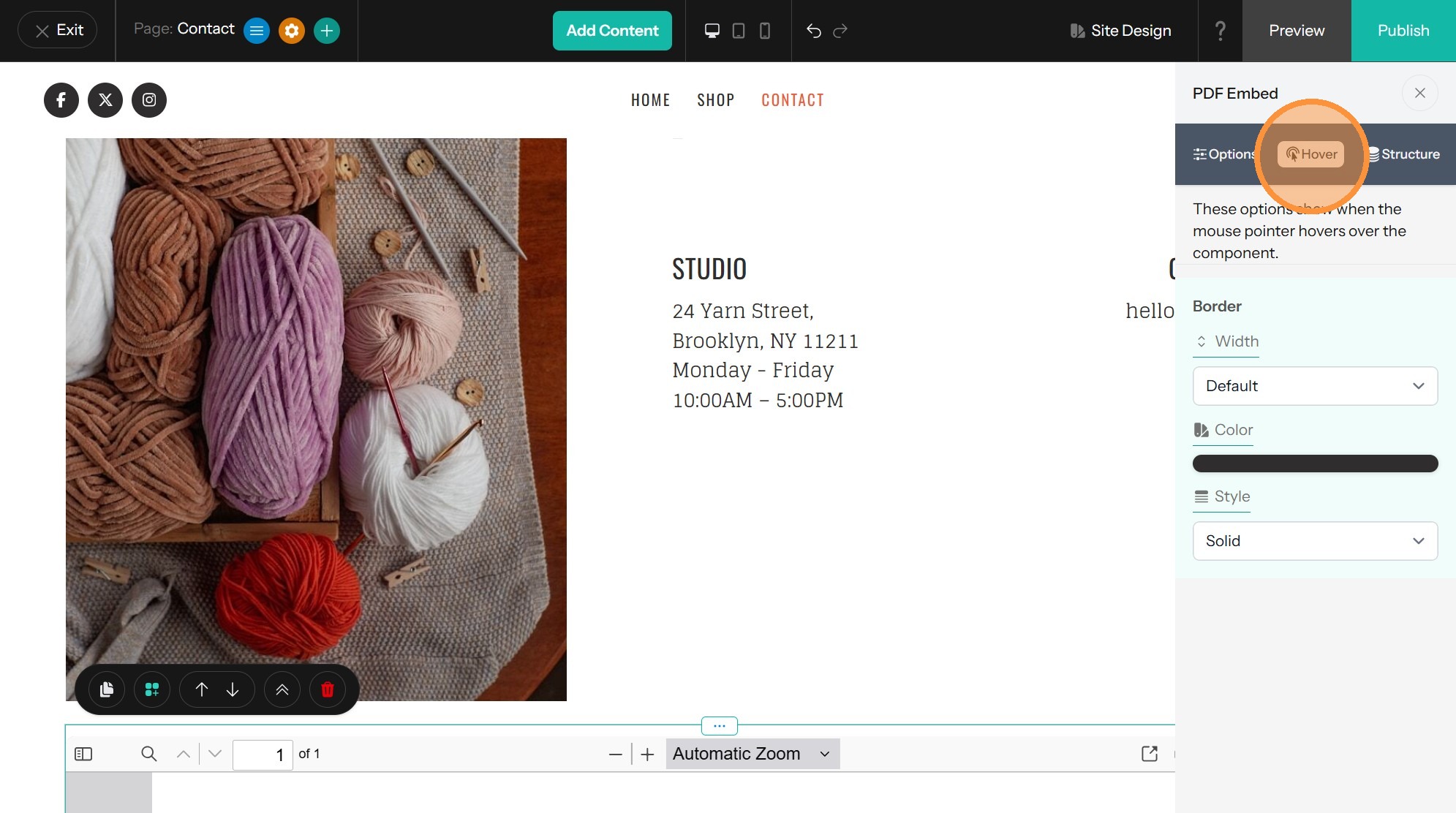
Hover
8. You can control how the border around the PDF looks when a visitor hovers over it with a mouse. To change this, click on Hover at the top of the options panel. You can customize the width, color, and style.