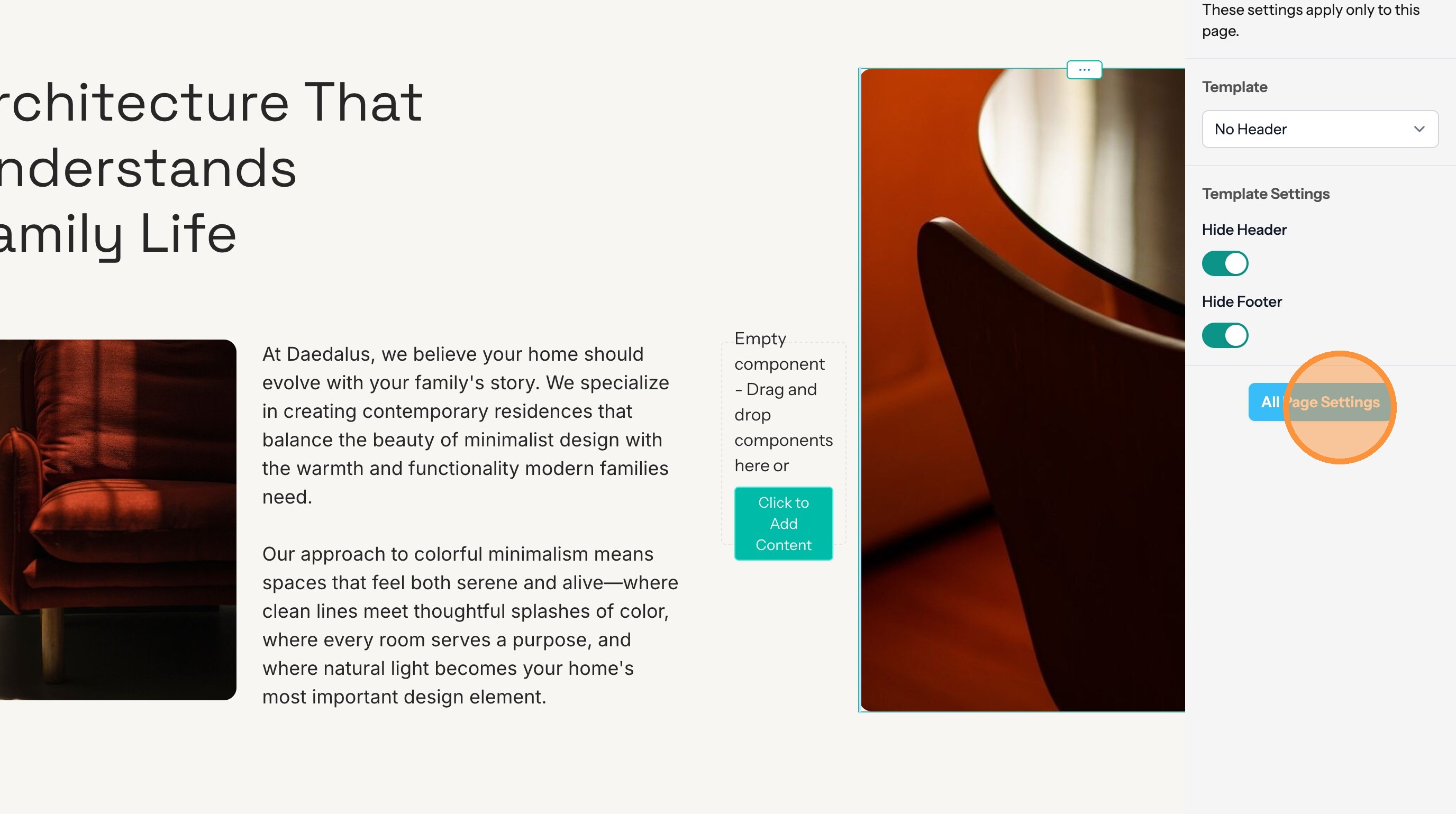
Page Template Settings
Learn how to change your page template settings including switching between templates and making a splash page.
Change Template Settings
1. Start from the Website Editor.
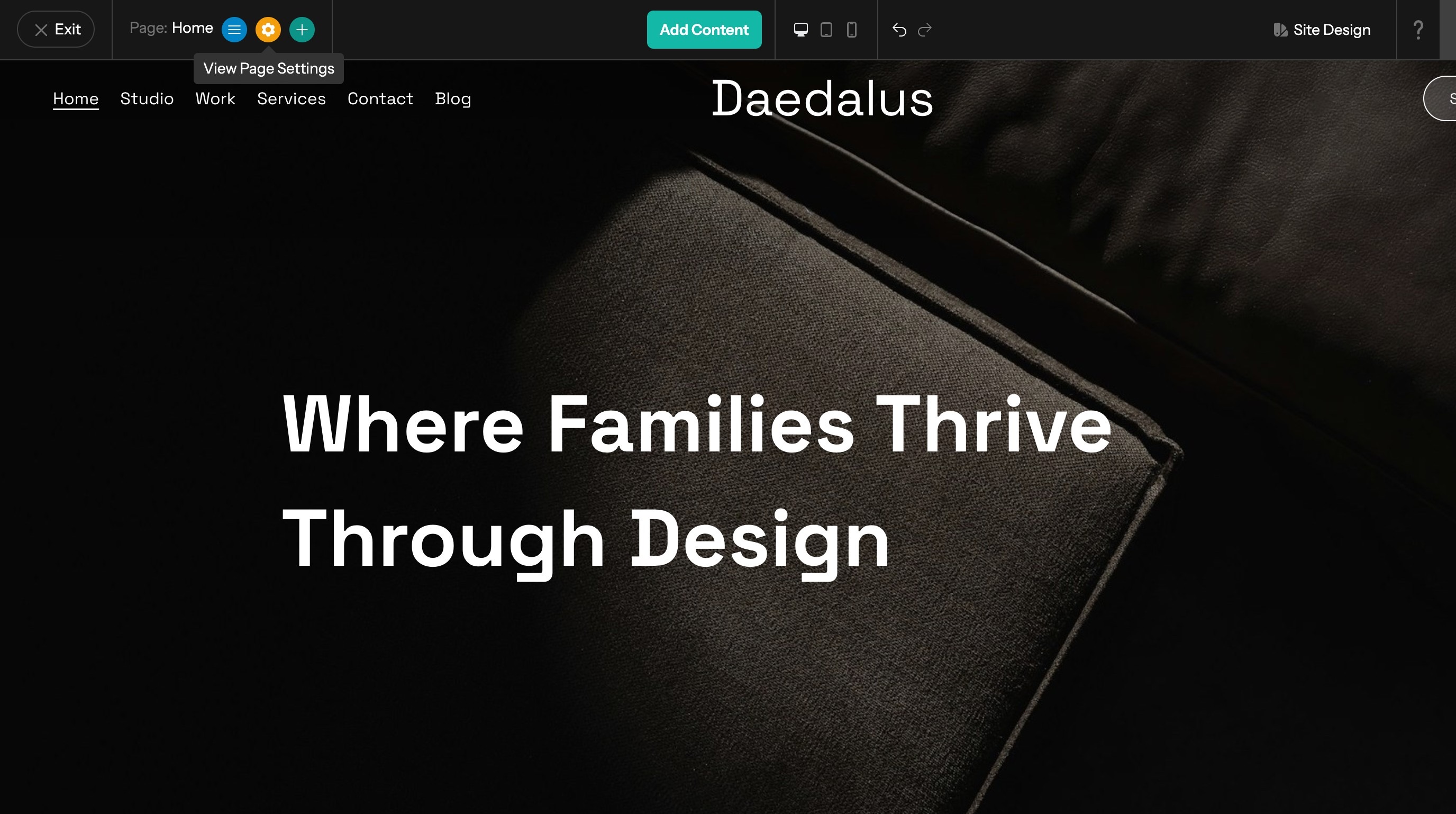
2. Click the View Page Settings button to open the settings panel.
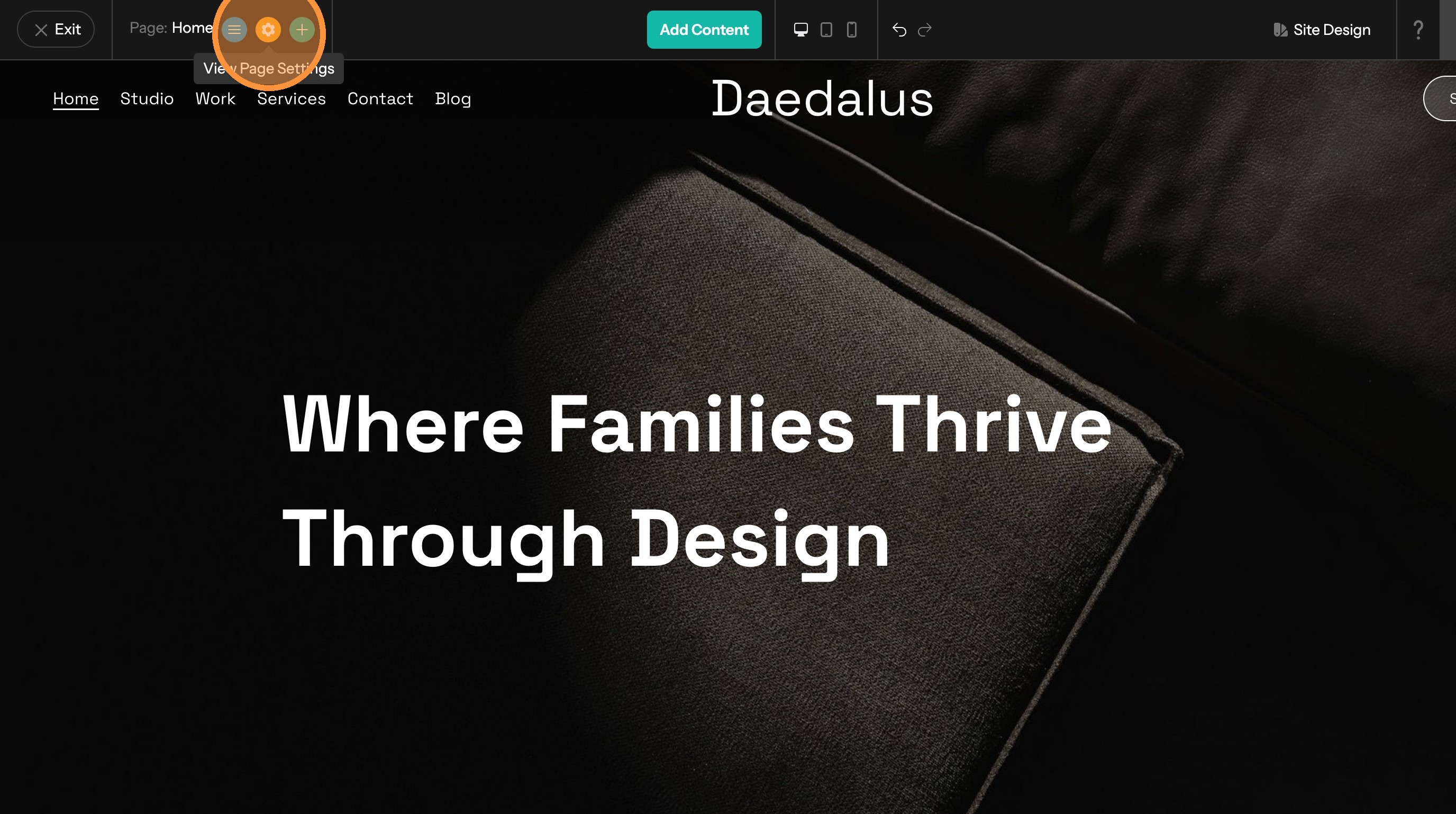
3. Switch between different templates which are provided by the website's theme.
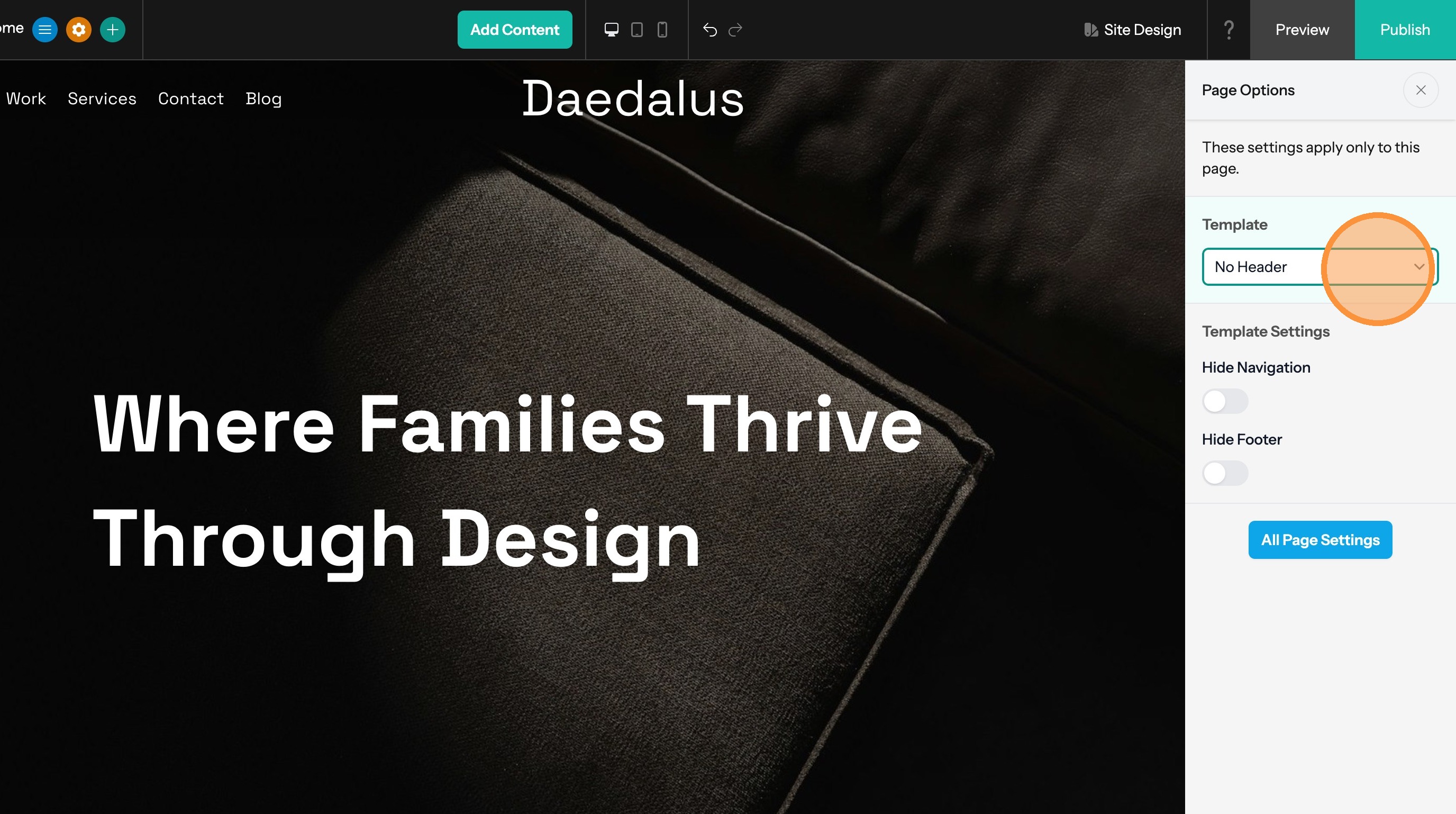
Tip: Removing the header and footer create a Splash page
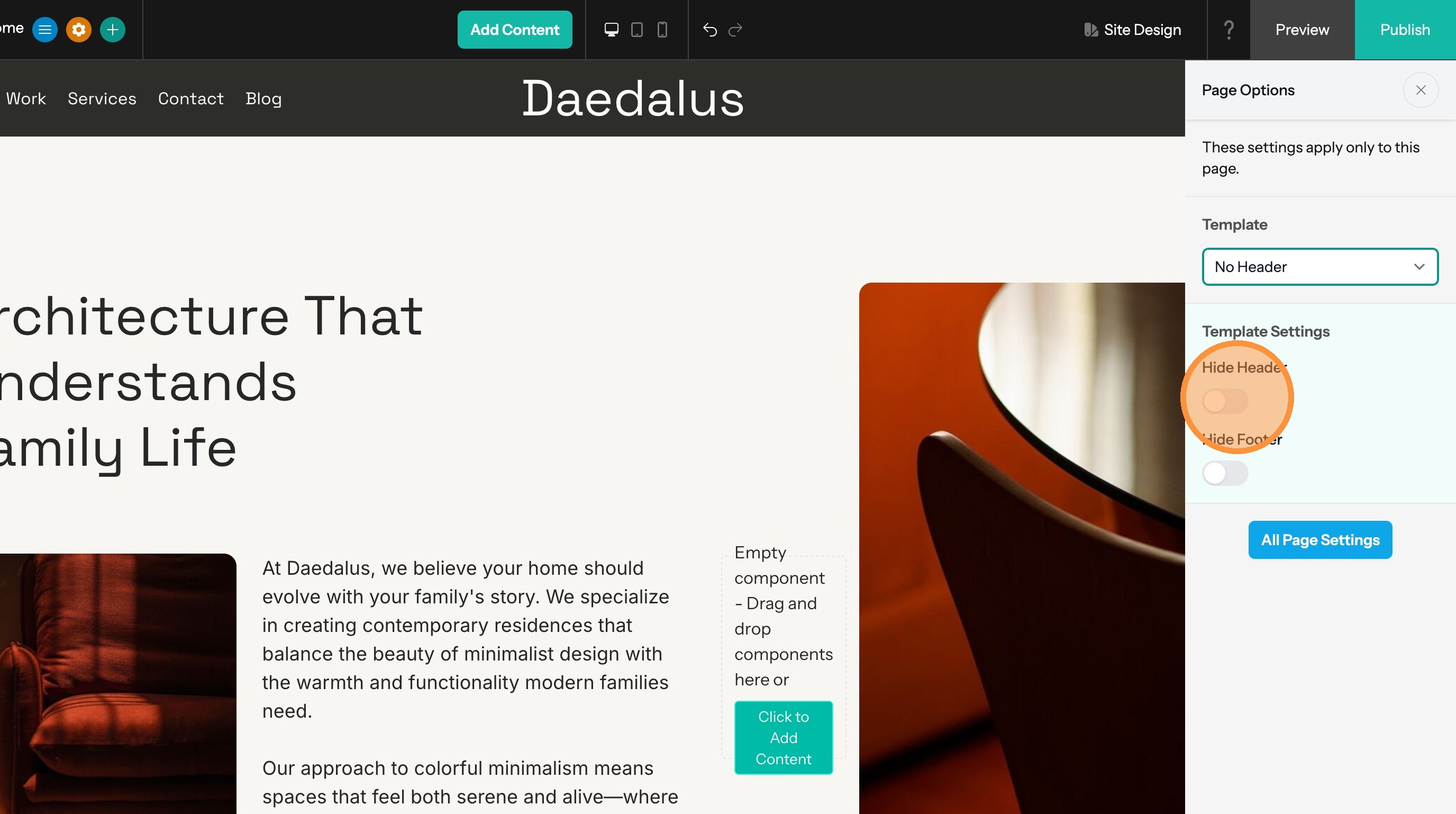
4. Hide the header to remove the logo and navigation links.
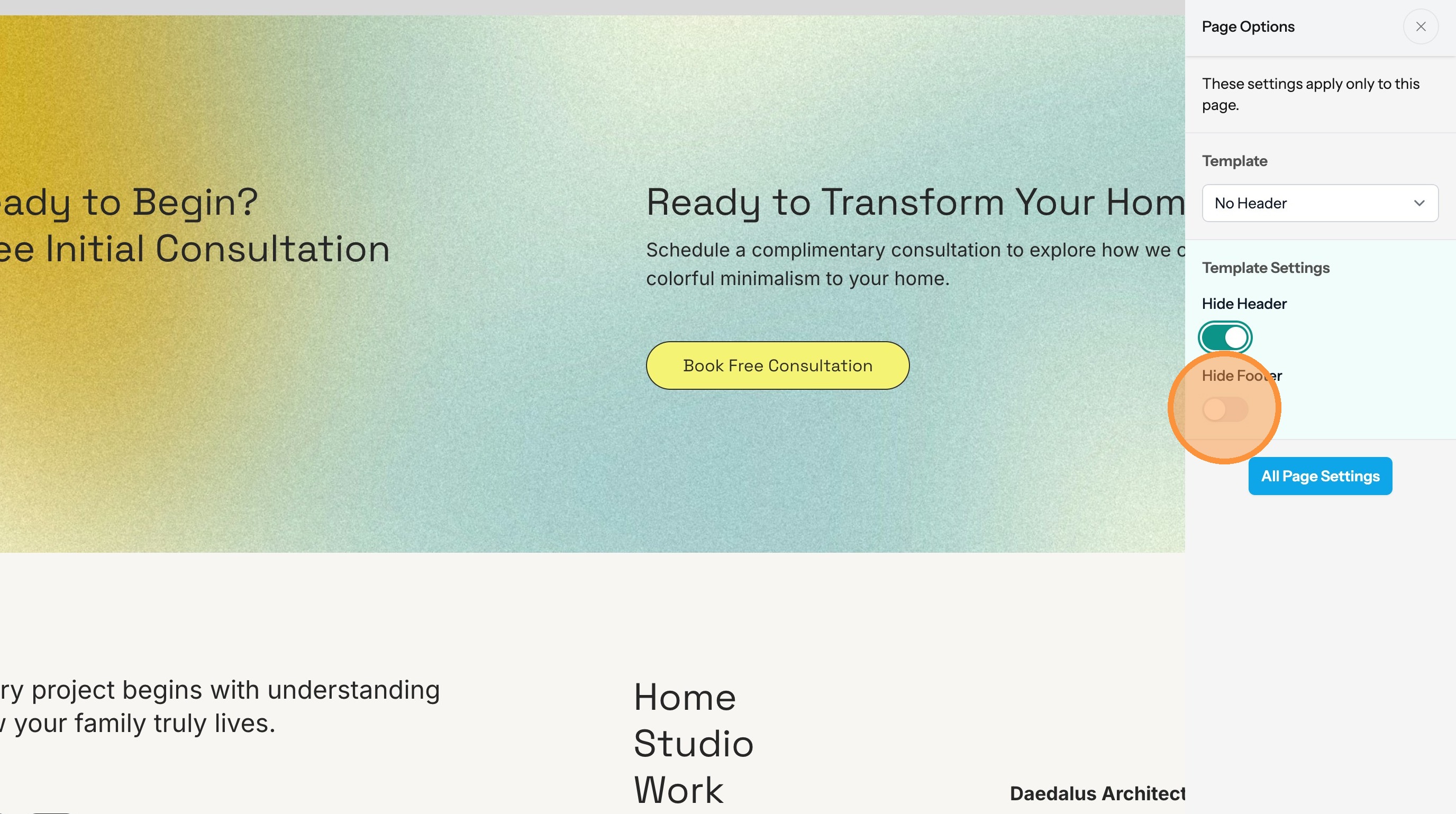
5. Hide the footer to remove the footer from the bottom of the page.
6. The "All Page Settings" button takes you to the rest of the page settings including page title, description, keywords, header/footer code, etc...