
How-To Guides
Step-by-step tutorials to help you get the most out of your Articulation website.
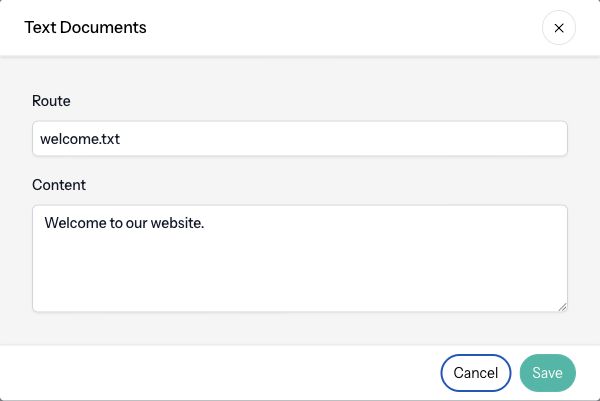
Add a Text Document at a Website URL
Serve text, JSON, or XML documents such as ads.txt at a chosen website path.

Preview, Publish, Update, and Unpublish Your Website
Check your changes, publish your website, and take it offline without deleting its content.
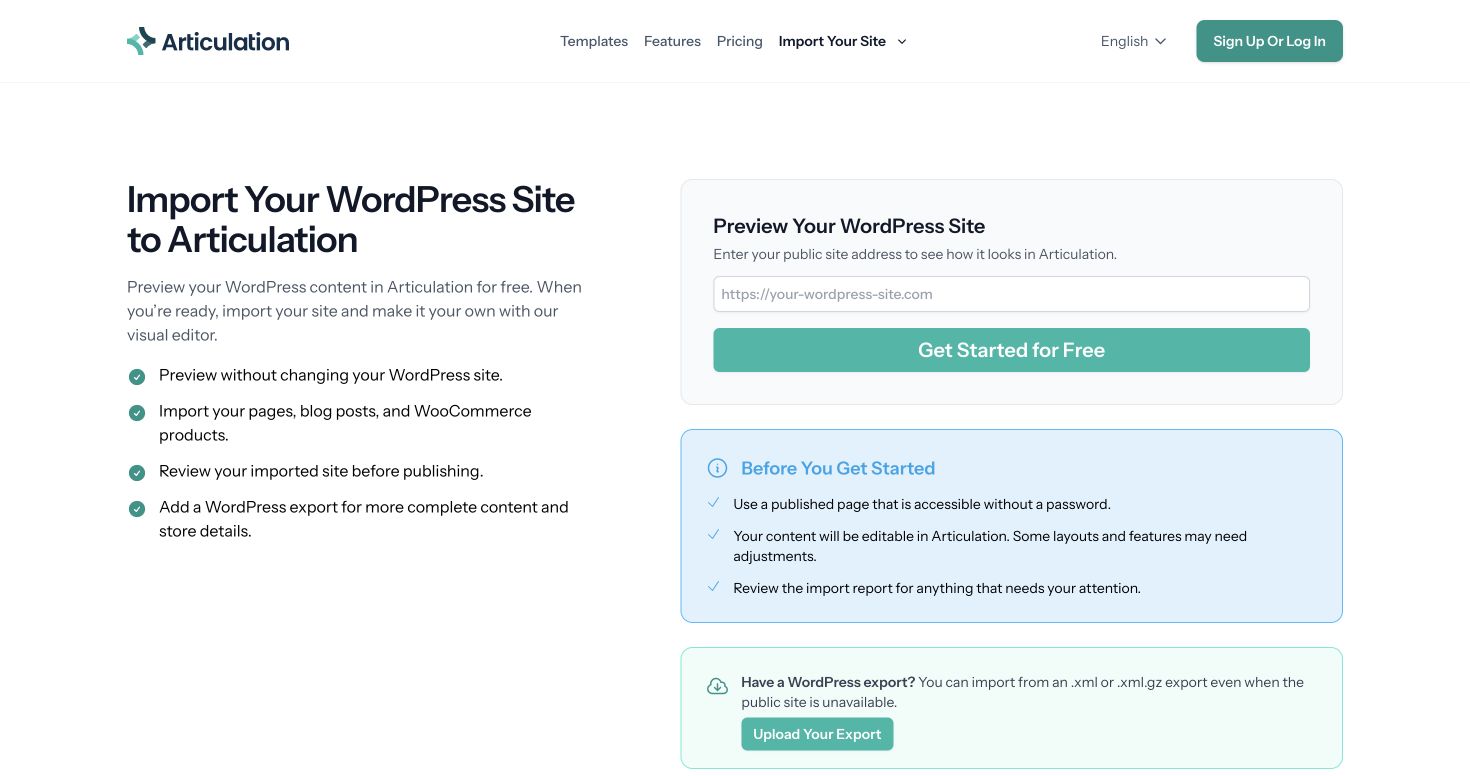
Import Your WordPress Site into Articulation
Preview or upload a WordPress export, import your site, and review content before publishing.
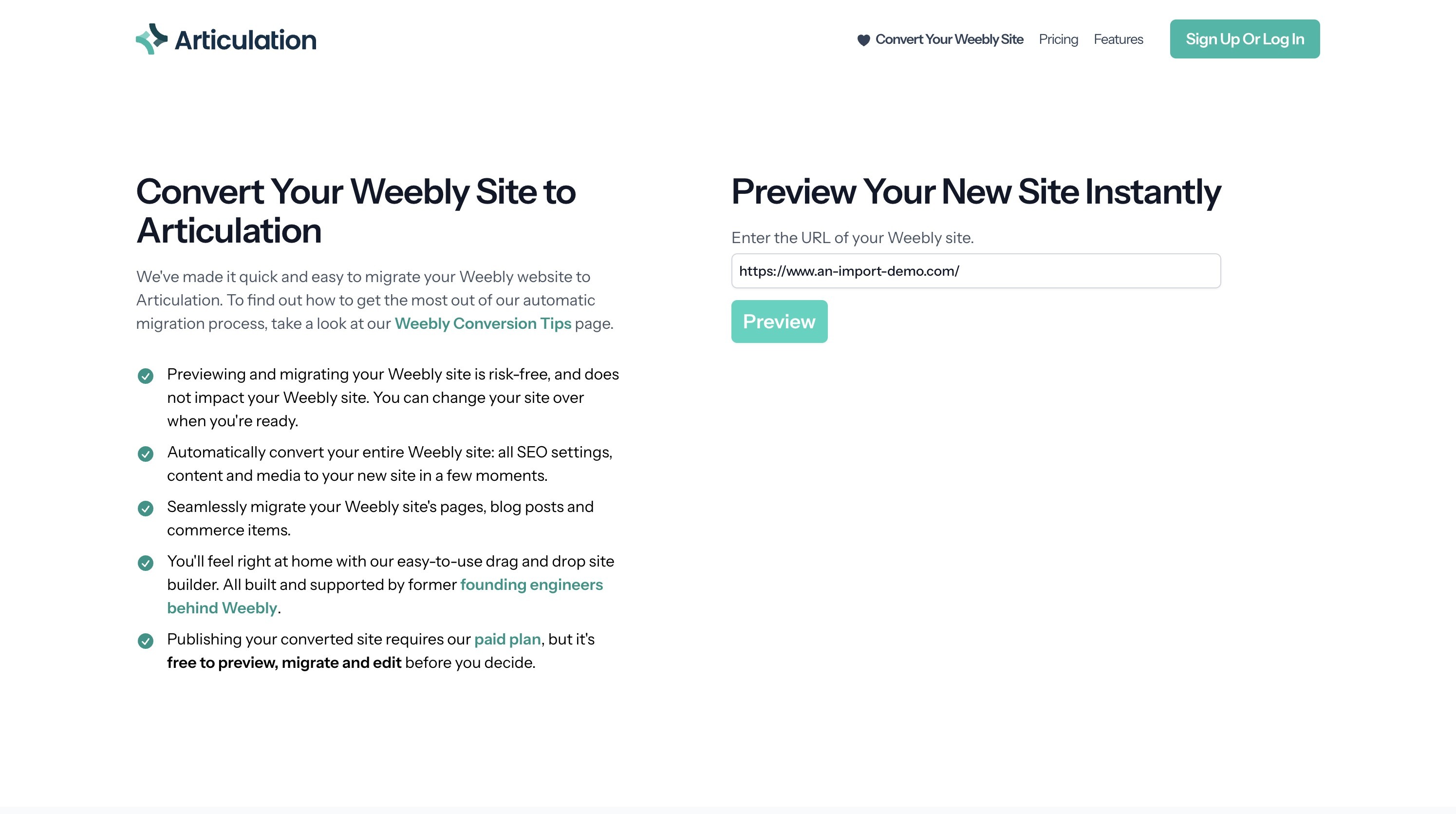
Import a Weebly Site and Connect a Custom Domain
Preview and import a Weebly site, review the result, and connect the domain using the exact required DNS records.
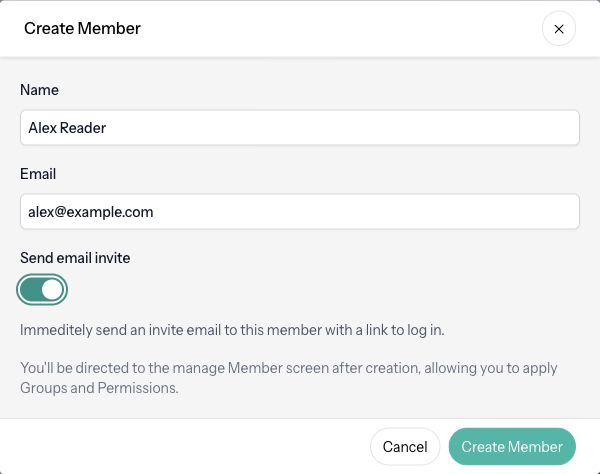
Add a Website Editor
Invite a collaborator and assign site editing permissions.
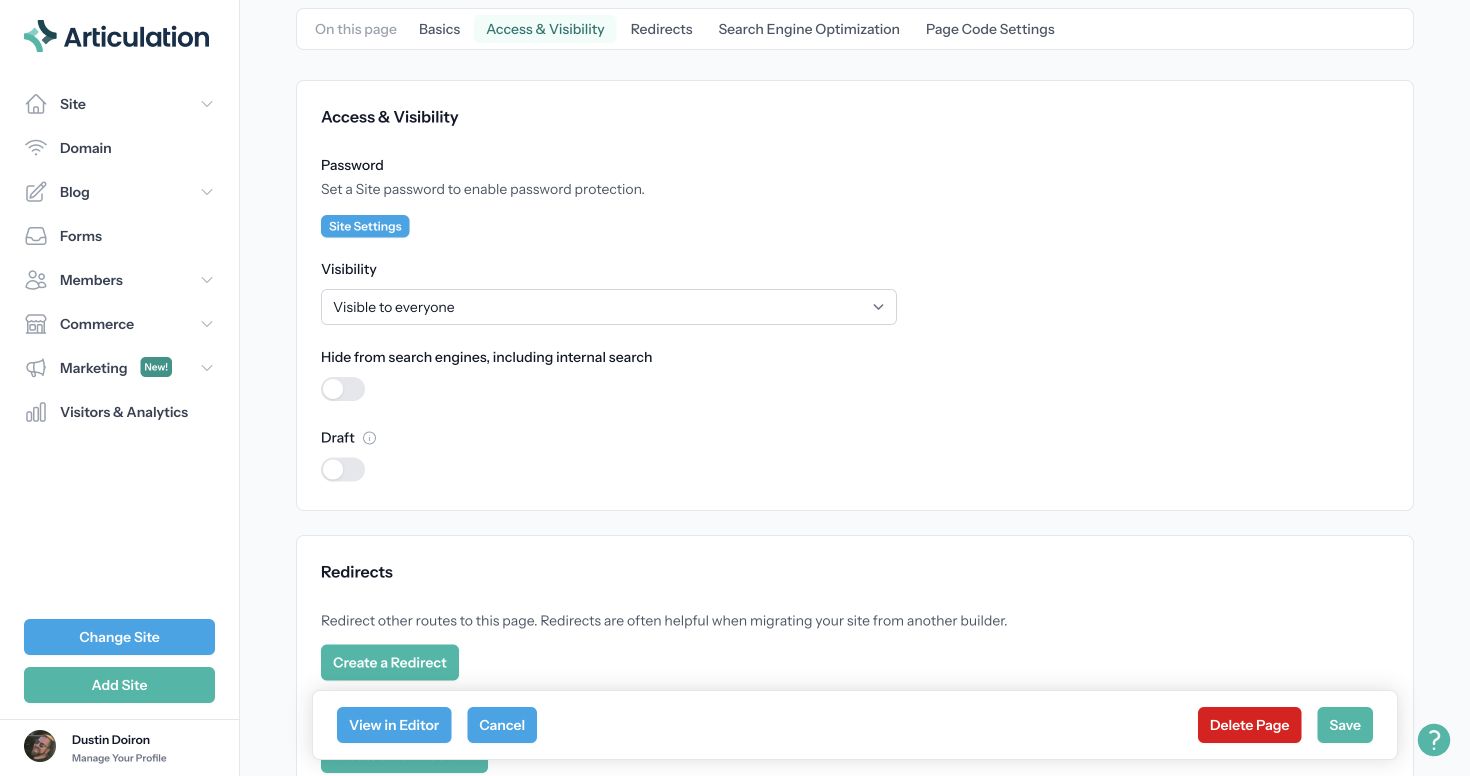
Site Passwords
Set a site password, apply it to selected pages, and check published access.
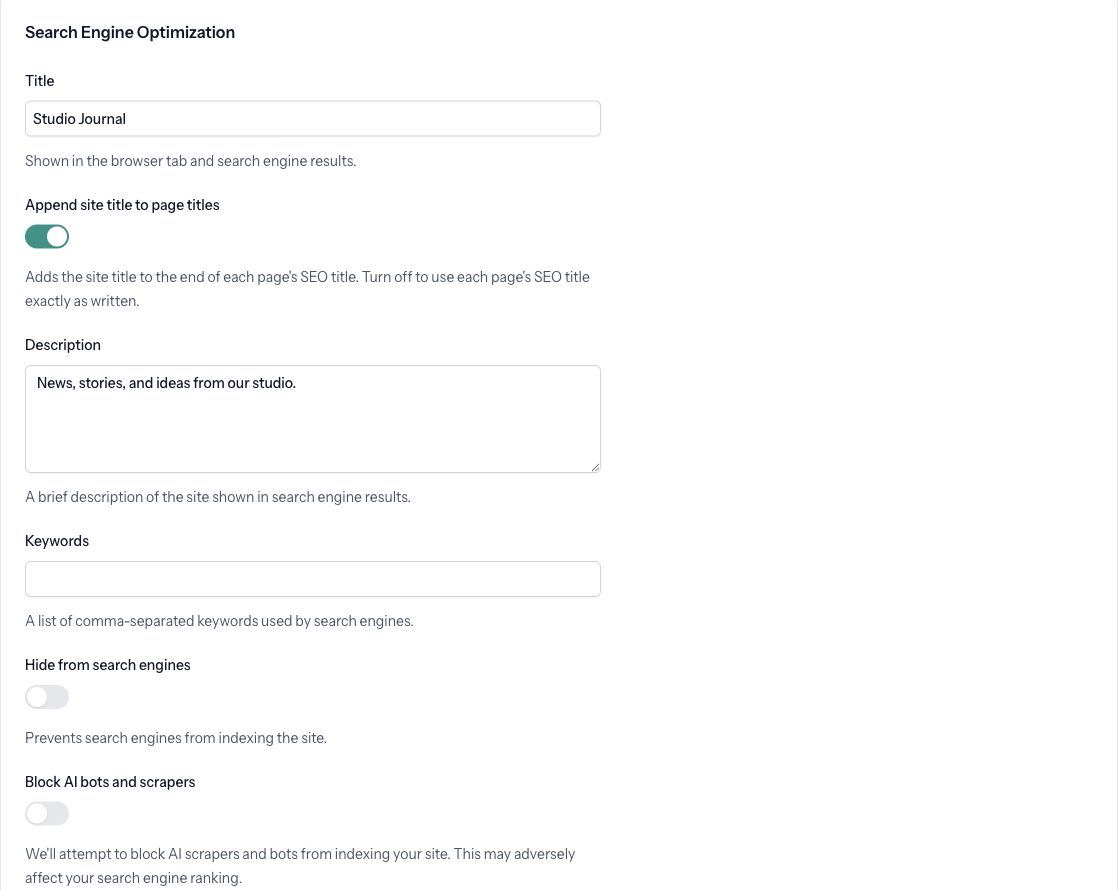
Improving your Search Engine Optimization (SEO)
Set useful titles and descriptions, check visibility, and publish SEO updates.
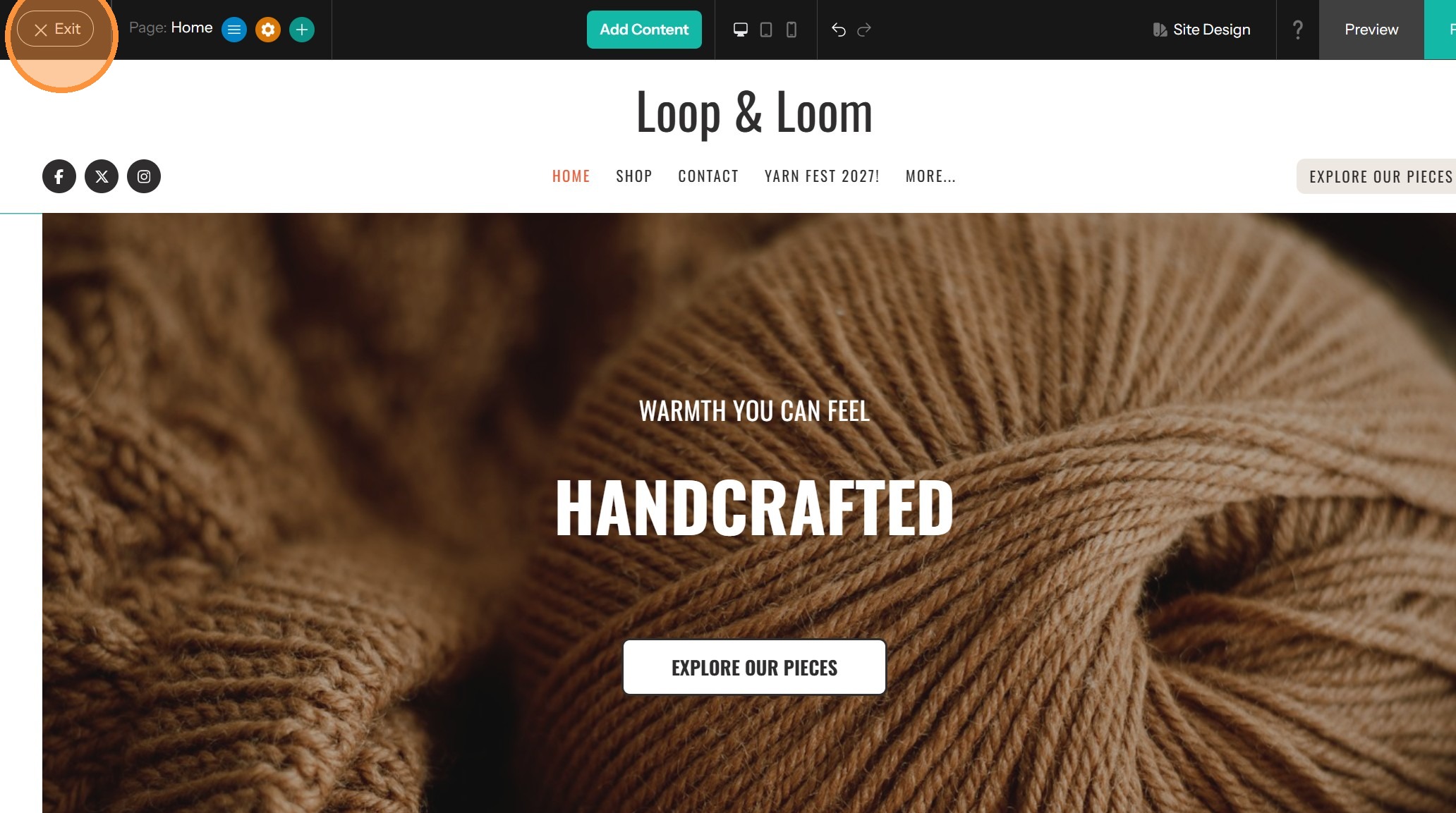
Log Out and Log In
Sign out from your profile and sign in with your email code.
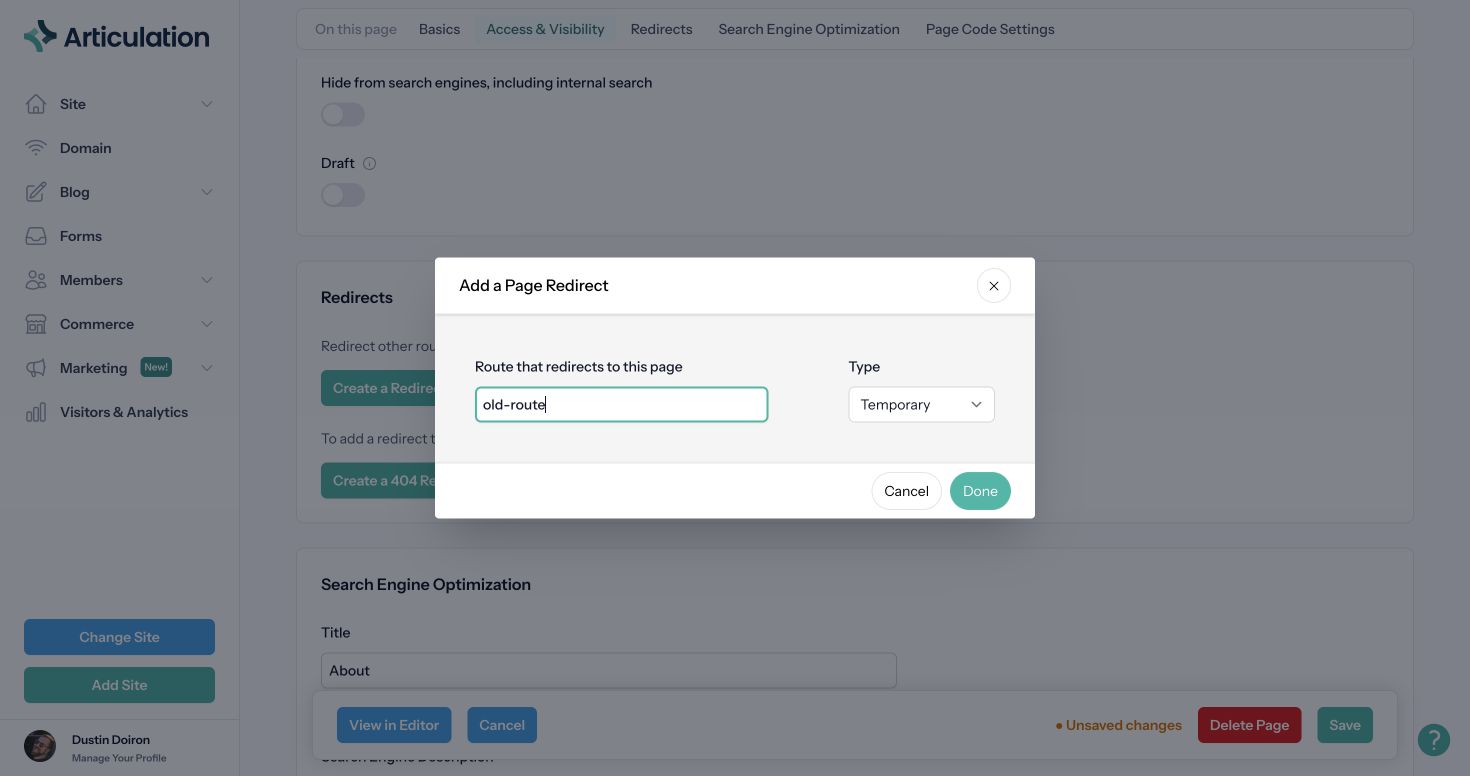
Create a Page Redirect
Redirect an old route to a page, choose a temporary or permanent response, and check the destination.
Delete a Site
Understand deletion eligibility and unpublish before deleting a site.