Create a Page Redirect
Learn how to add a redirect for one of your site's pages.
Access Page Settings
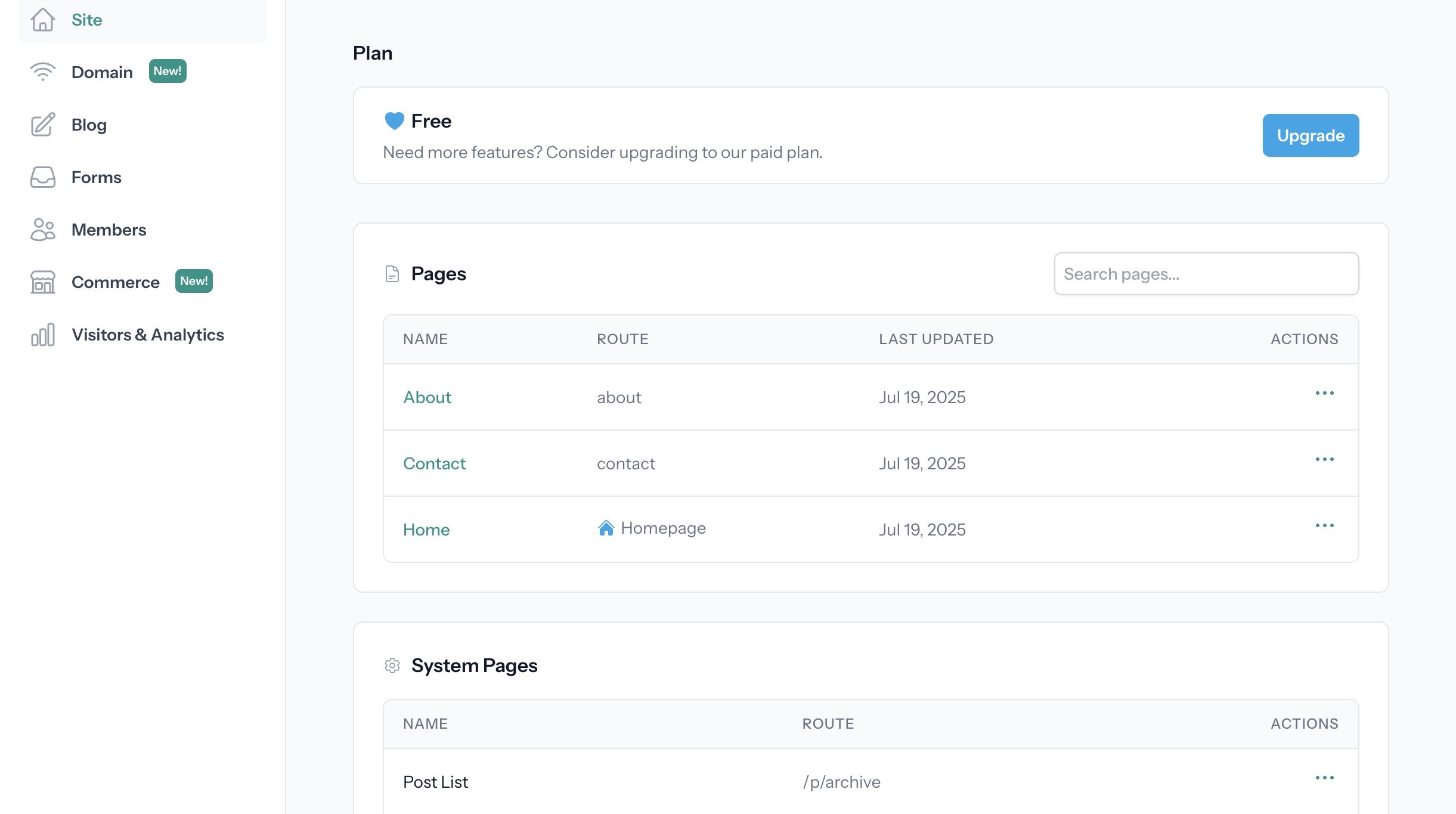
1. Start from your site dashboard
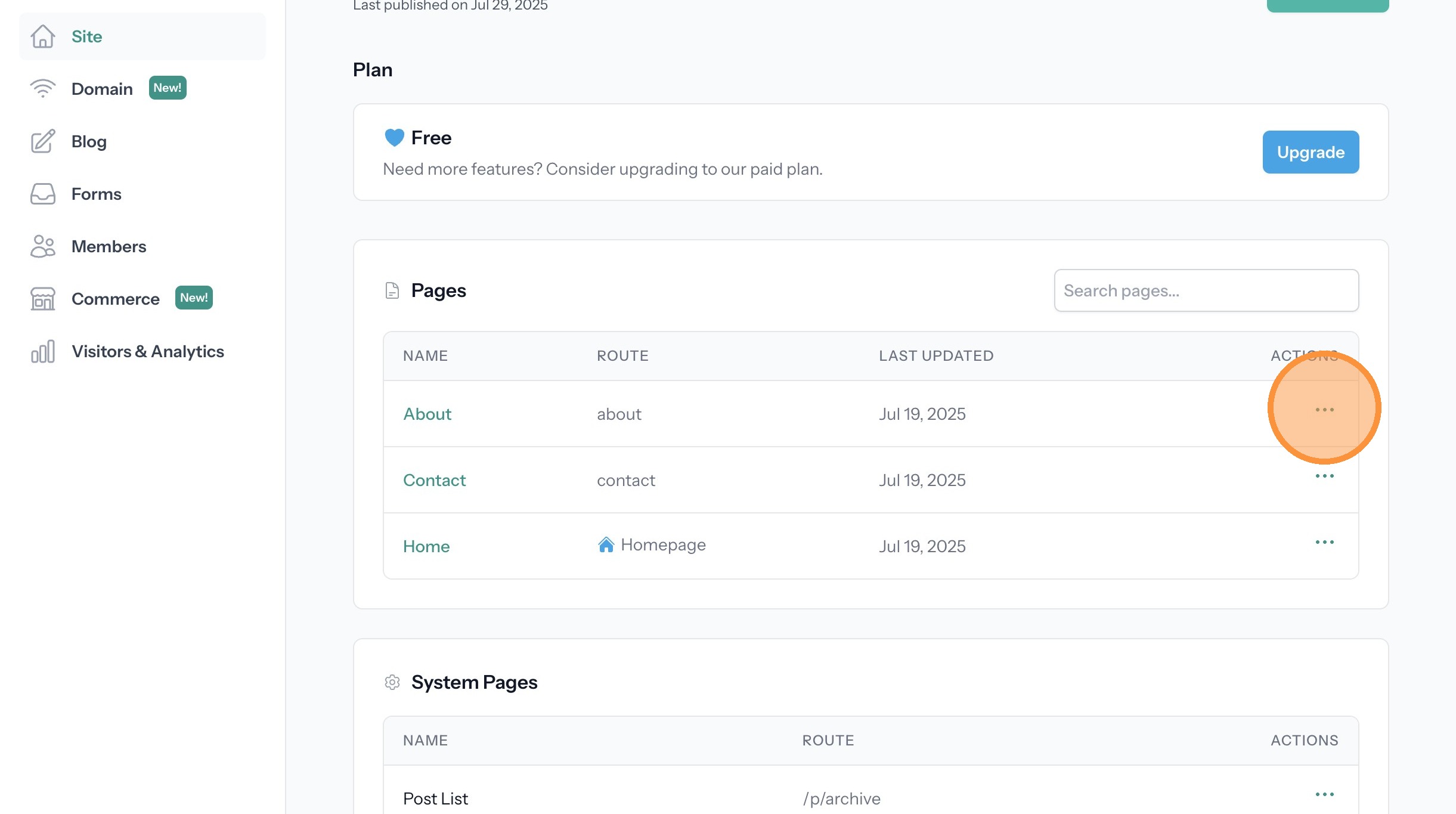
2. Click the actions menu (three dots) for the page that is the destination for the redirect
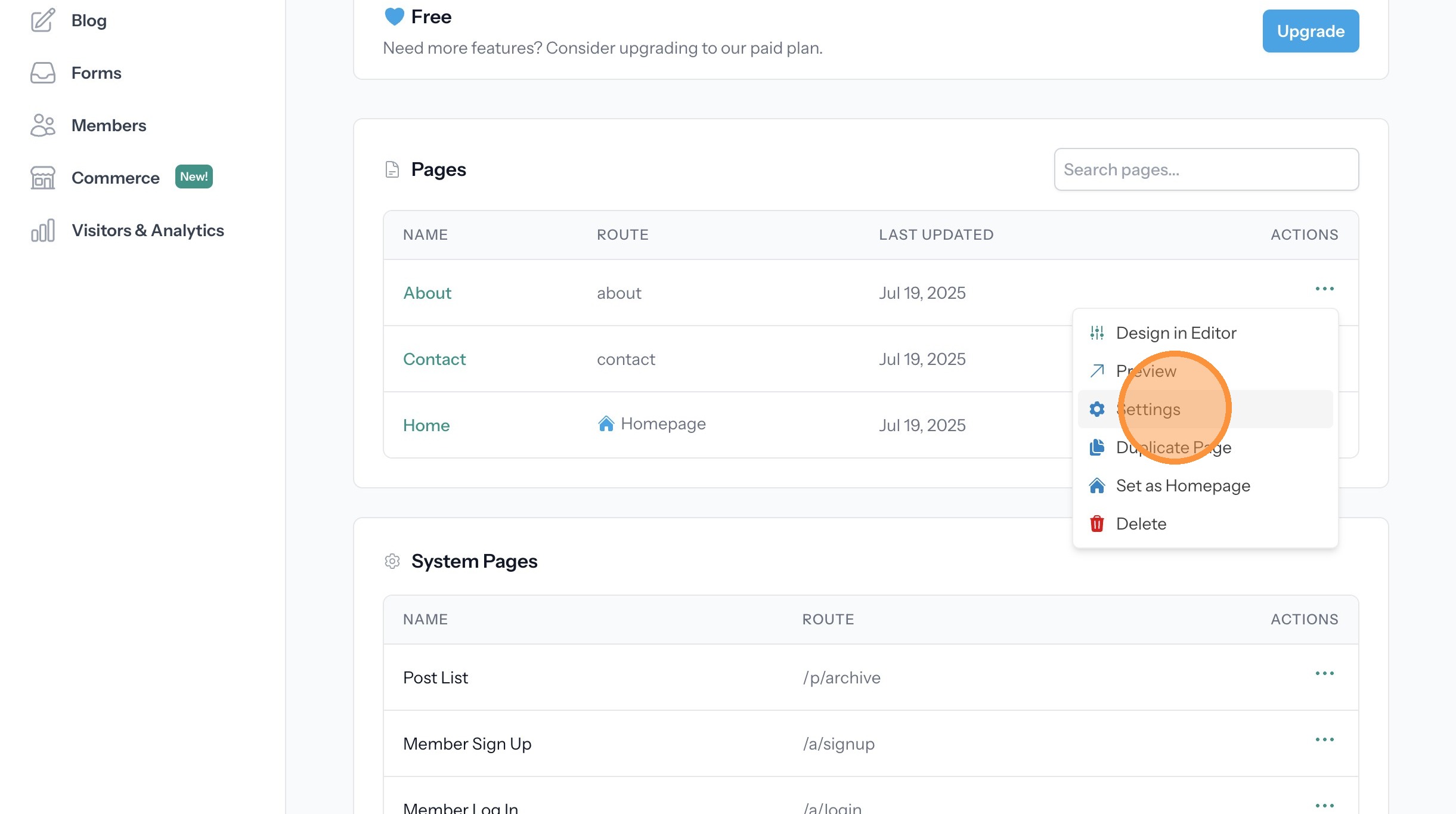
3. Click "Settings"
Configure Page Redirect
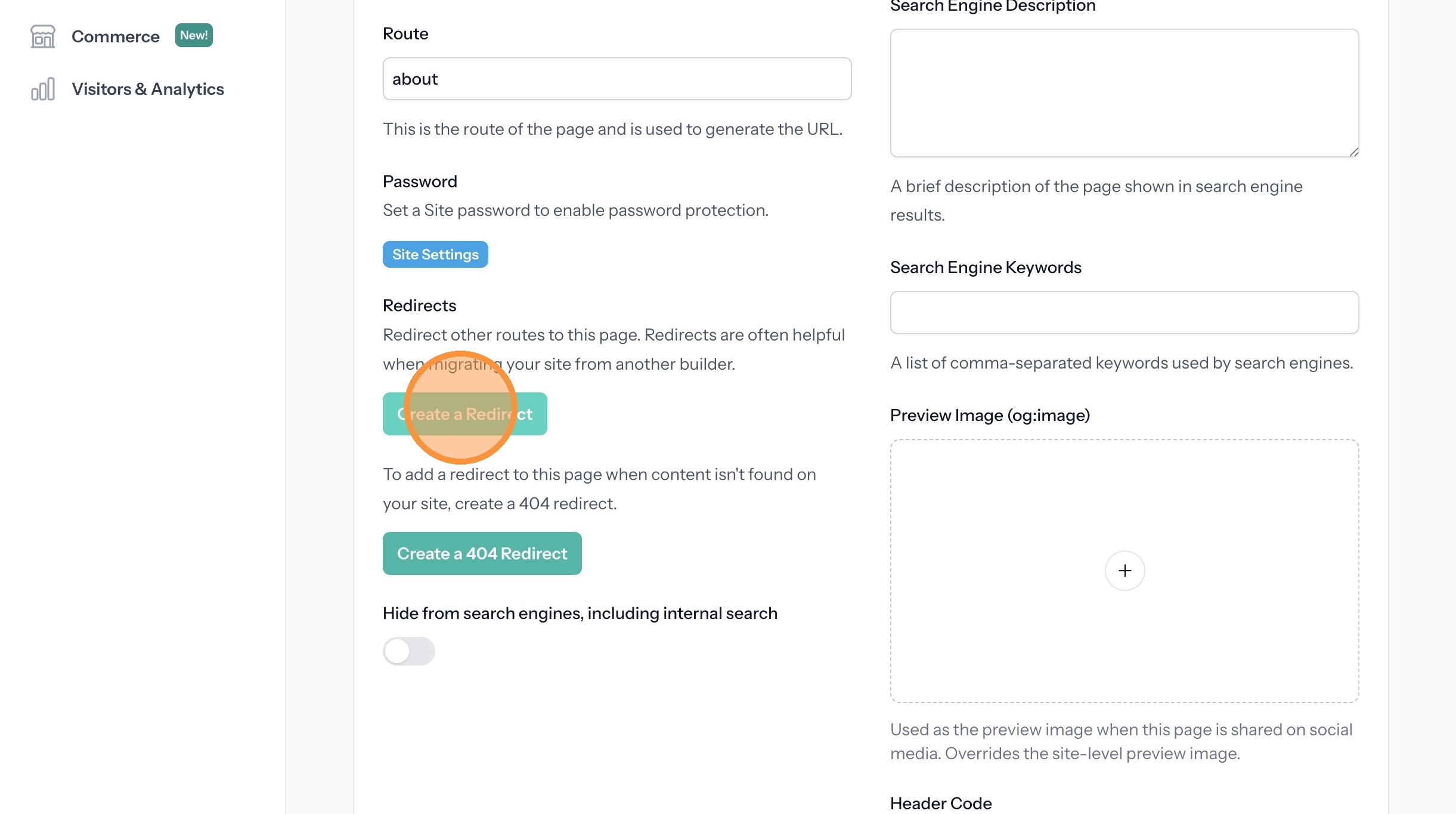
4. Click "Create a Redirect"
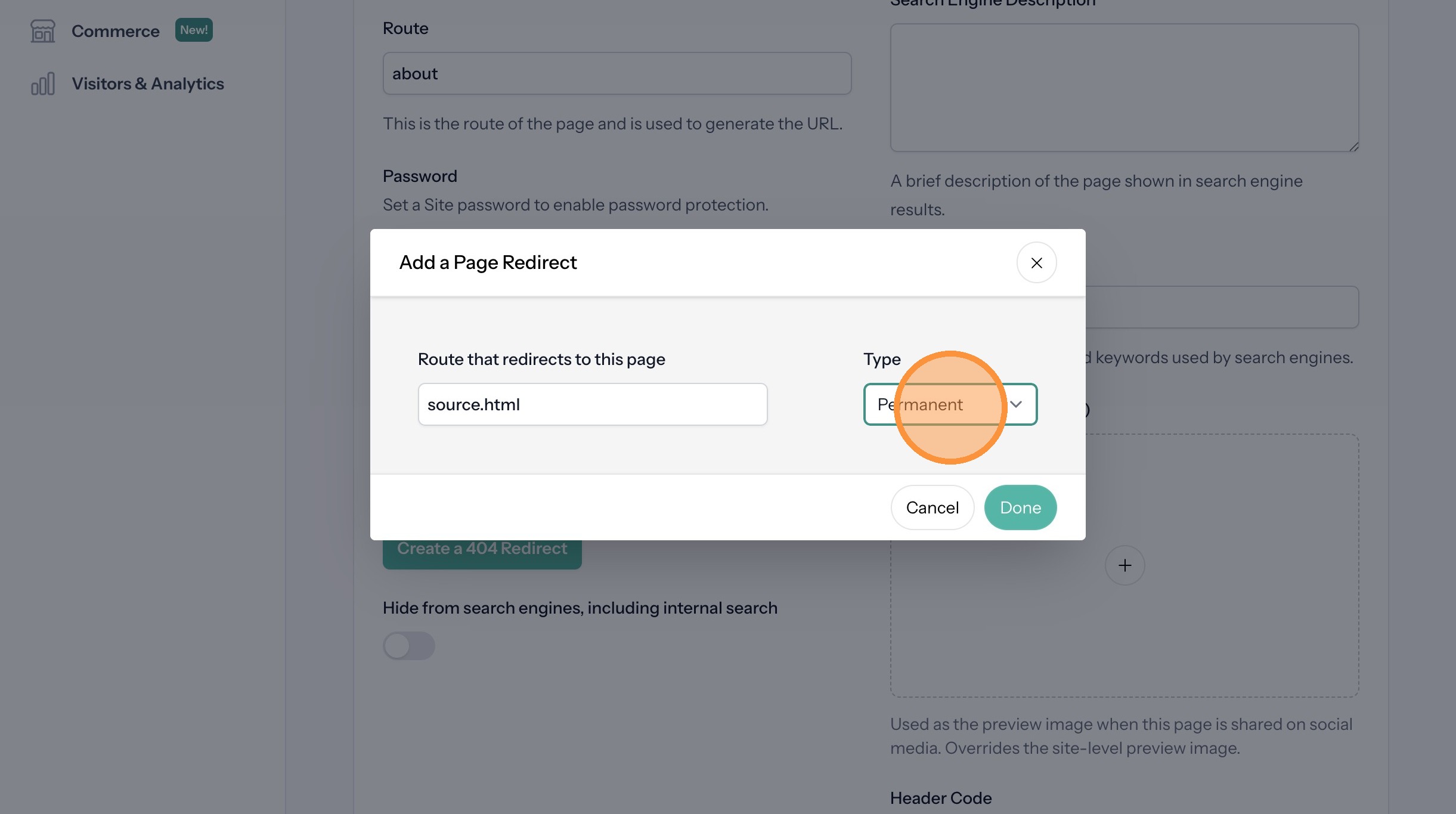
5. Enter the route you want to redirect into the "Route that redirects to this page" field. If your goal is to redirect "https://my-domain.com/source.html" then enter only "source.html"

6. Select either Temporary or Permanent depending on how long you intend to keep the redirect.
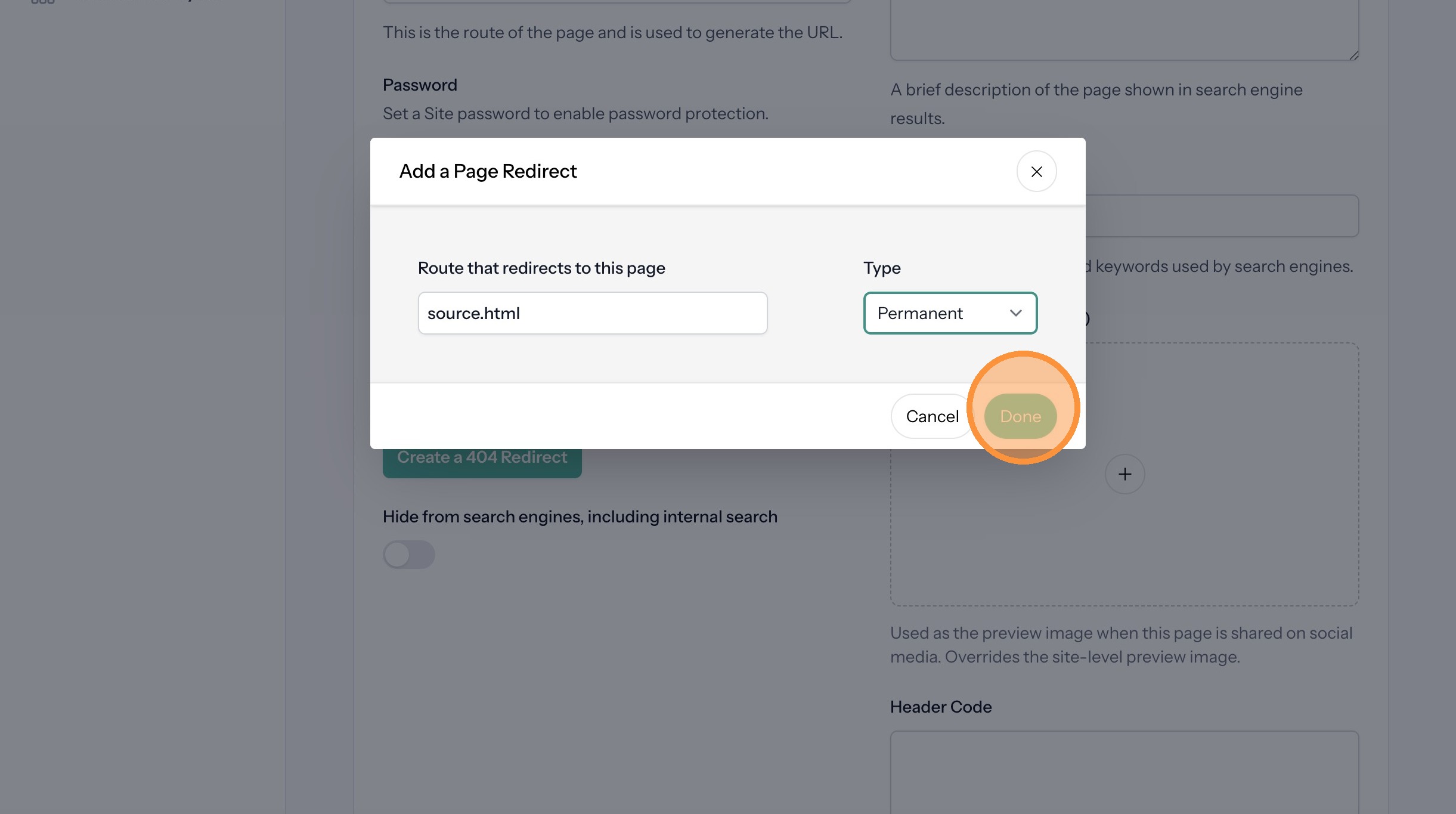
7. Click "Done"
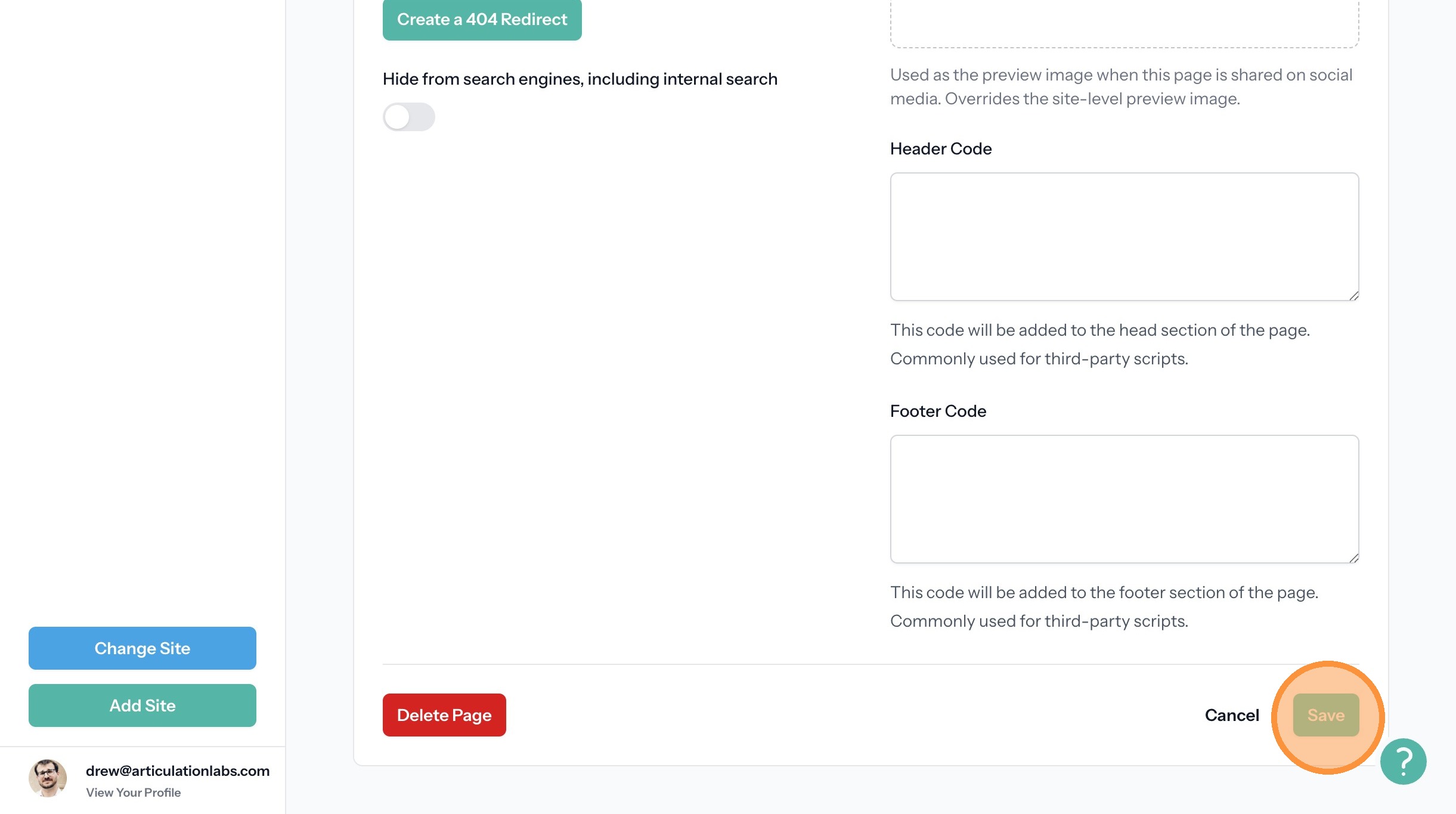
8. Click "Save"