Add a Website Editor
Shows how to add a new website member that can be given permission to edit your website.
Add Member
1. Start at the site dashboard.
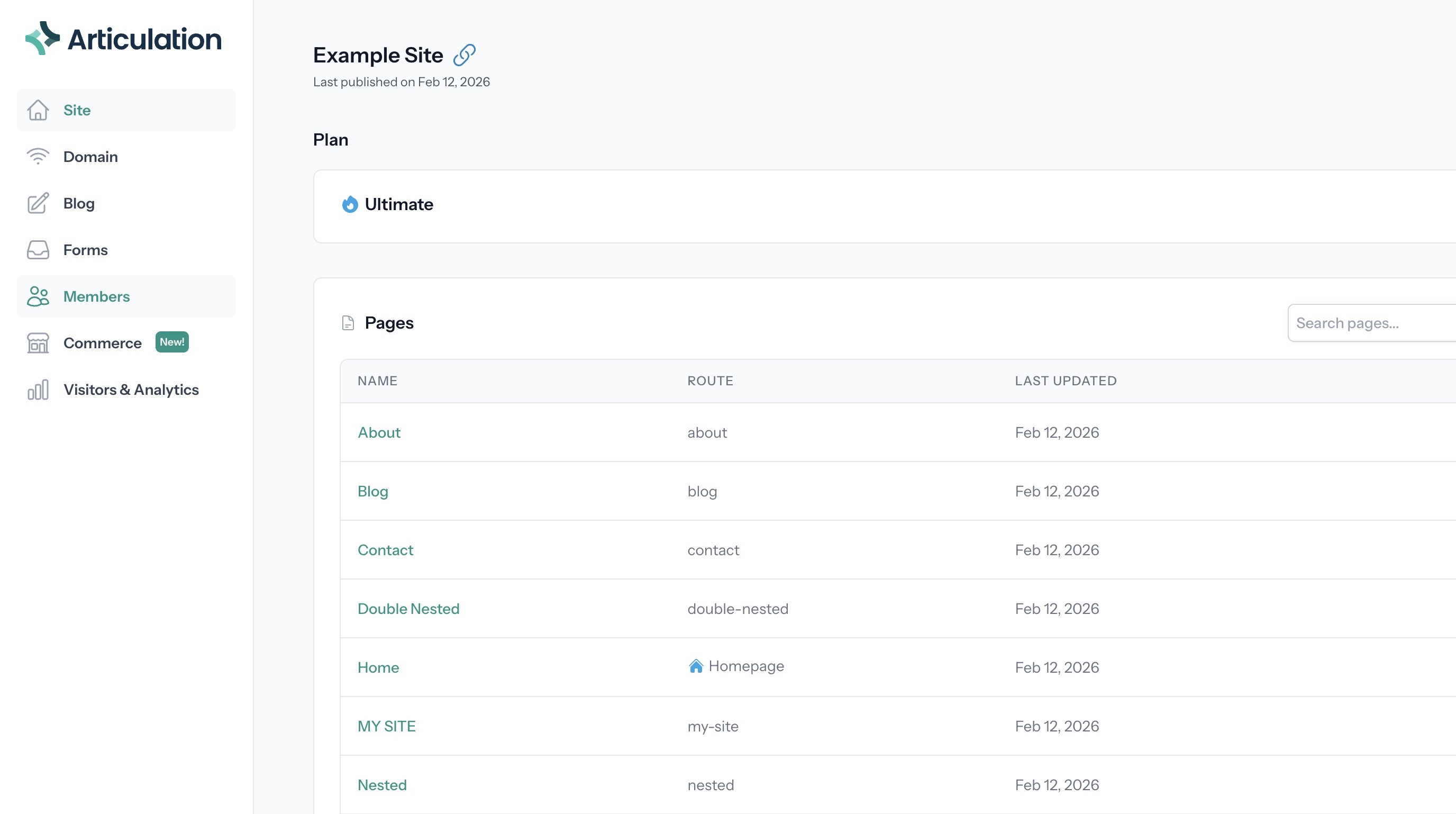
2. Click "Members"
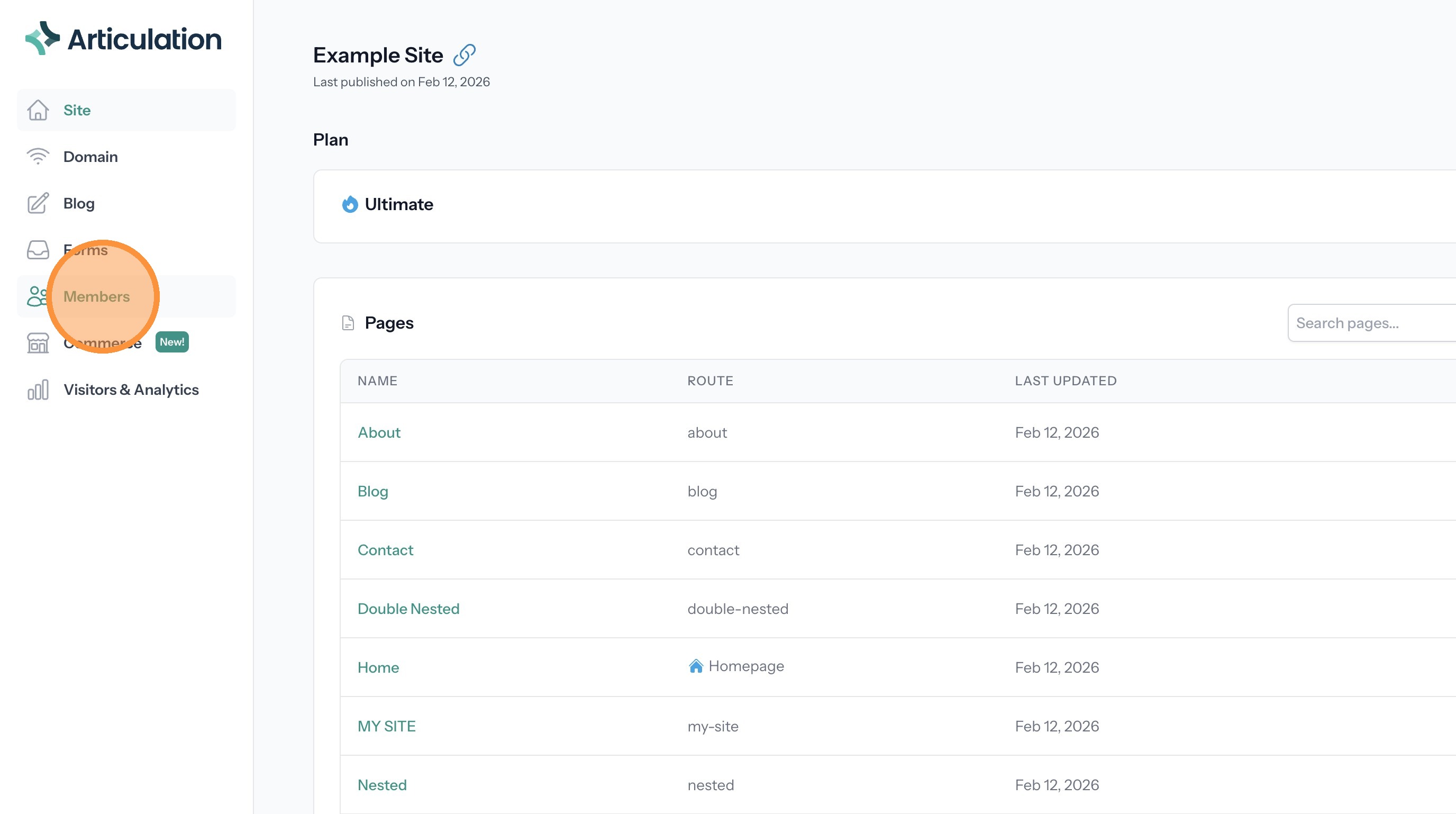
3. Click "Invite Member"
4. Enter the member's name.
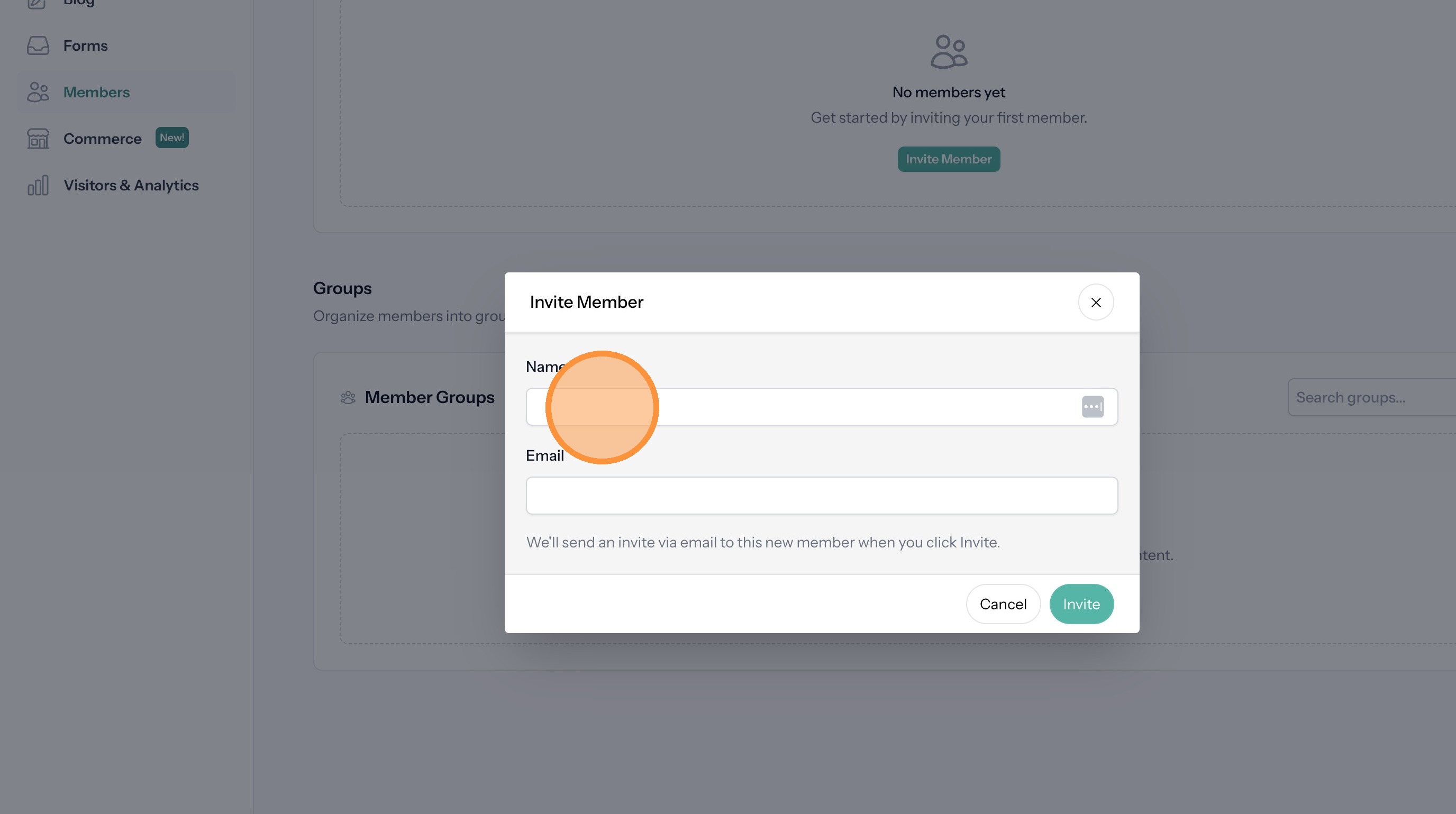
5. Enter the member's email
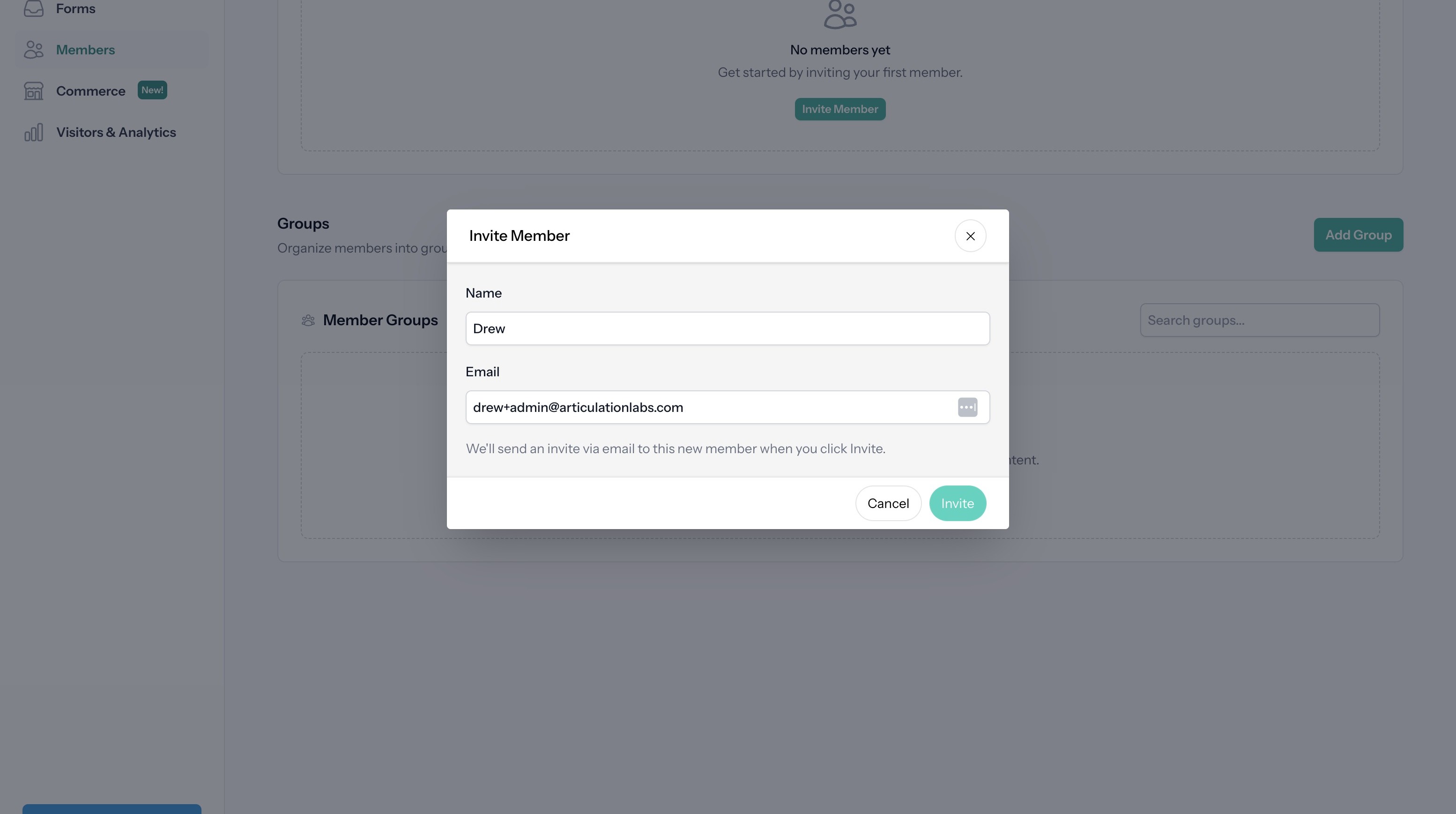
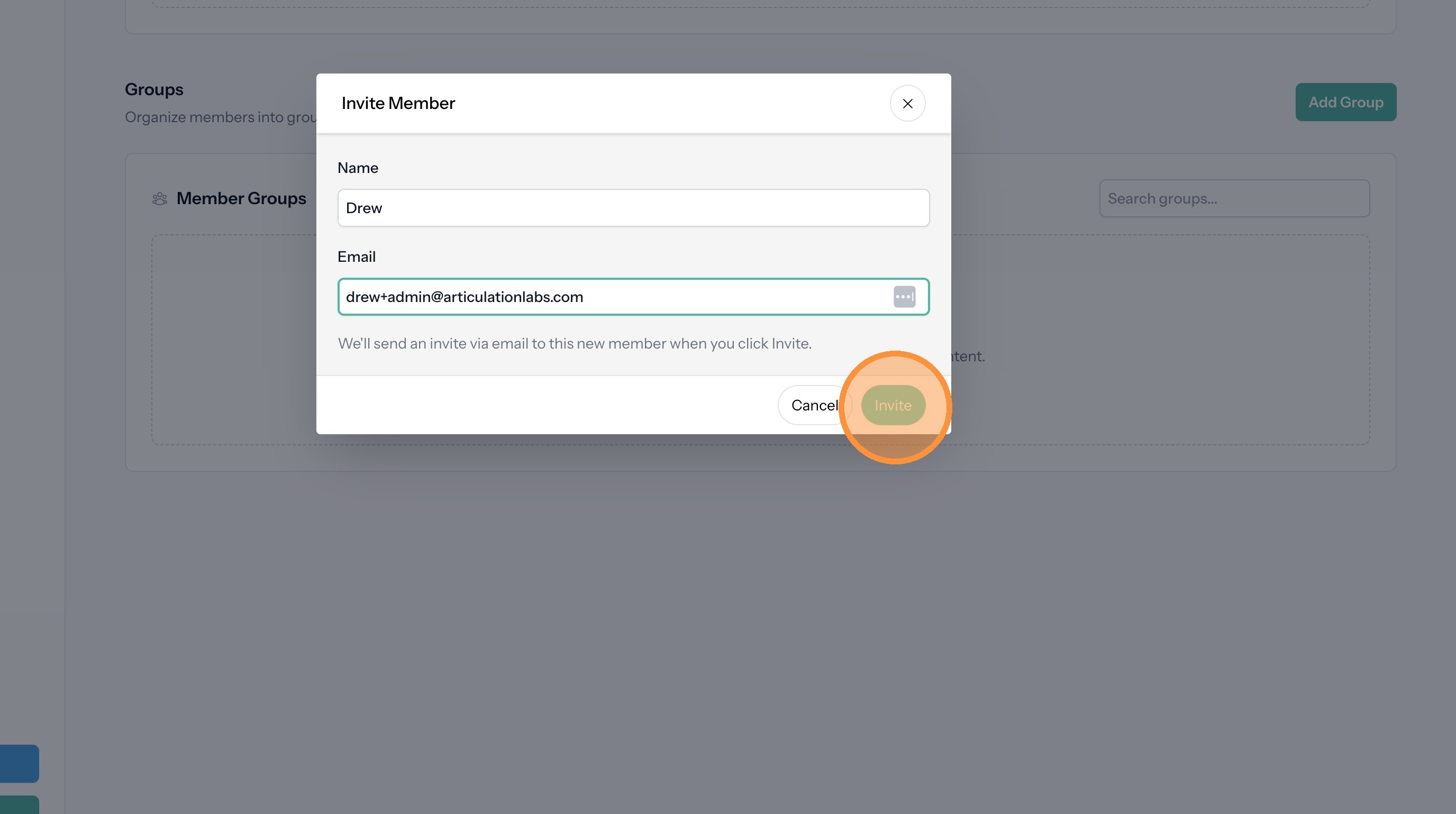
6. Click "Invite". This will send an invitation email including a login link to the member.
Set Member Permissions
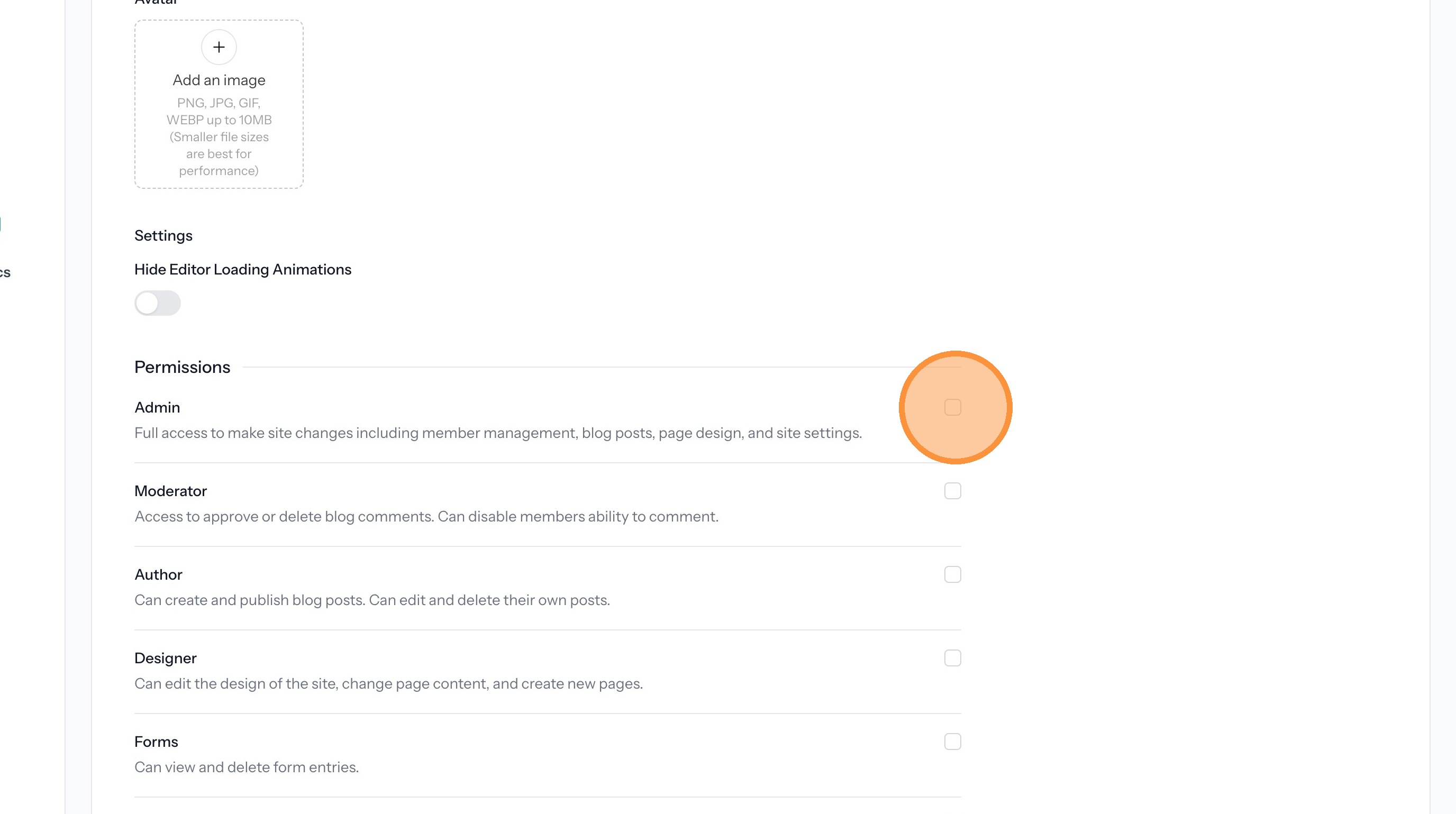
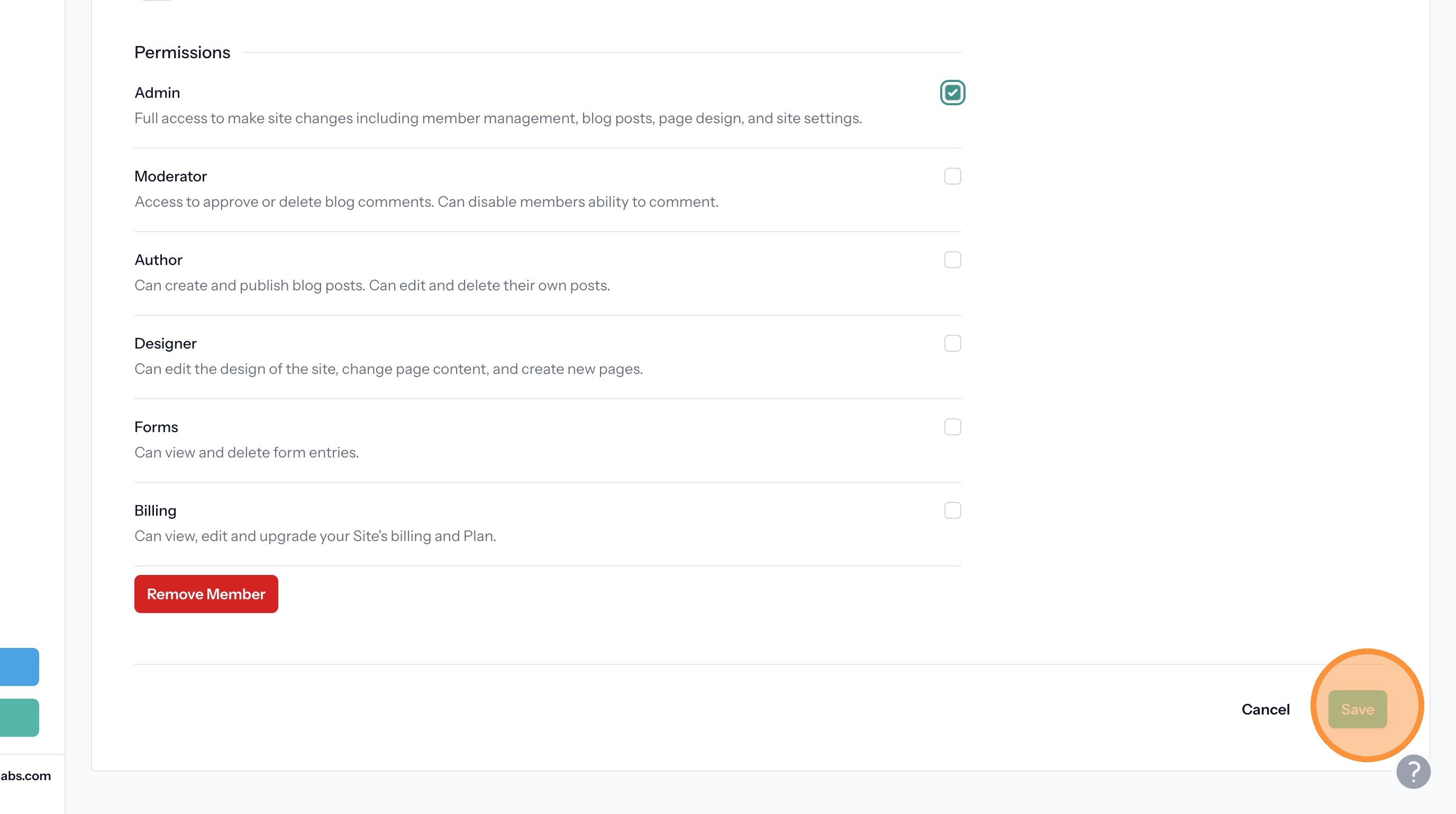
Tip: By default members don't have permission to do anything to the site. You must first select which permissions they will have.
7. Click the checkboxes next to the desired permissions.
8. Click "Save"
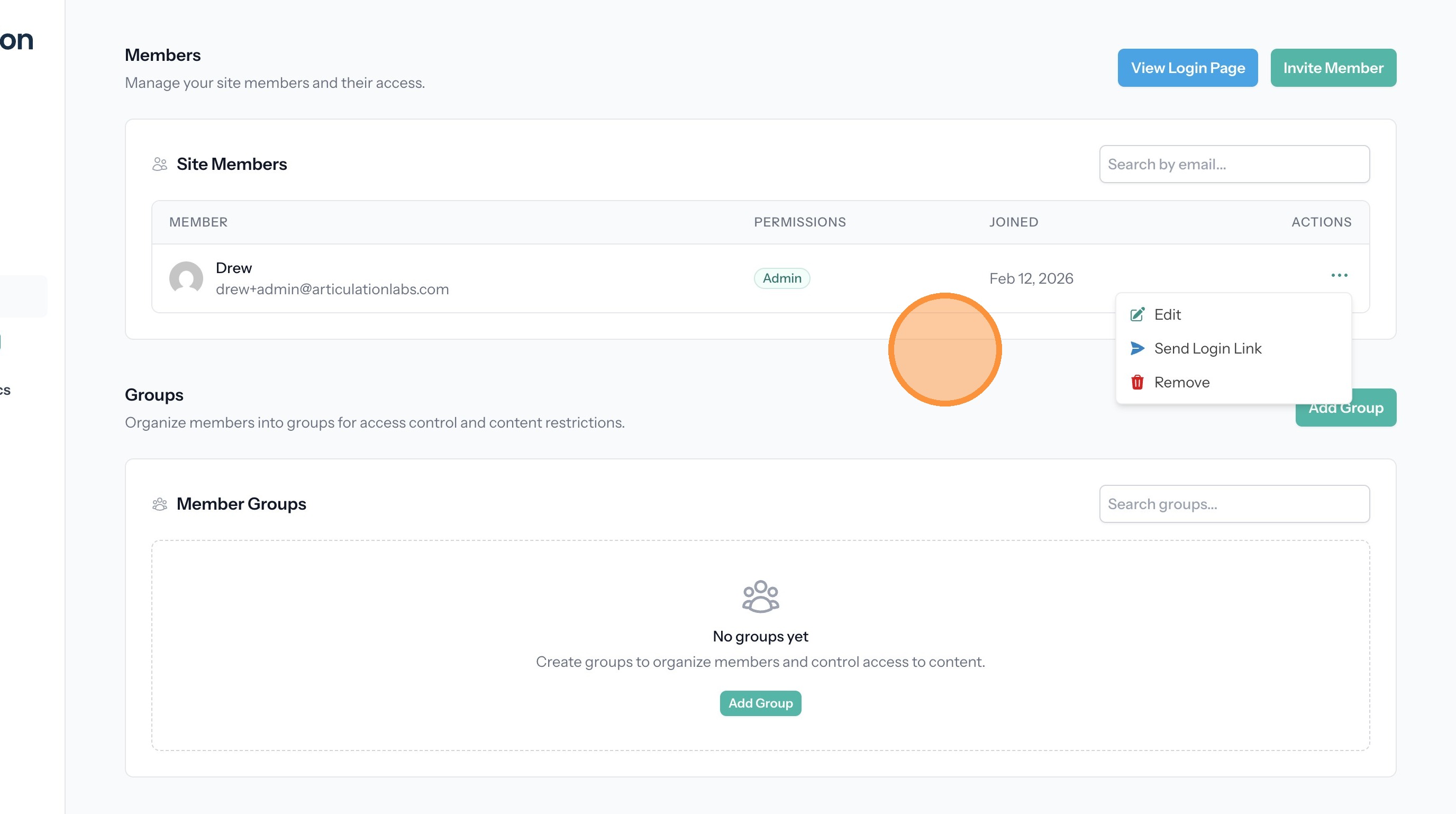
Manage Members
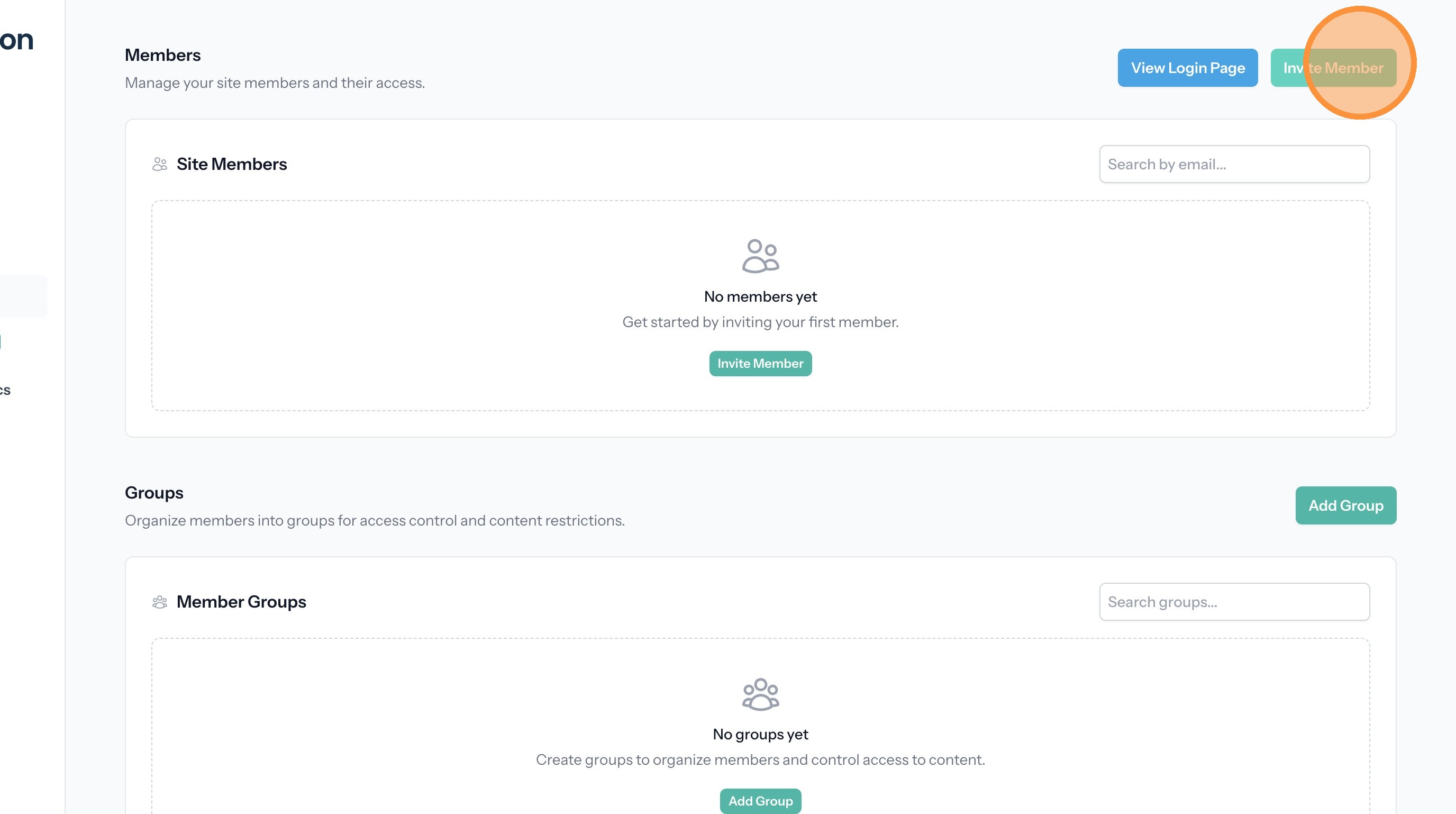
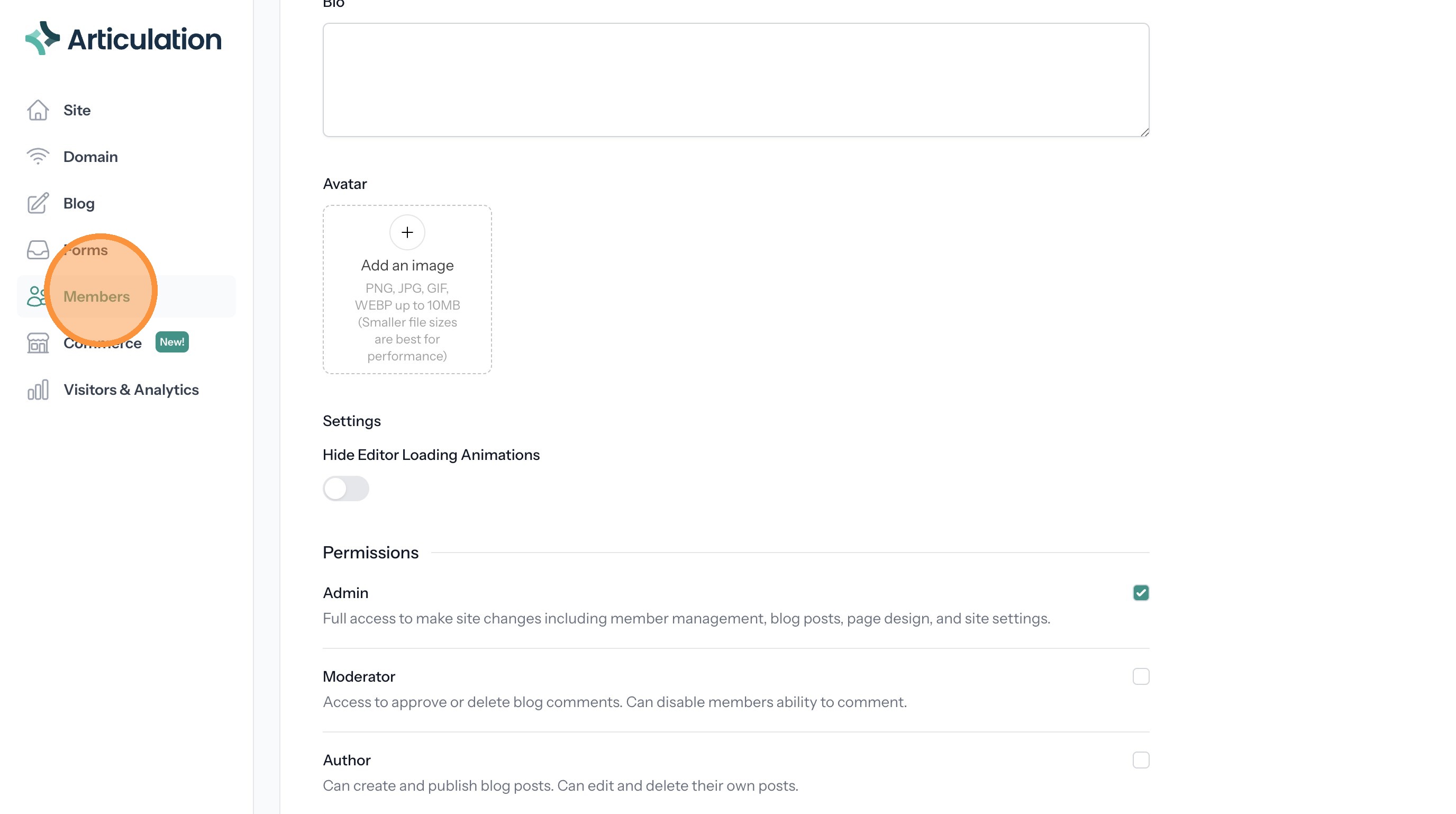
9. Click "Members"
10. Click the three dots next in the Actions column to open the menu.
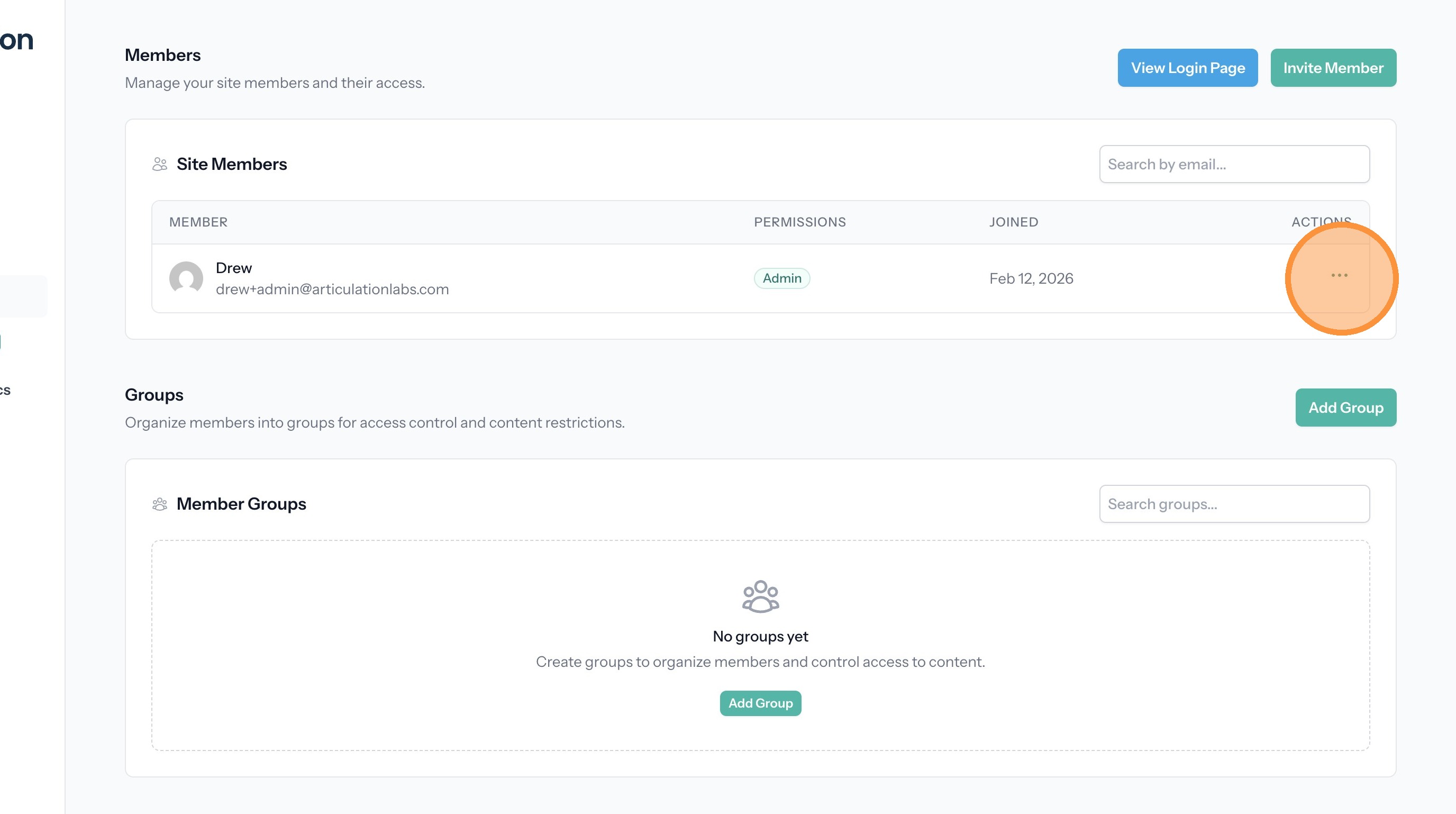
11. The menu options allow you to edit the member, resend the login link, or delete the member.