
Connect a Domain Registered at Porkbun
A guide to connecting a domain registered at Porkbun
Connect Domain
1. Start at your site's dashboard in Articulation
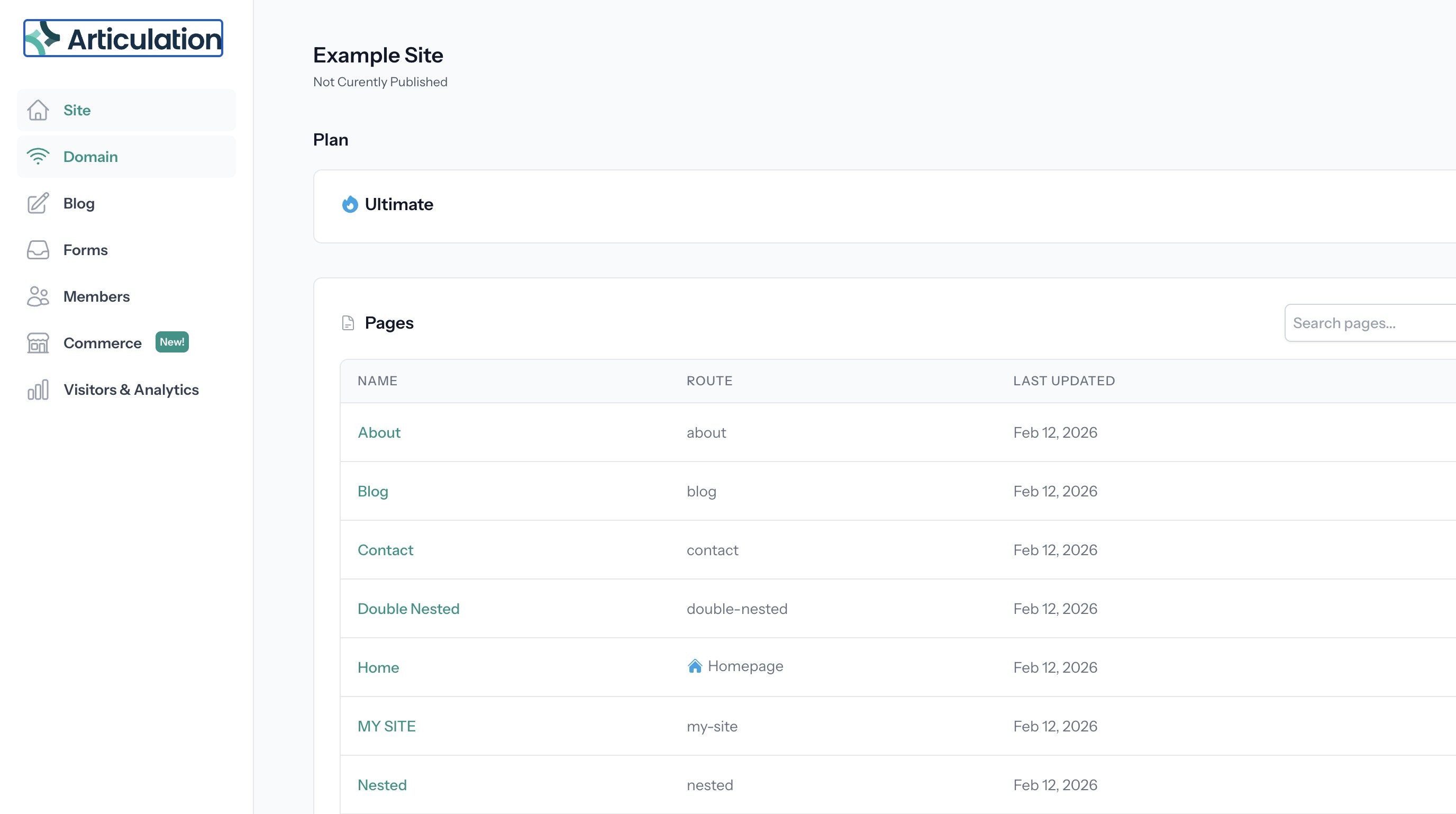
2. Click "Domain"
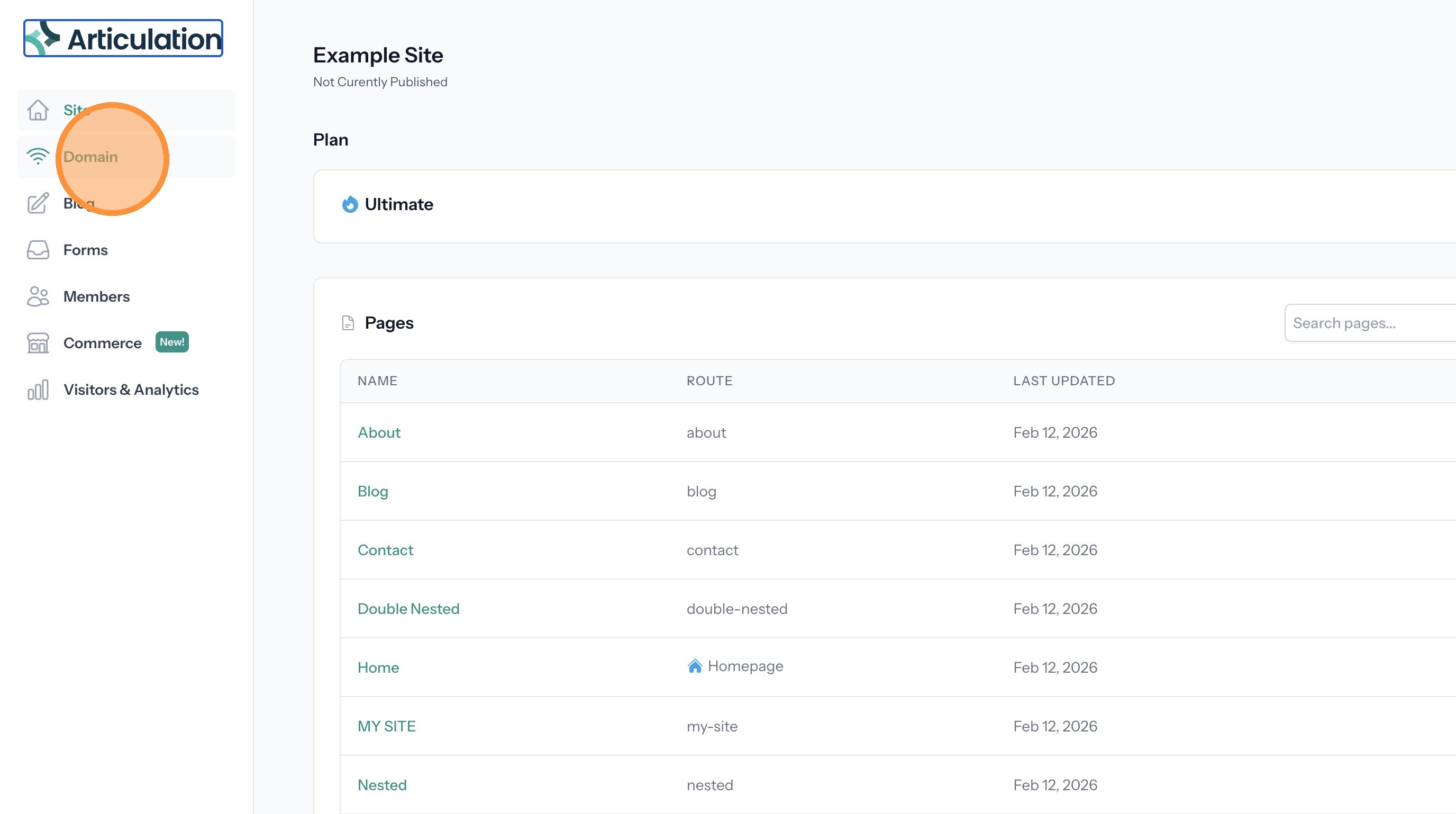
3. Click "Domain"
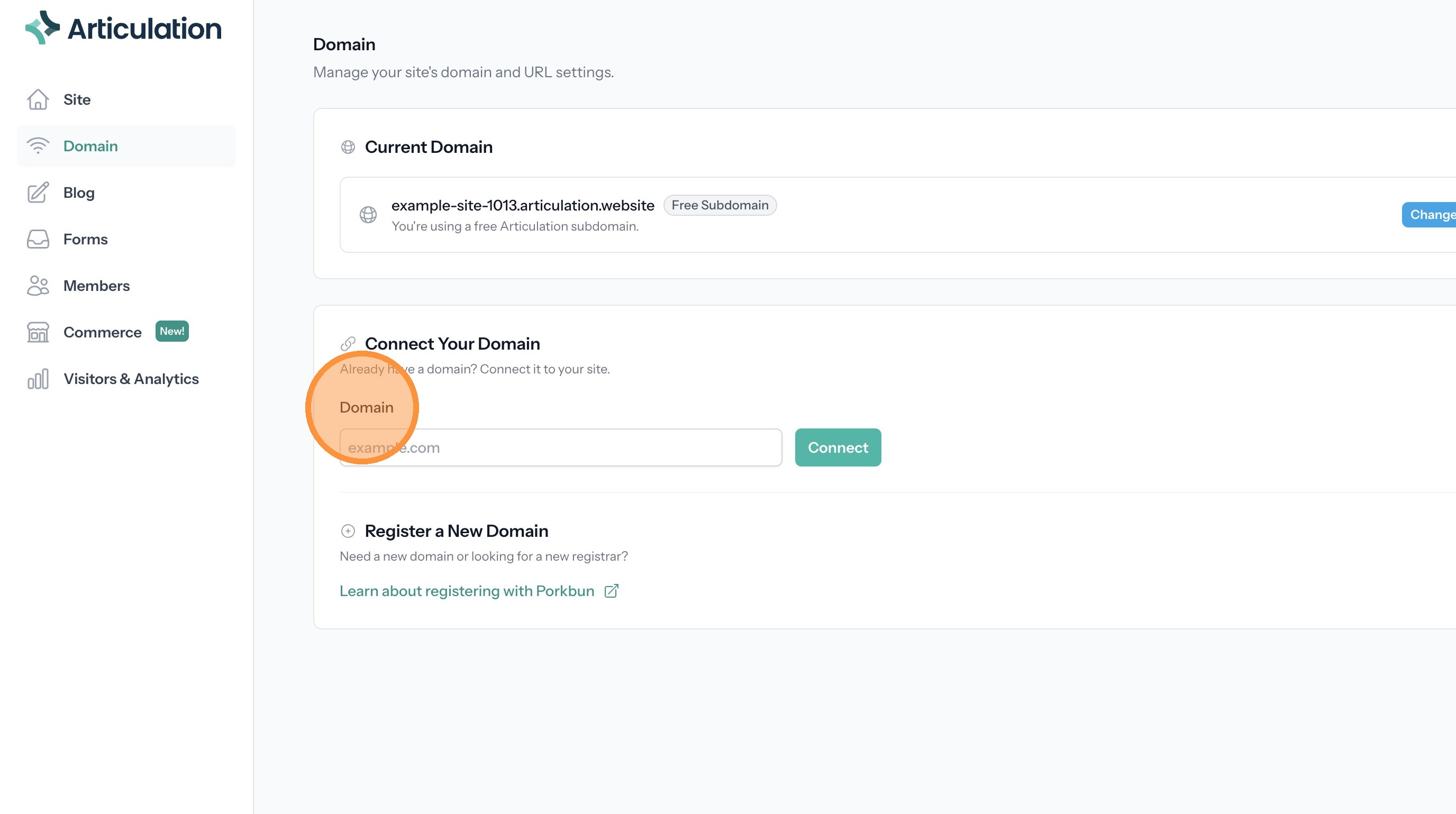
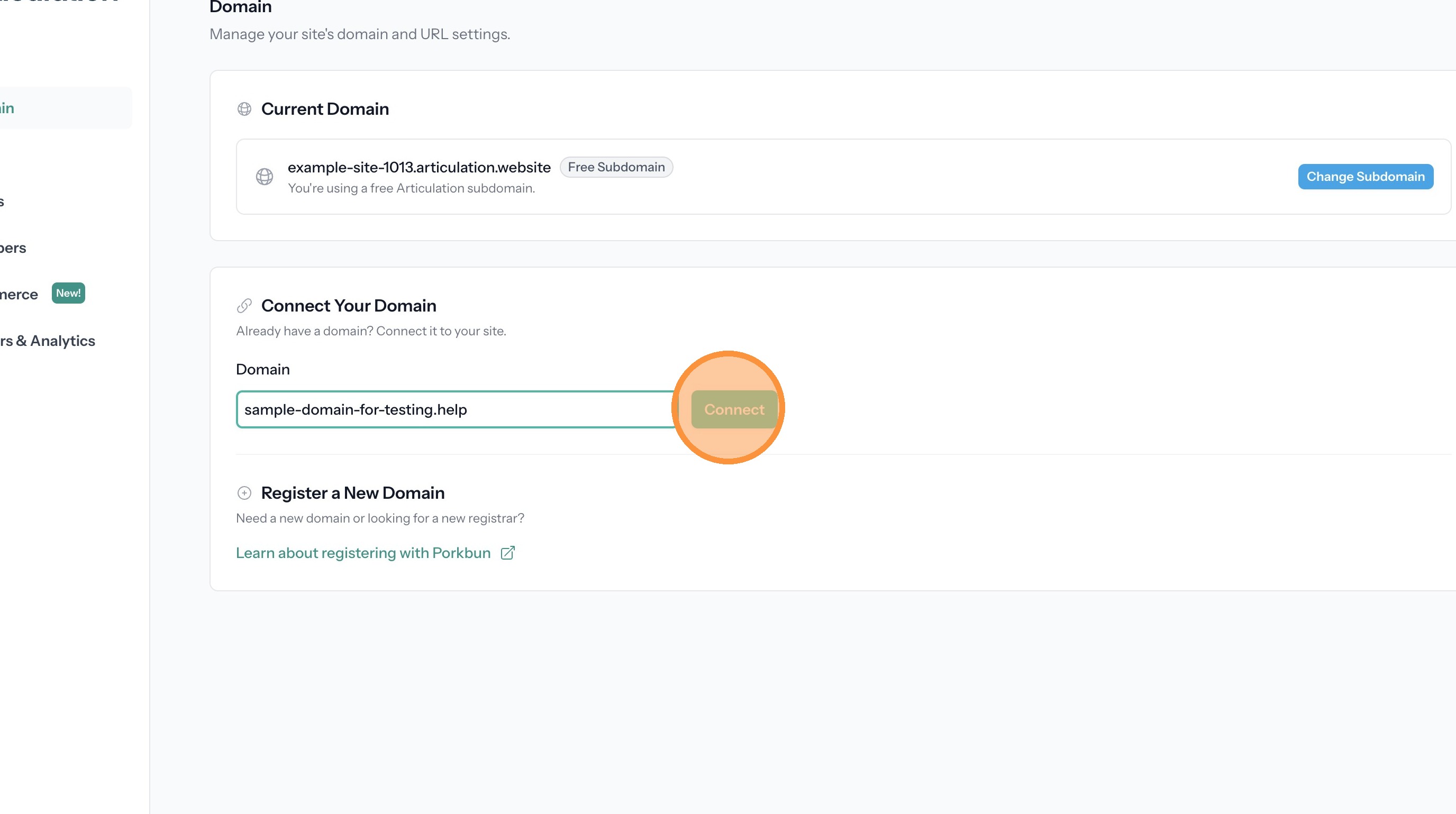
4. Enter your domain name
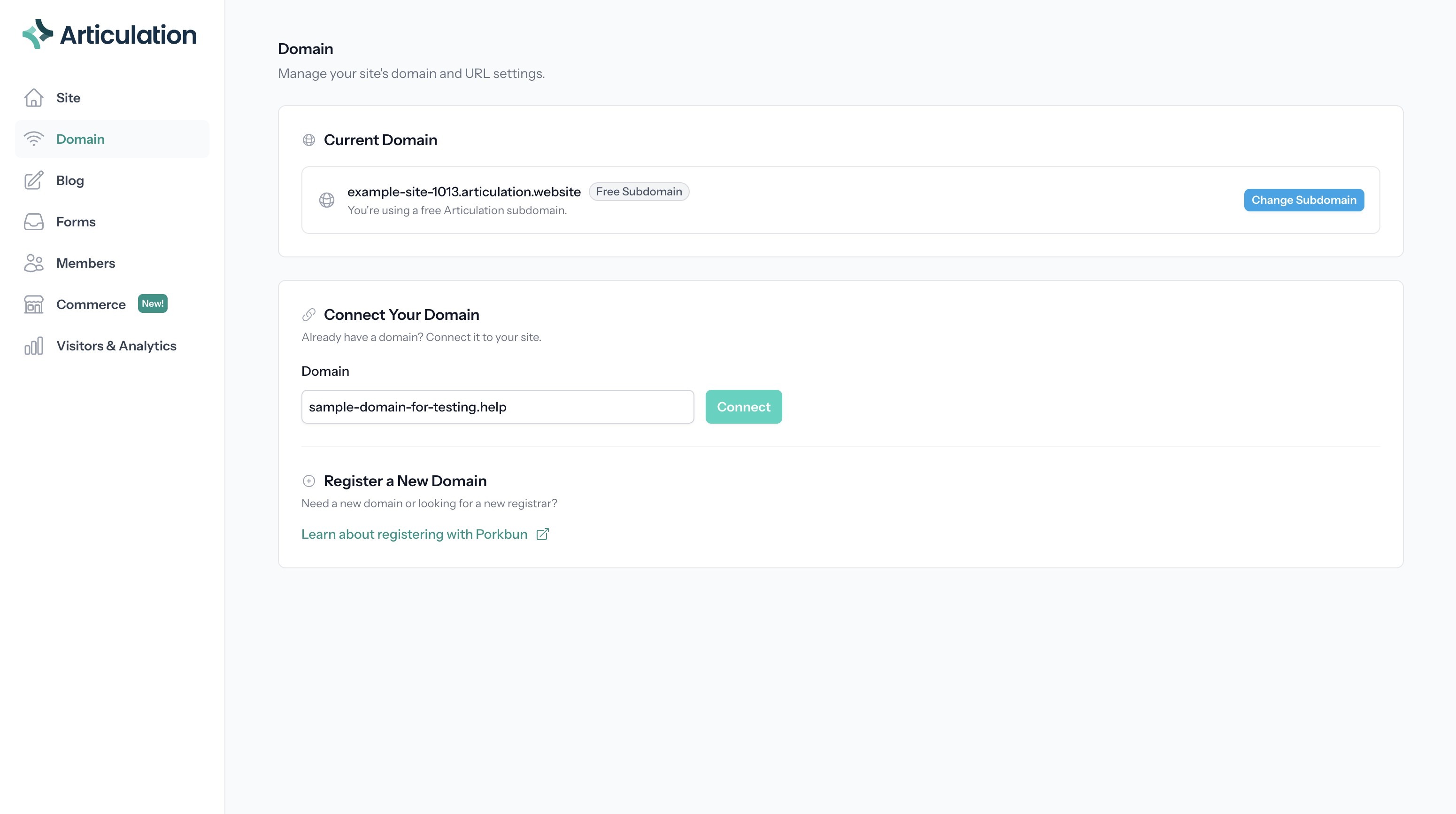
5. Click "Connect"
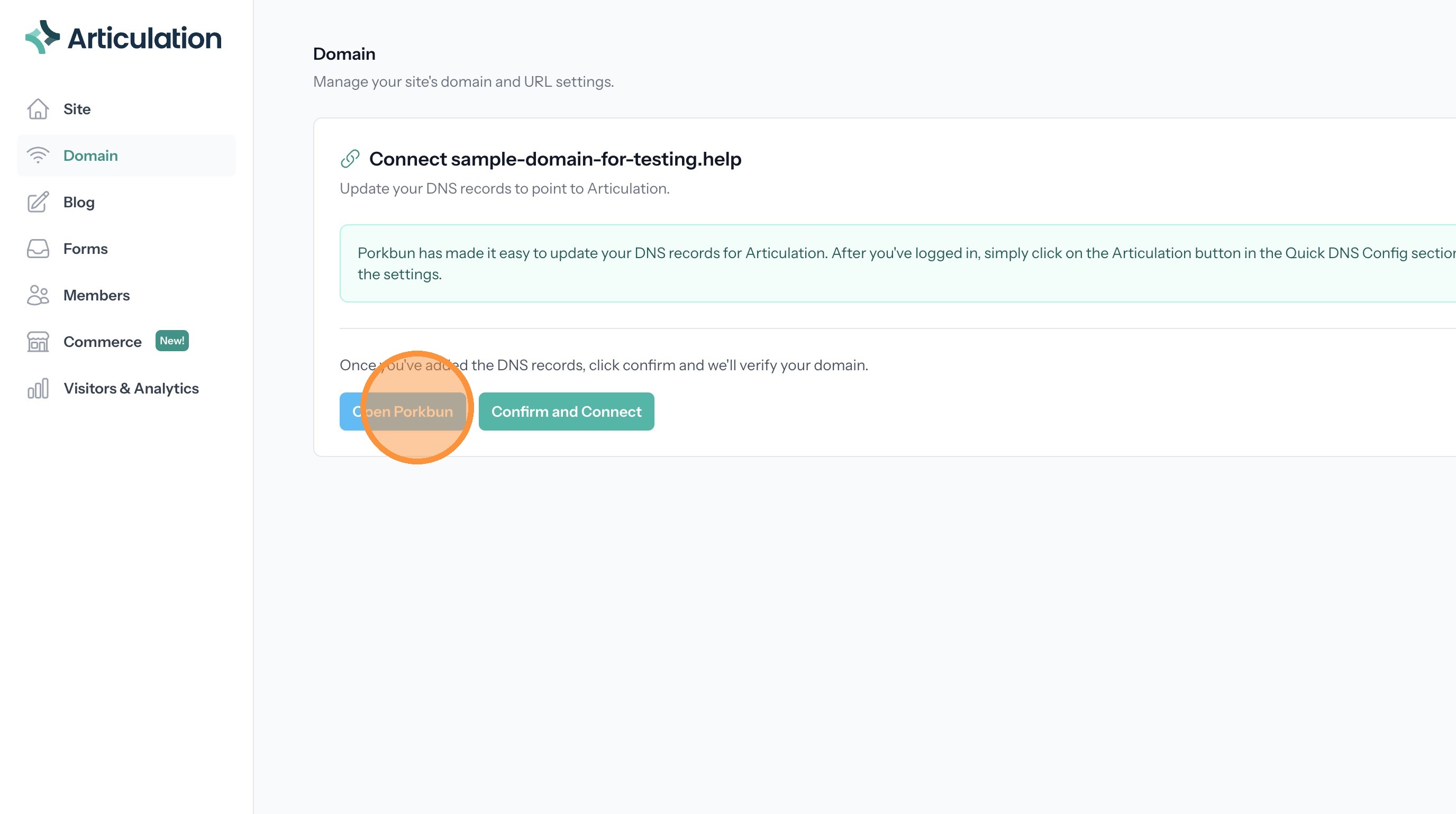
6. Click "Open Porkbun". This will open a new browser tab showing porkbun.com
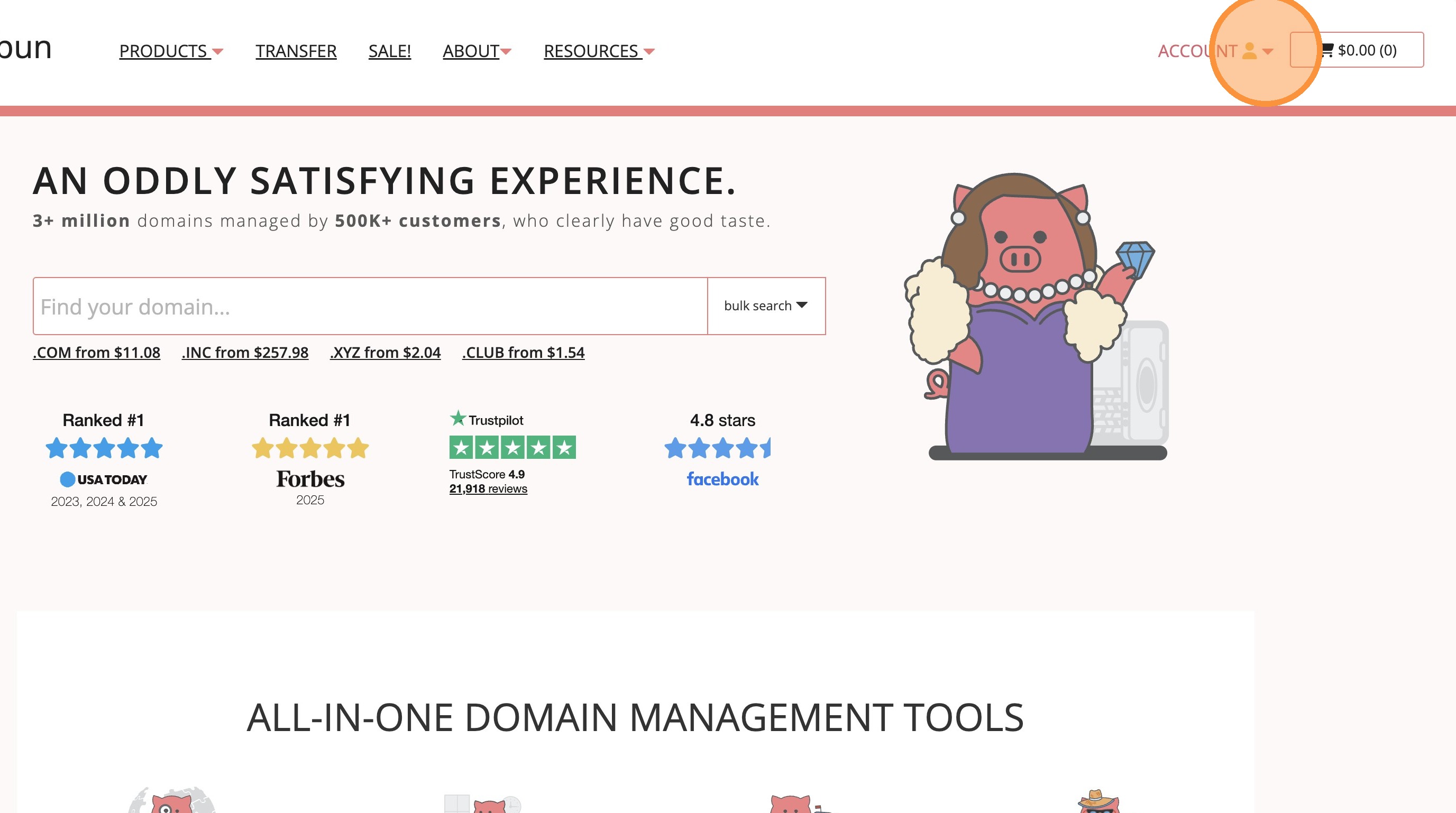
7. Log in if not already and click the account link
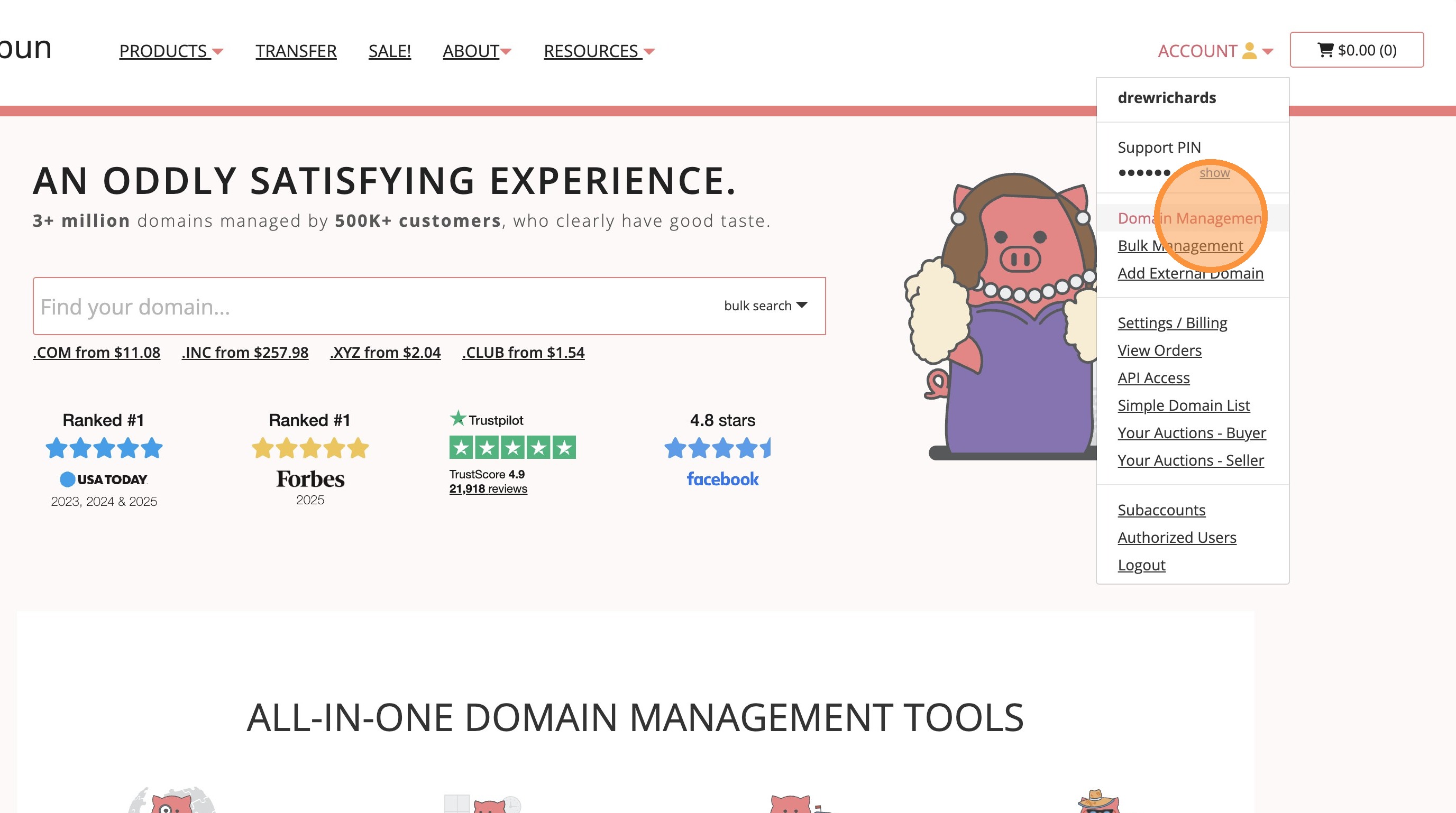
8. Click "Domain Management"
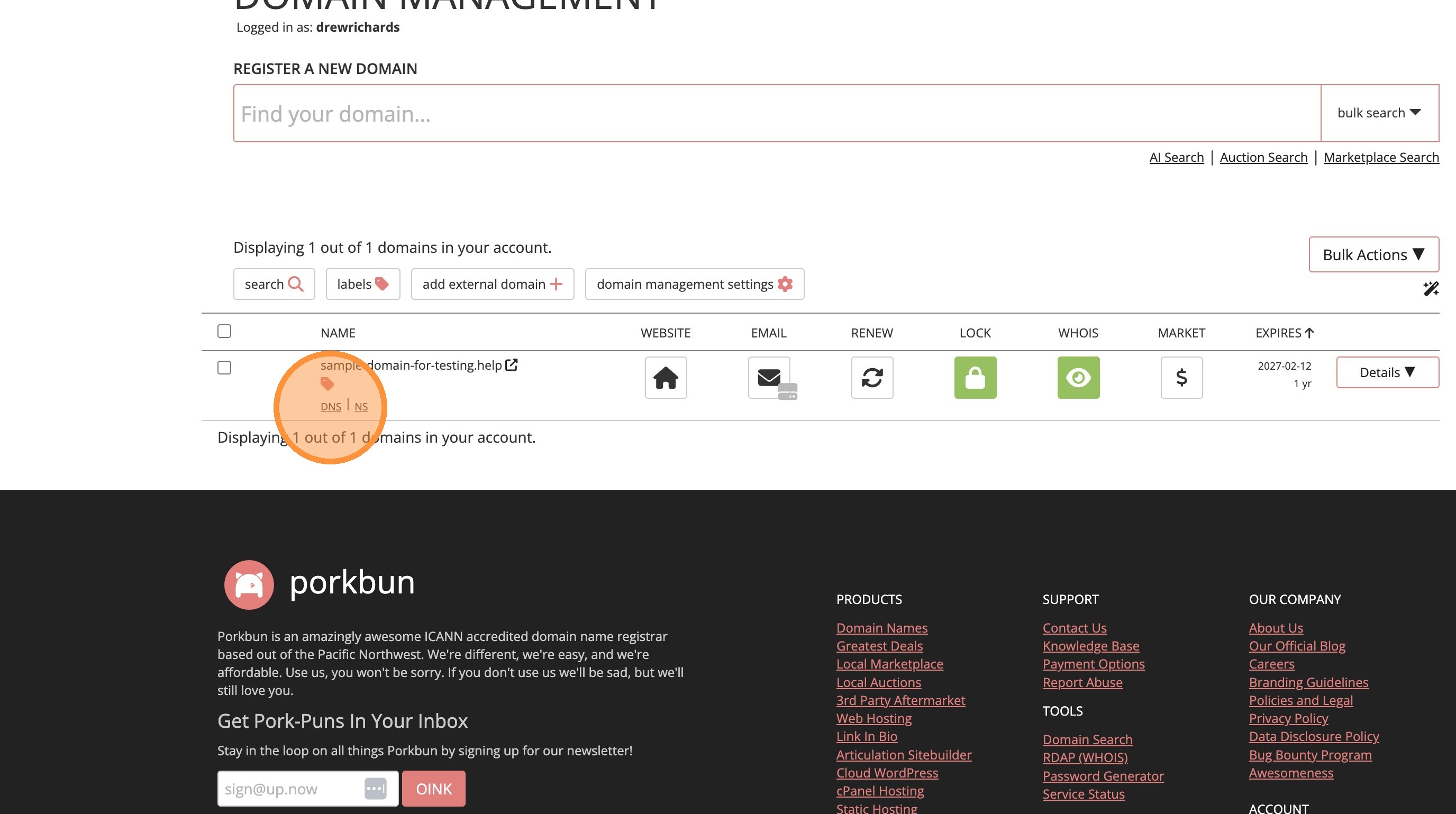
9. Find your domain in the list and click "DNS"
10. Click "Articulation"
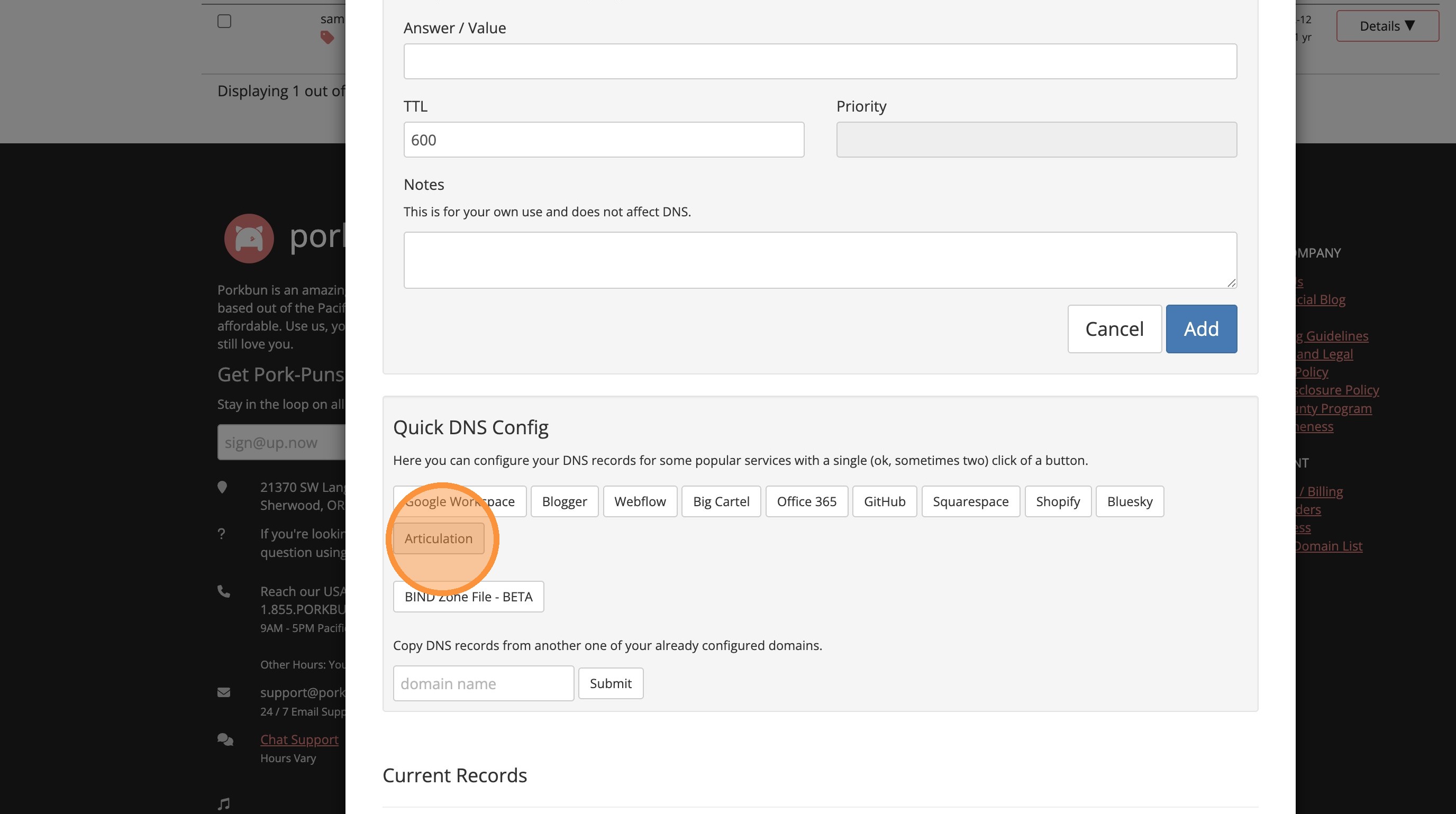
11. Accept the confirmation popup. You can close the Porkbun tab when the process completes.
12. Back at Articulation you can click "Confirm and Connect"
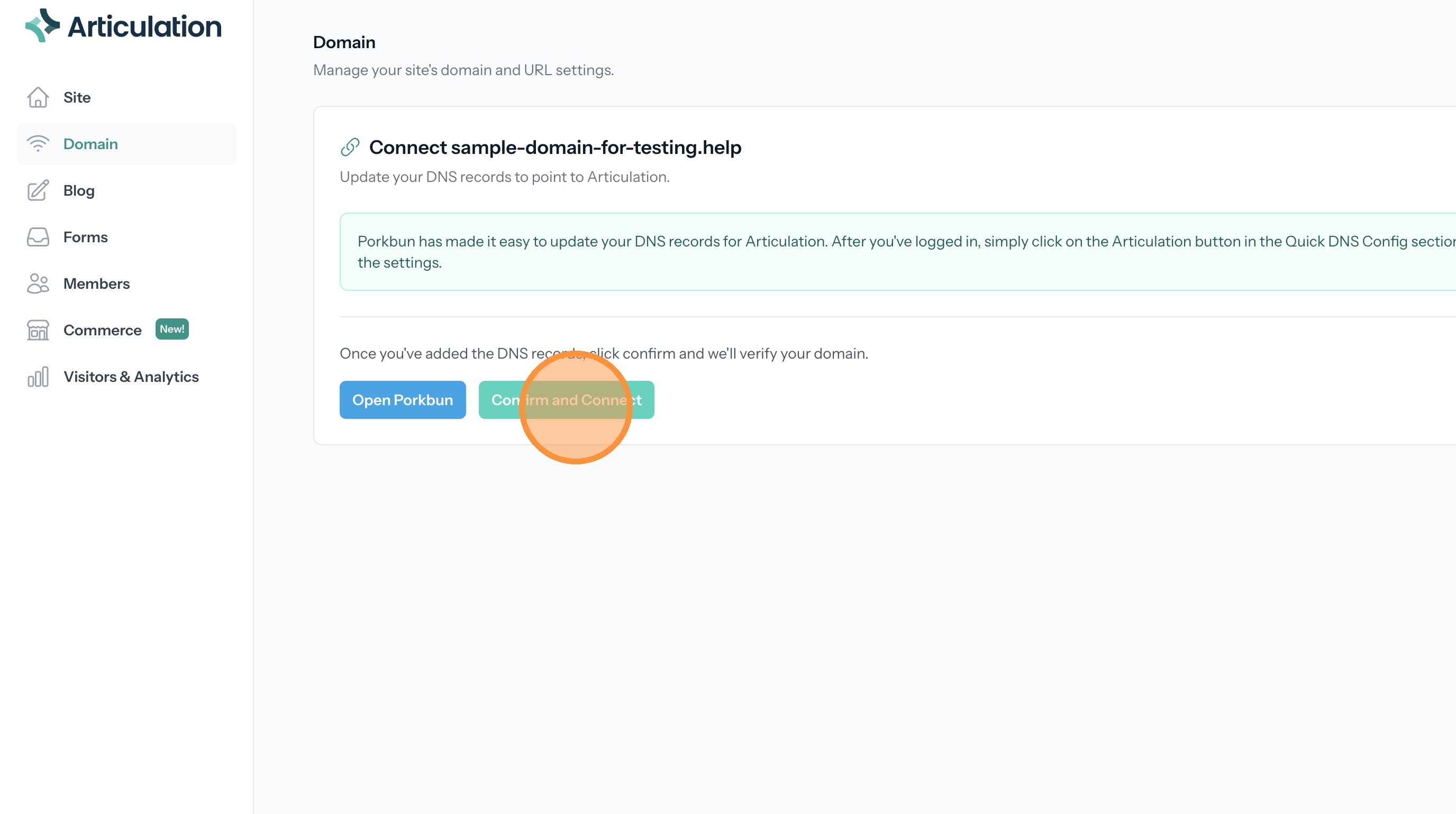
Tip: It can take an hour for the new DNS information to propagate. When it does your site will be connected.