
Transferring Your Domain From Weebly
How to transfer your existing domain from Weebly to Articulation
Retrieve your current domain's auth or EPP code.
1. Before starting, retrieve your domain's auth or EPP code from Weebly. Here's a guide that Weebly has put together for this process: https://www.weebly.com/app/help/us/en/topics/unlock-your-domain-and-get-the-epp-code. We recommend unlocking your domain, copying the EPP code and immediately closing the tab. We have found that Weebly has a bug where this code can randomly change, and this seems to help.
Start the domain transfer process.
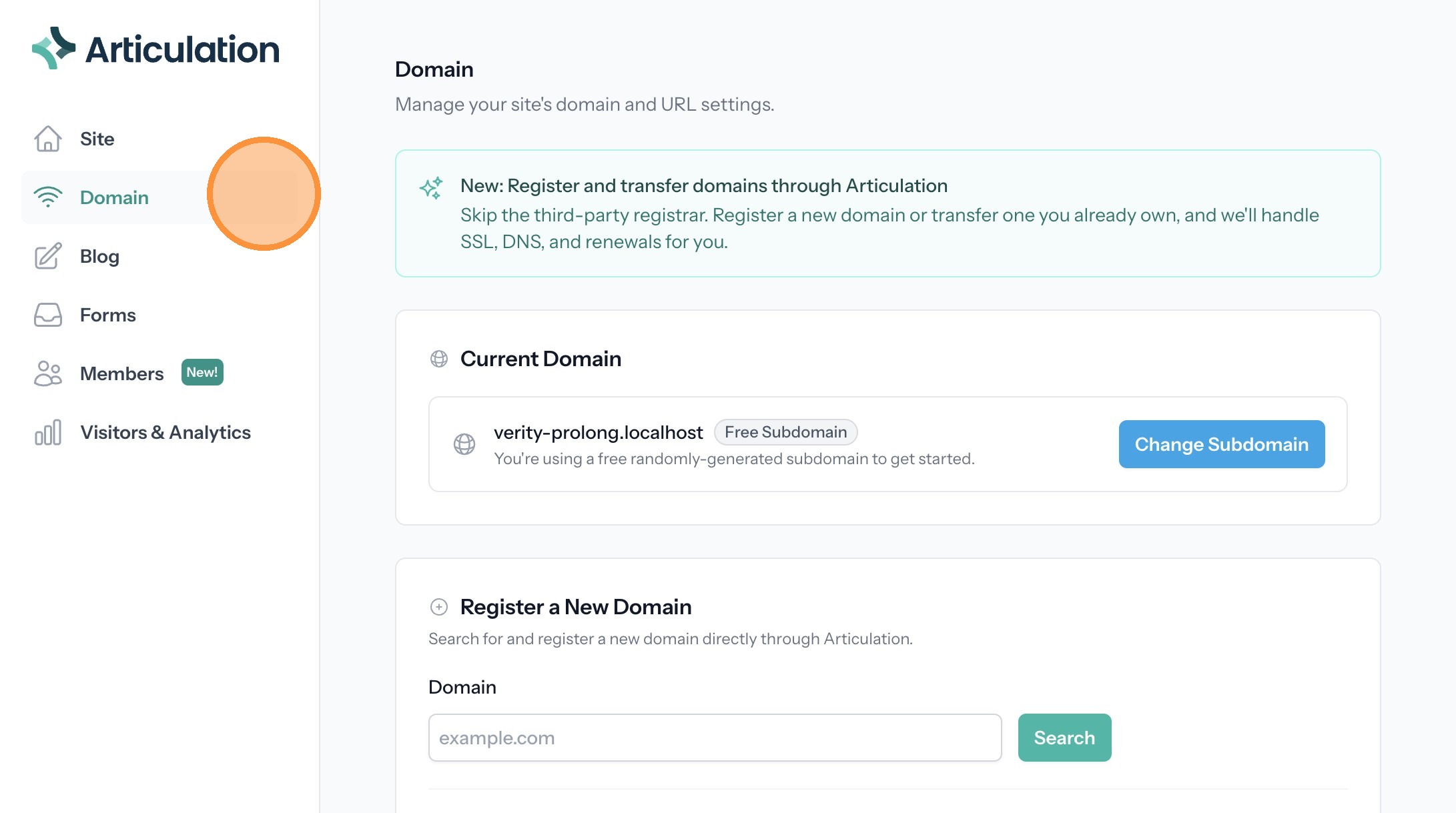
2. Click "Domain"
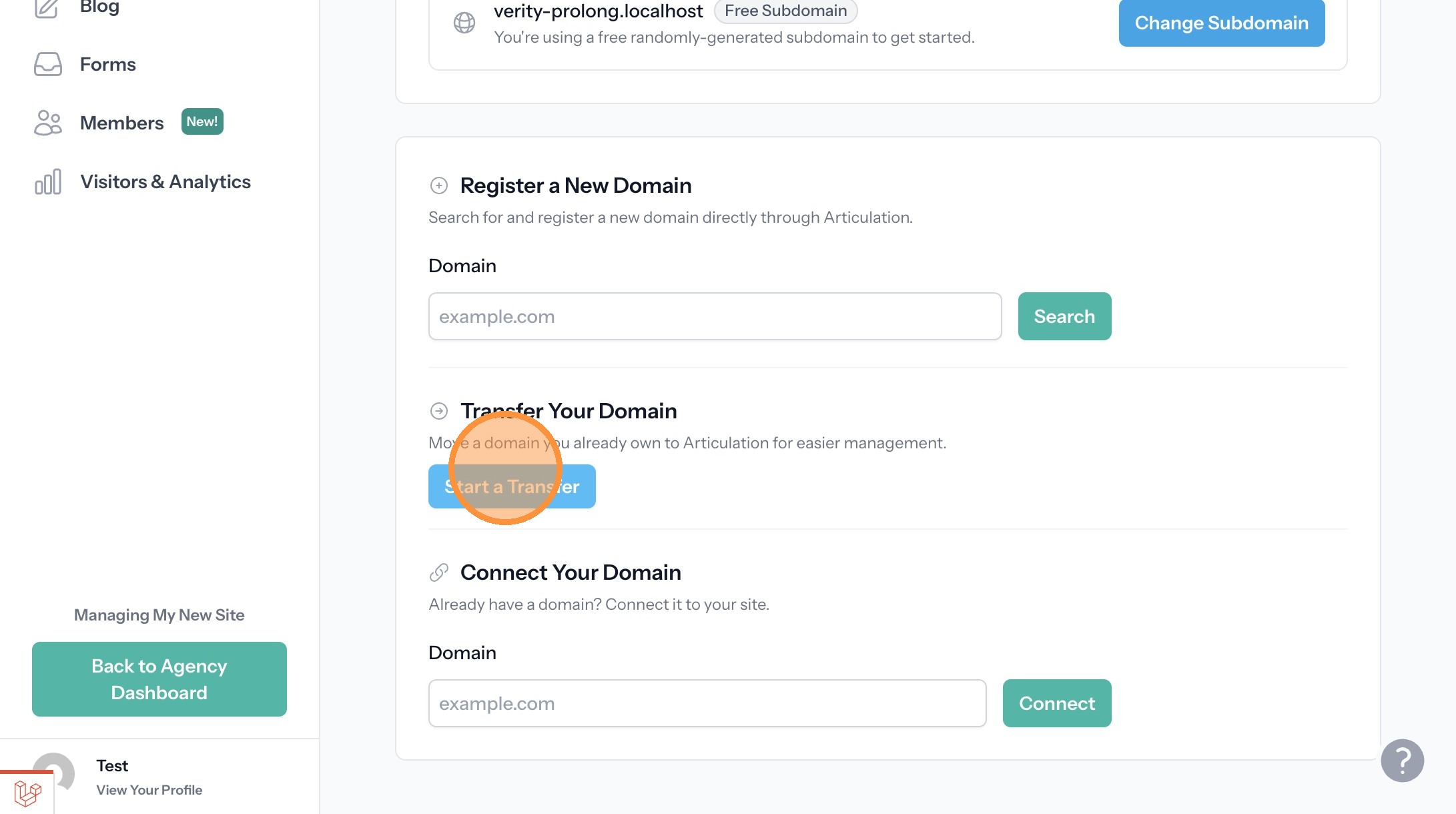
3. Click "Start a Transfer"
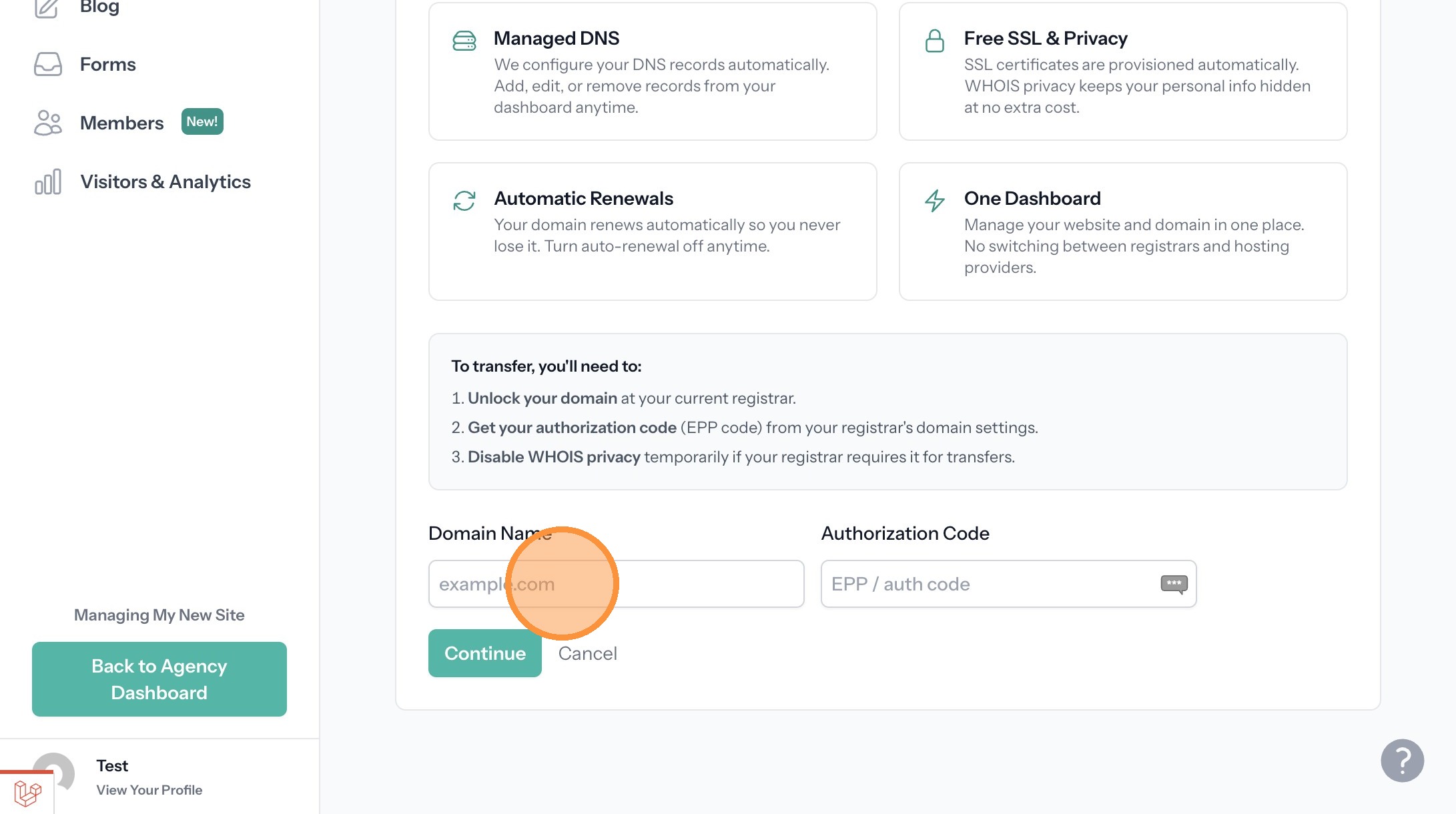
4. Click the "Domain Name" field.
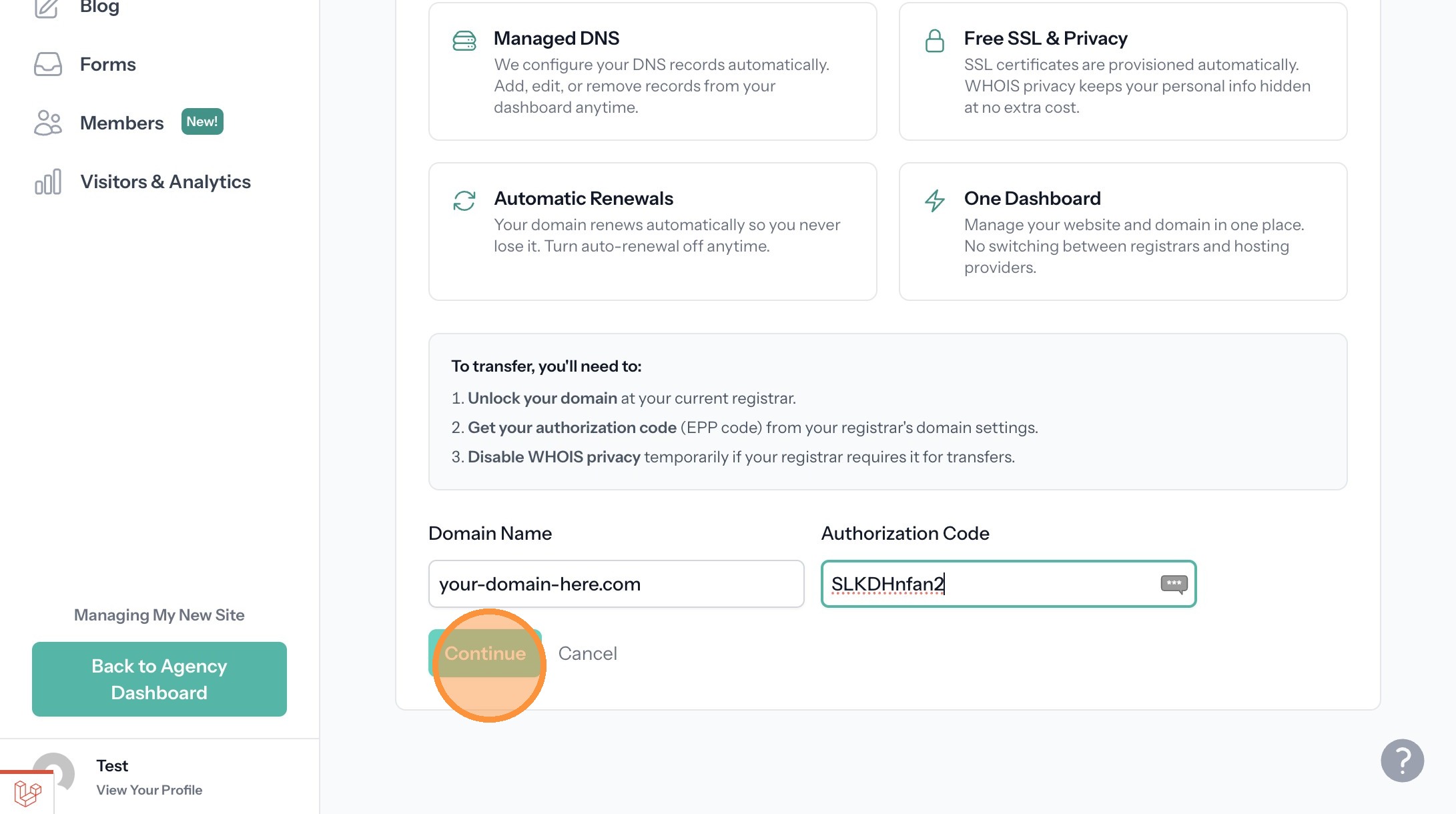
5. Enter your domain name and your auth/EPP code provided by Weebly.
6. Click "Continue"
7. Enter your contact information.
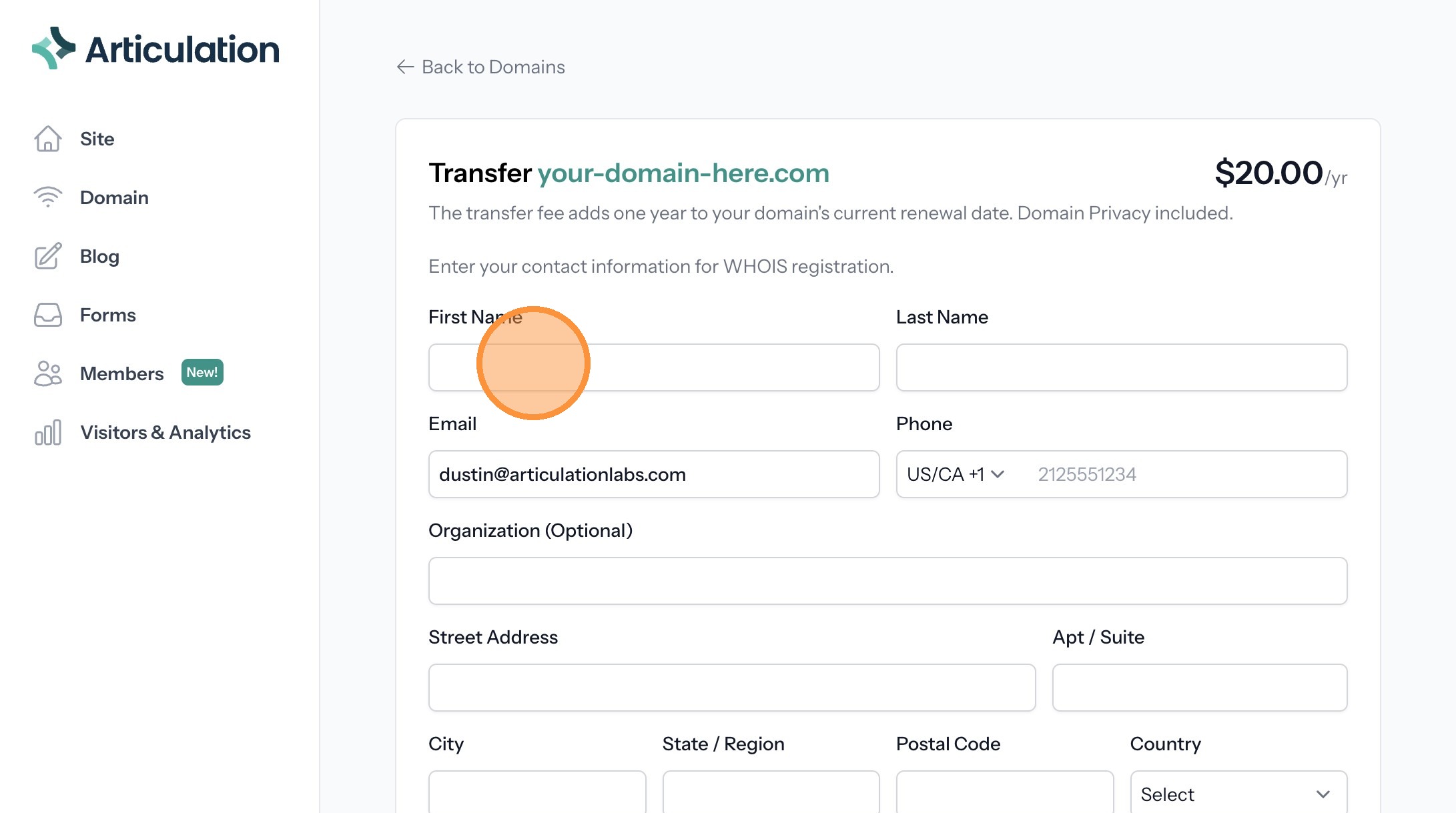
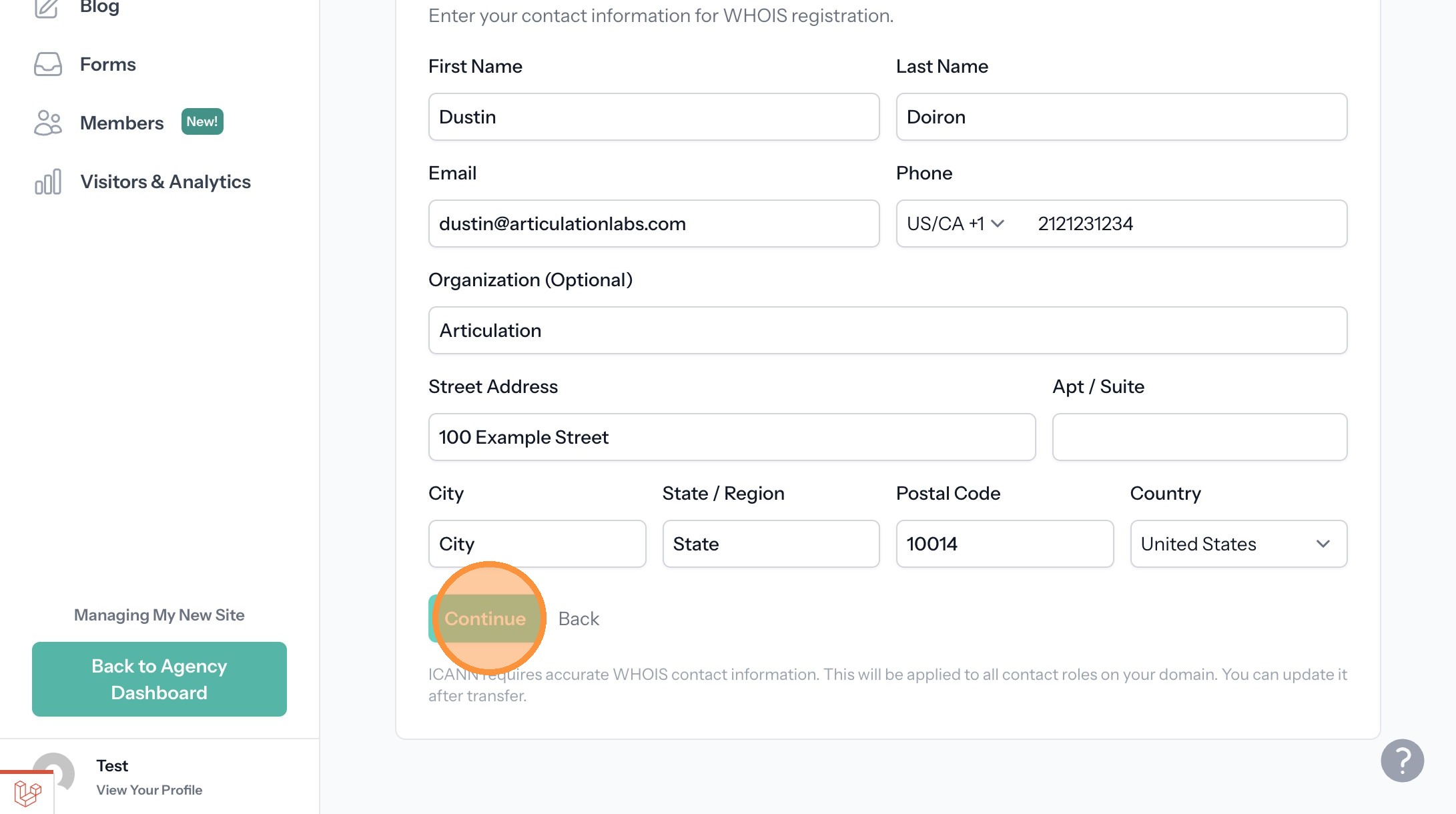
8. Click "Continue"
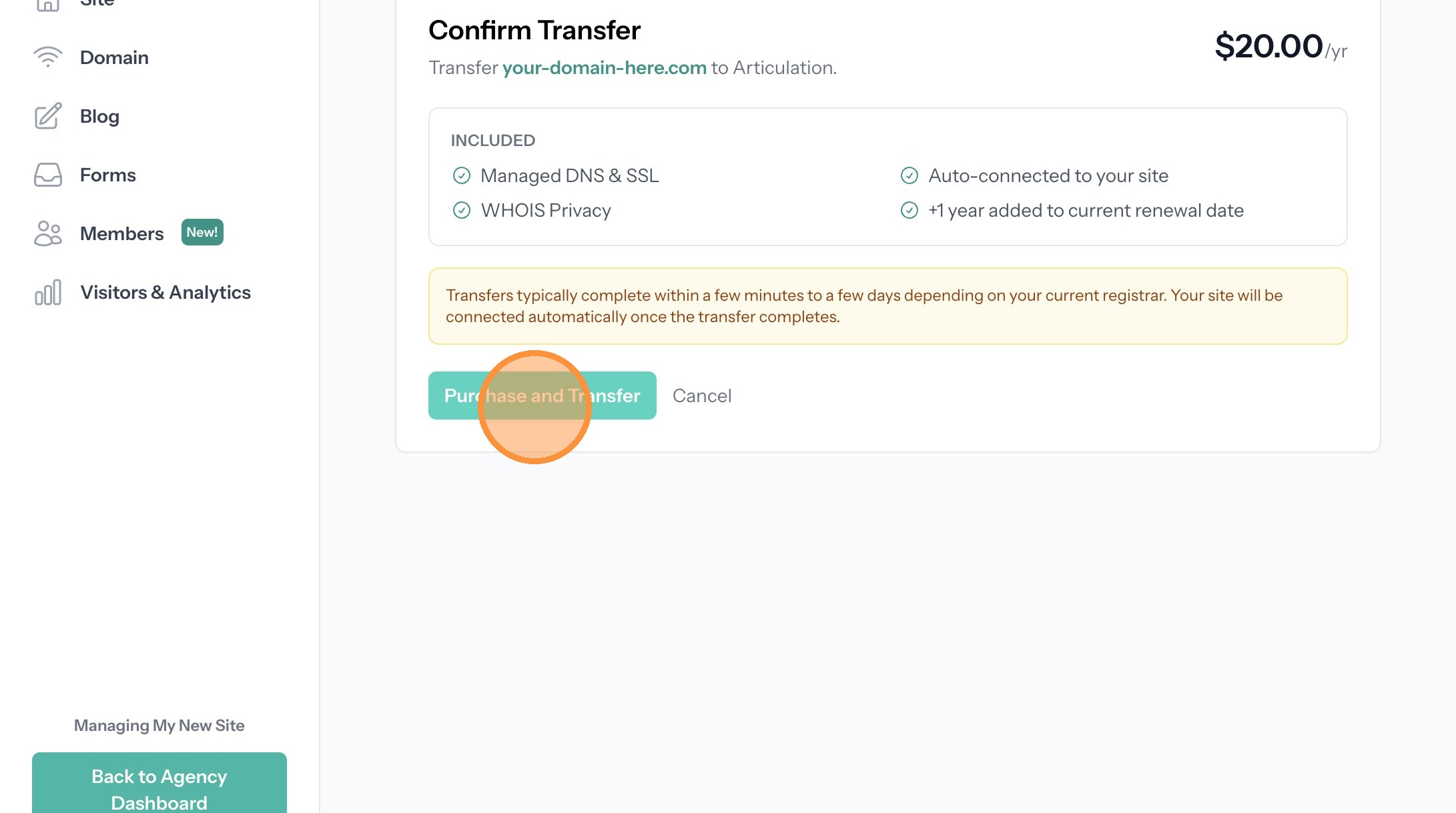
9. Click "Purchase and Transfer"
10. Enter your payment information.
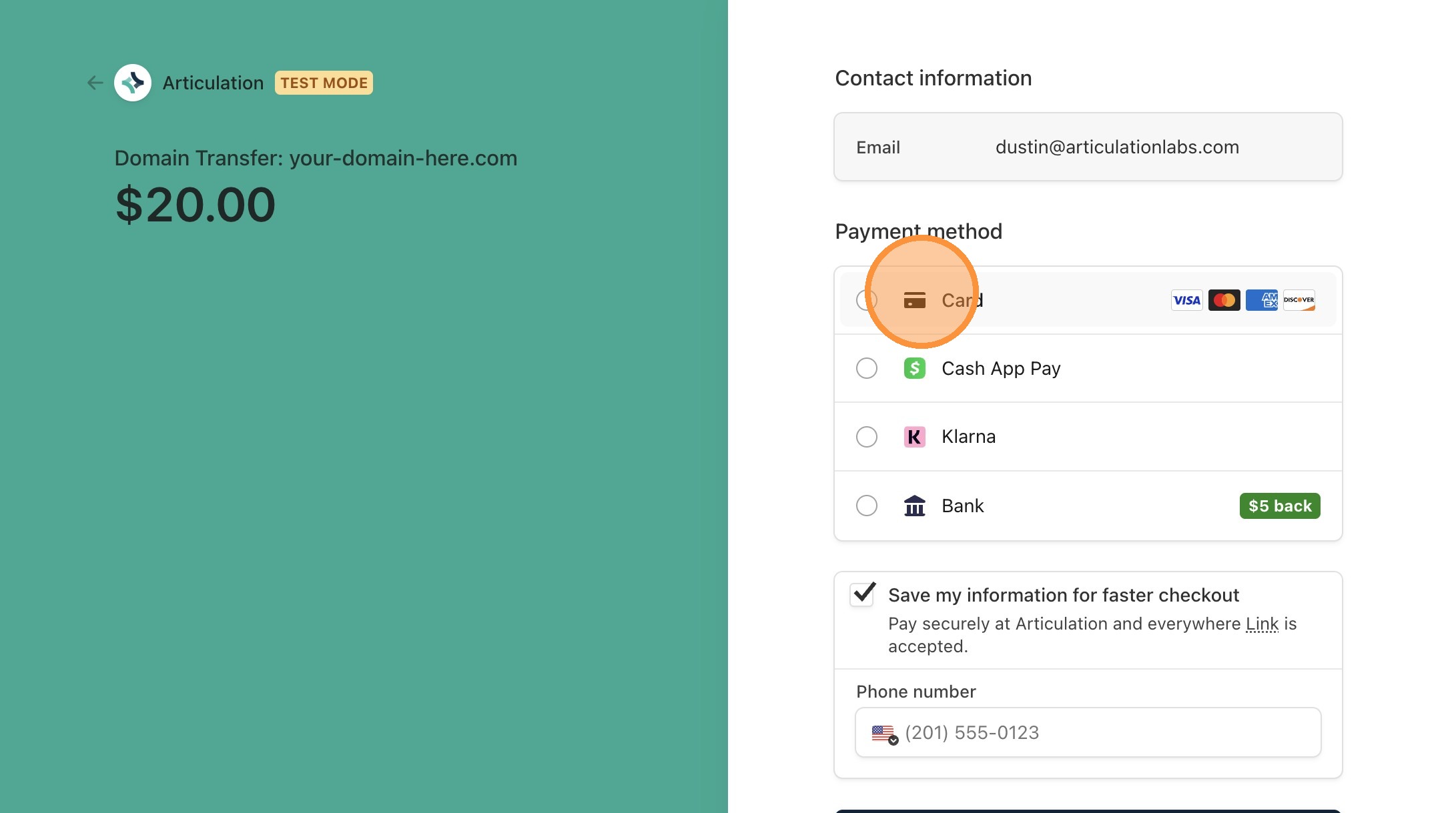
11. Continue to payment
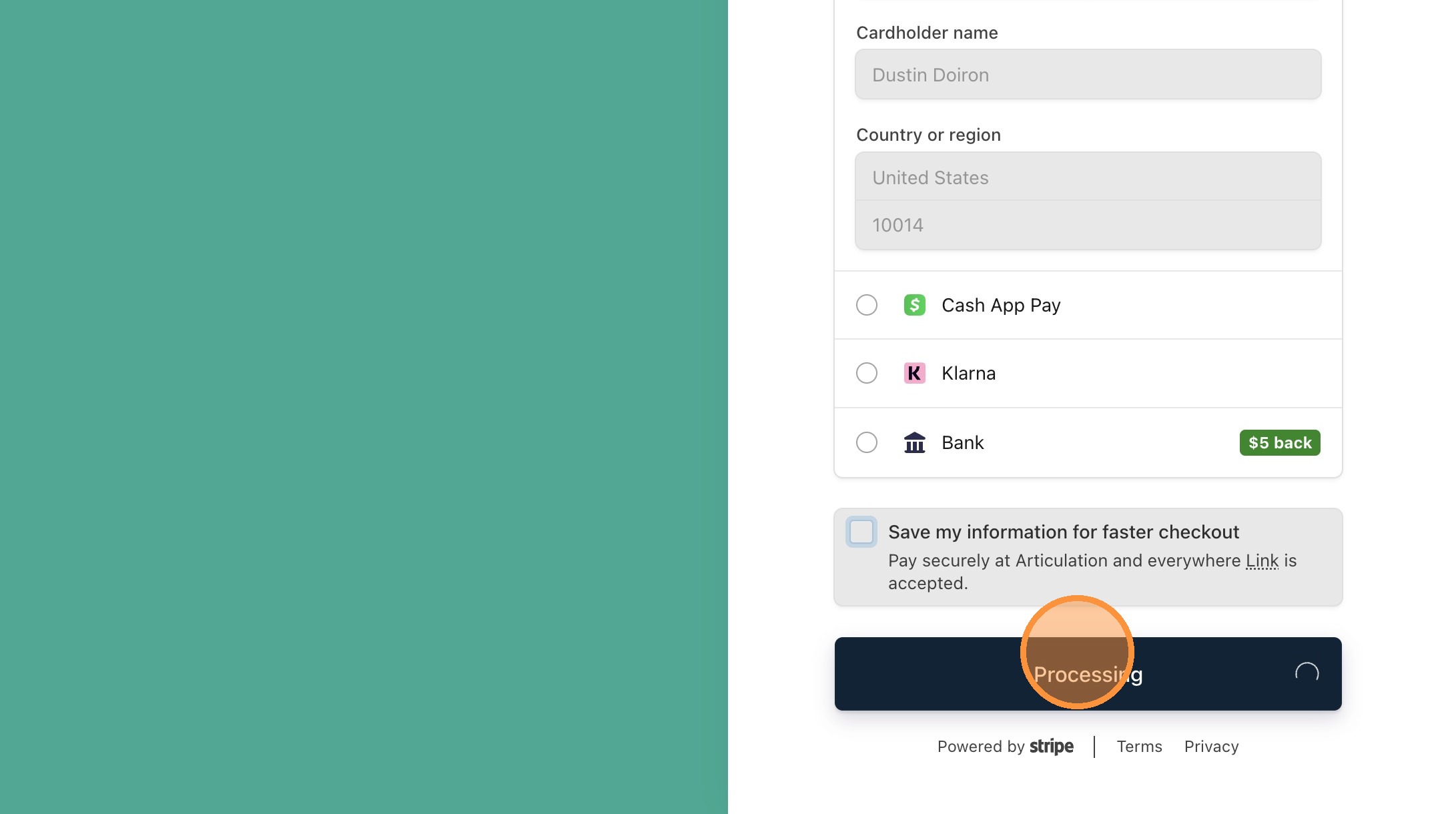
12. That's it! You'll be brought back to your Domain dashboard with a status of the transfer. We make the process easy. Depending on your current registrar, the process can take up to 7 days. We'll automatically handle all of your records for pointing at your Articulation website.