Site Passwords
How to create a site password and apply it to pages.
Create a Password
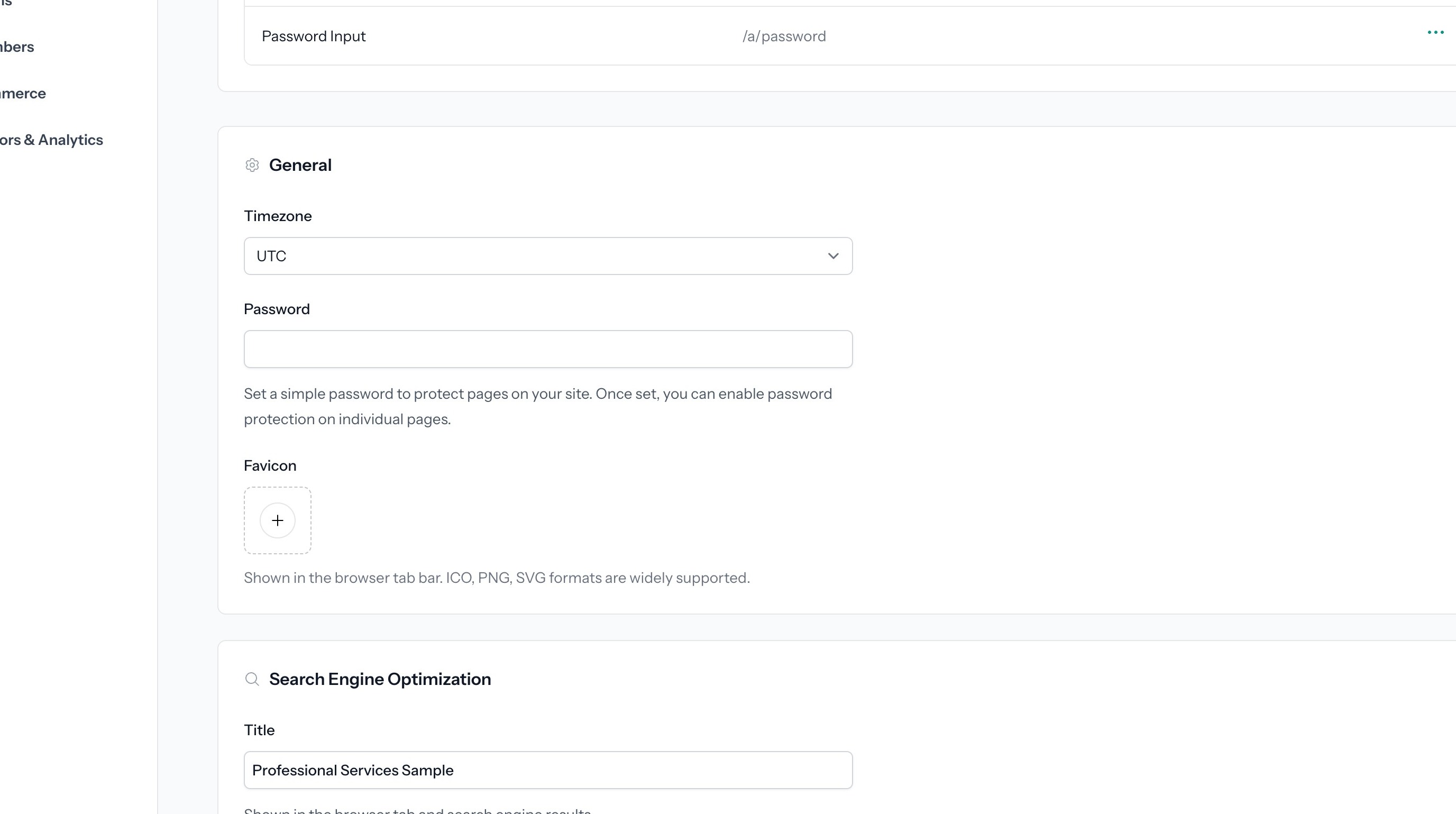
1. Start from your site dashboard. Scroll down to the General site settings.
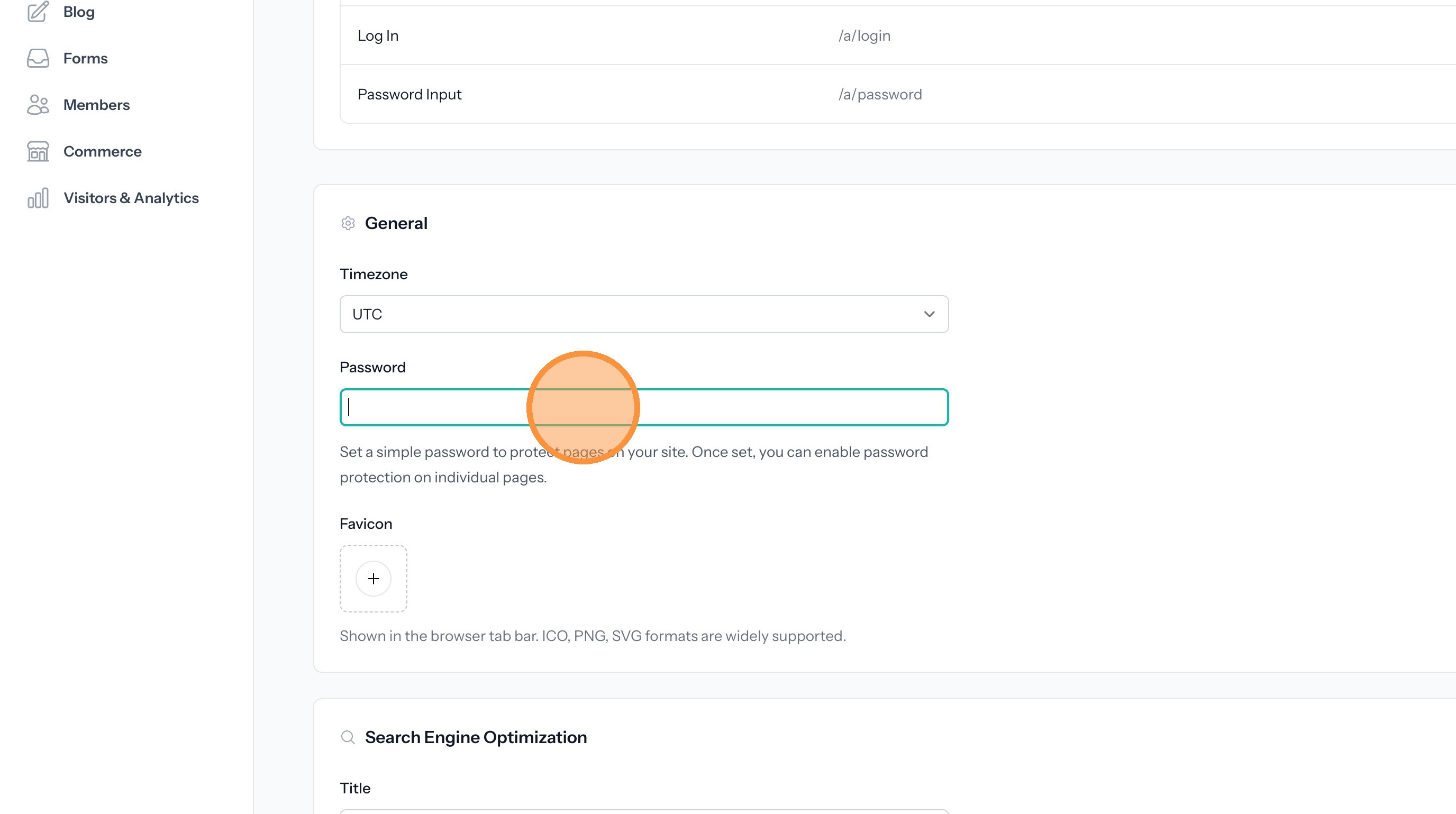
2. Enter a new password here.
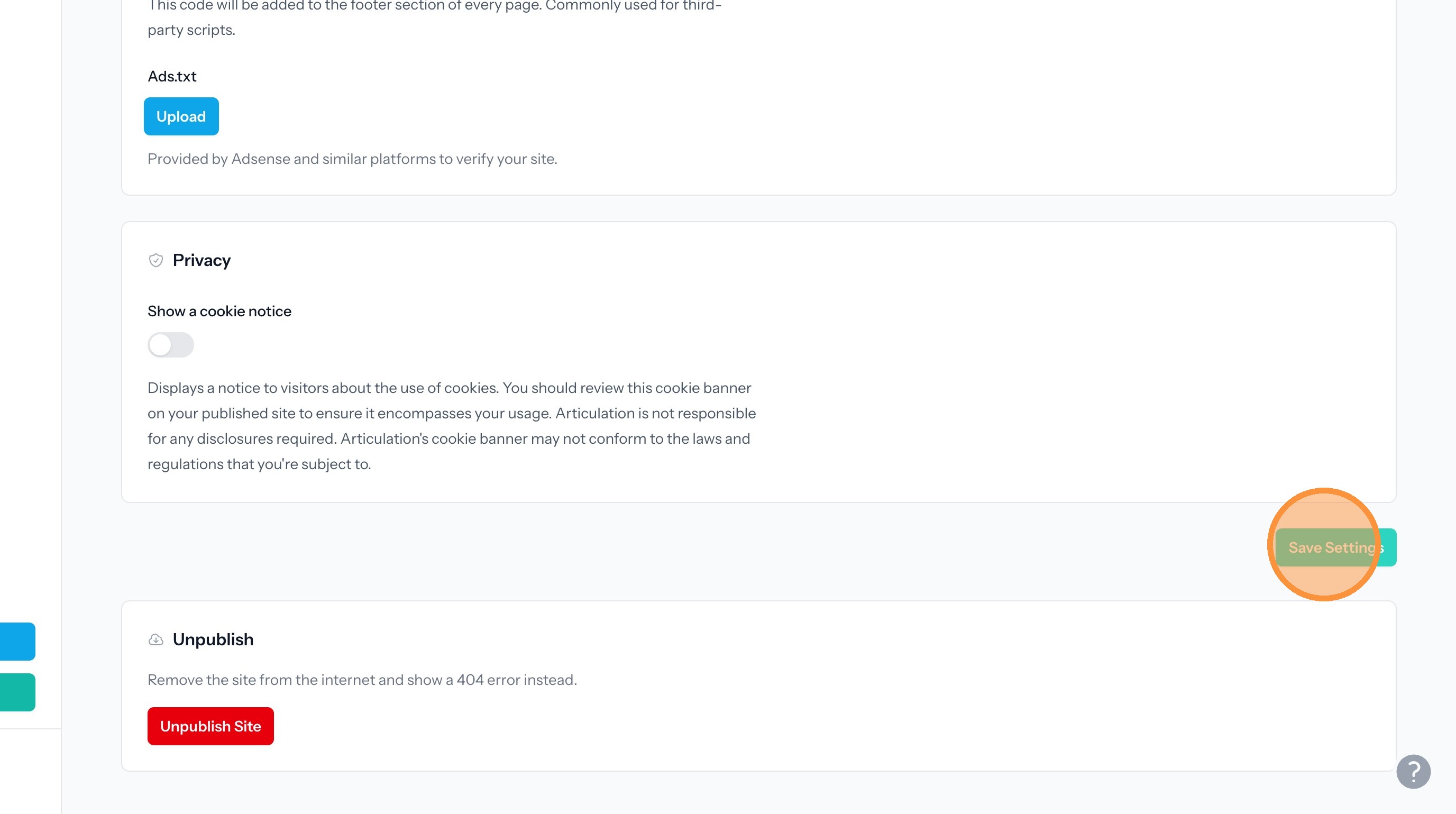
3. Click "Save Settings"
Apply the Password to a Page
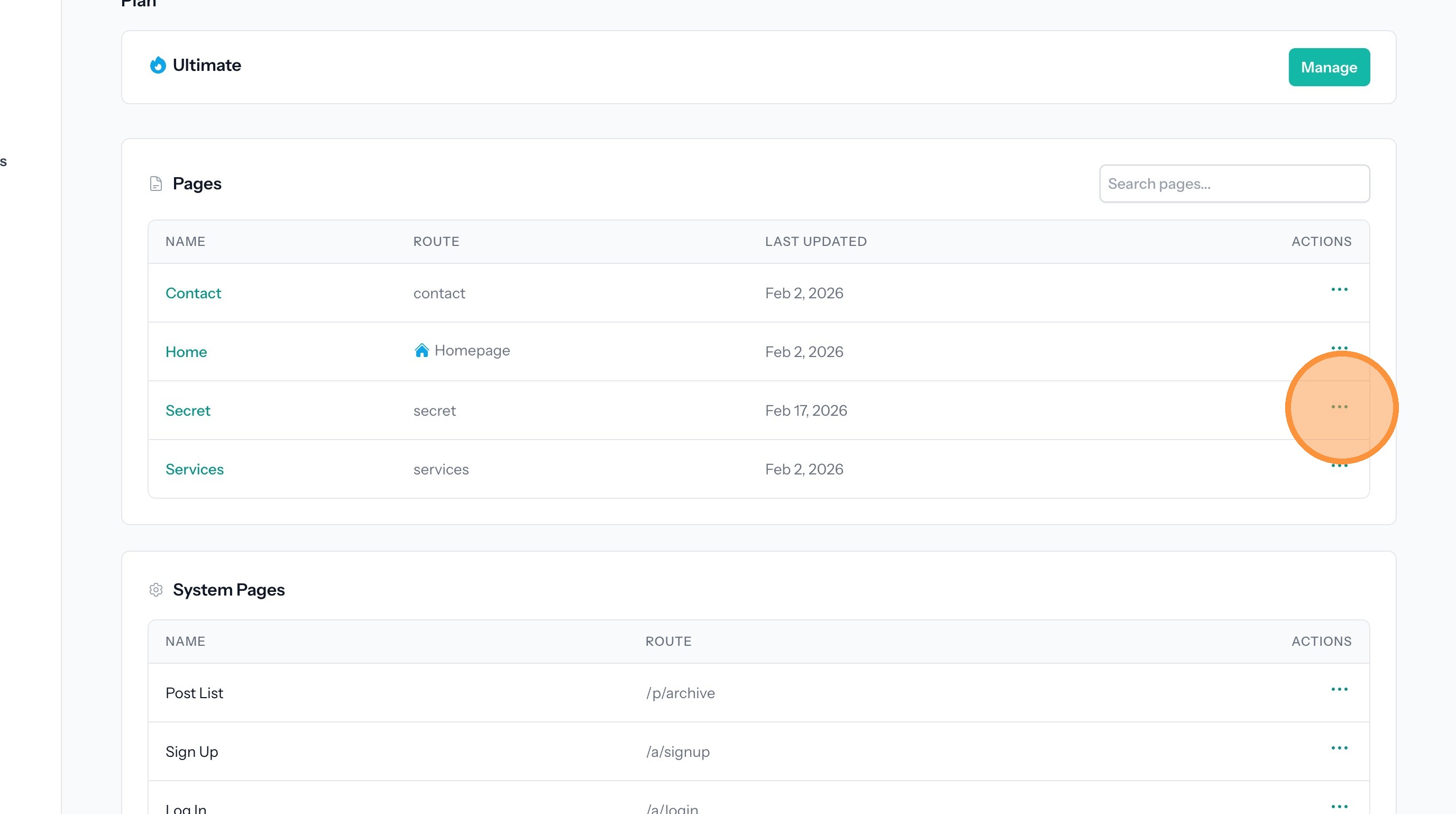
4. In the pages list, find a page you want to protect with the password. Click the three dots to open the menu.
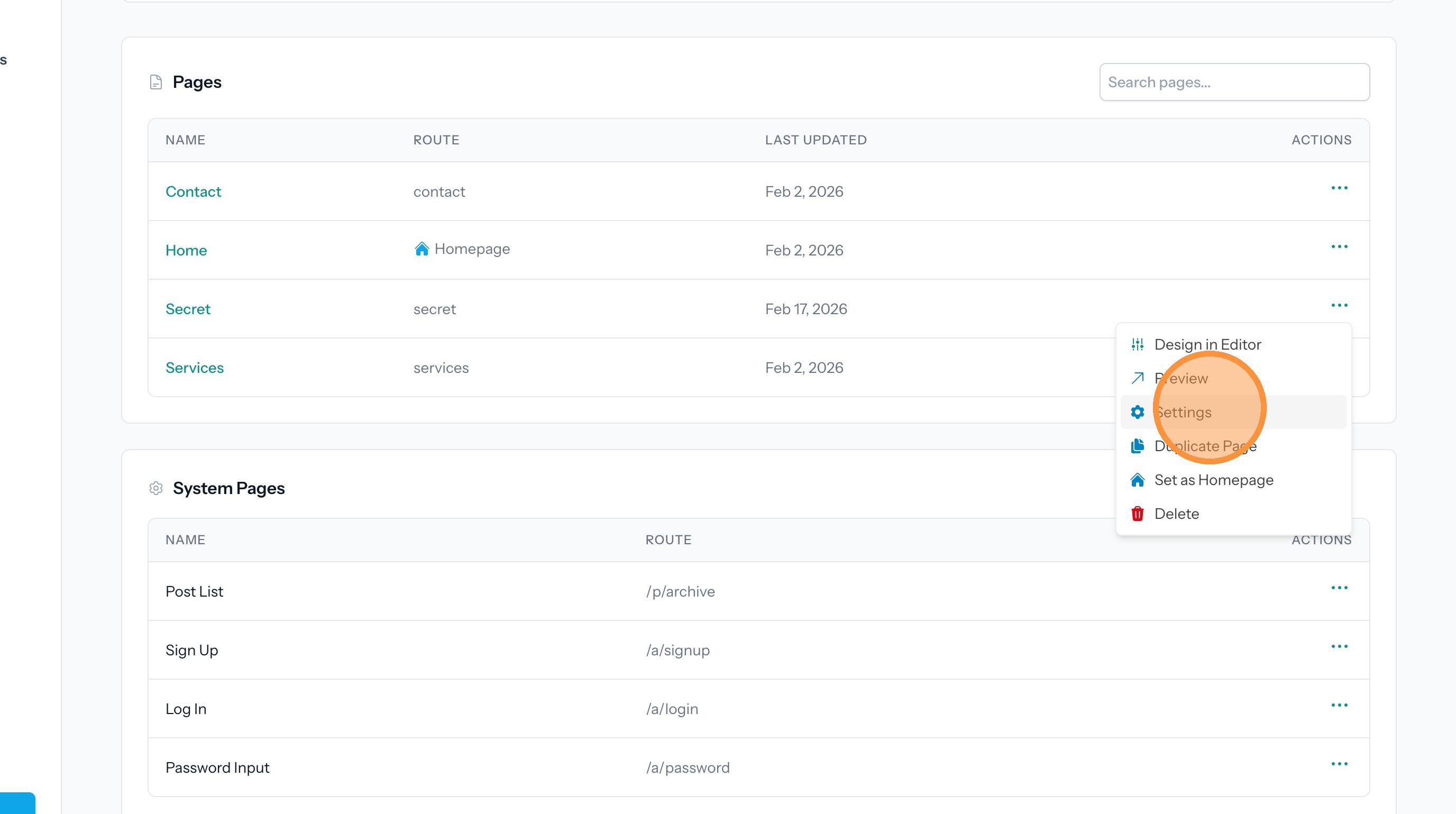
5. Click "Settings"
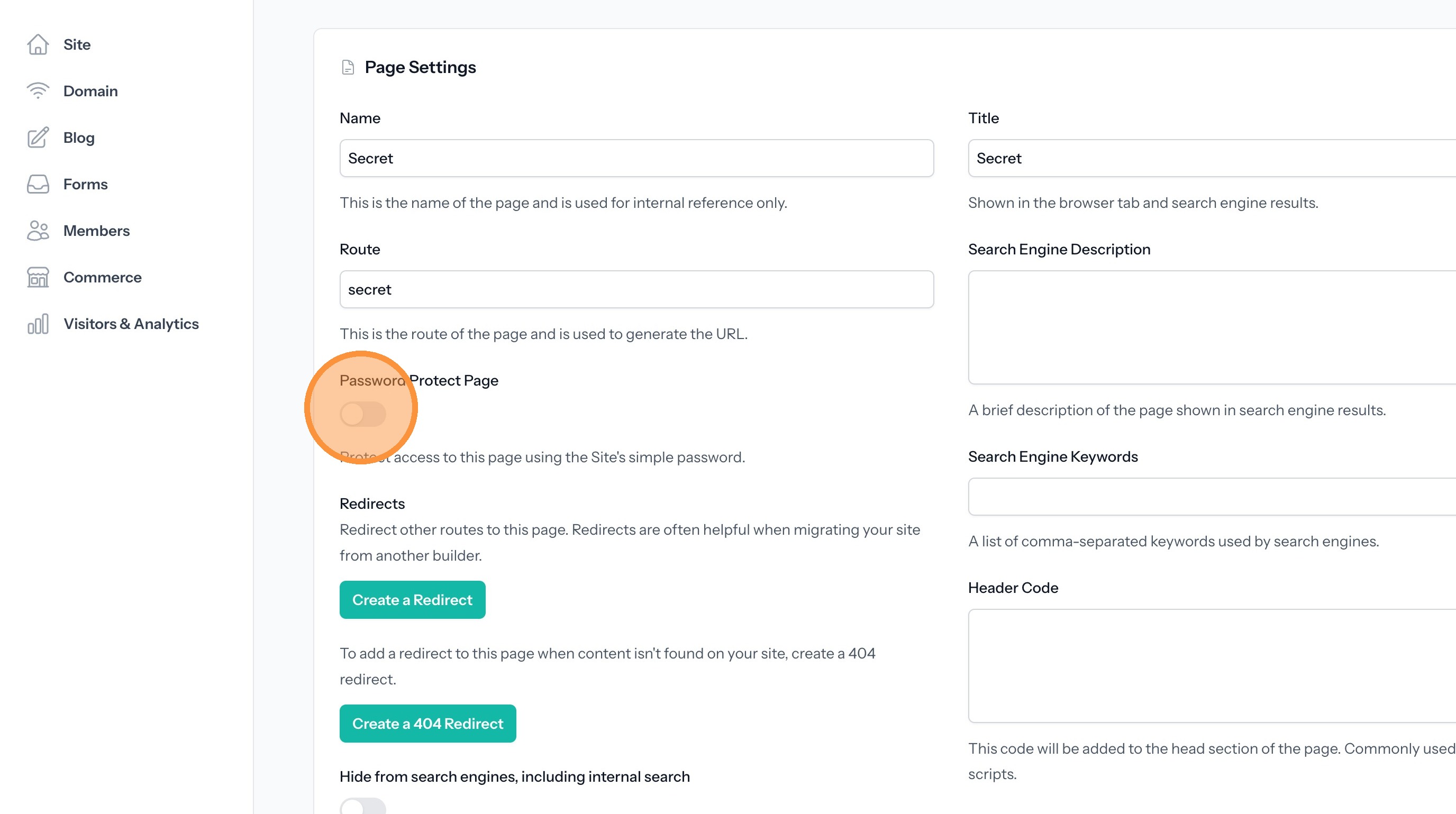
6. Turn on Password Protect Page.
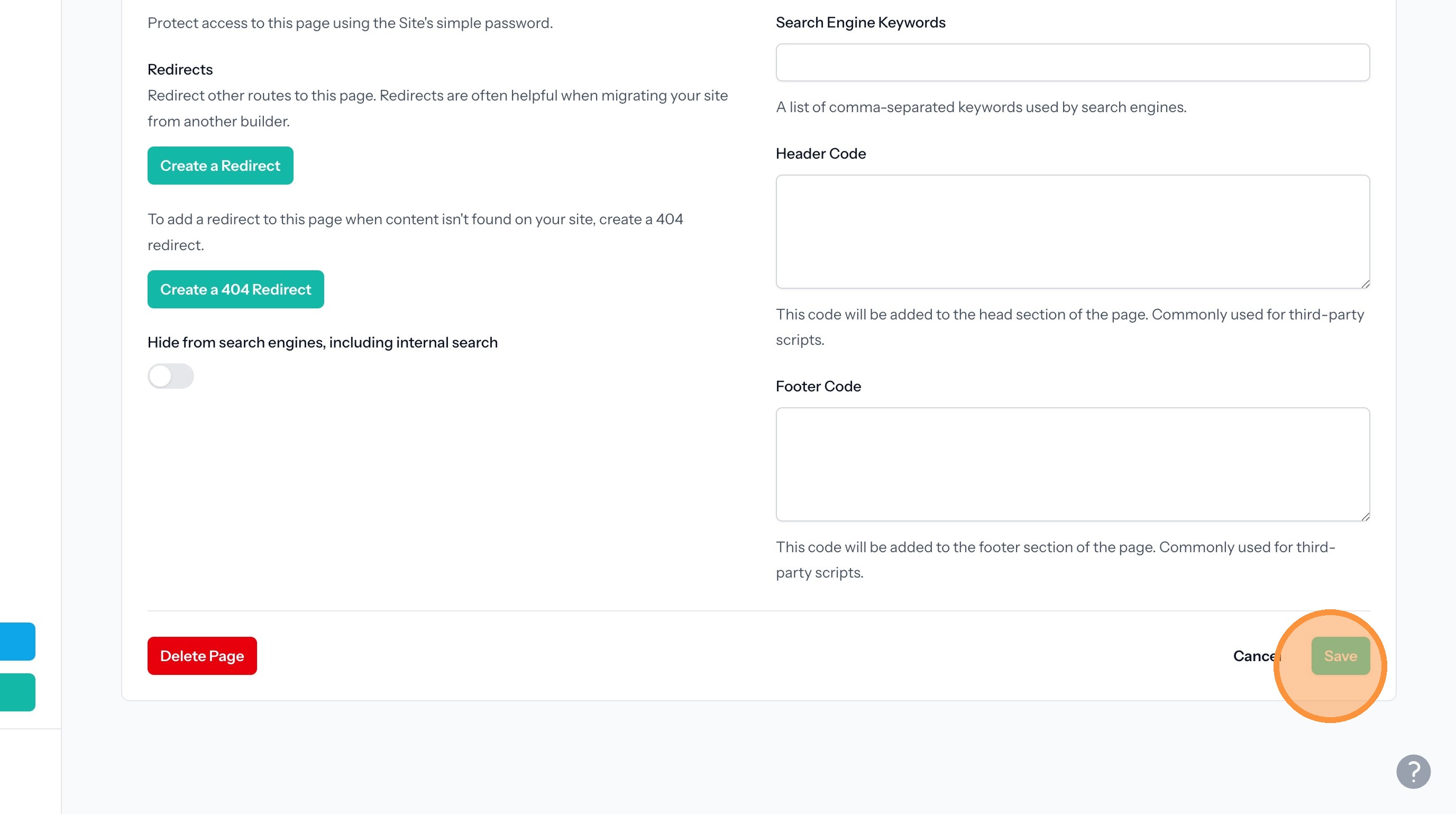
7. Click "Save"
Publish the Site
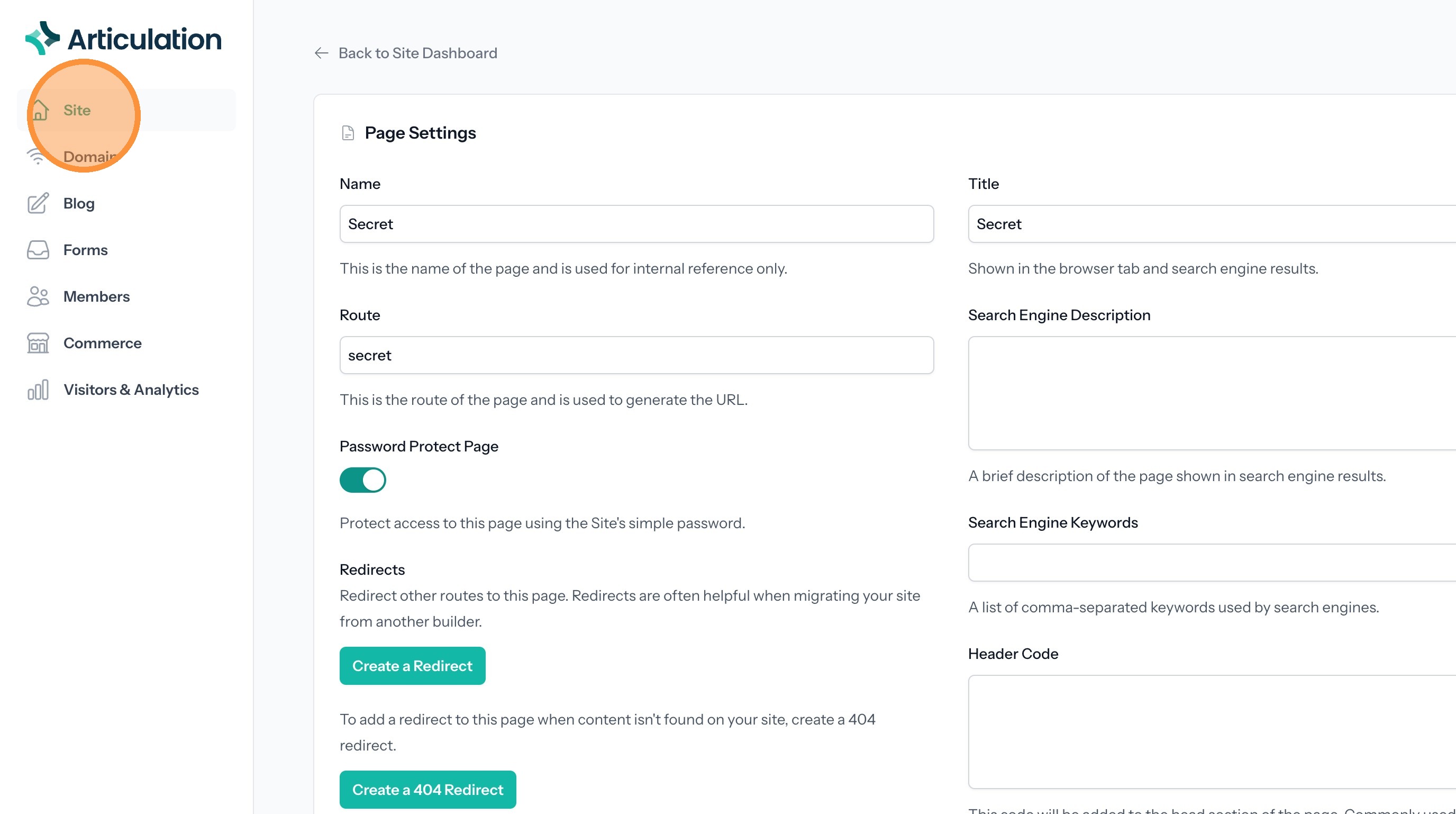
8. Click "Site"
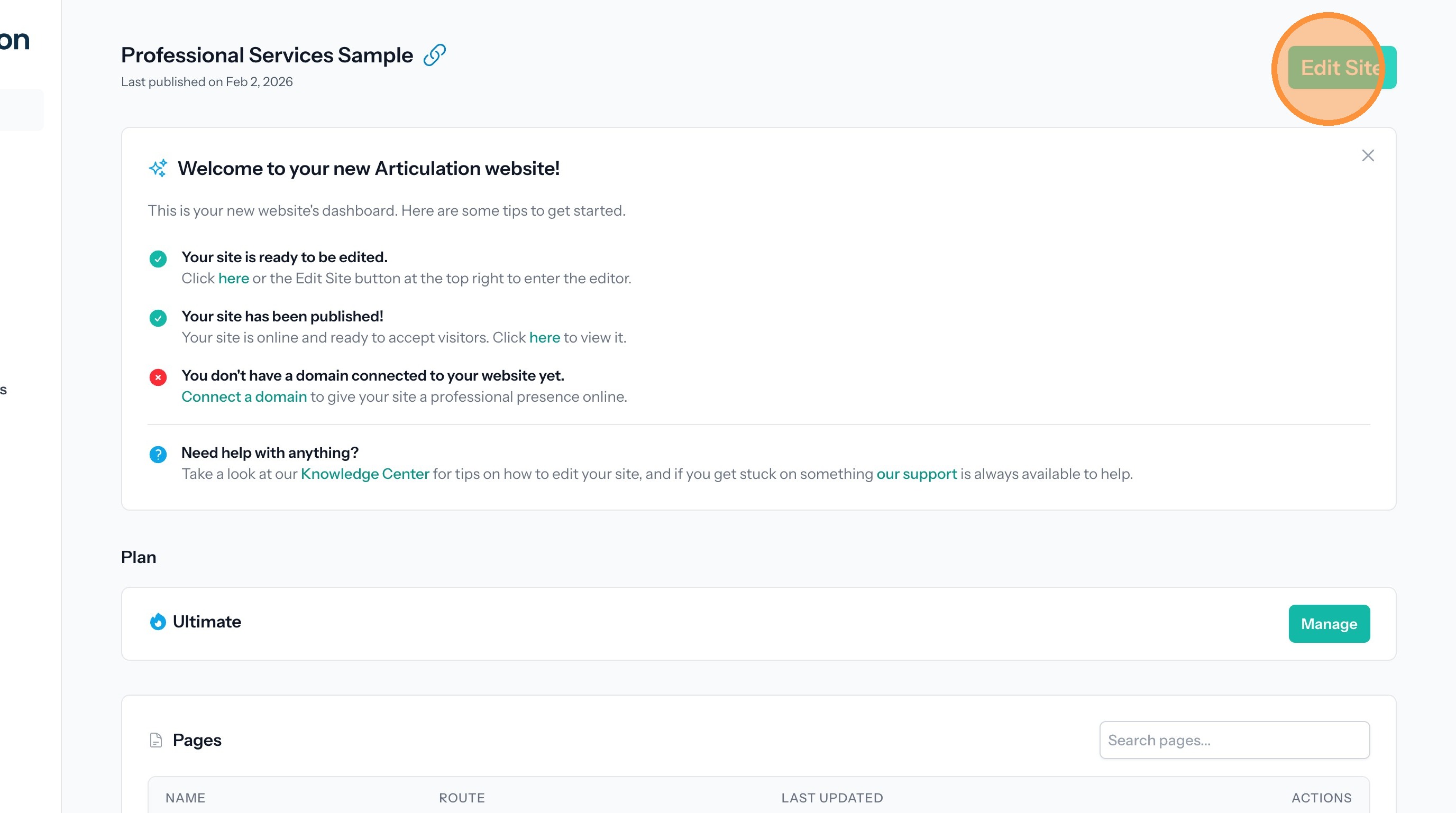
9. Click "Edit Site"
10. Click "Publish"

View the Protected Page
11. From the published site click on the link to the protected page.

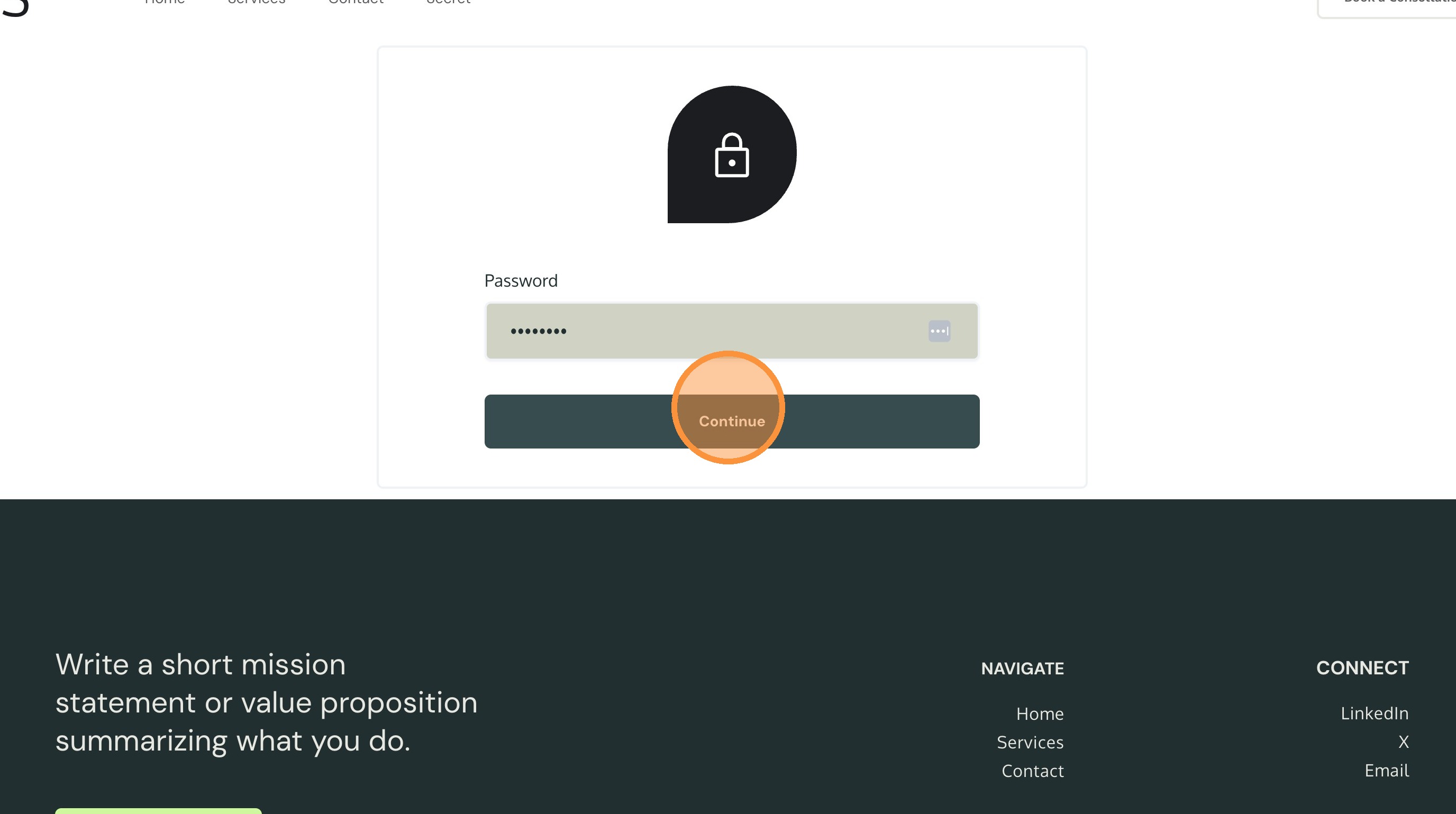
12. You will be shown the password input page.
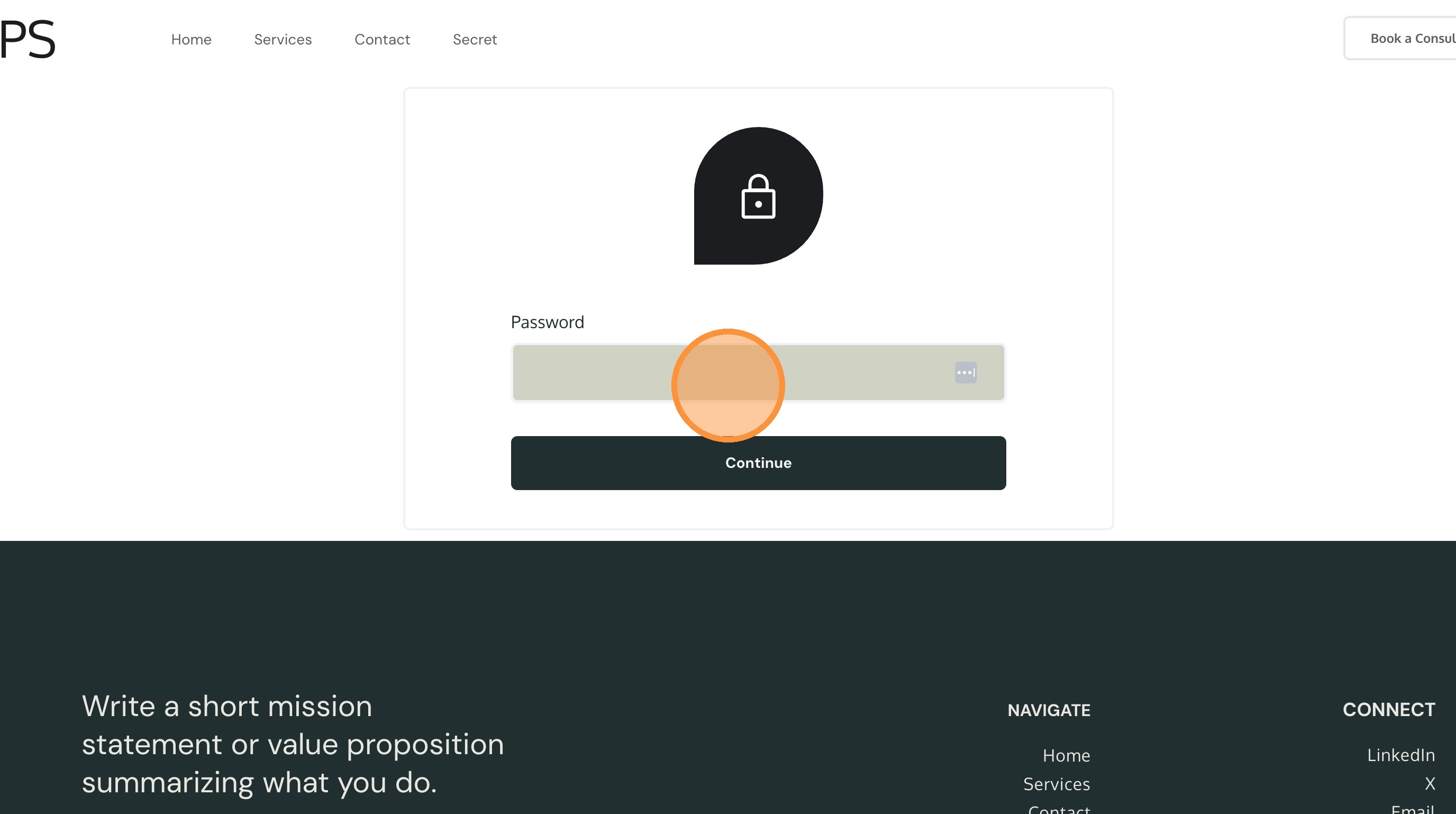
13. Enter the password and click "Continue" to see the page.