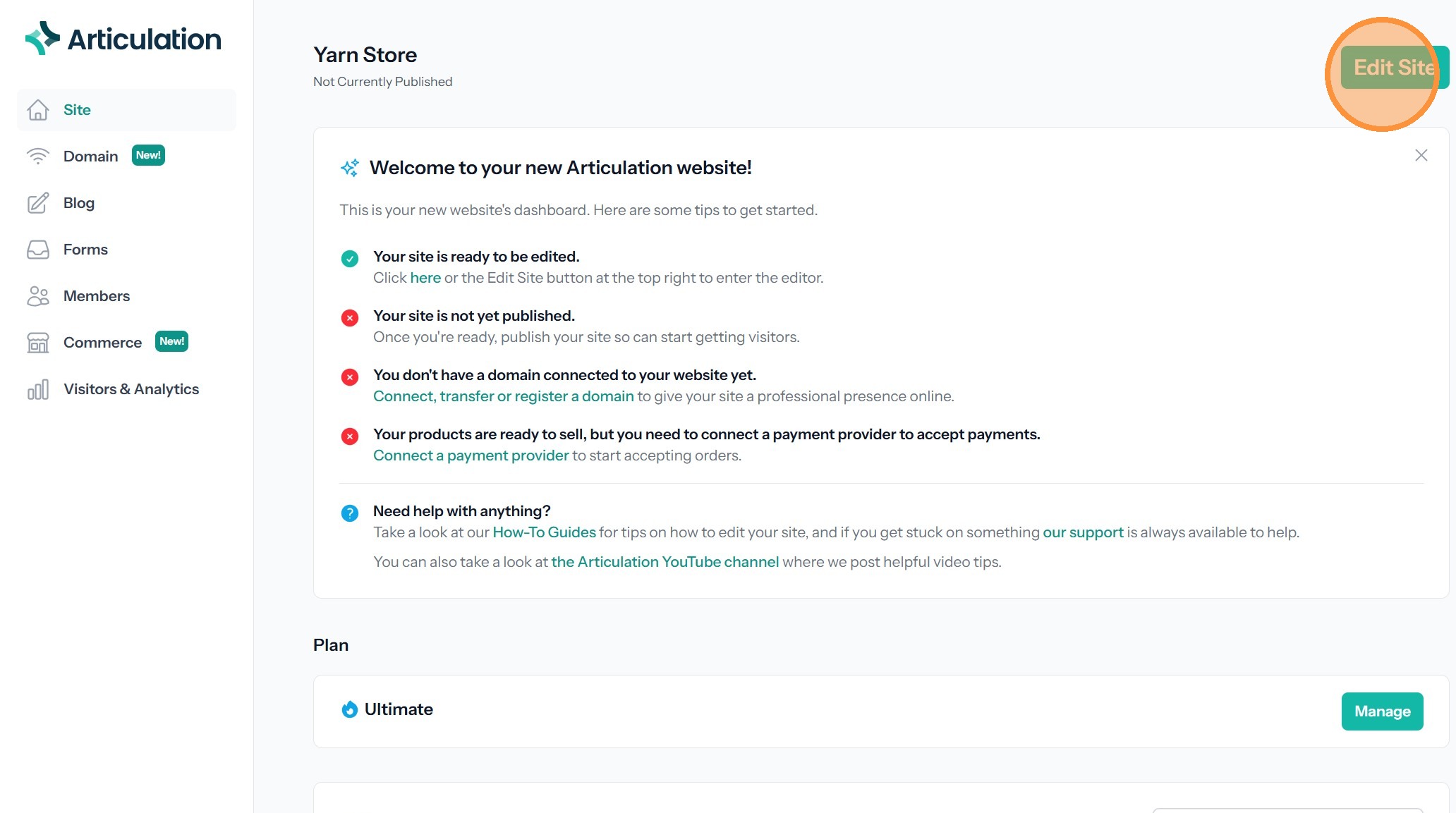
Log Out and Log In
How to log out of your account and how to log in.
Account Logout
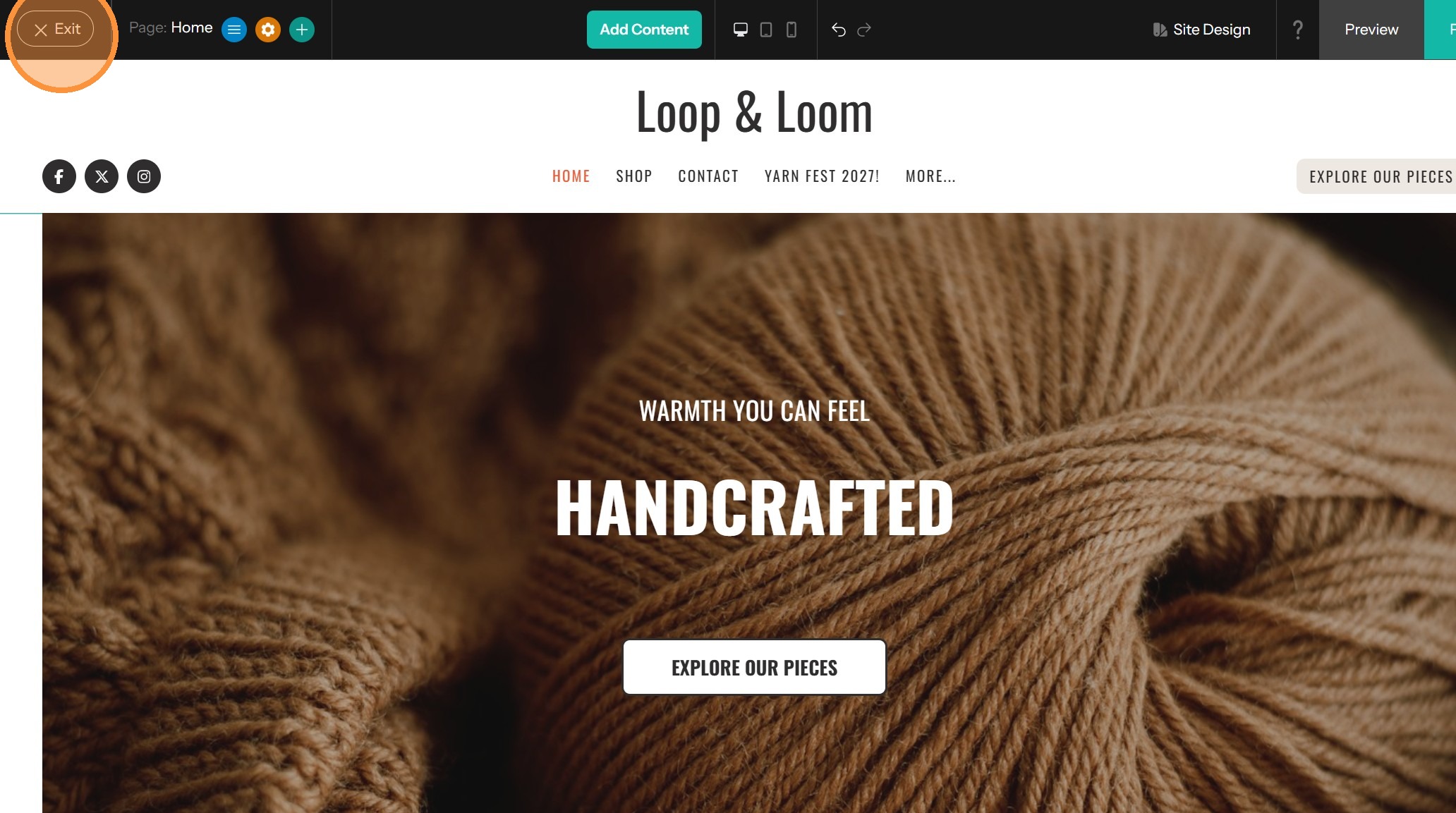
1. Click 'Exit' to return to the site dashboard.
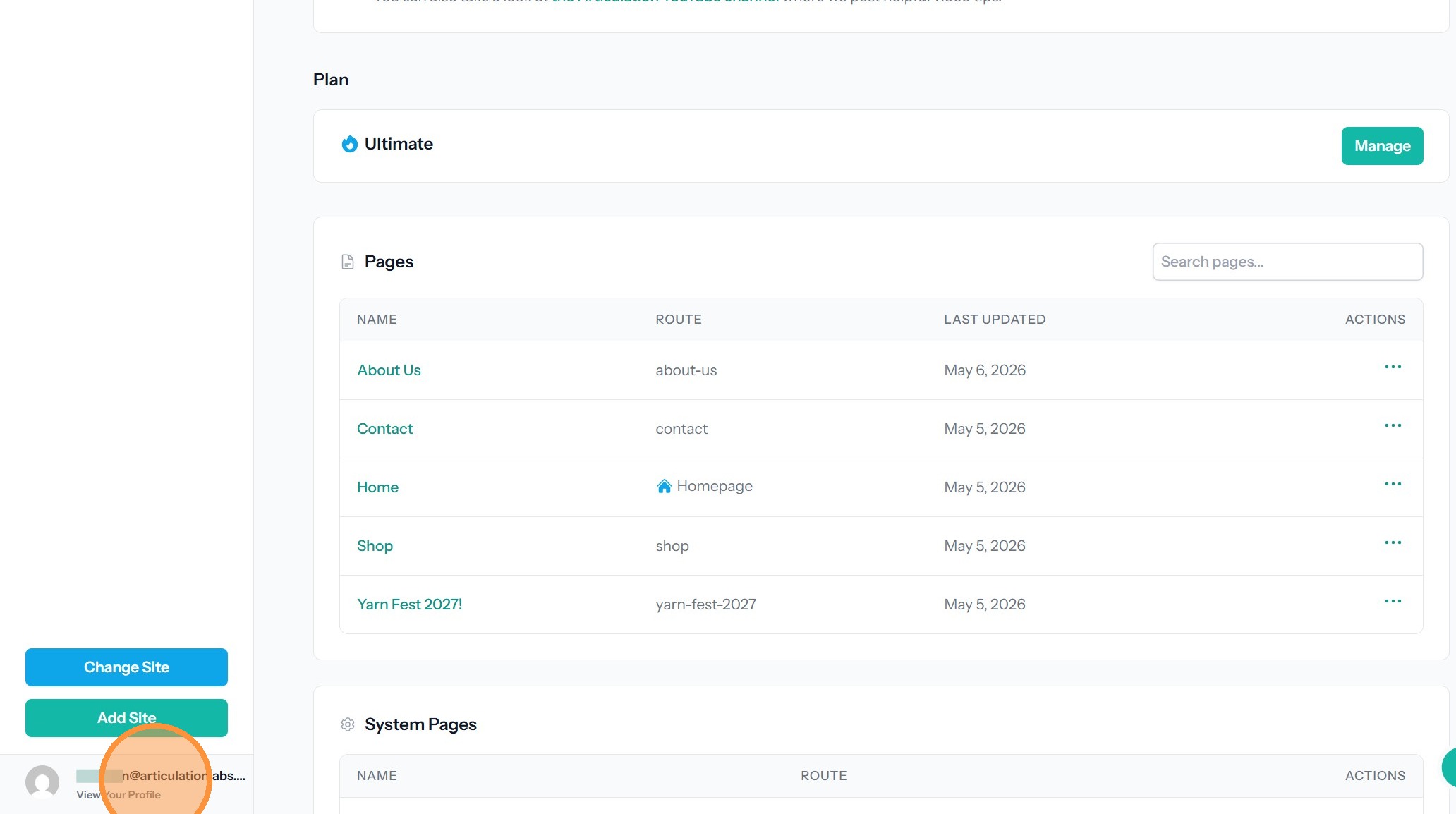
2. Click View Your Profile at the bottom left of the dashboard
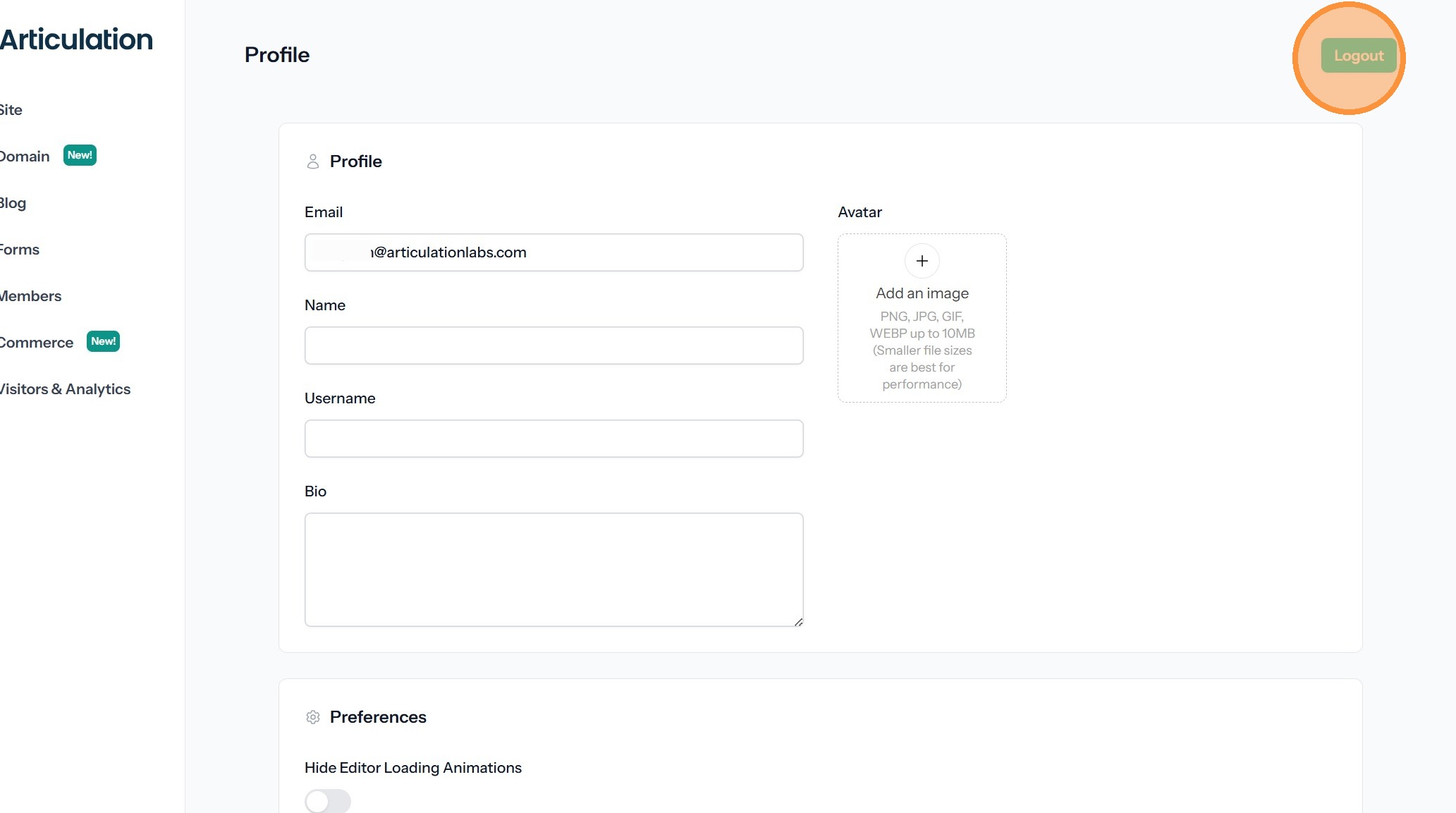
3. Click 'Logout' at the top right.
Account Login
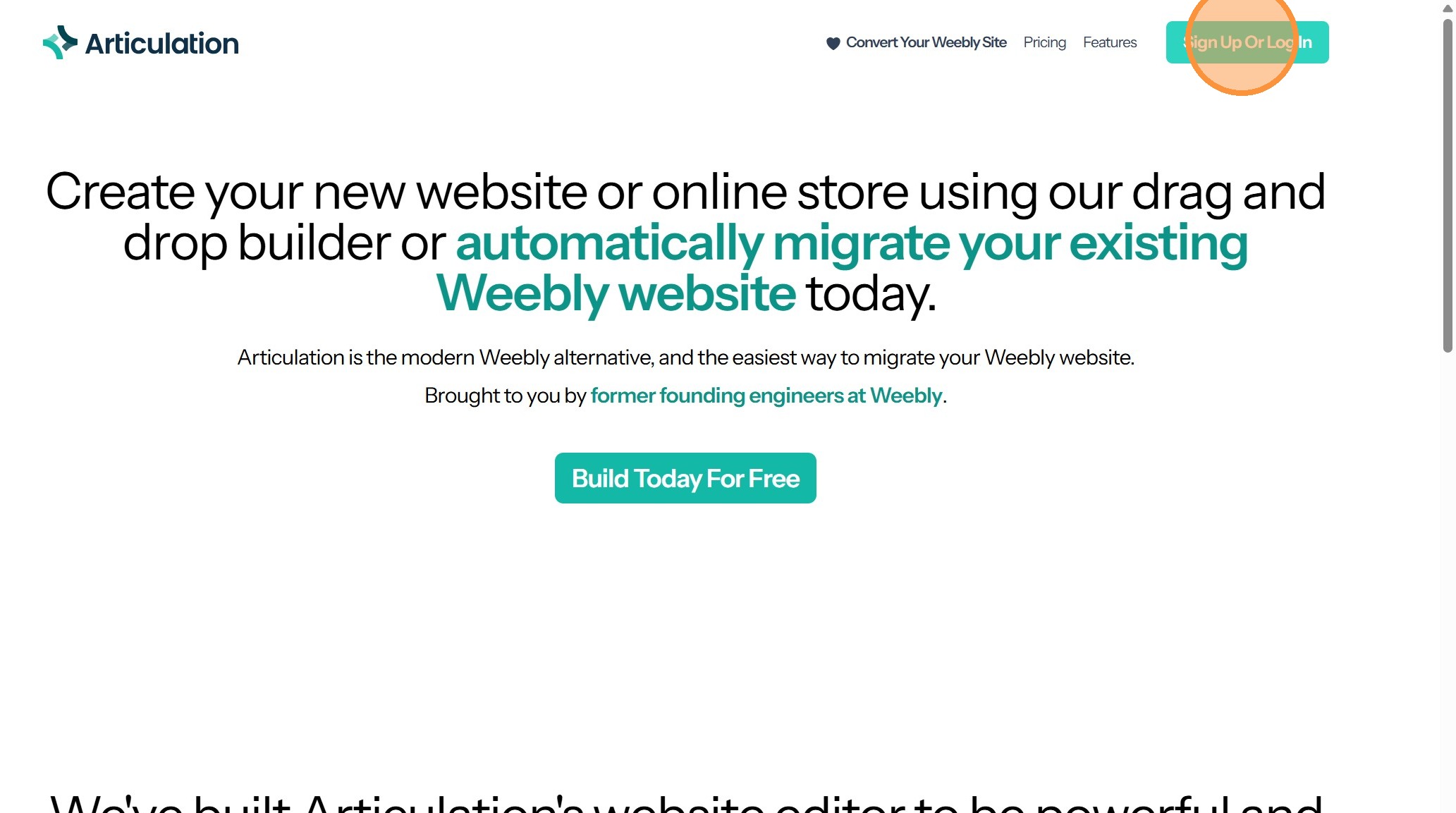
4. Click "Sign Up Or Log In"
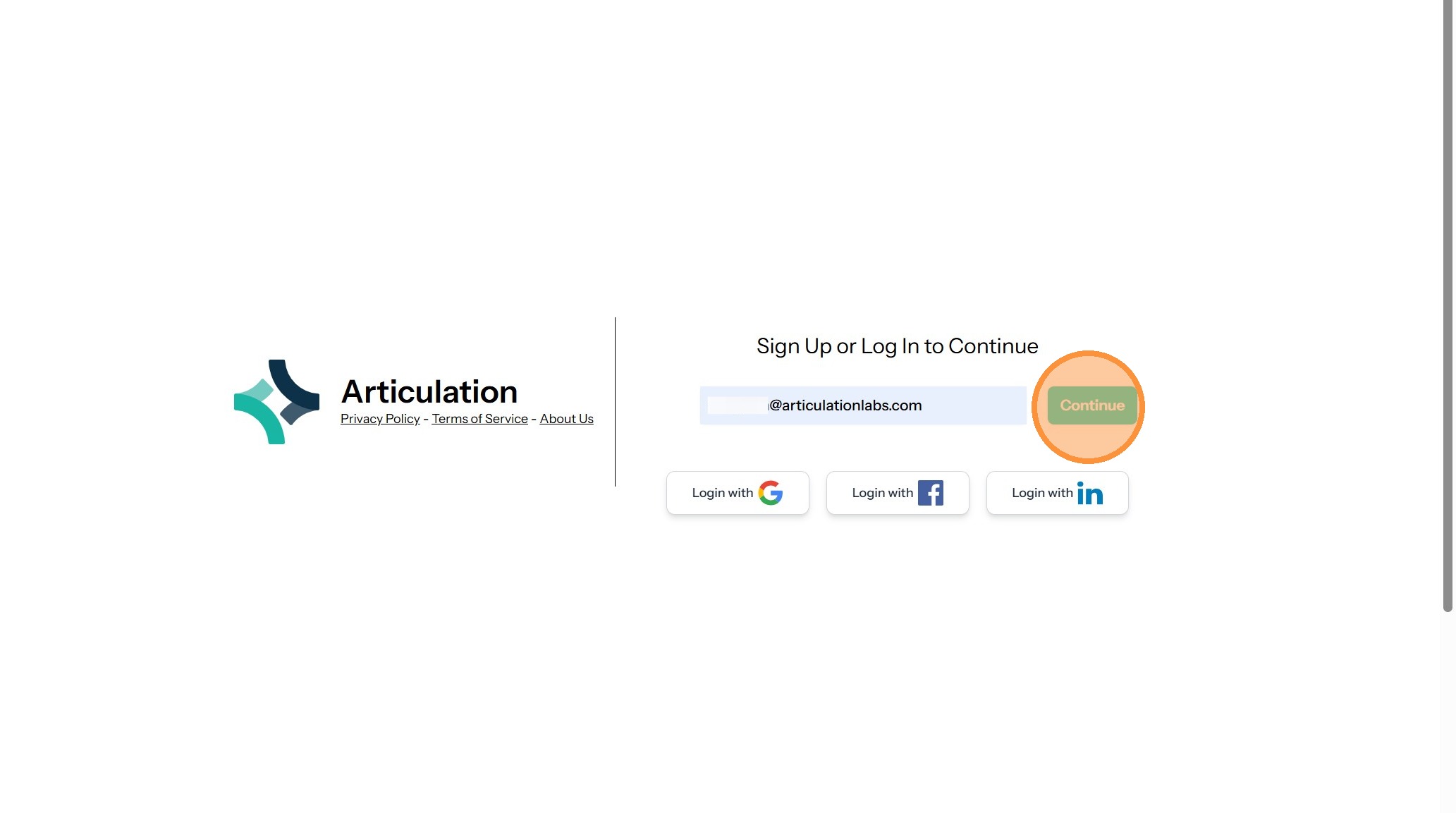
5. Enter your email address and click "Continue"
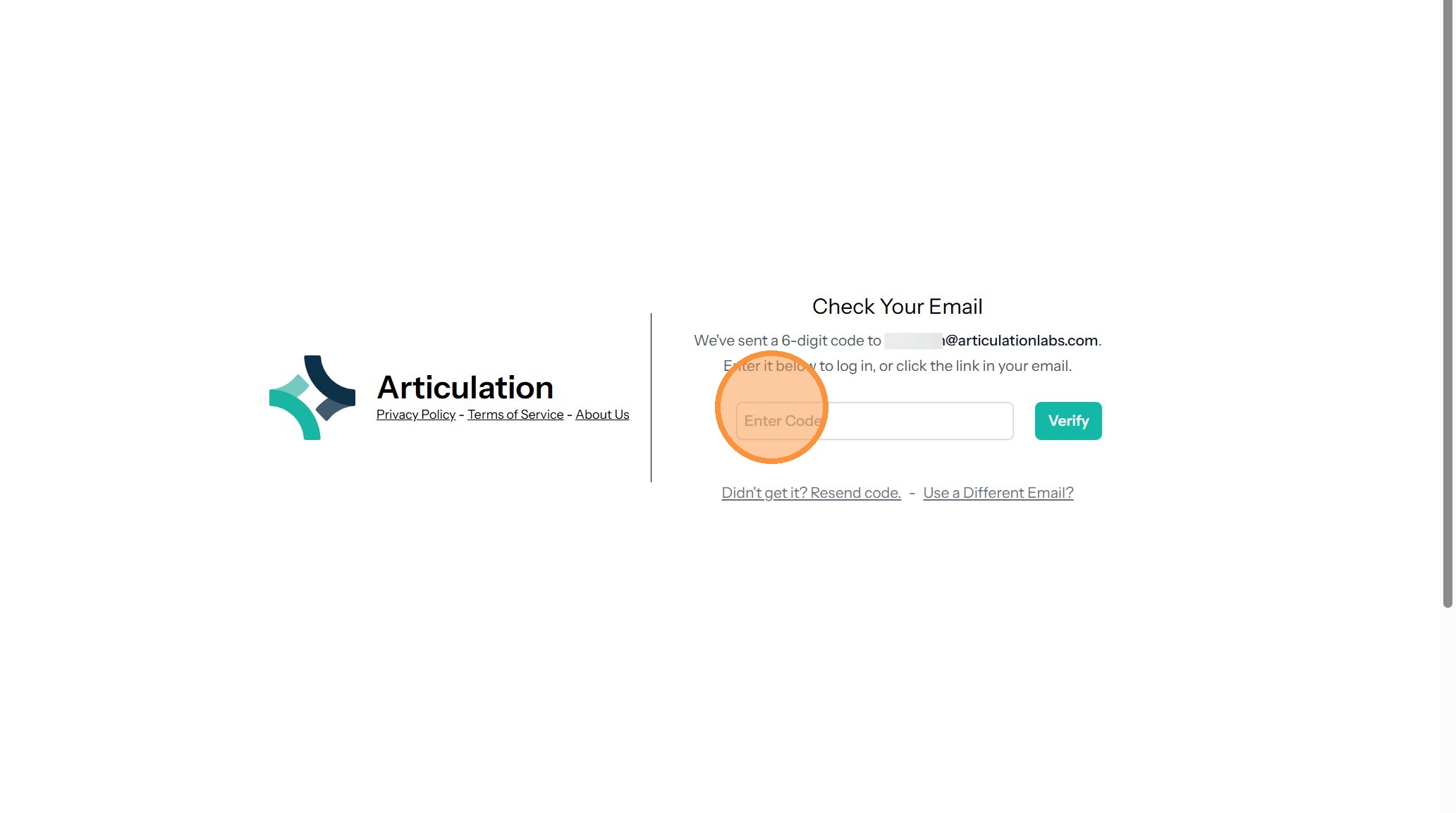
6. Go to your email and find the message with the login code and link
7. Enter the numbers in the "Enter Code" field and click Verify
8. You will be taken to the dashboard