
Delete a Site
How to delete a site.
Delete a Site
1. Start from your site dashboard
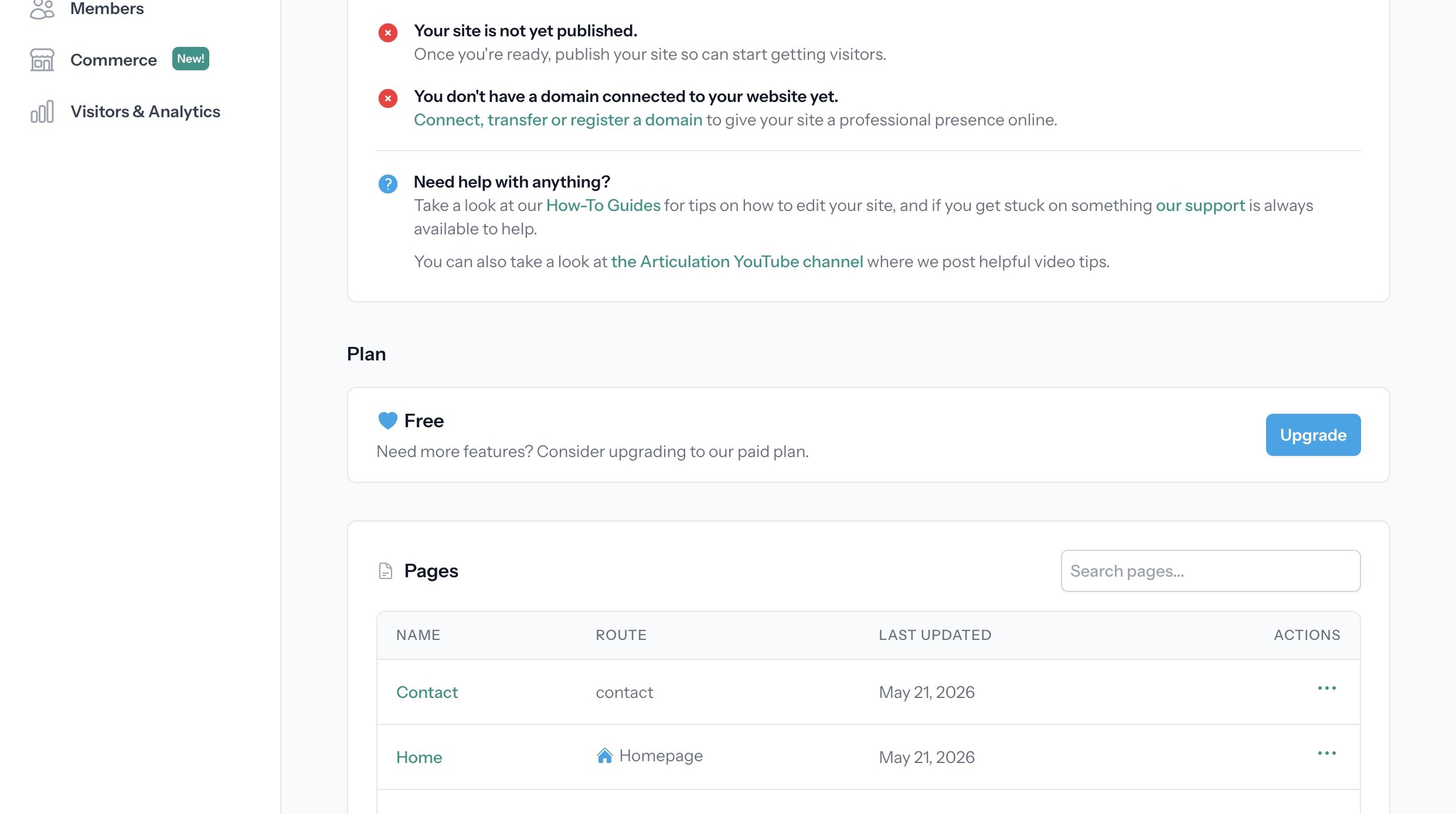
Alert: If your site is published it must first be unpublished before it can be deleted
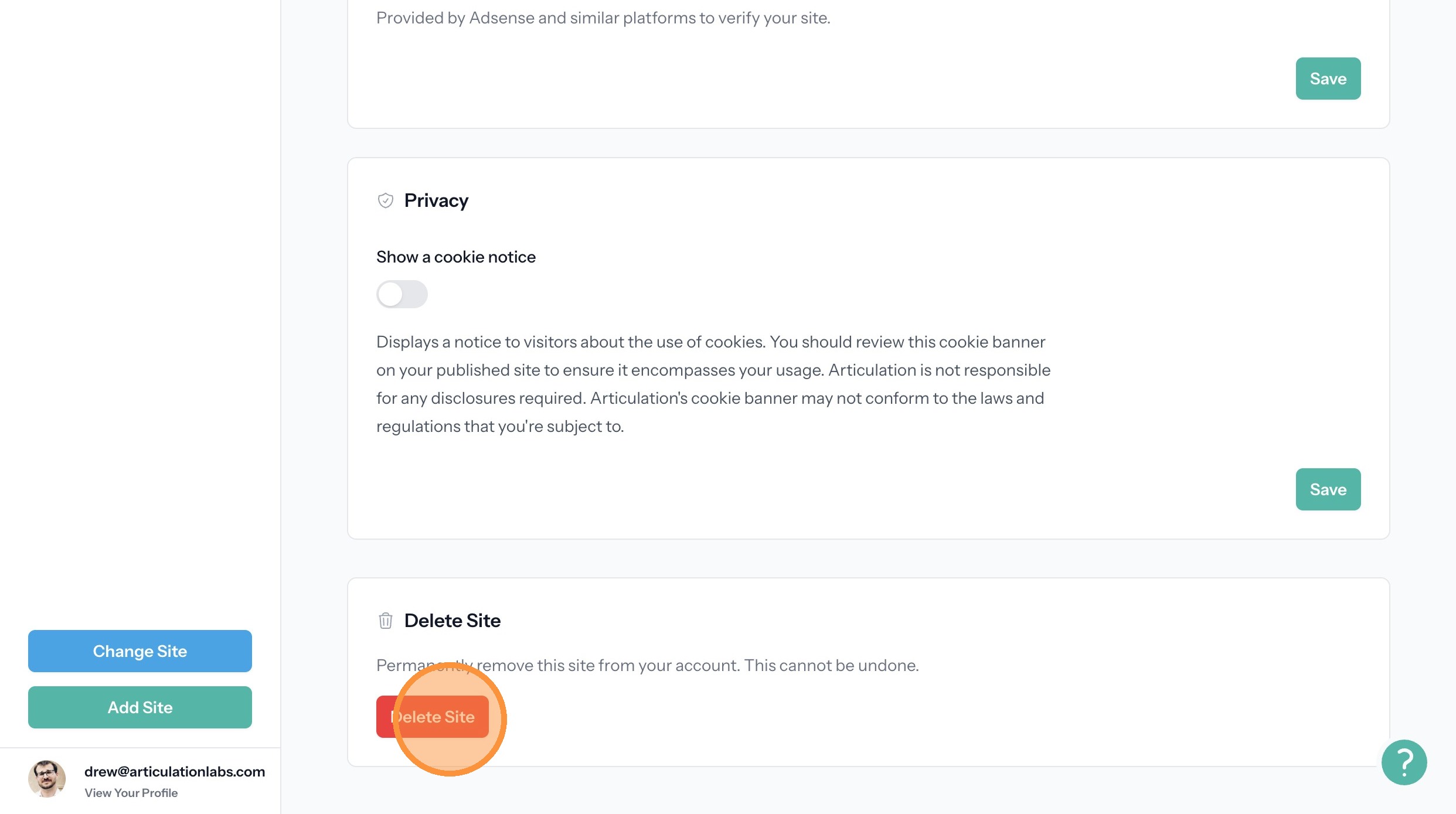
2. Click Delete Site at the bottom of the page.
We use cookies and similar technologies to analyze site traffic and improve your experience.
This applies to Articulation's own pages, dashboard, and editor. Individual site owners may add their own tracking to their published sites. For more details, see our Privacy Policy.
How to delete a site.
1. Start from your site dashboard
Alert: If your site is published it must first be unpublished before it can be deleted
2. Click Delete Site at the bottom of the page.
This guide walks through the process for importing your Weebly site to Articulation and connecting a custom domain.
Shows how to add a new website member that can be given permission to edit your website.
How to create a site password and apply it to pages.
Get started with Articulation's easy-to-use website builder today.
Get Started Free