Change Background Styles
How to add and edit image, color, gradient, video, and slide backgrounds.
1. Start from the Website Editor
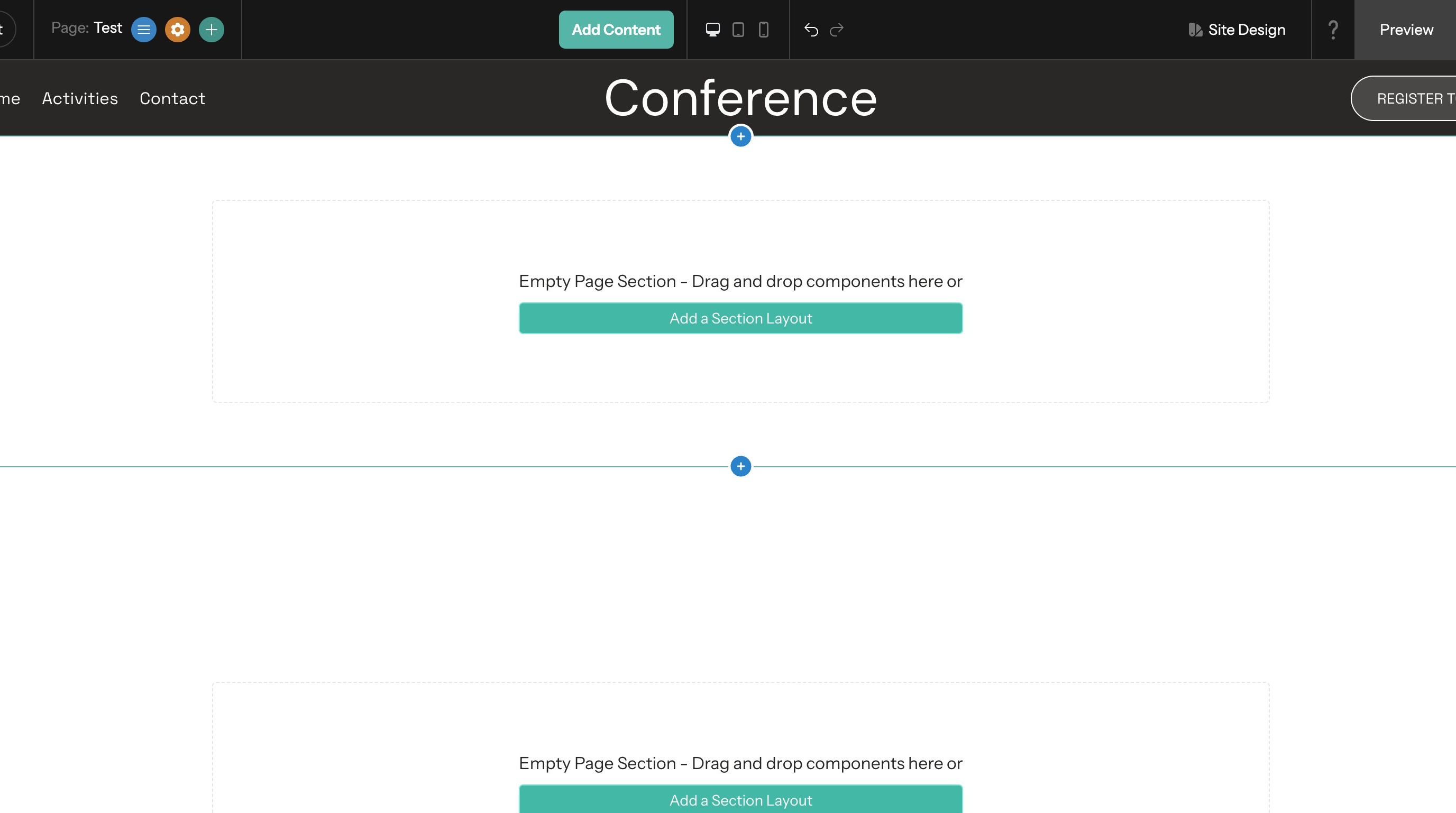
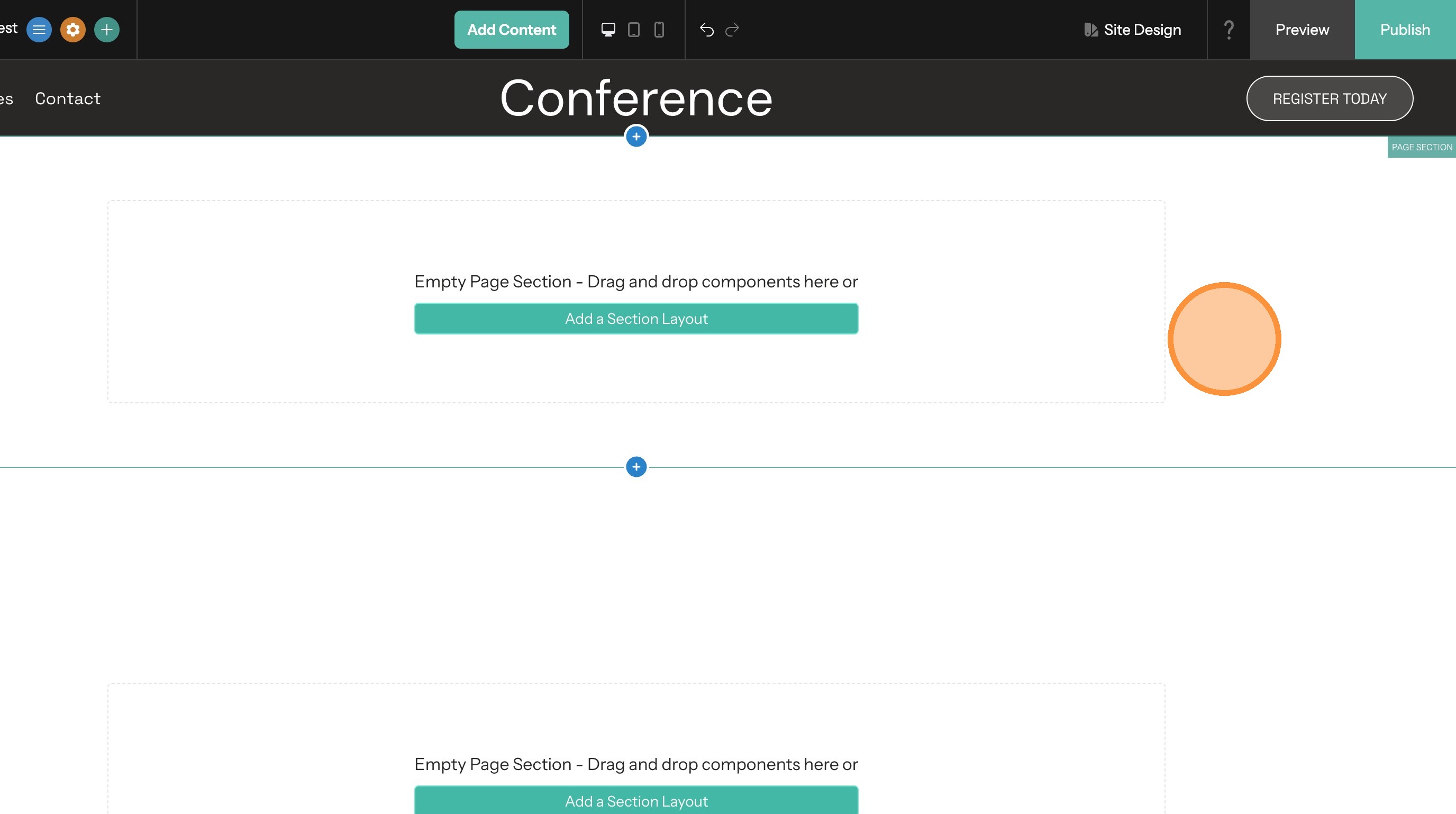
2. Click on the section you want to edit
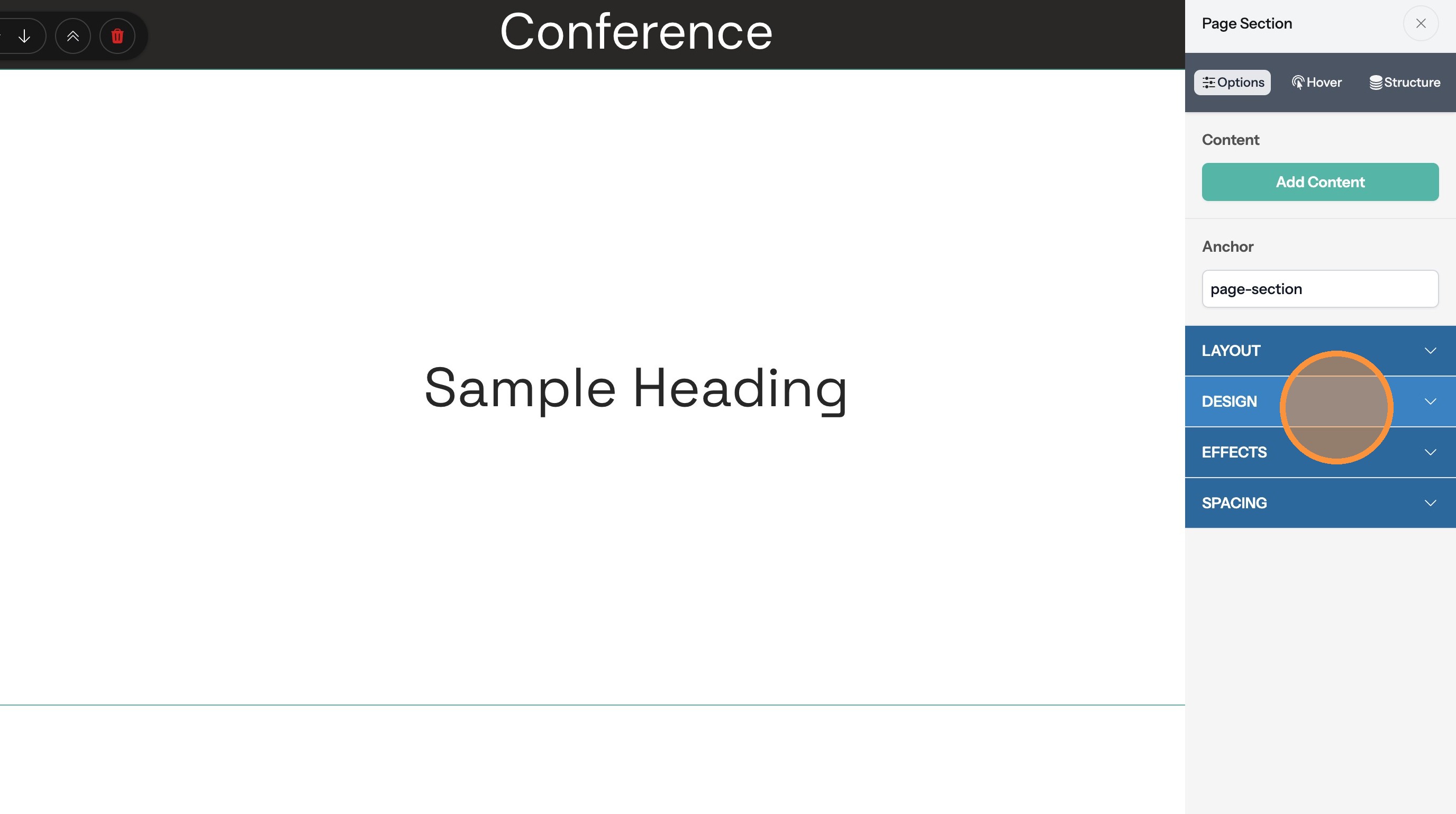
3. Click "Design"
Set a Color Background
4. Select the "Color" option.
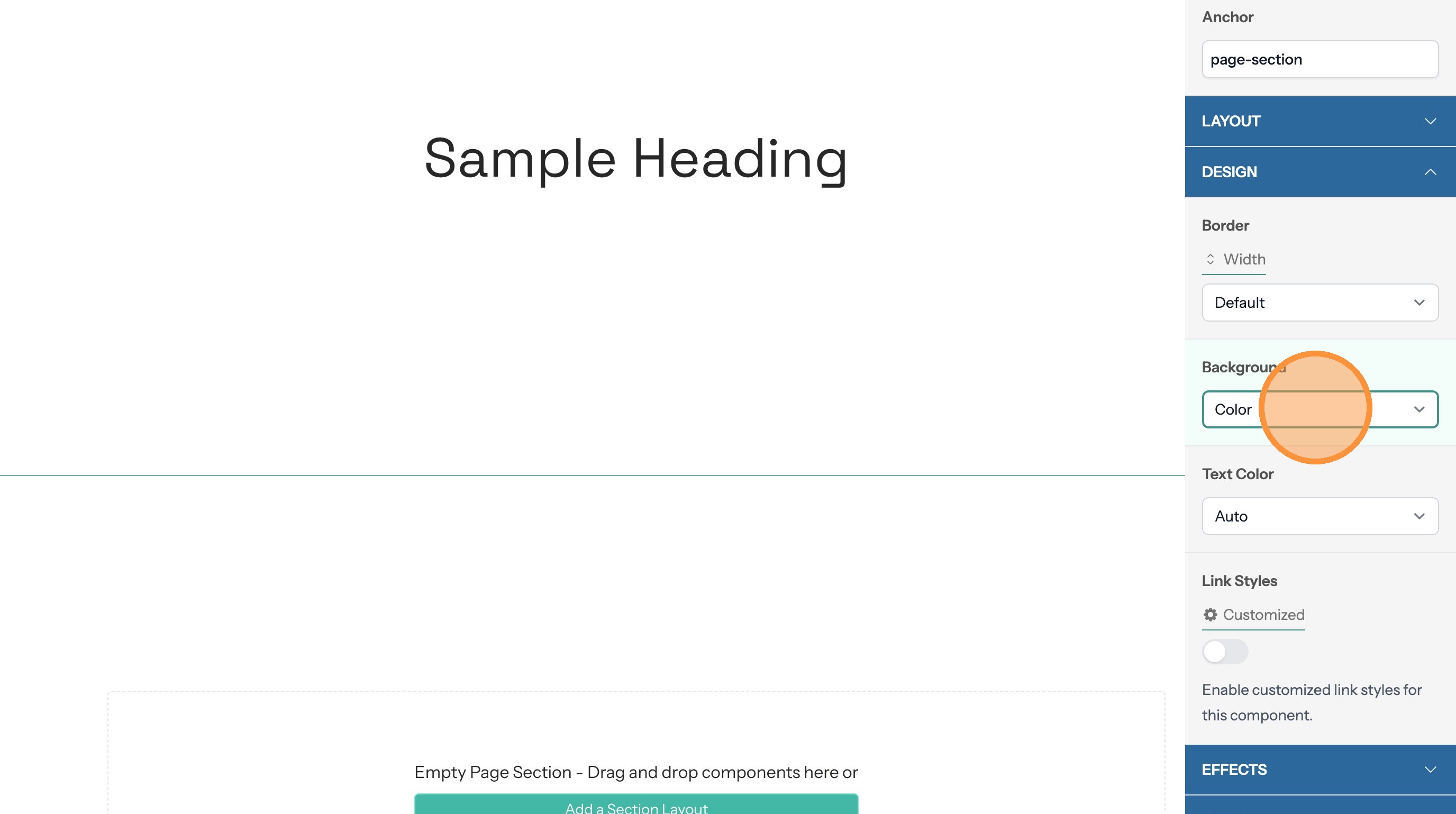
5. If the section text doesn't contrast with the background color you can change the text color here
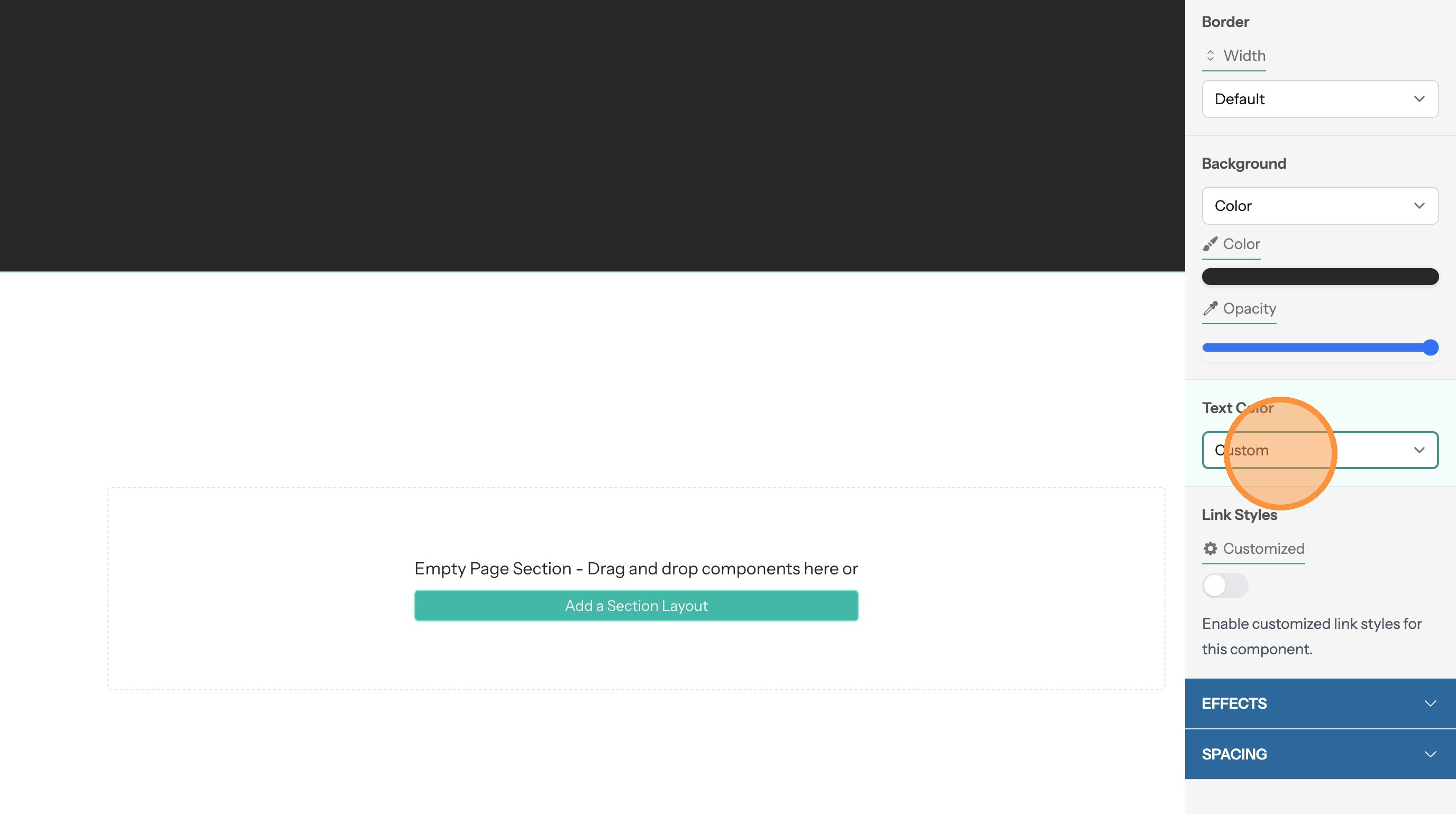
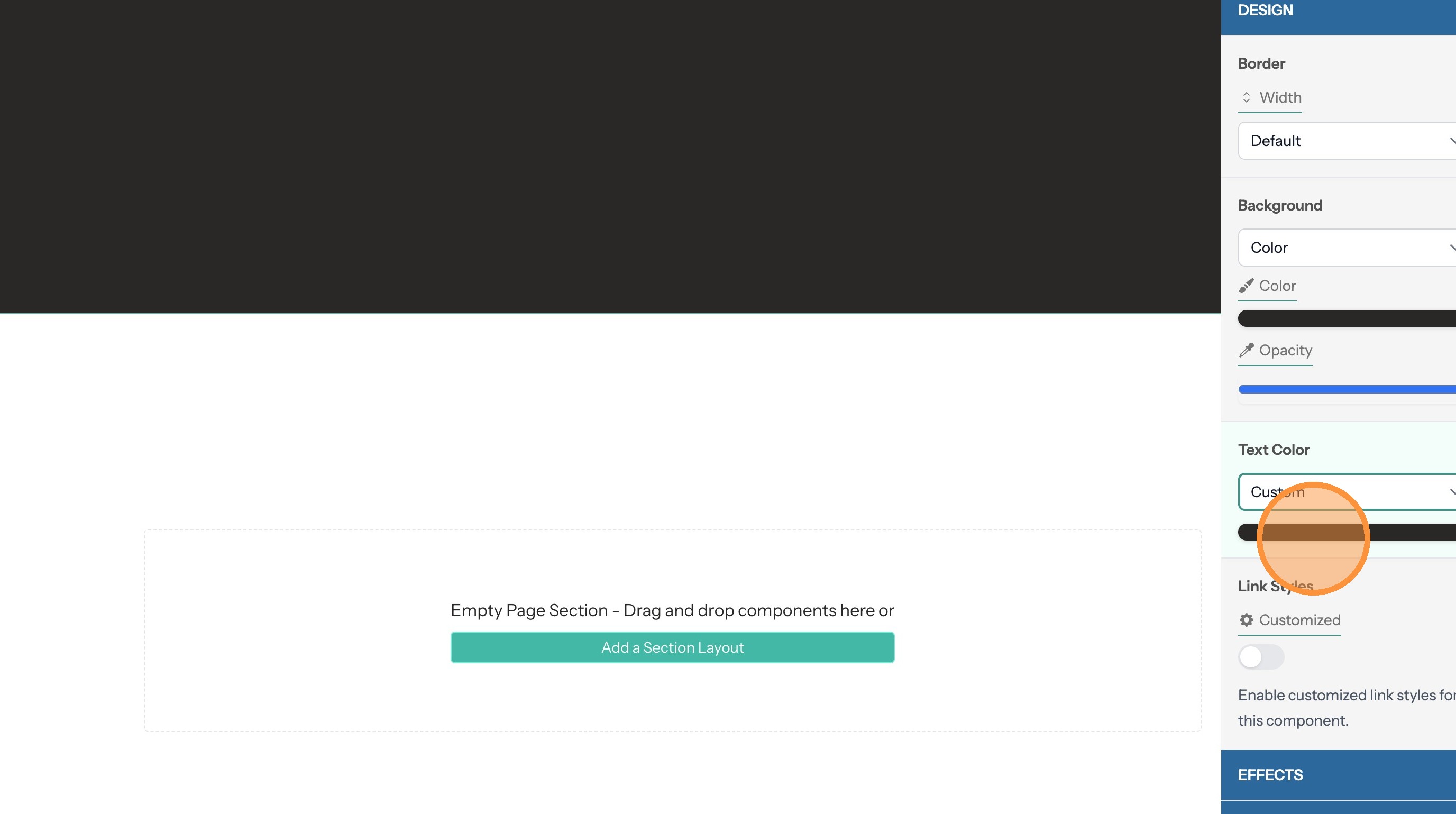
6. Click on the color to open the color chooser dialog
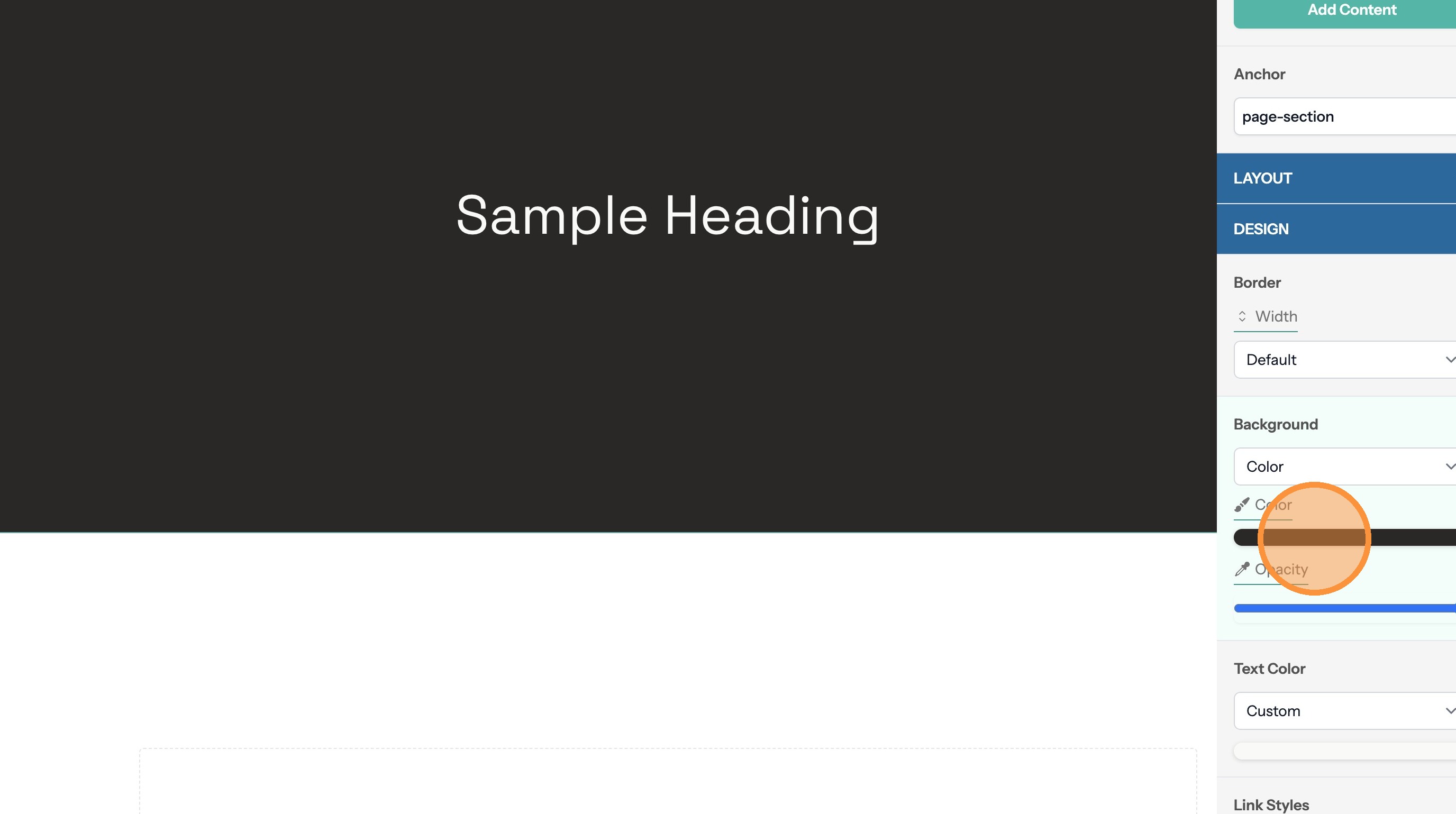
7. Change the background color by clicking here
Set a Gradient Background
8. Select the "Gradient" option.
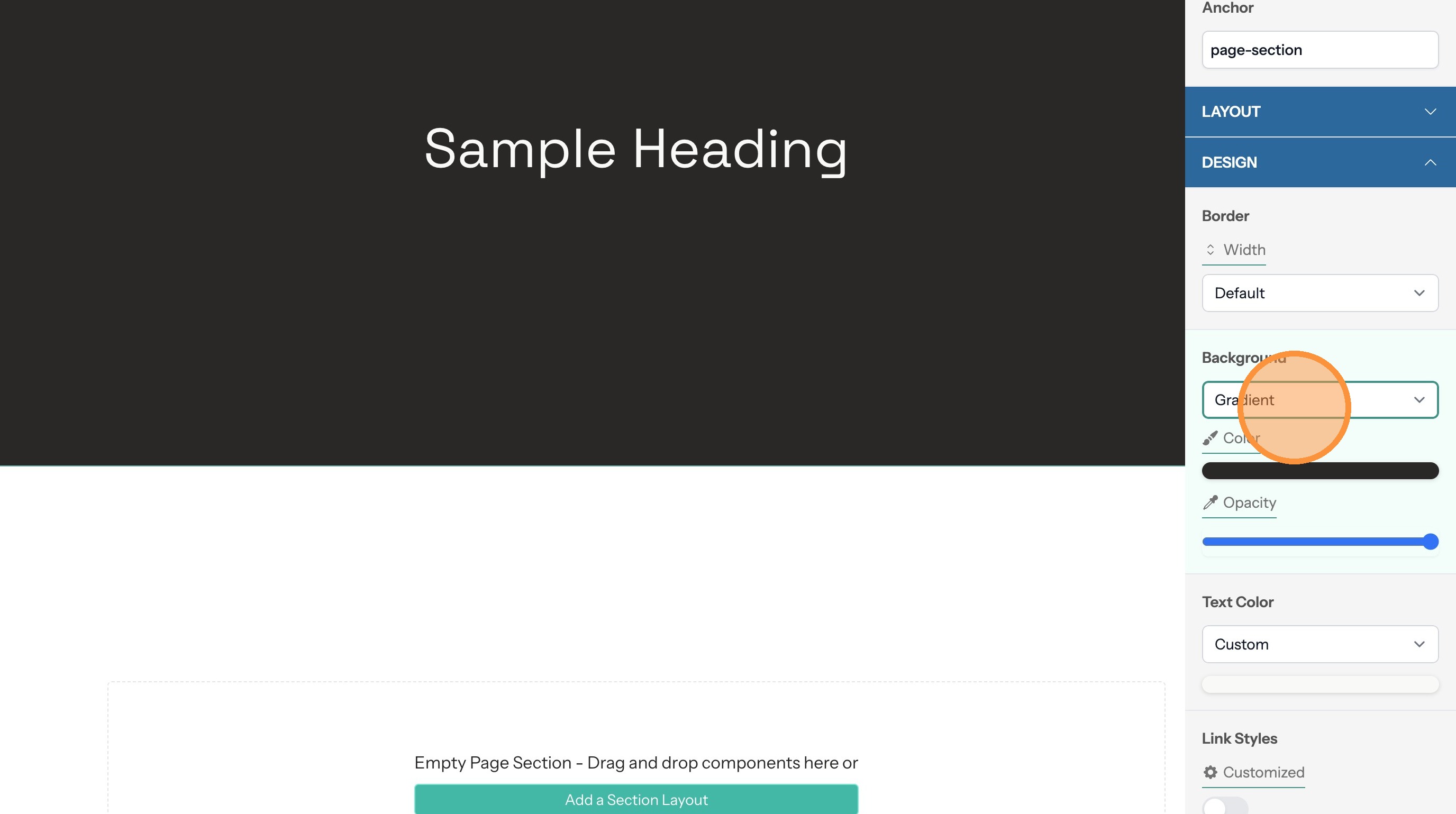
9. Click the colors to change them
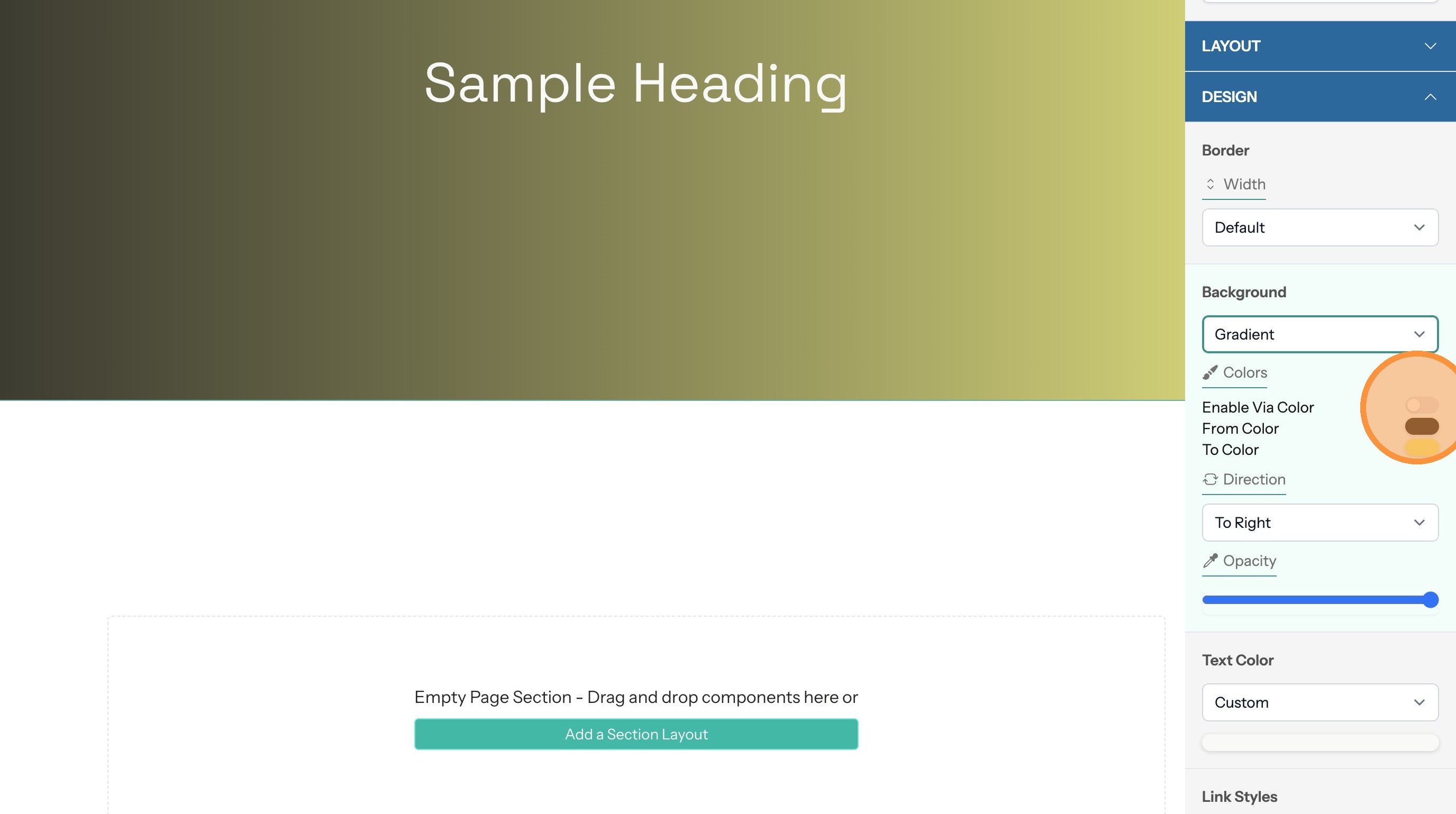
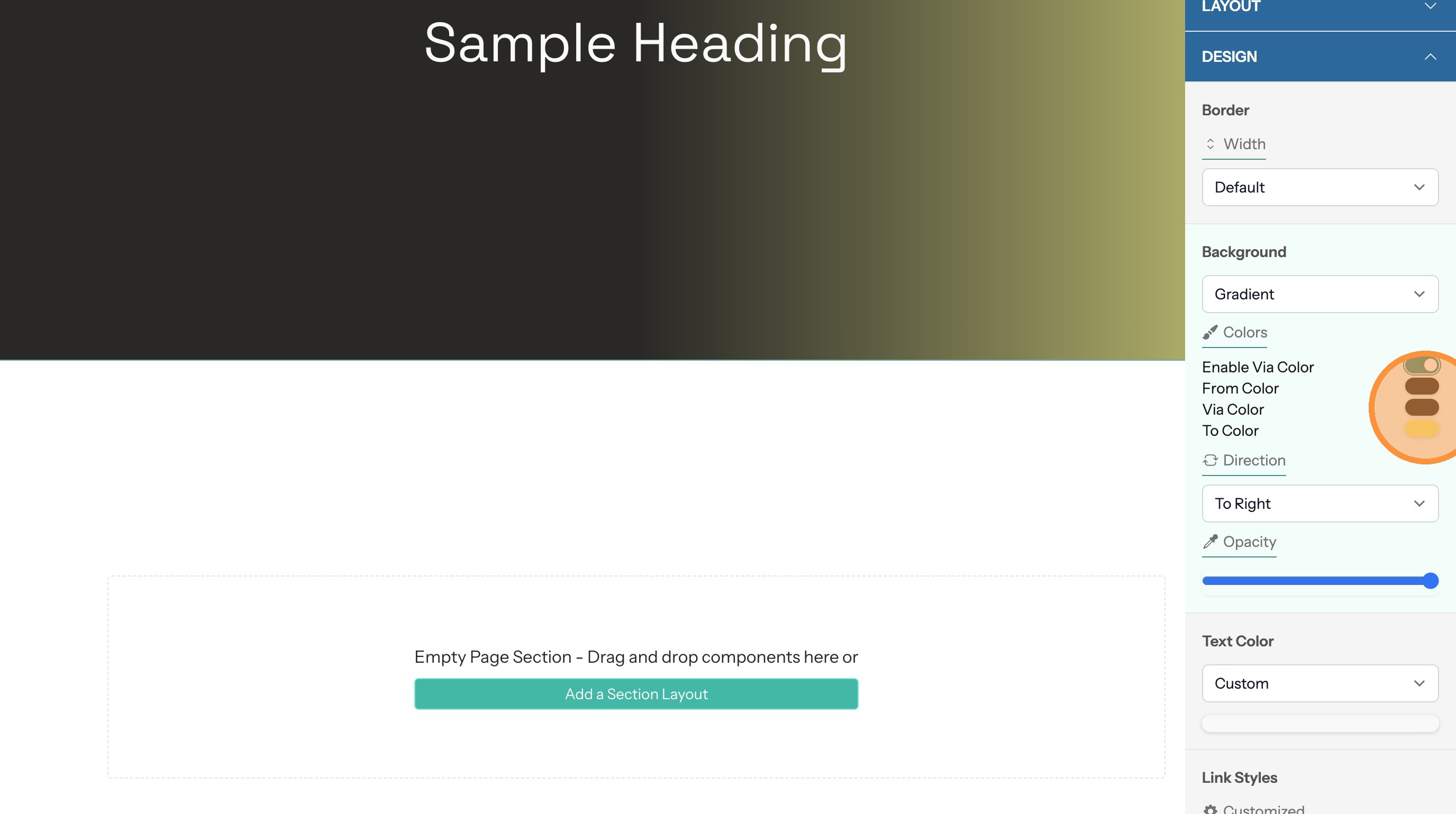
10. Click the "Enable Via Color" toggle to add a third color to the gradient
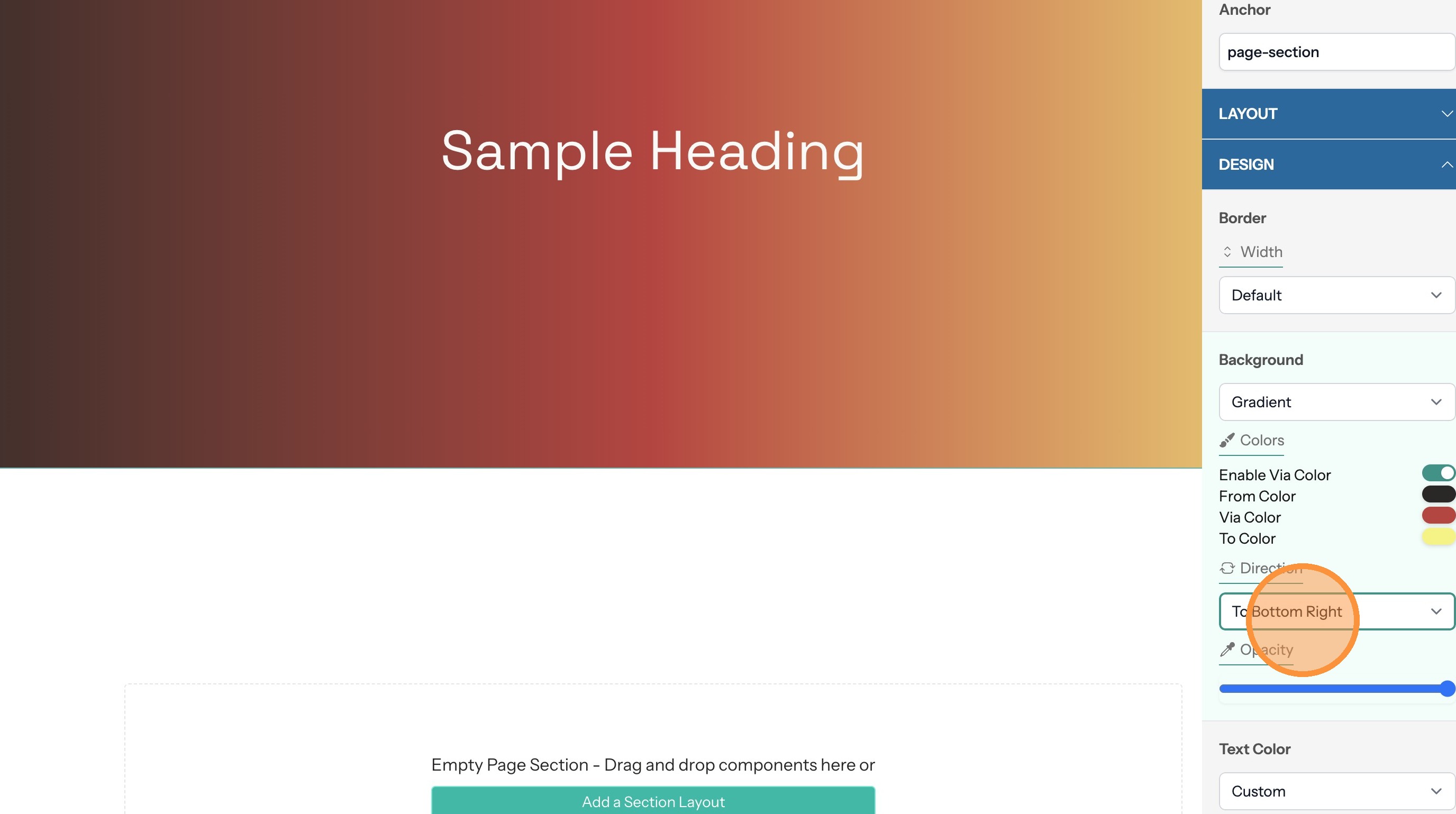
11. Use this select input to choose the gradient direction
Set an Image Background
12. Select the Image type then upload an image file
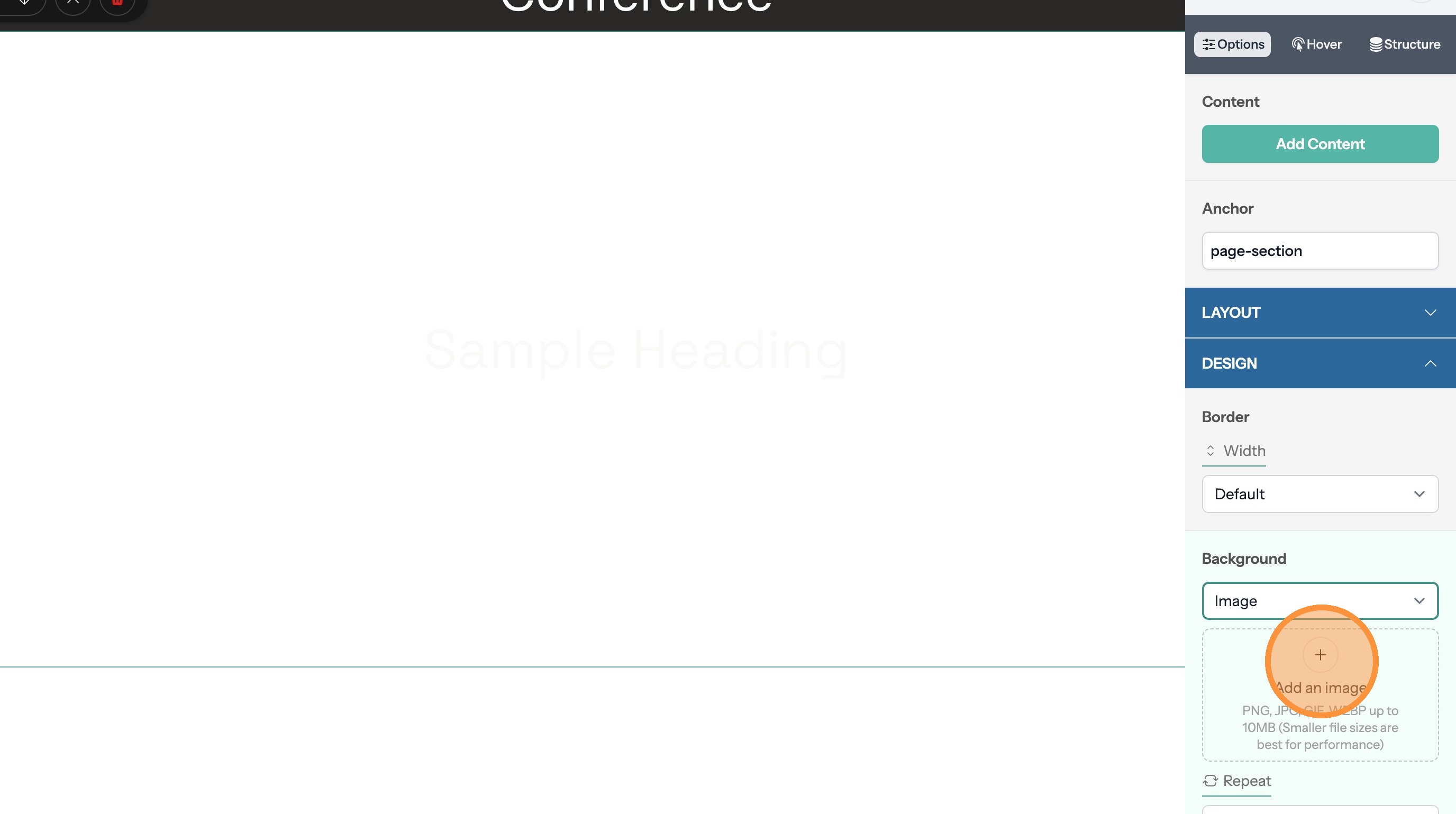
13. Use this input to choose to have the image repeat in a tile pattern or not
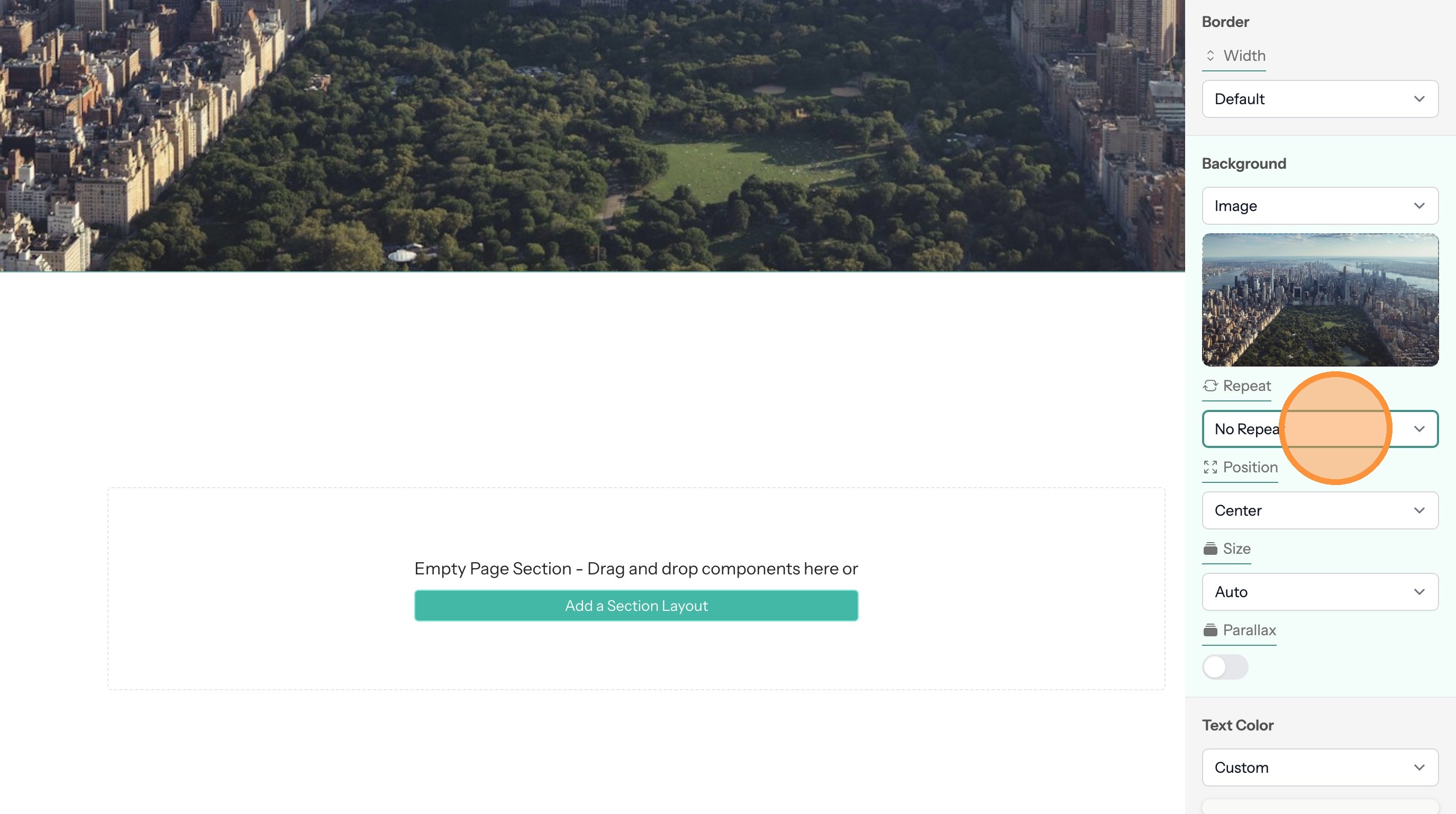
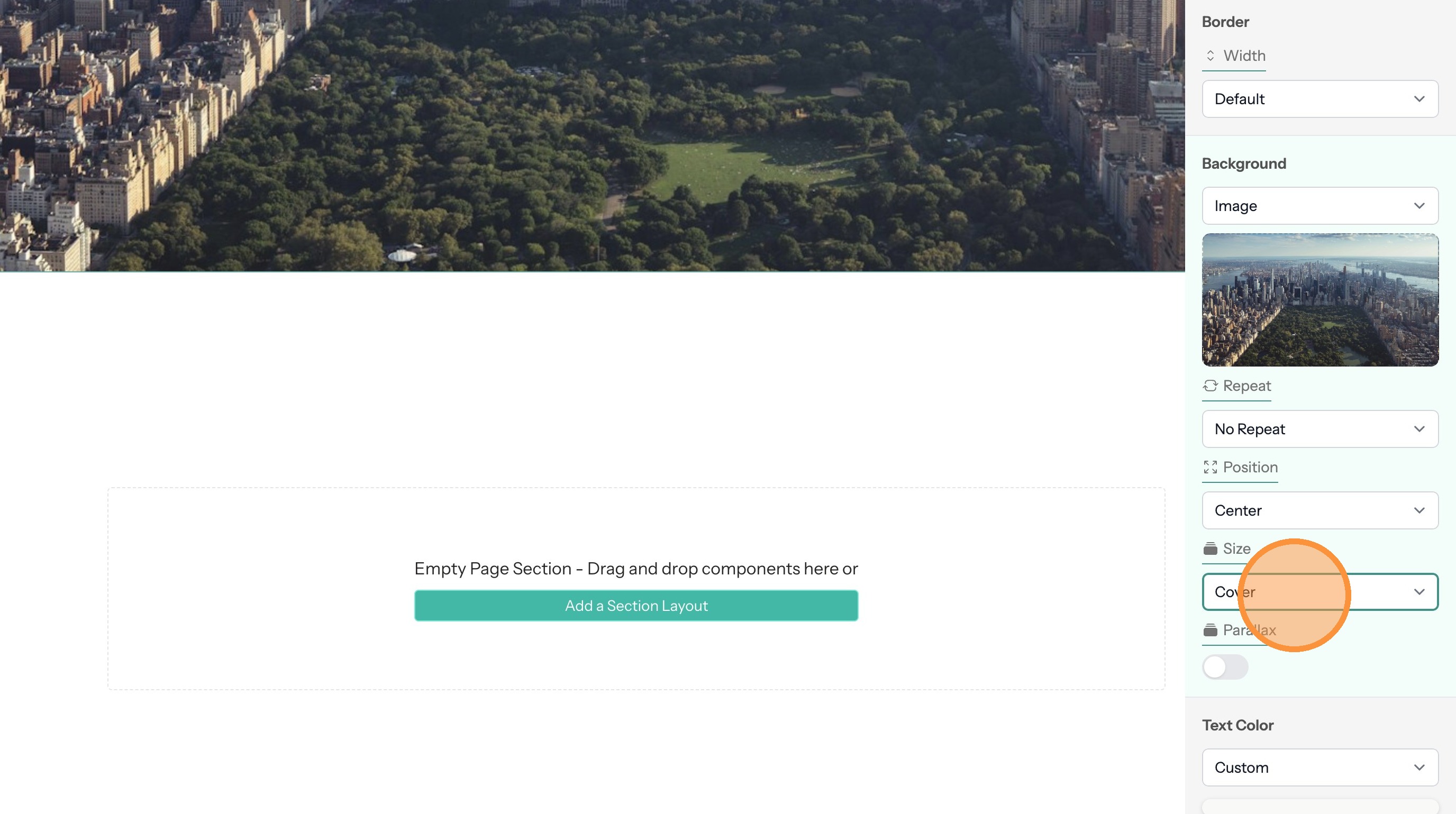
14. Use this option to determine the image size. The "Cover" value will have the image fill the full space
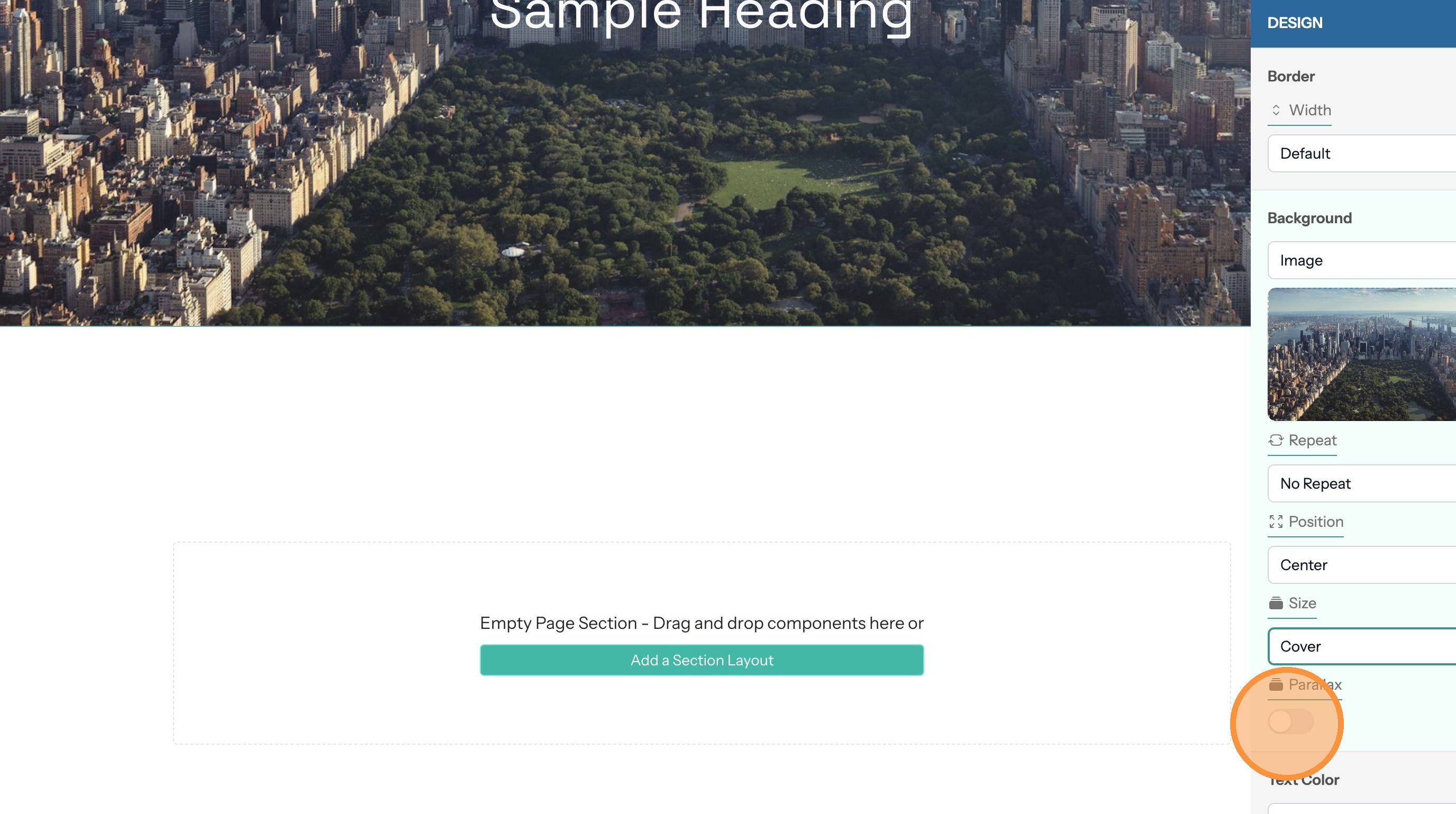
15. Enabling the parallax option will hold the image in place when the page scrolls
Set an Image with Color Overlay Background
Tip: This background type helps text and other content contrast better with the background image.
16. Select the "Image with Color Overlay" option.

17. Click here to change the overlay color
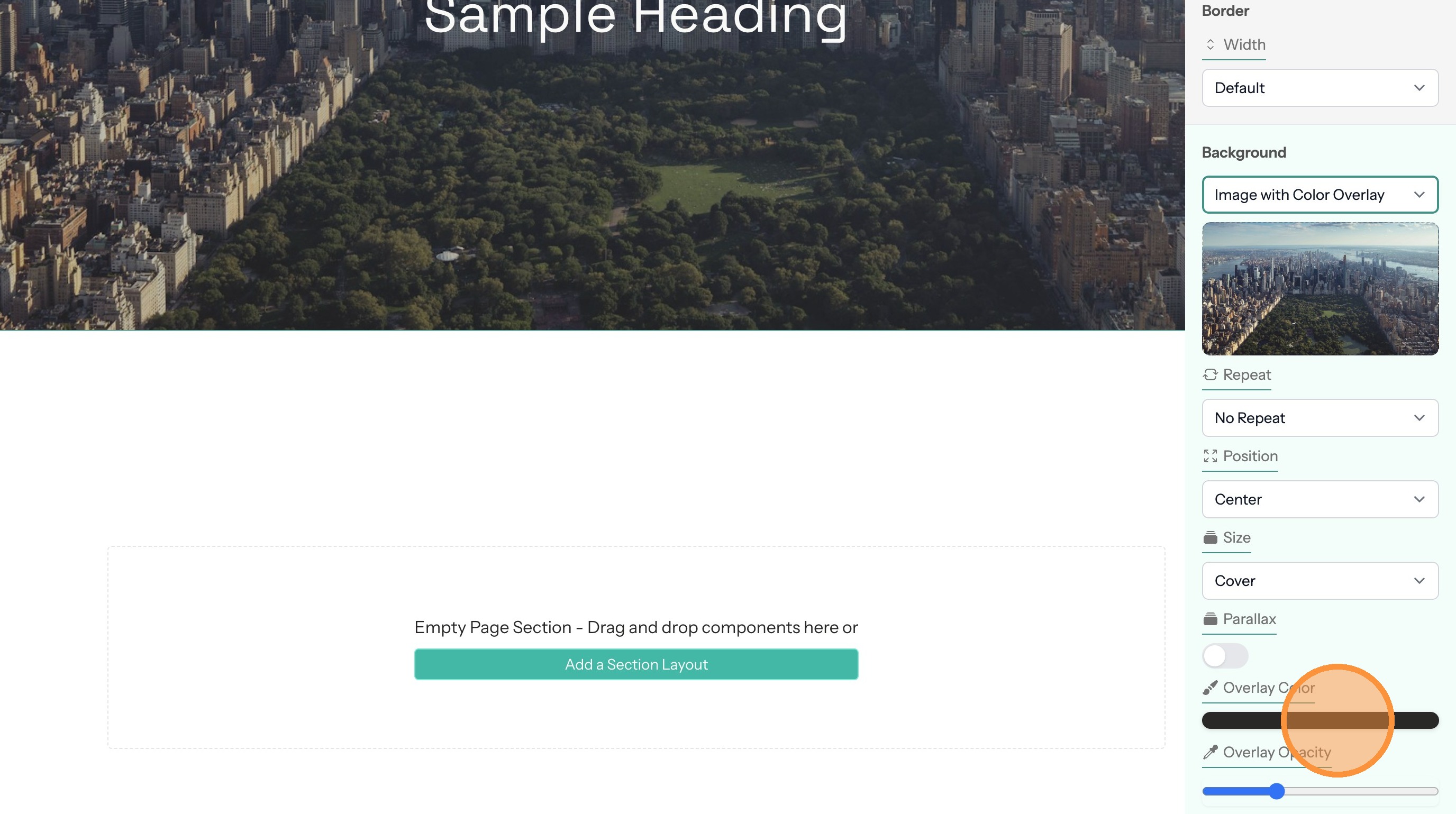
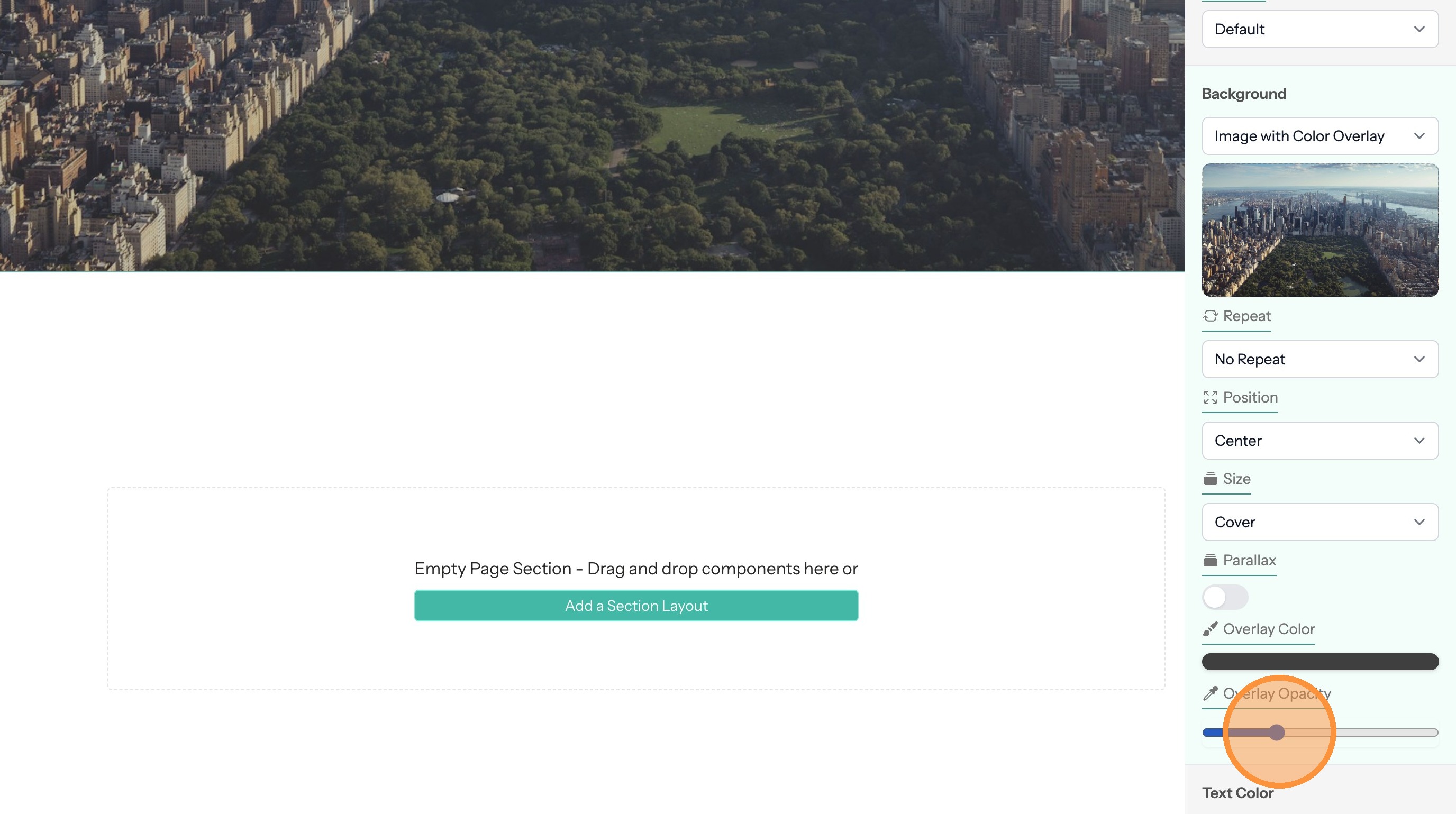
18. The opacity value determine how much of the color shows versus the background image
Set an Image with Gradient Overlay Background
Tip: This background type helps text and other content contrast better with the background image.
19. Select the "Image with Gradient Overlay" option.

Set Background Slides
Tip: Background slides cycle through a set of images while the content on top of them stays the same.
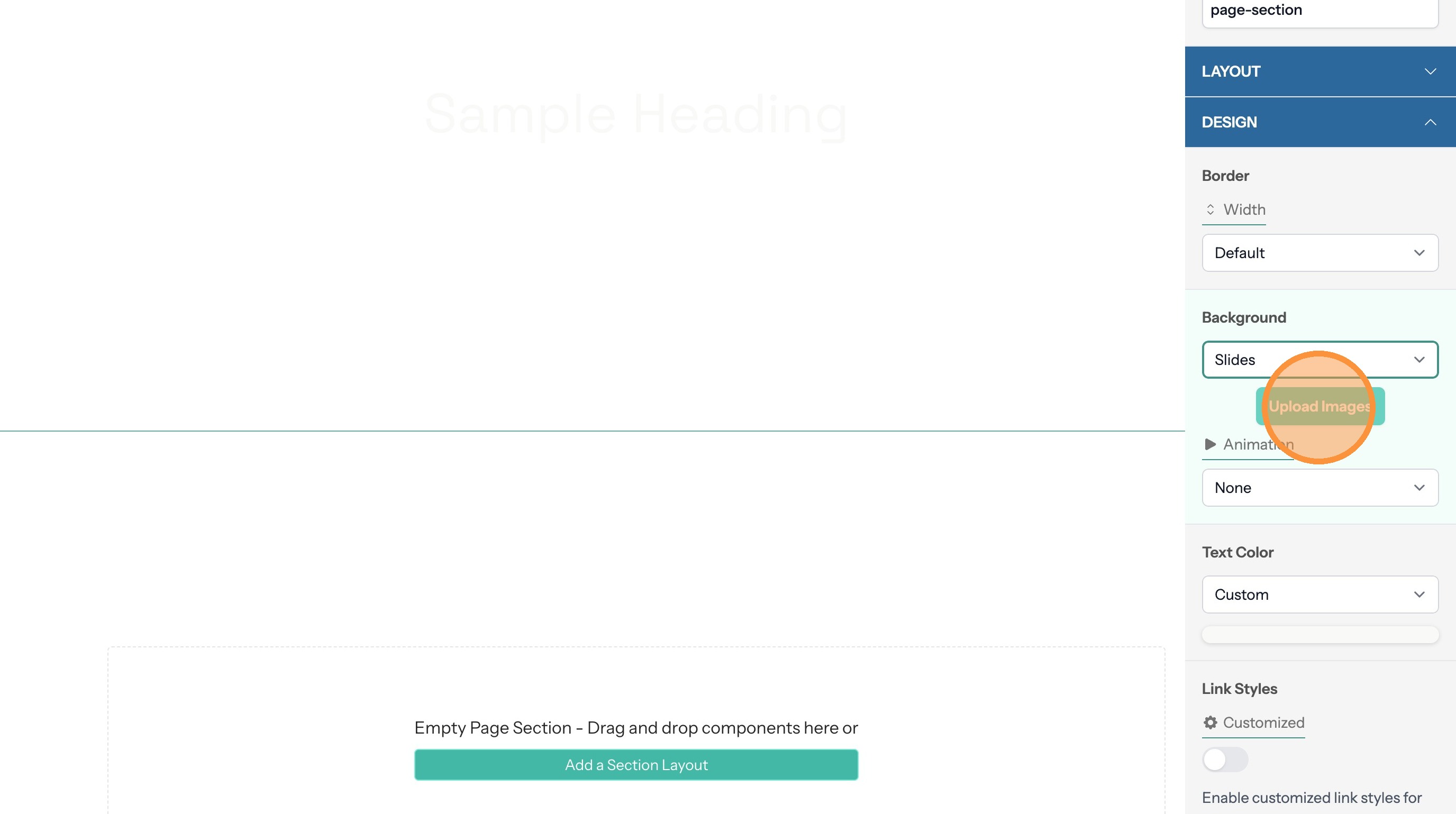
20. Select the "Slides" option.

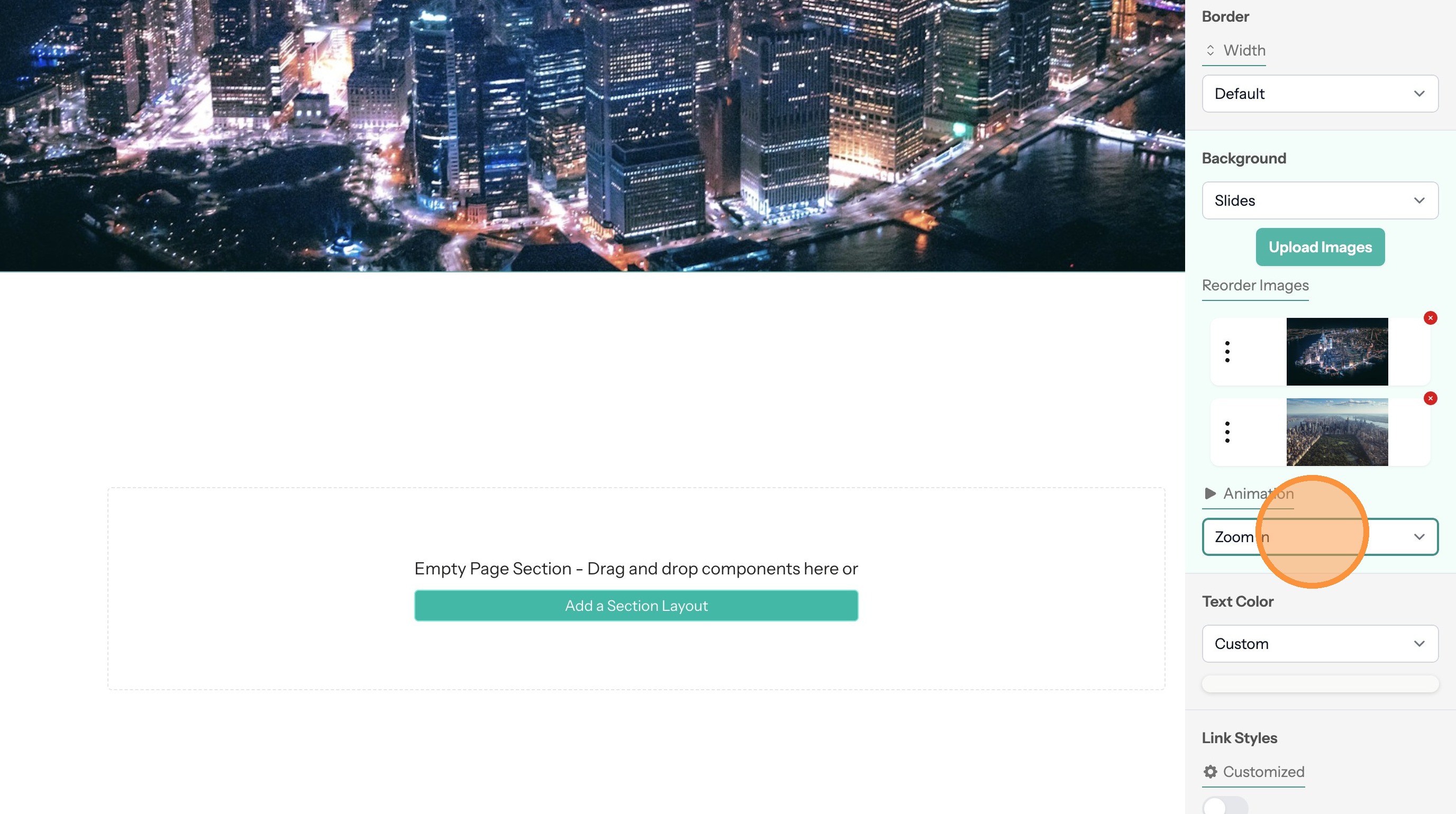
21. Upload images
22. You can optionally set an animation to run while the images are dislpayed
Set a Video Background
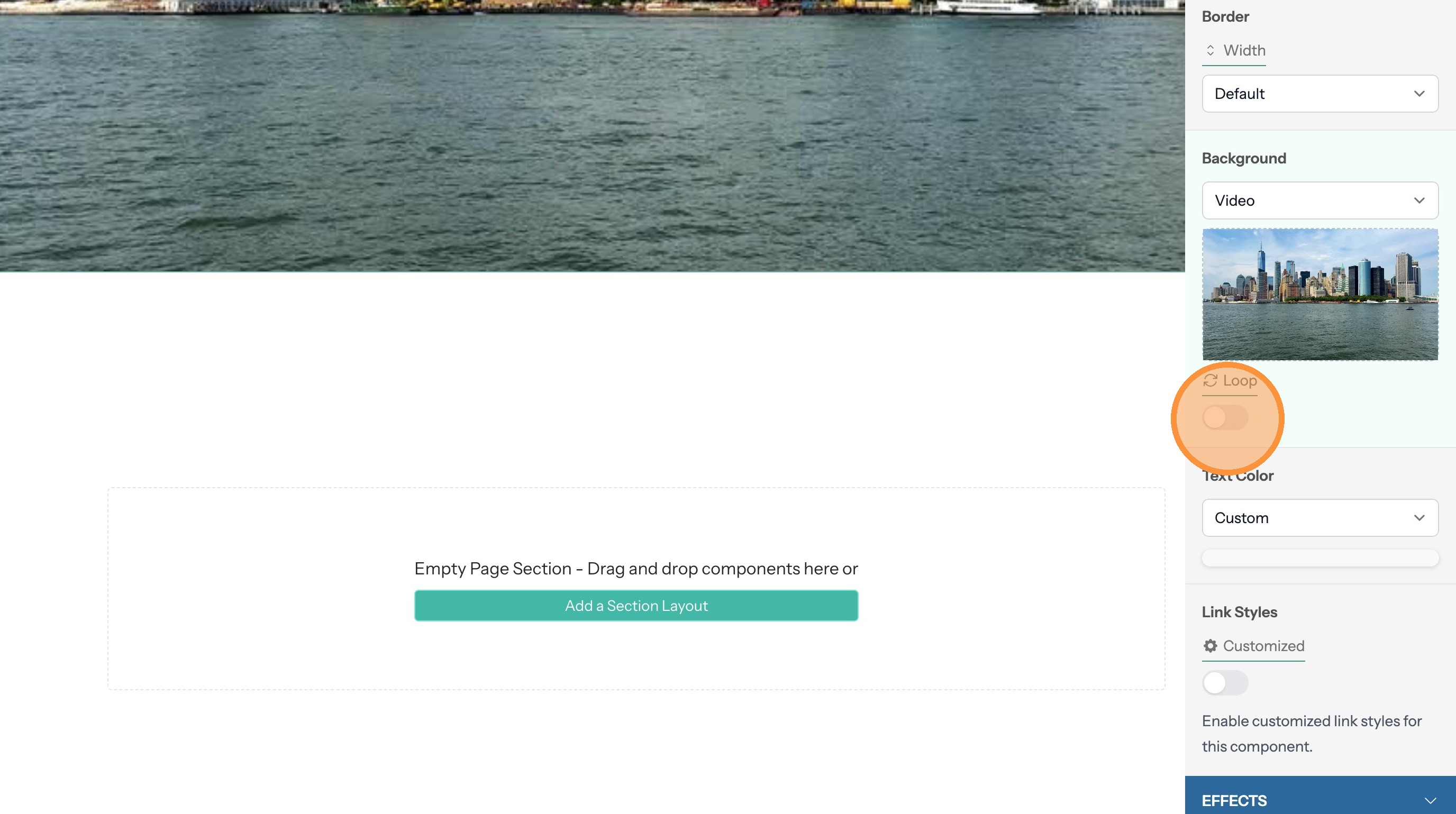
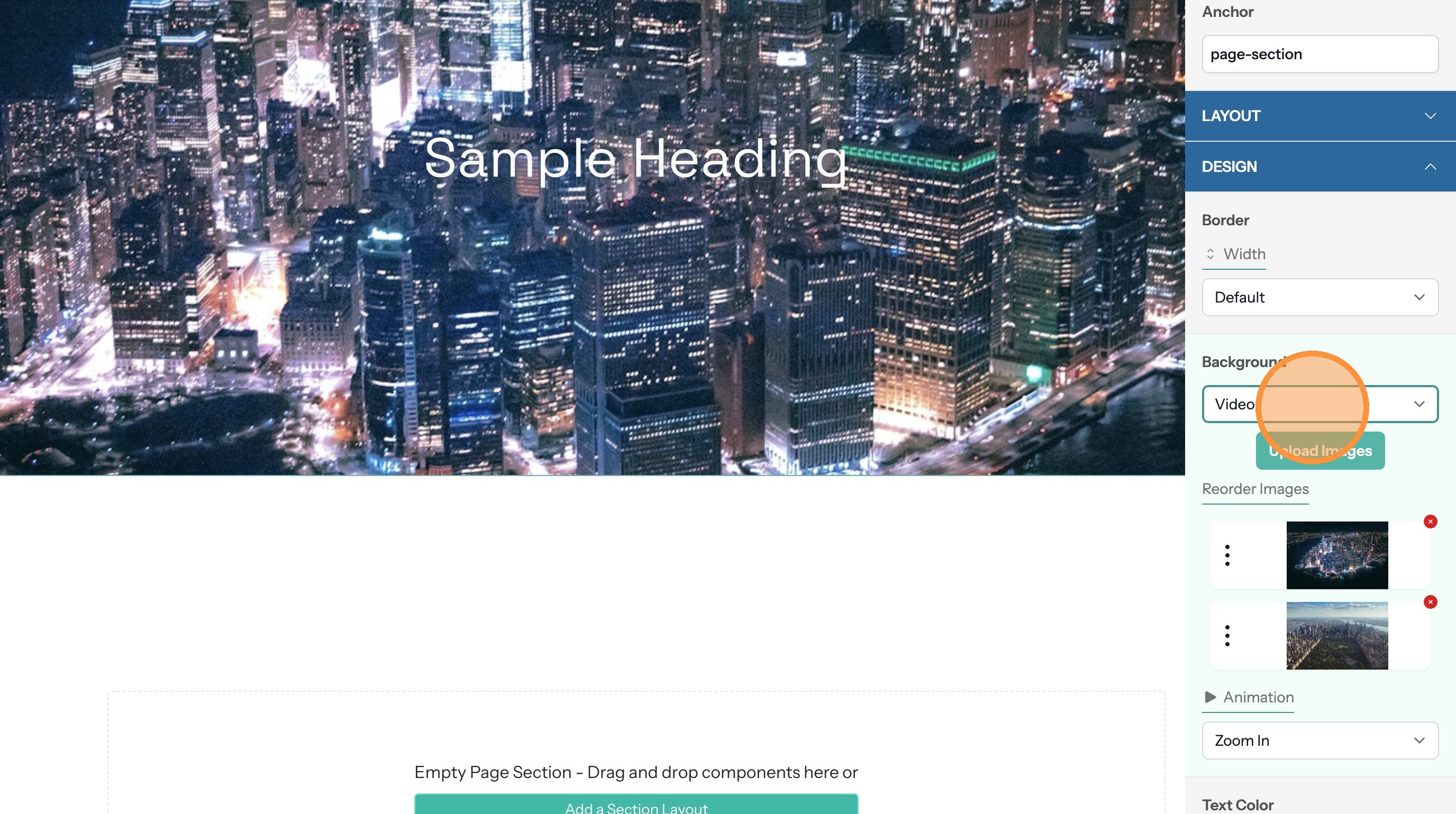
23. Select the "Video" option.
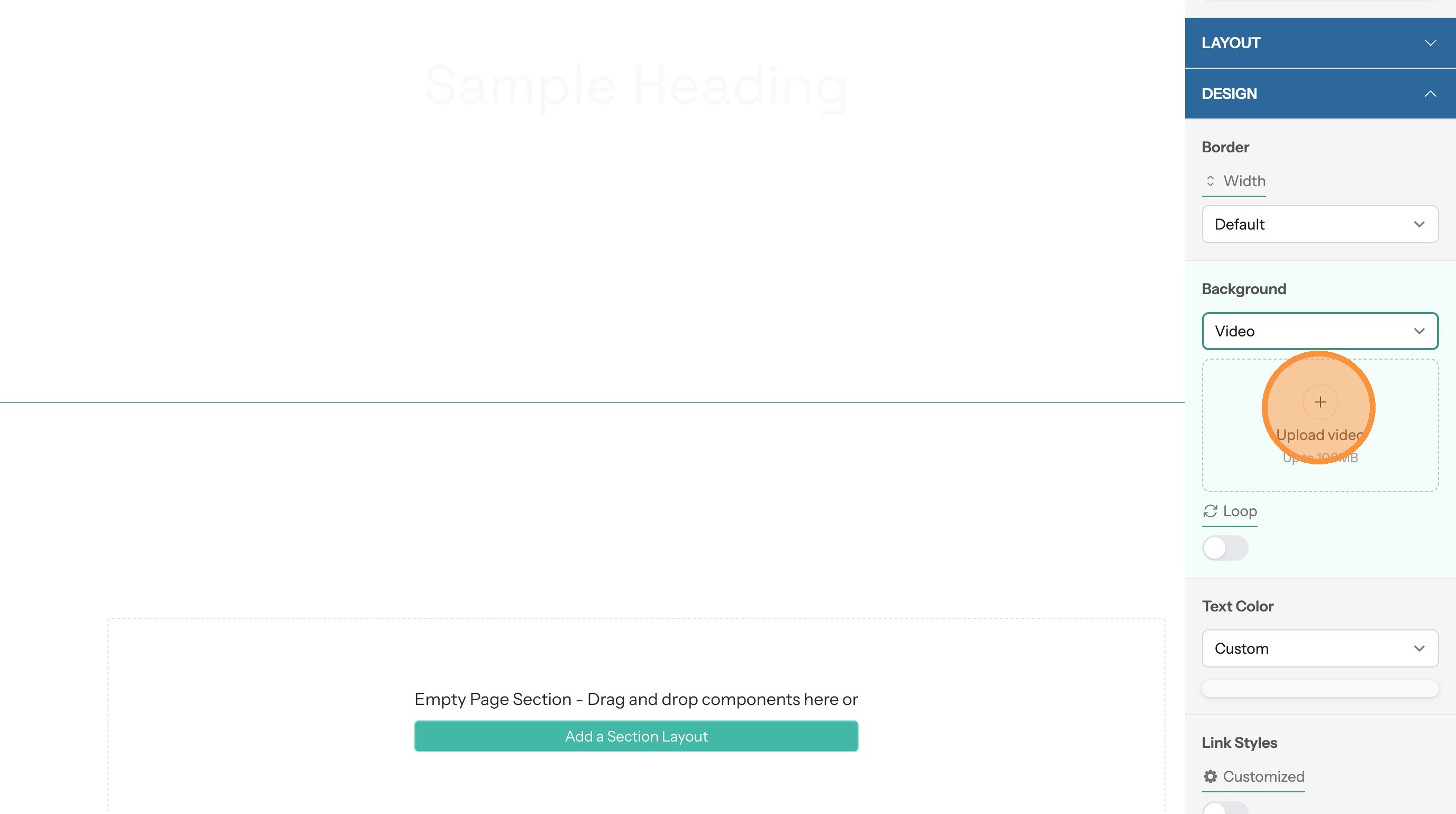
24. Upload a video
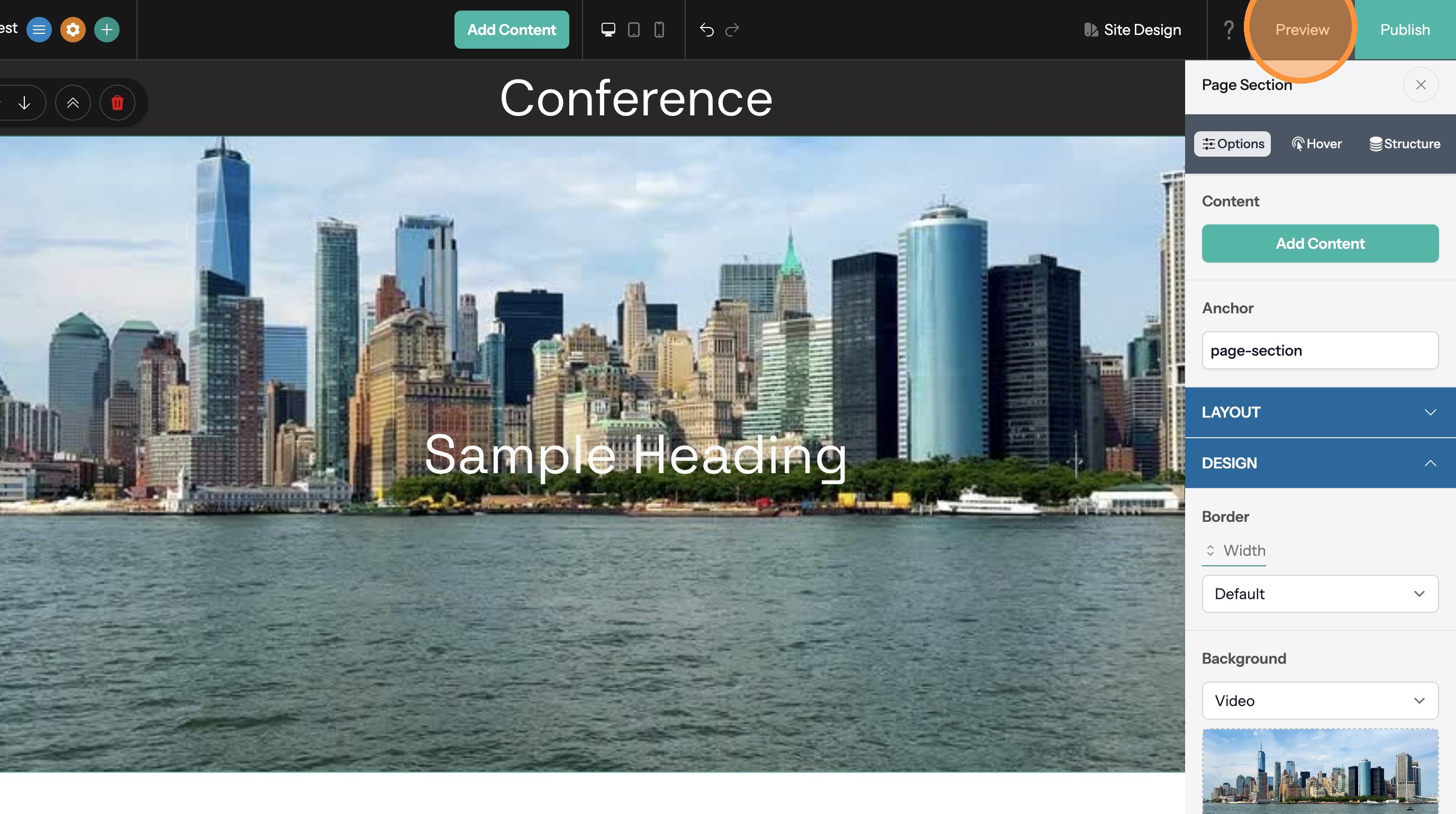
25. The video will not run while in the site editor in order to minimize distractions. Click "Preview" to see the video in action.
26. Enabling the loop option will cause the video to replay continuously