
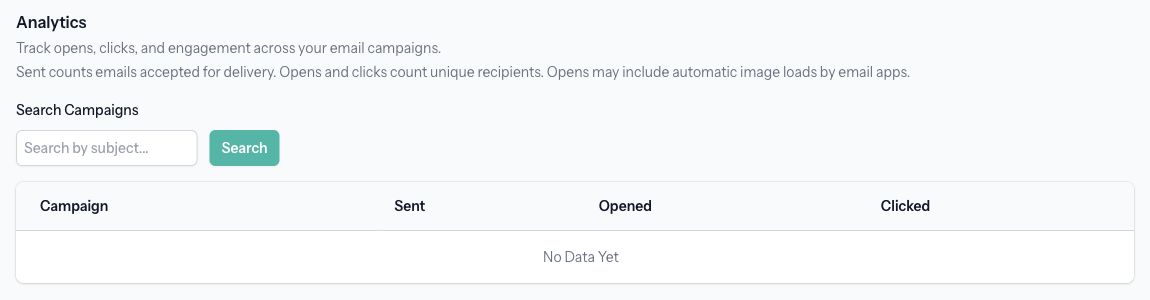
View email campaign analytics
Compare campaign sends, unique opens, and unique clicks, and understand empty reports.
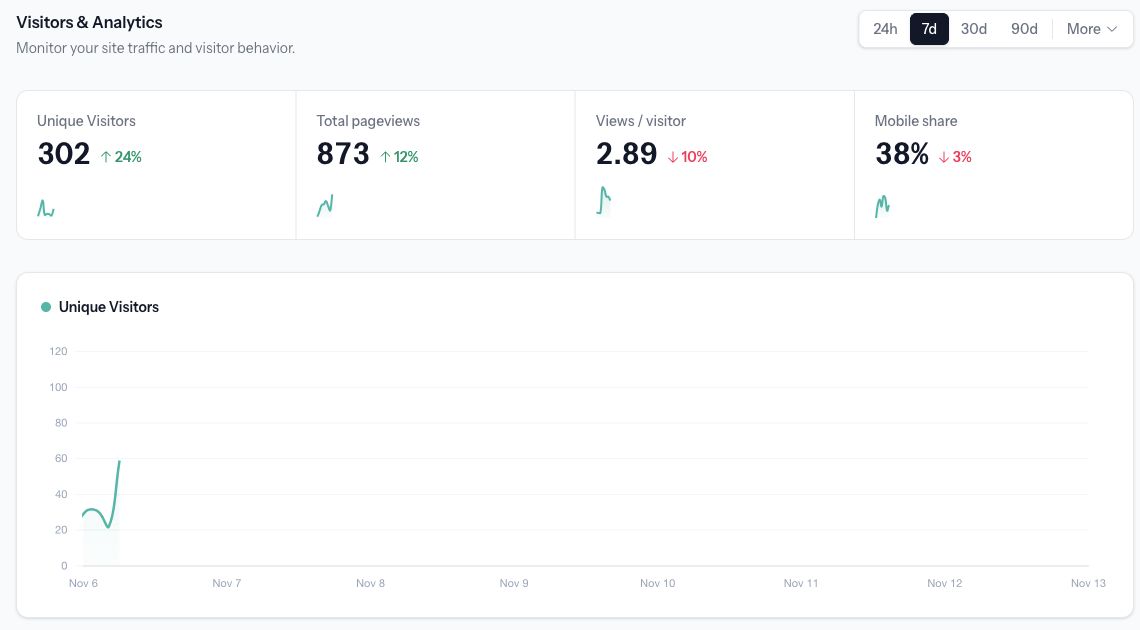
View Site Statistics
Review traffic summaries, inspect visitor requests, and export traffic data.
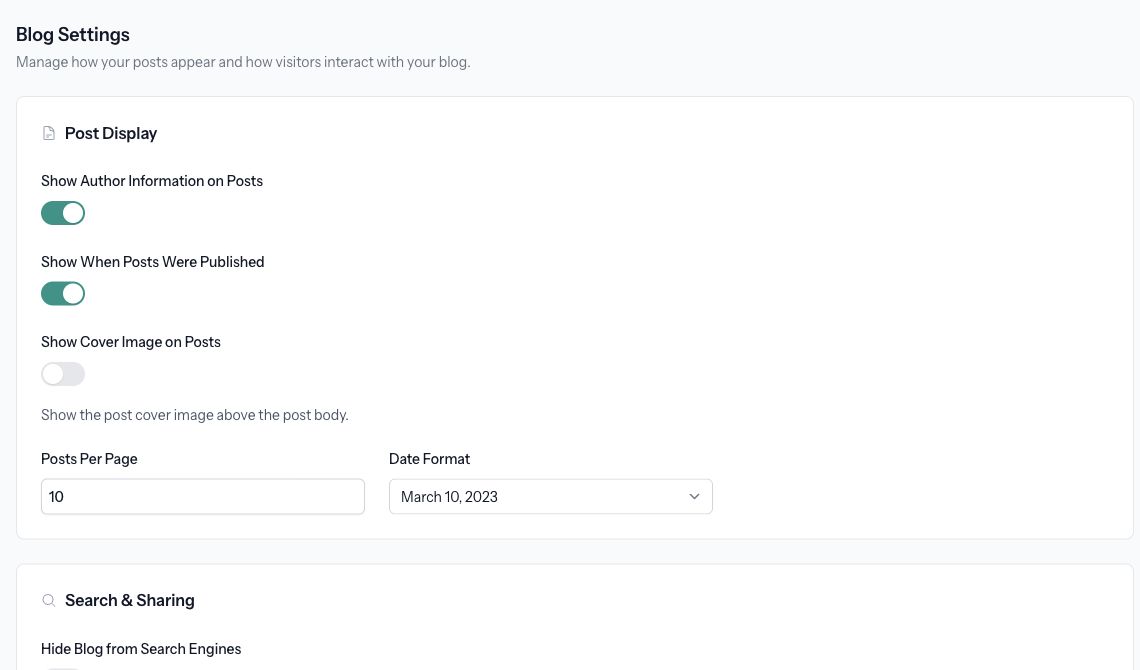
Managing Your Blog Settings
Manage blog display, comment moderation, scheduled posts, and archiving.
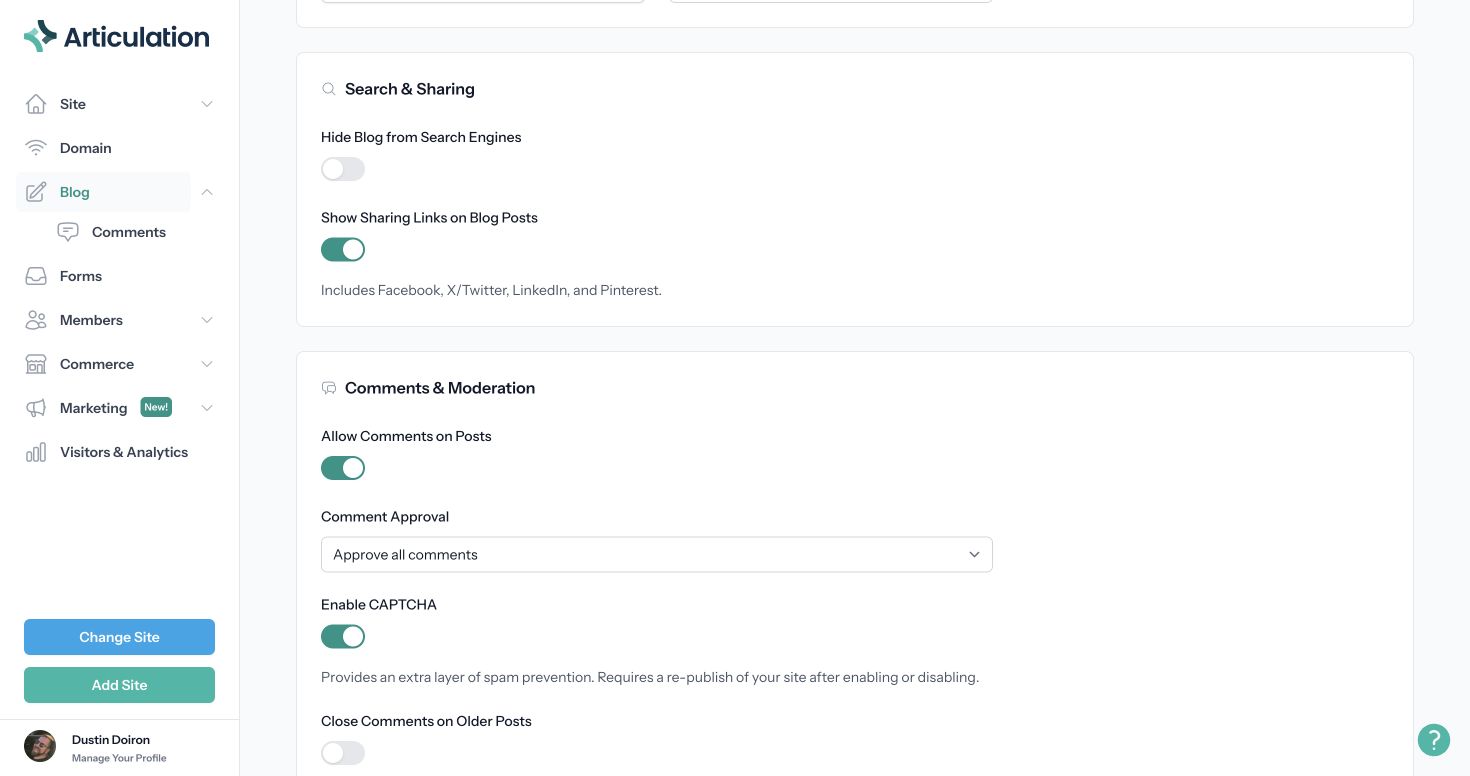
Manage Blog Comments
Moderate pending and spam comments and configure blog comment approval and age limits.
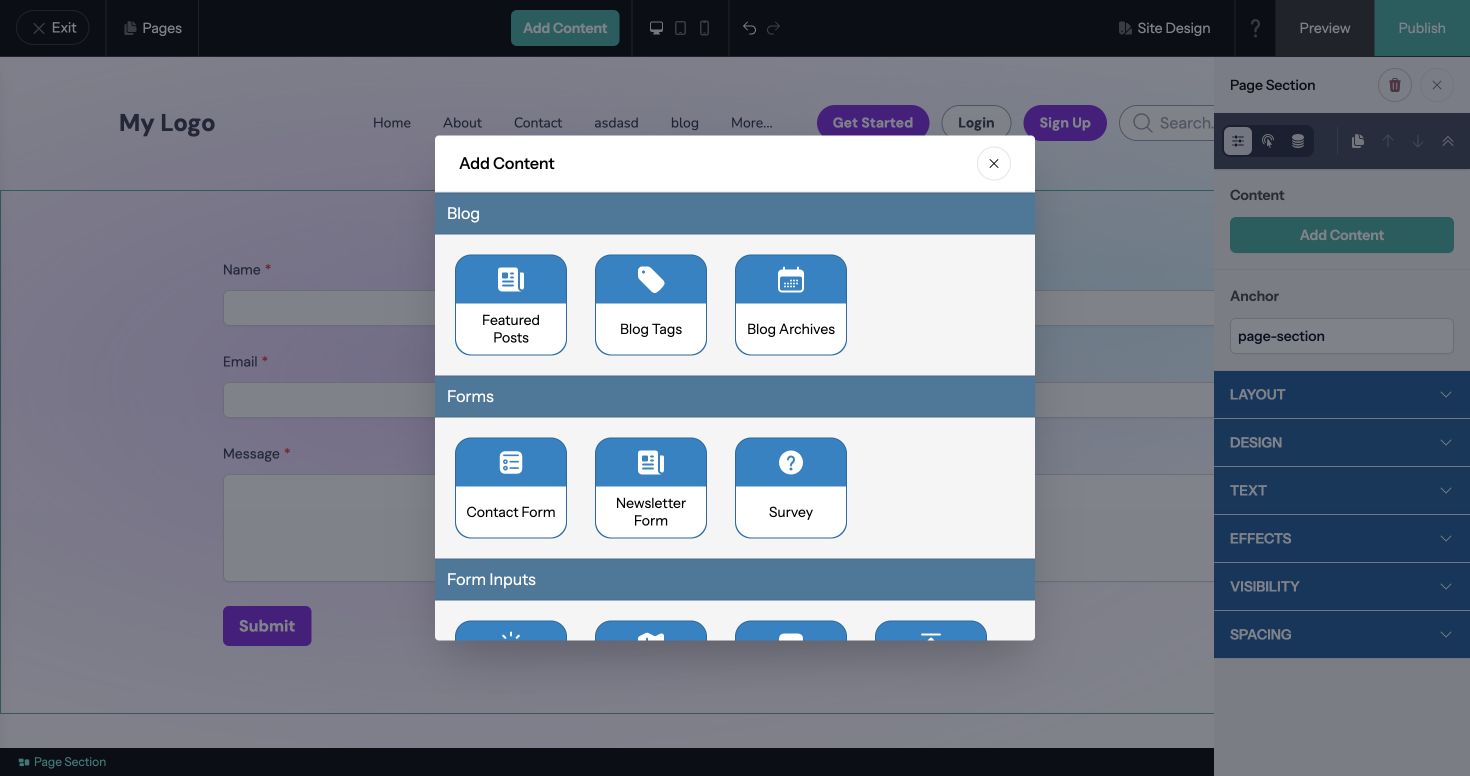
How to Feature Blog Posts on a Page
Choose blog posts, layouts, filters, and pagination for any page.
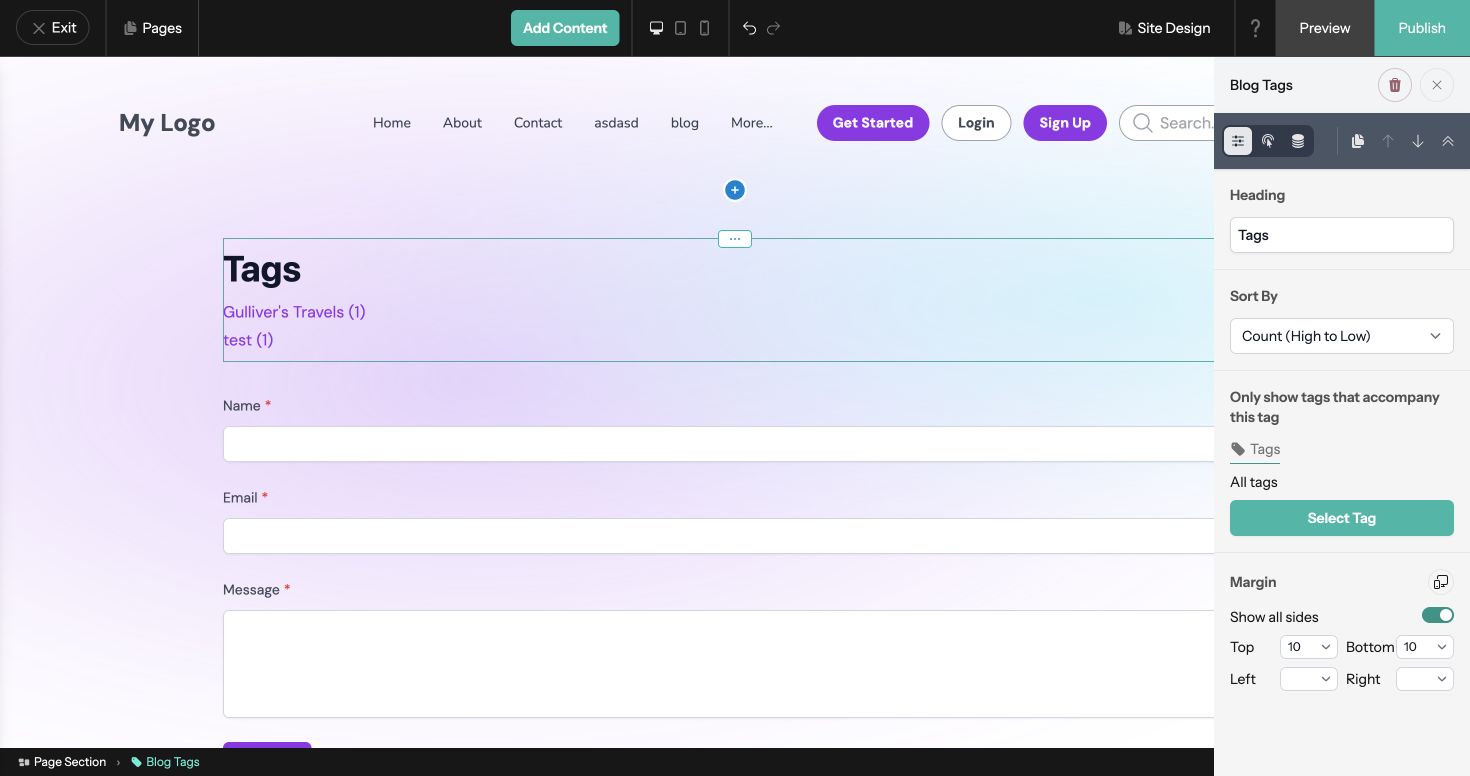
Display a List of Blog Tags
Display blog tags, choose their order, and filter related topics.
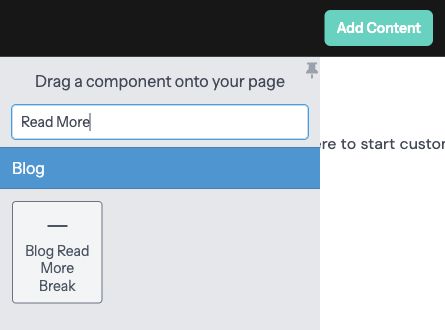
Add a Read More Break to a Blog Post
Choose where a full-layout blog preview ends and link visitors to the complete post.
Add a List of Blog Archive Links
Add monthly archive links and choose their heading, date format, and tag filters.
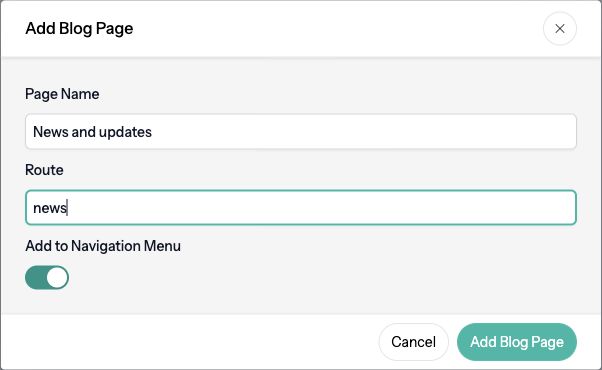
Create and Manage Multiple Blogs
Create separate blogs and manage each blog's posts, tags, and settings.
Adding a Blog to Your Website
Create a Blog Page, add its navigation link, and start publishing posts.
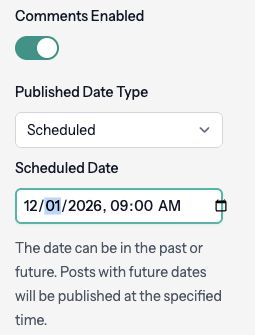
Schedule, Archive, and Restore Blog Posts
Schedule posts, set automatic archive dates, and restore archived posts to drafts.
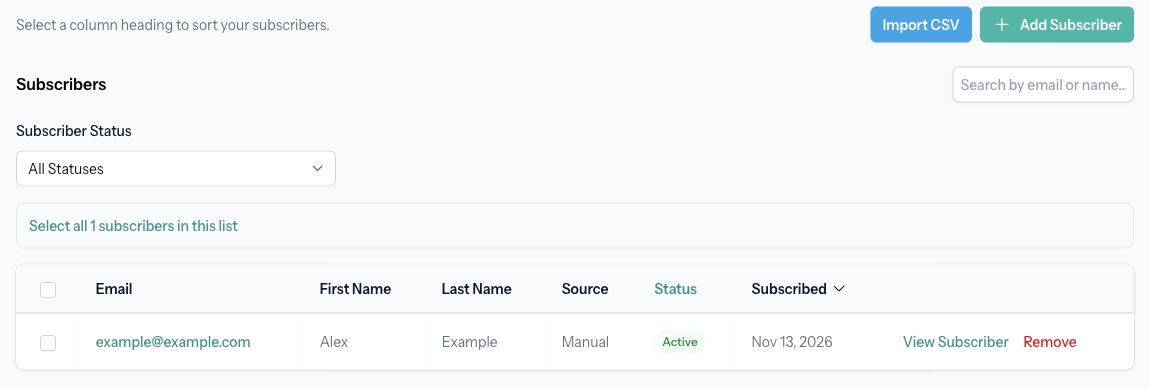
Manage subscribers and view their email history
Find contacts, edit names, inspect engagement, and remove subscribers individually or in bulk.
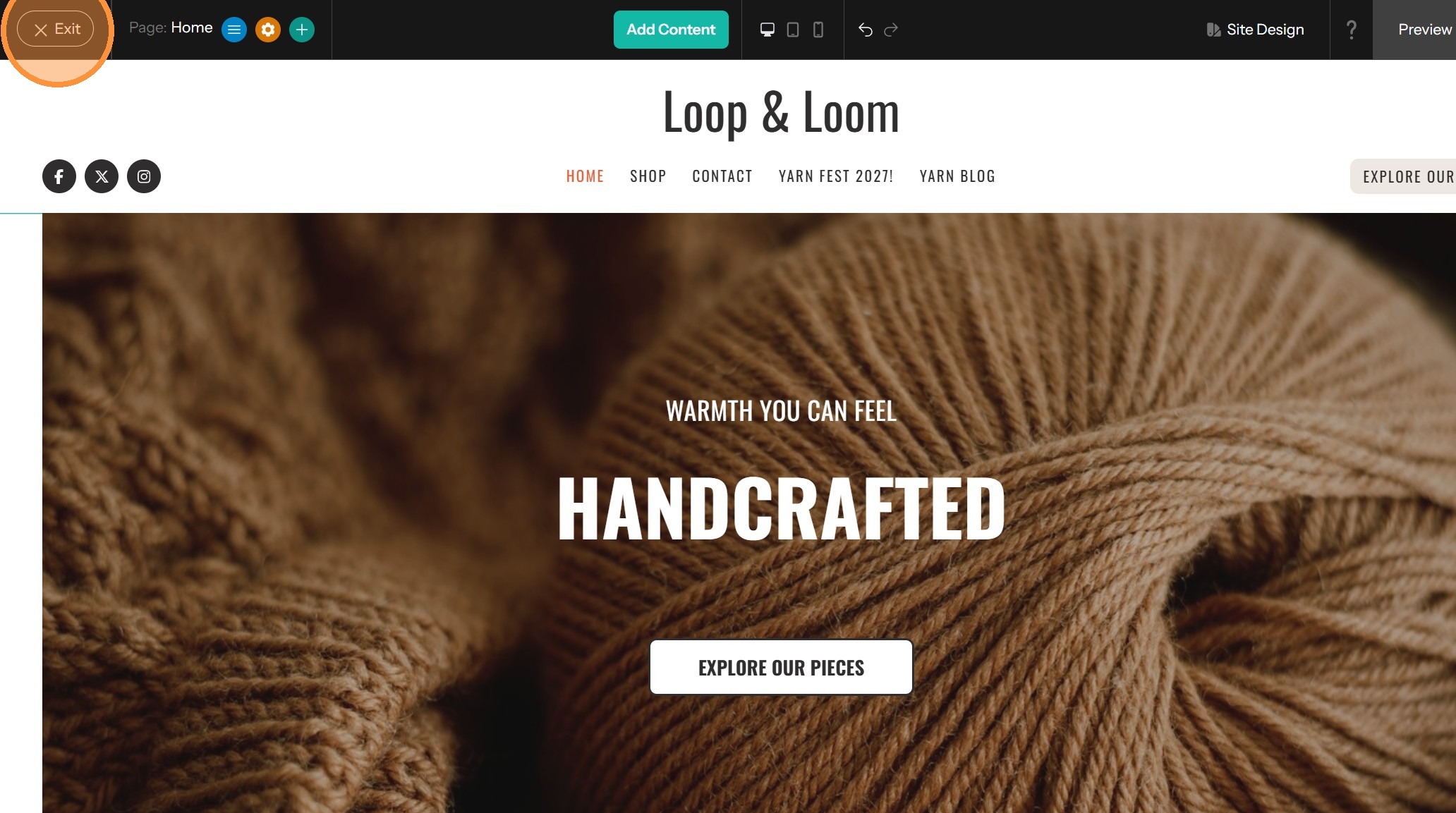
Create And Publish A New Blog Post
Create, preview, and publish posts with accurate blog setup and visibility guidance.
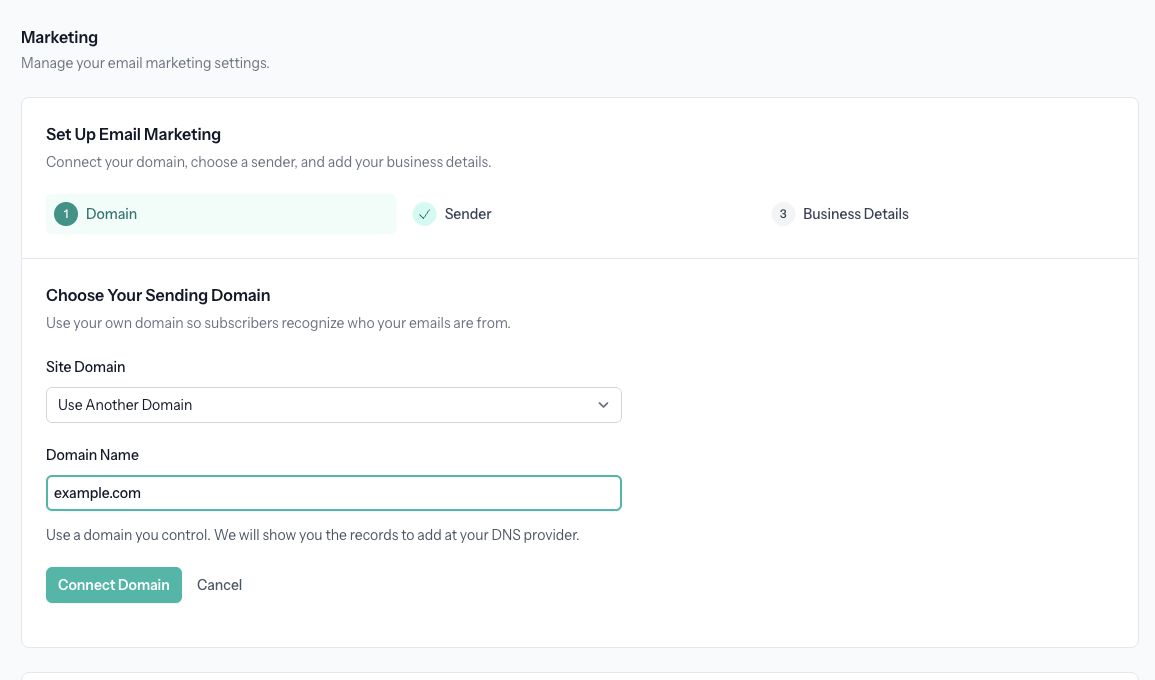
Get started with email marketing
Set up your sender, add subscribers, design an email, and prepare your first campaign.
Set up a sending domain
Verify a domain for email sending with automatic setup or DNS records at your own provider.
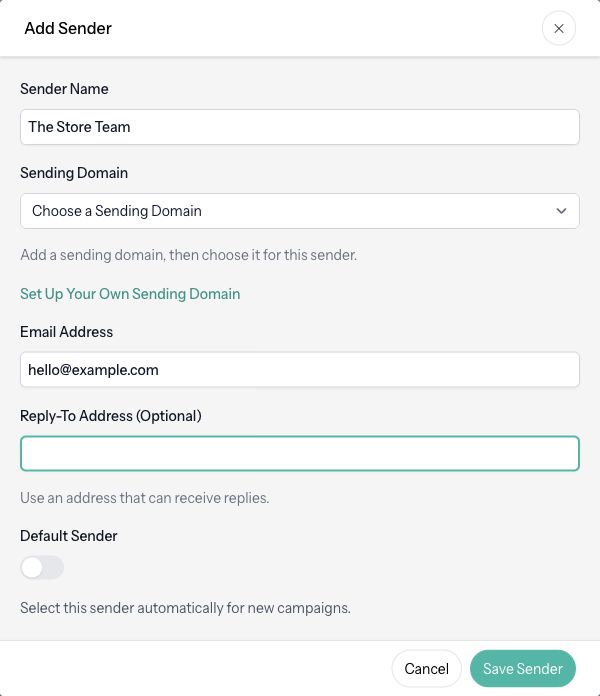
Add and manage email senders
Choose the name and address readers see, set a reply-to address, and choose a default sender.
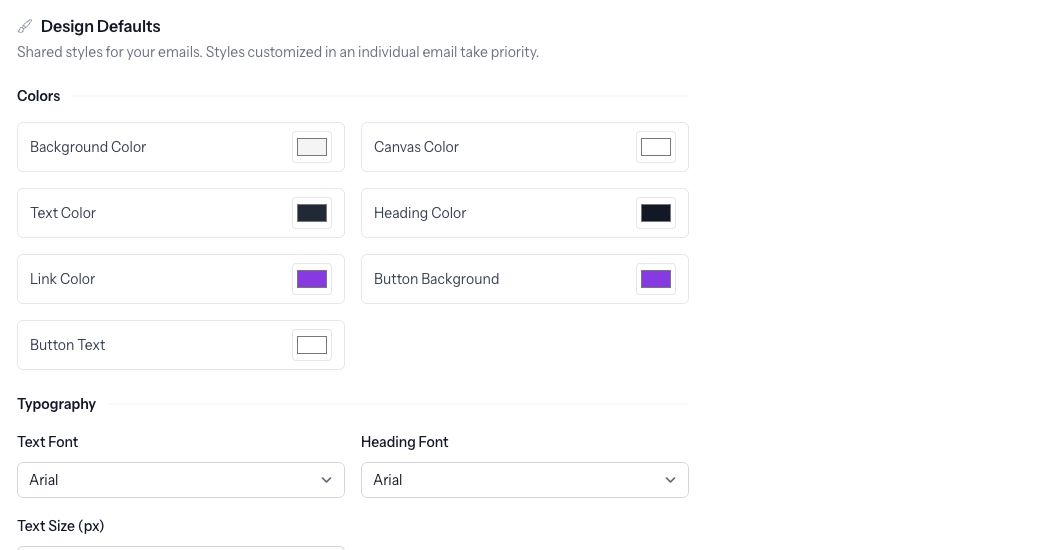
Set your email branding and design defaults
Add your business identity and choose the colors, fonts, and layout settings for new emails.
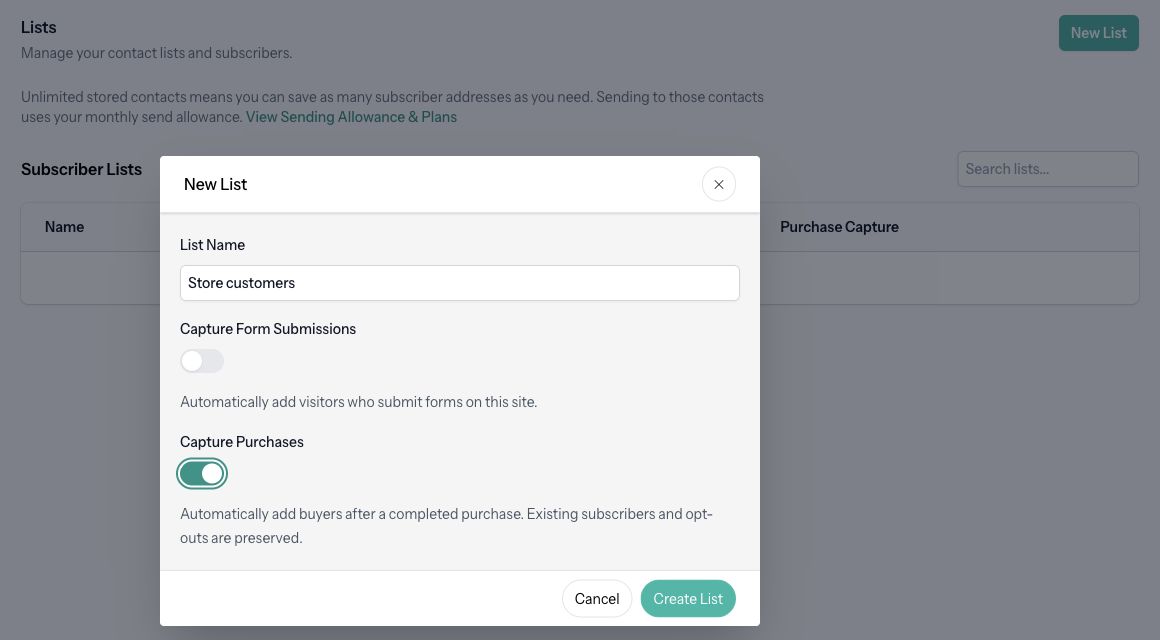
Create a subscriber list and capture forms and purchases
Create marketing lists, automatically add buyers after purchases, capture form submissions, and send campaigns to new subscribers.
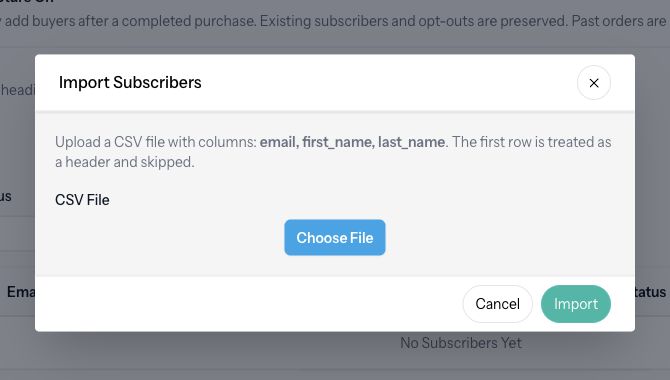
Import subscribers from a CSV file
Prepare a contact file in the correct column order and import subscribers into a list.
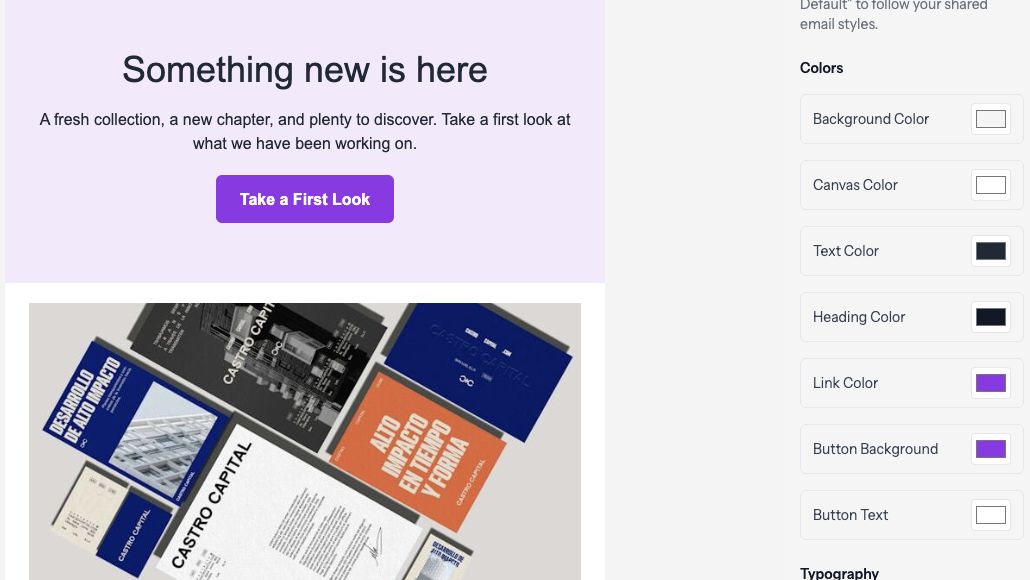
Create and edit a marketing email
Start with a template, customize your email, and preview it before creating a campaign.
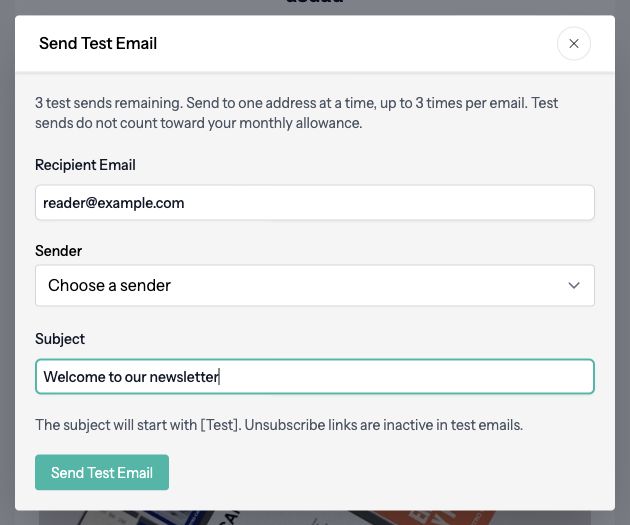
Send a test email
Check your email in an inbox and understand test-send limits and allowance usage.
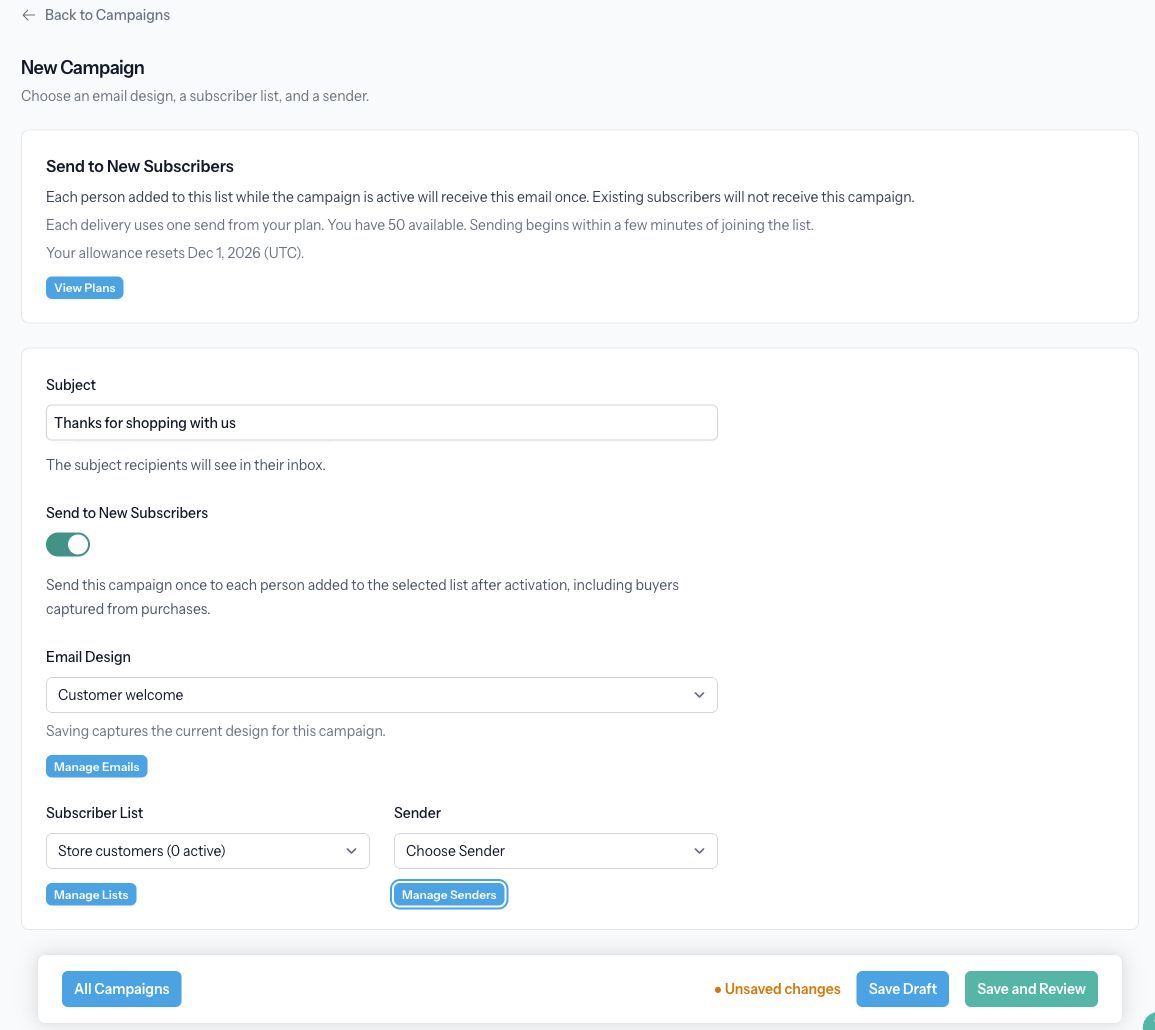
Create and send an email campaign
Send a one-time campaign or automatically email new subscribers, including buyers added through purchase capture.
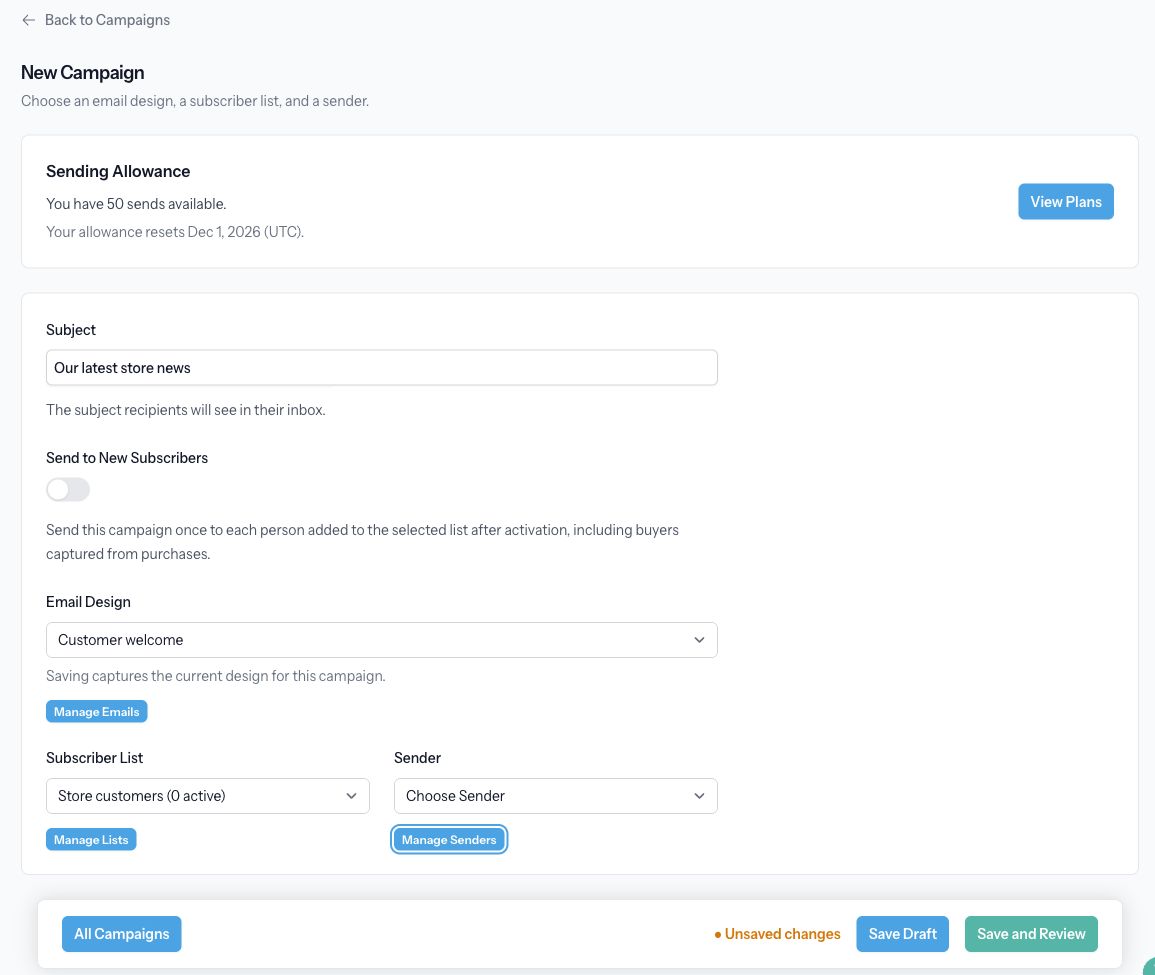
Schedule or cancel an email campaign
Schedule a future send in your site's timezone and return a scheduled campaign to a draft.
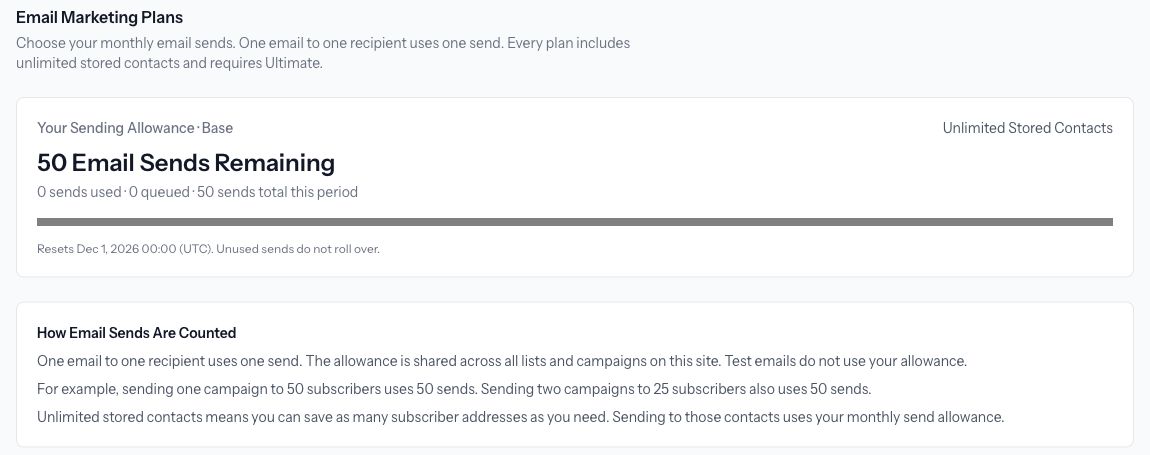
Manage your email marketing plan and allowance
Check remaining sends and learn how upgrades, downgrades, cancellations, and renewals work.
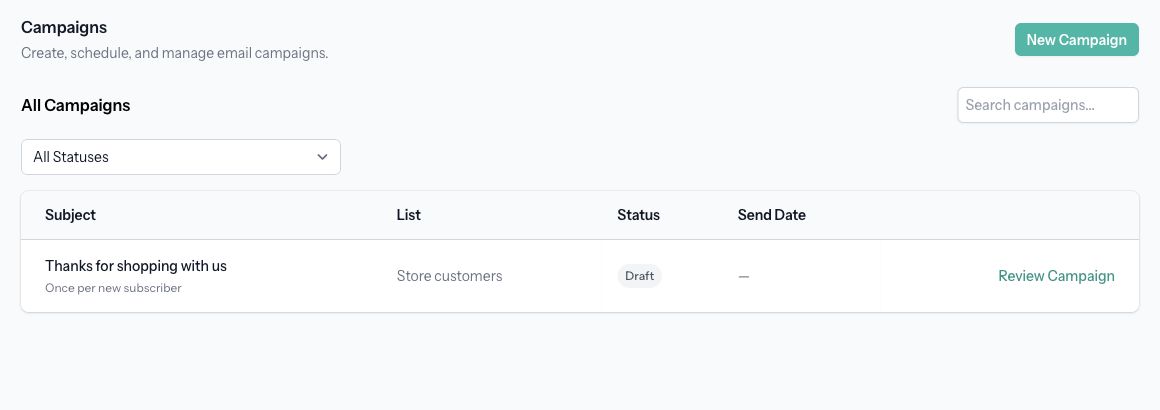
Check campaign status and troubleshoot sending
Understand campaign statuses and resolve common problems with senders, lists, and sending limits.