Adding a Blog to Your Website
How to add a Blog to your Articulation website.
Tip: Your website has a blog, automatically. This is for adding a link to your blog to your navigation once you're ready to start posting and make those posts visible. Publishing a blog post is a separate how-to.
Access Navigation Settings
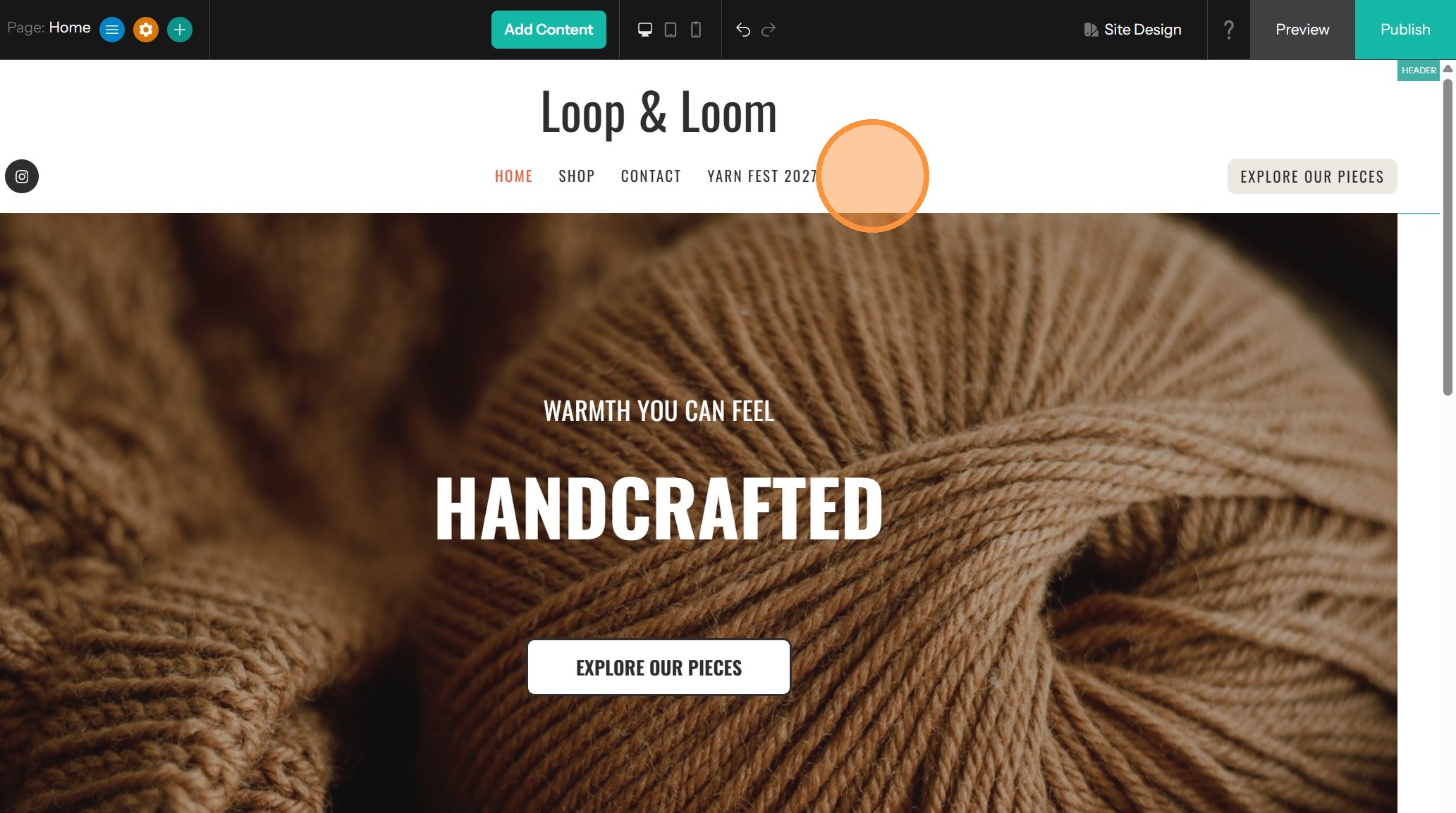
1. Click on the header to open the options.
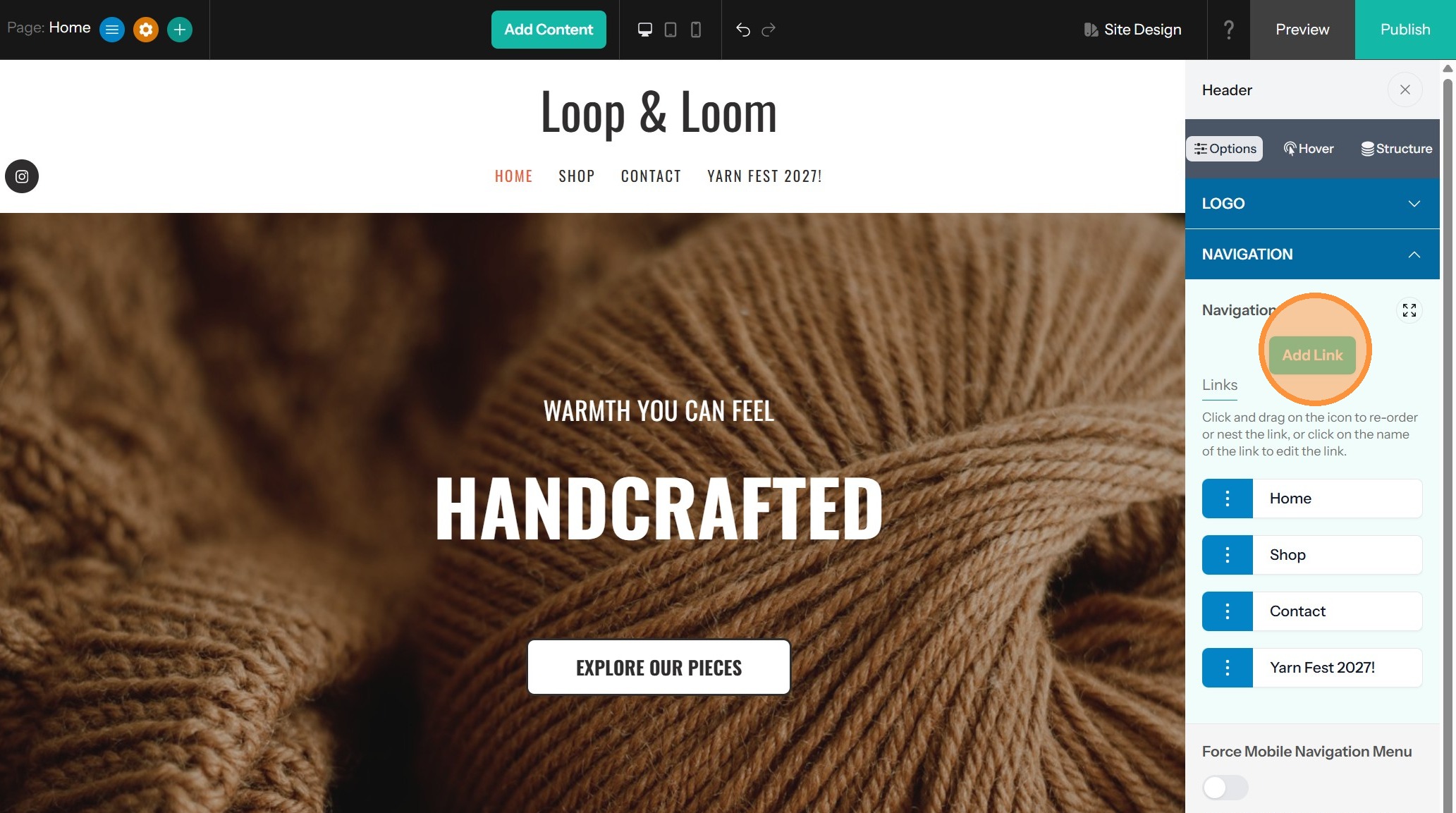
2. In Navigation, click "Add Link"
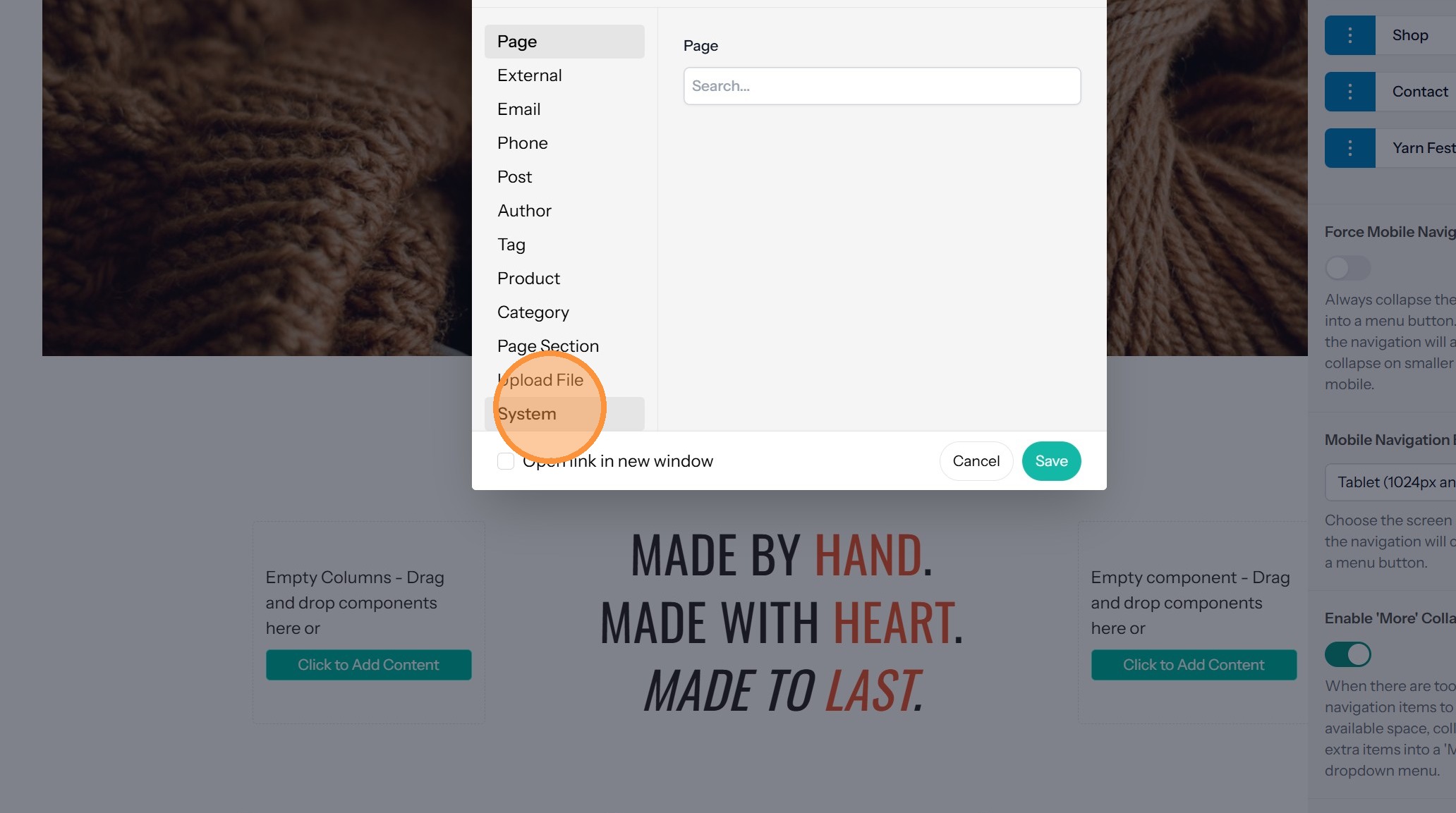
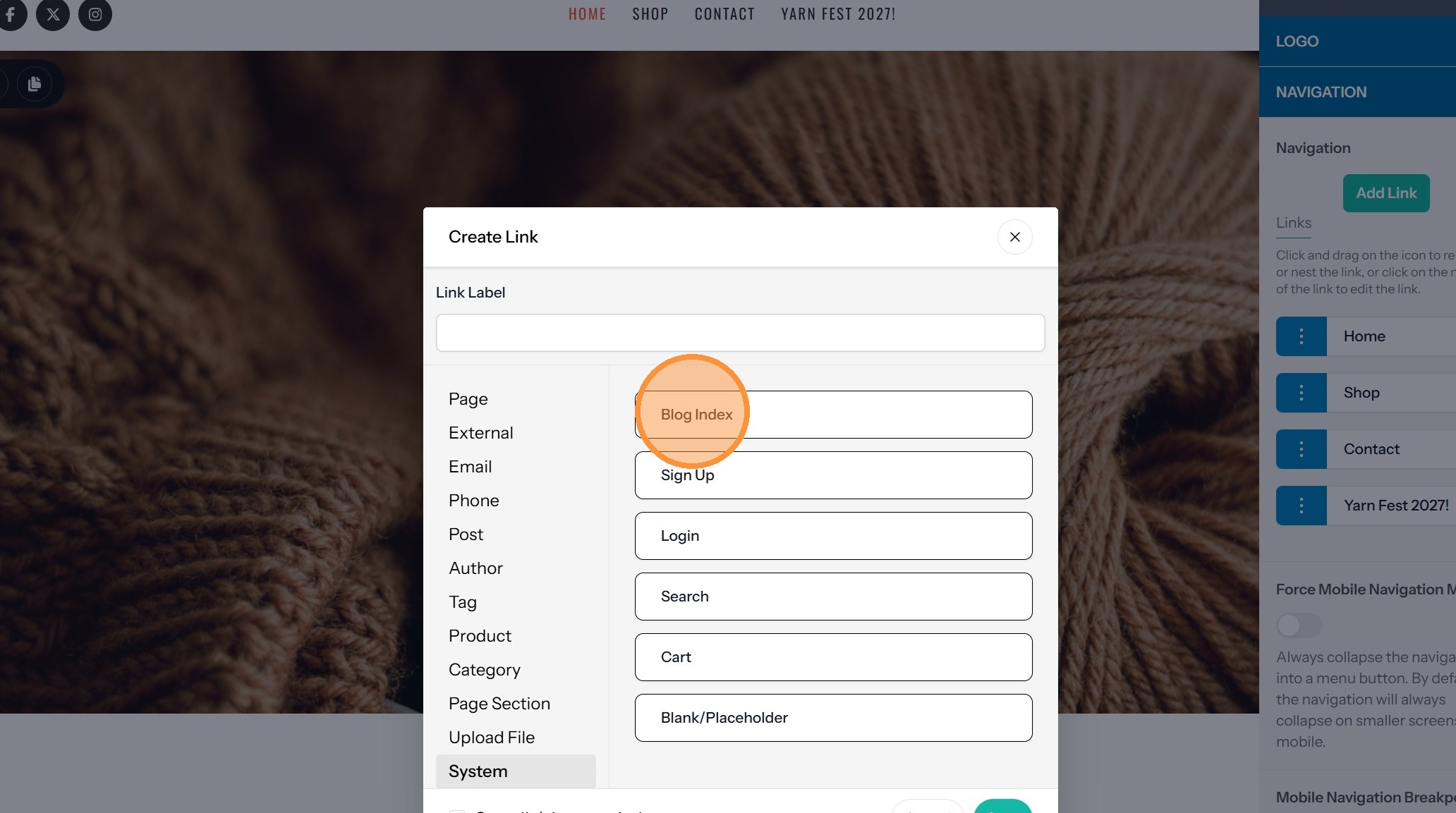
3. Select 'System' from link categories.
4. Click "Blog Index"
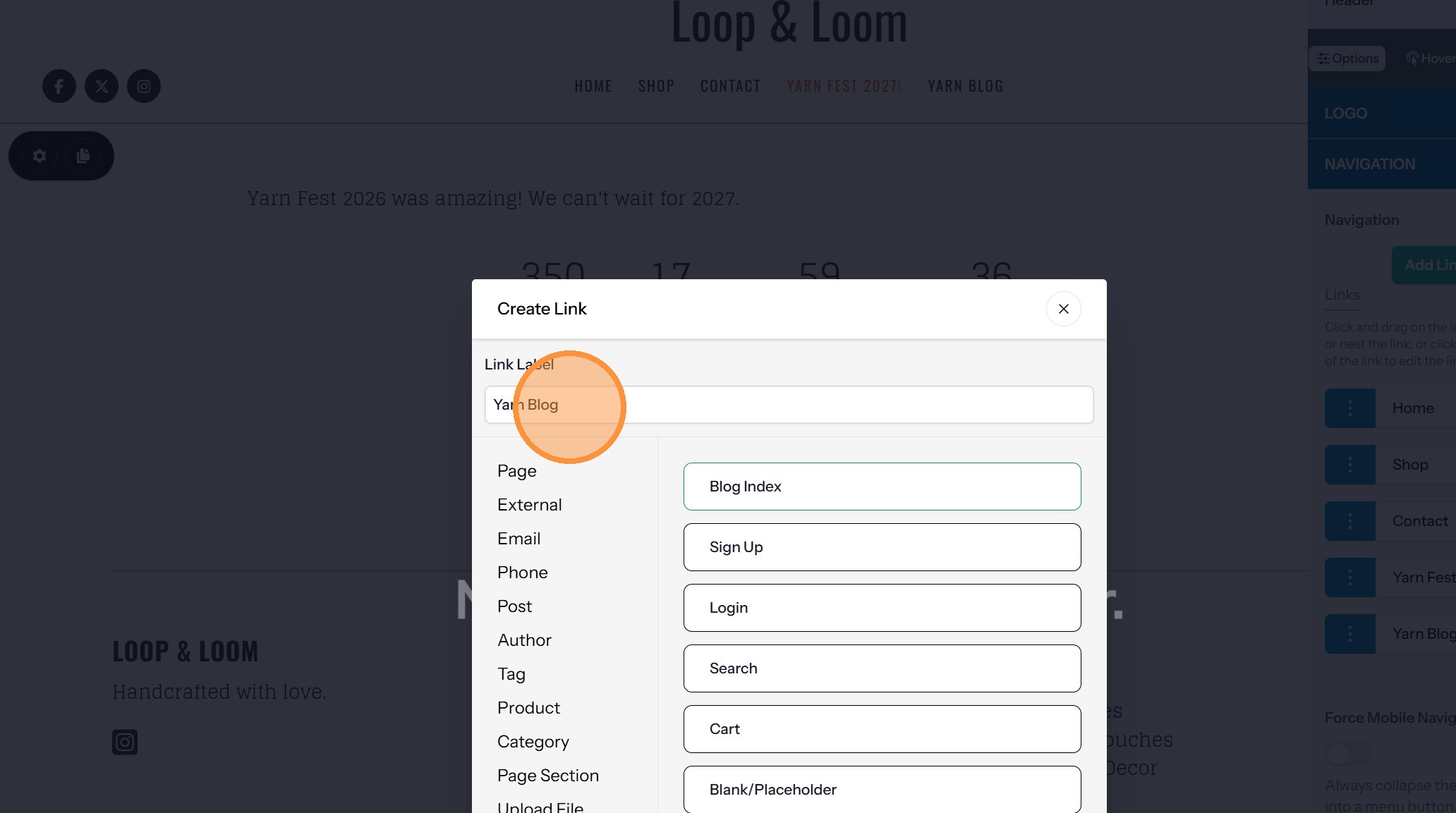
5. Enter what you want displayed in the navigation menu into the Link Label field (example: Blog, Our Blog)
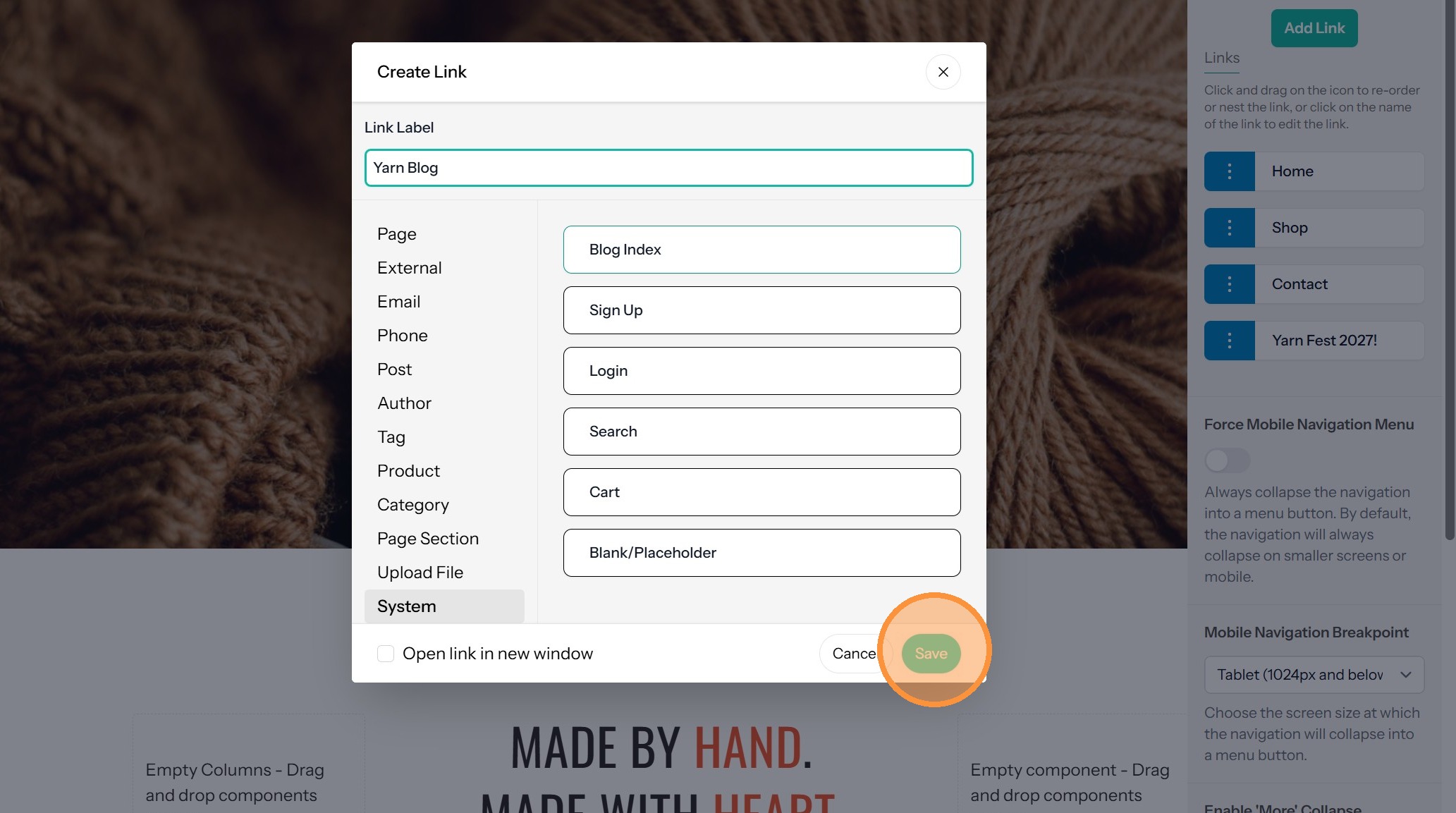
6. Click 'Save' to apply changes.
Tip: You cannot click on the Blog navigation in the editor to see the blog. It is managed from the dashboard. To see it, click on Preview Site.
Previewing Your Blog
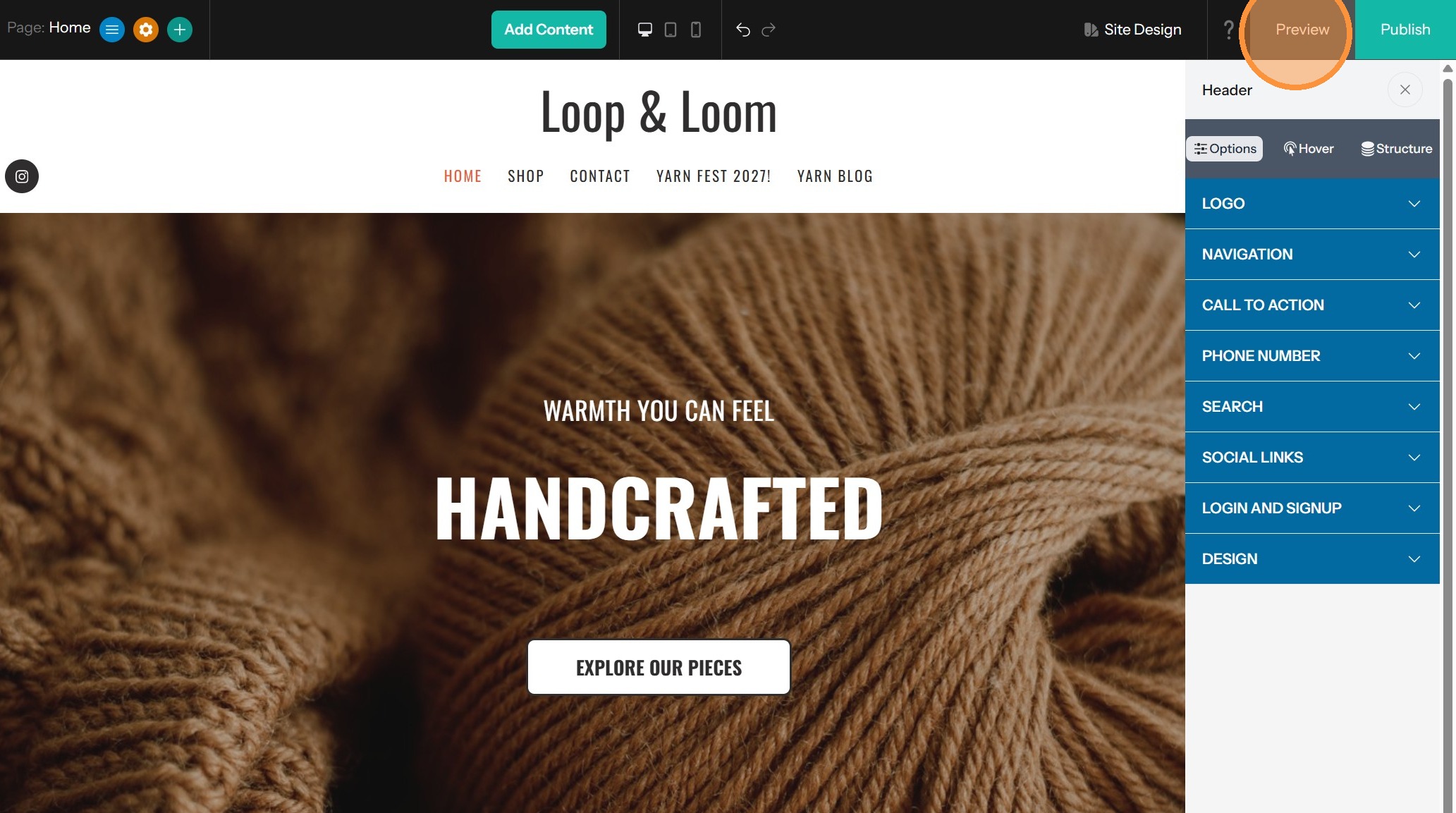
7. If you click on your blog navigation in the editor, you will open the Header settings.
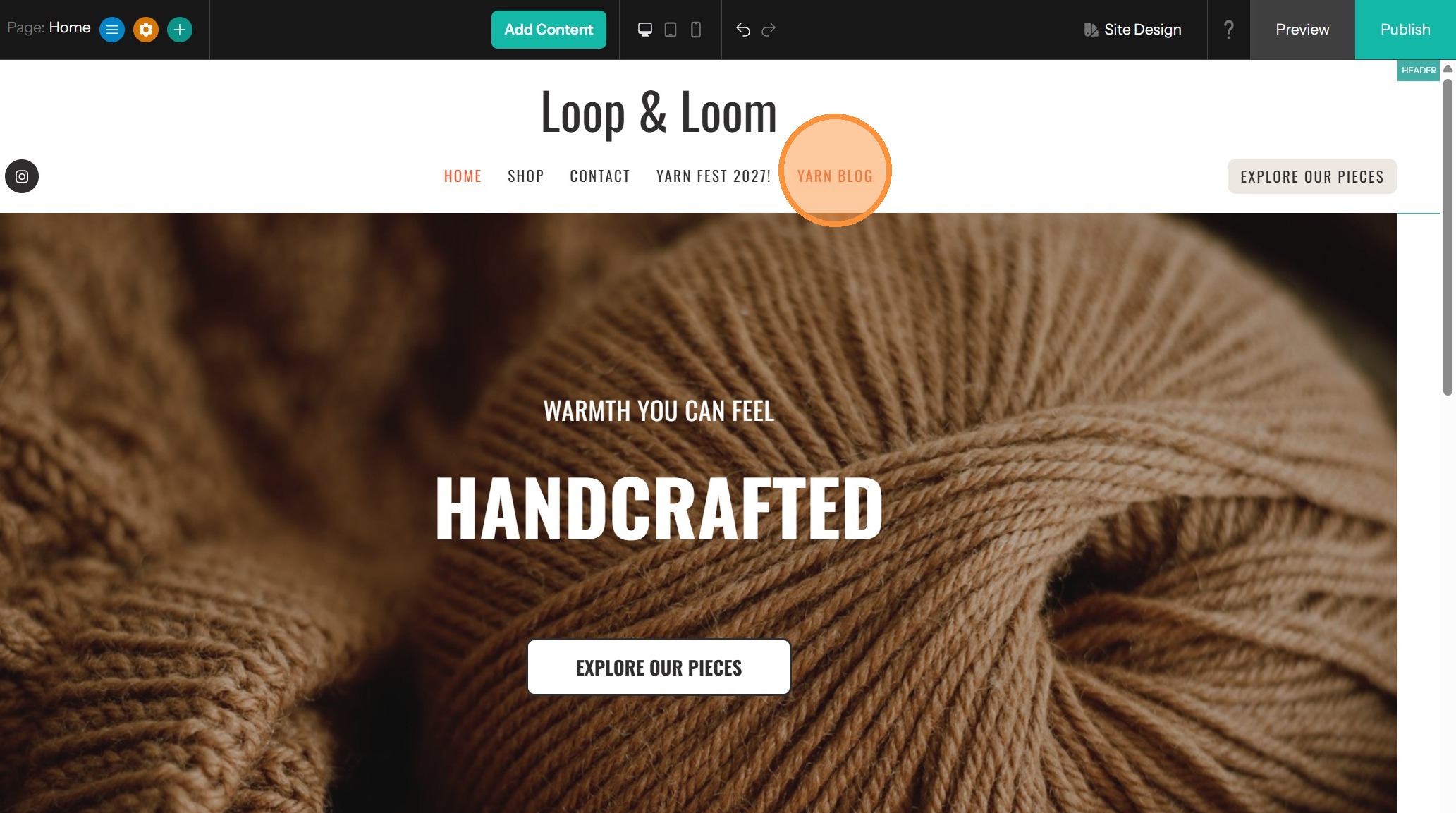
8. Instead, click Preview to see open a preview of your current website.
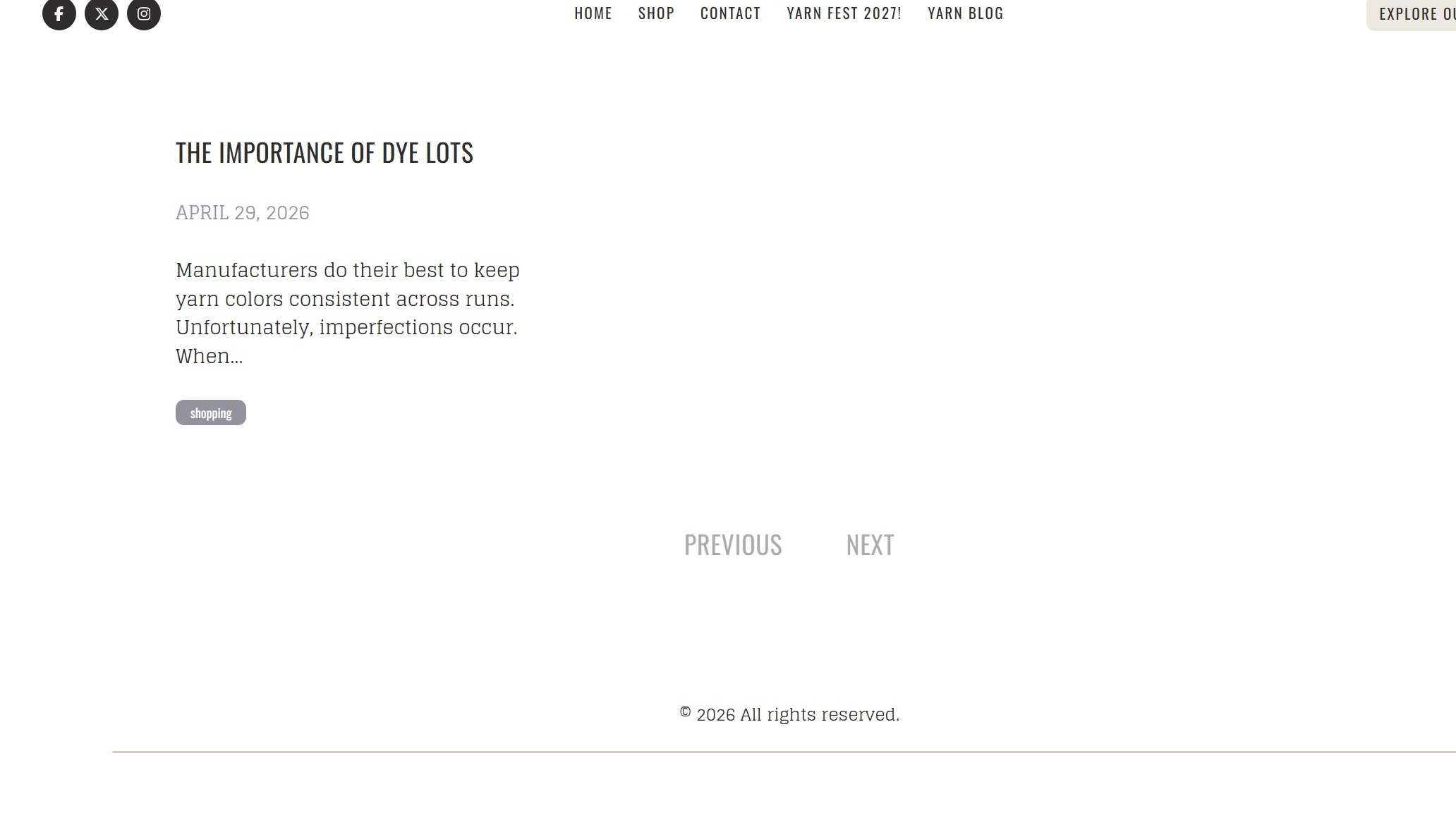
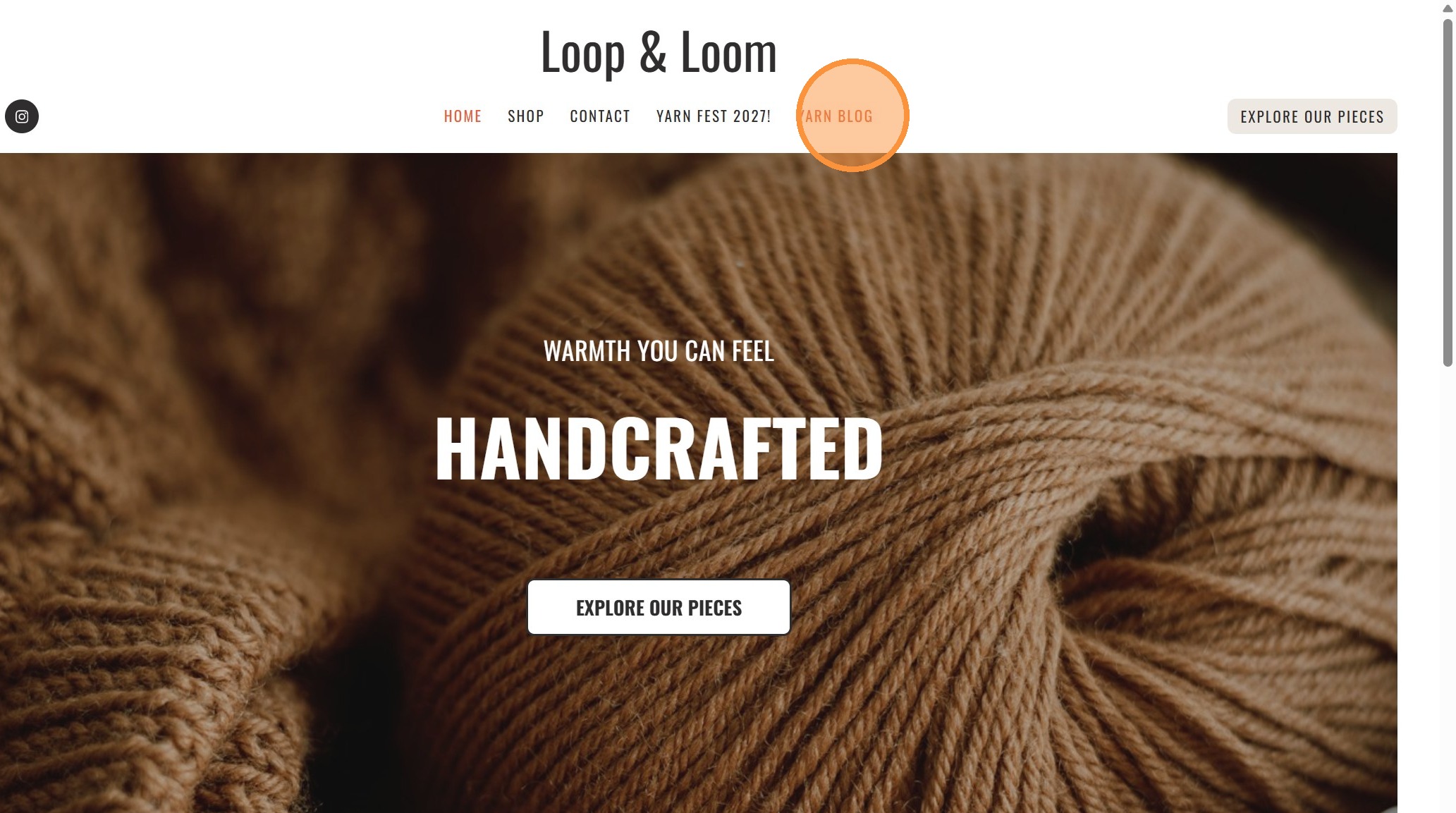
9. Then when you click on the link to the blog, it will take you to a preview of your blog.
Tip: The blog layout is currently defined by your template and is not customizable.
10. This is a preview of the blog. If you want to change the content, that is done in the Dashboard.