
Register a New Domain
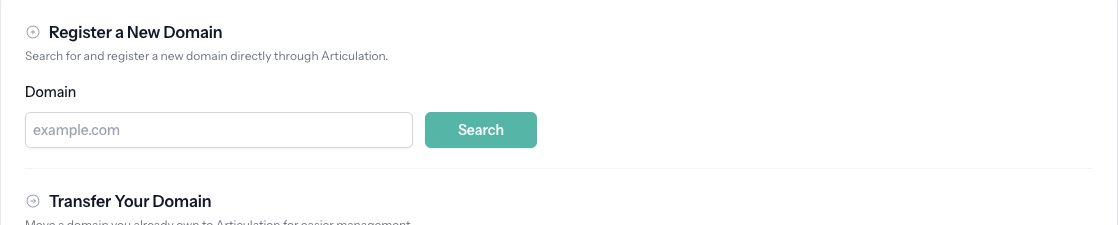
Search for and register a domain through Articulation.
Registering a domain through Articulation puts its registration, DNS settings, and renewal controls alongside your website.
Search for a domain
- Open Domain in your site's dashboard and choose the registration option.
- On Register a Domain, enter the domain you want, such as
example.com, and search. - If it is unavailable, use Try another domain or choose one of the Available Alternatives.
- Review the current price shown for the available domain.
Availability and prices can change. Use the amount shown in your registration and checkout screens. If an upgrade prompt appears, your current plan does not include this domain feature.
Supply contact information
Choose Use This Contact for suitable contact information already on file, or Enter New Contact to supply different details. Check the name, email, phone, and address carefully. These details are used for the domain registration.
Some domain extensions require additional registry information or agreements. Complete the fields shown for your chosen extension before continuing.
Confirm and purchase
- Review Confirm Registration, including the domain spelling, registrant, price, and included services.
- Click Purchase Domain and complete checkout.
- Return to Domain to review the domain's status and manage it.
After registration, check the connection and published website before sharing its address. Use the domain's management screen to review Auto-Renewal, DNS Records, and WHOIS Contact. Registering a domain and publishing your website are separate tasks; finish your website and publish it when ready.
If registration fails, read the displayed error. An unavailable domain needs a different name or the transfer workflow; a contact-information error requires correcting the rejected details before trying again.